

RuneScape: Dragonwilds 1.0 arrives on September 15, 2026 at 9 AM Pacific (12 PM Eastern, 5 PM UK, 6 PM Central Europe, 1 AM Wednesday in Japan), and it is the biggest single day the game has had: early access ends, the Scorned Wilderness raid closes out Kuldra's Saga, and the game arrives on PlayStation 5, Xbox Series X|S and Nintendo Switch 2 with crossplay. For anyone running a dedicated server, one rule matters more than anything in the patch notes: a server that is not on 1.0 does not show an error, it simply vanishes from the server browser.
We have hosted Dragonwilds servers since update 0.11 introduced them in March 2026, and well over a hundred of them run across our datacenter locations today. So this post covers what 1.0 changes for those servers, what console players can and cannot do at launch, and the habits that keep a world joinable through the transition.
What ships in Dragonwilds 1.0
The full release ends Kuldra's Saga. The Scorned Wilderness is a raid rather than another open region: floating islands torn apart by wild anima, dragon attacks on the way in, and Kuldra, the Dragon Queen, waiting at the end. Beating her earns Rune armour and Dragon weapons, the reward track Jagex has been building toward since early access began.
- Early access ends on PC, and the game launches on PlayStation 5, Xbox Series X|S and Nintendo Switch 2 the same day, with crossplay confirmed in Jagex's console announcement
- Day-one subscription coverage: PlayStation Plus Extra and Premium, and Xbox Game Pass
- The Scorned Wilderness raid, Rune armour, and the fight with Kuldra herself
- Everything early access added along the way, including the Umbral Sands expansion, is part of the 1.0 build
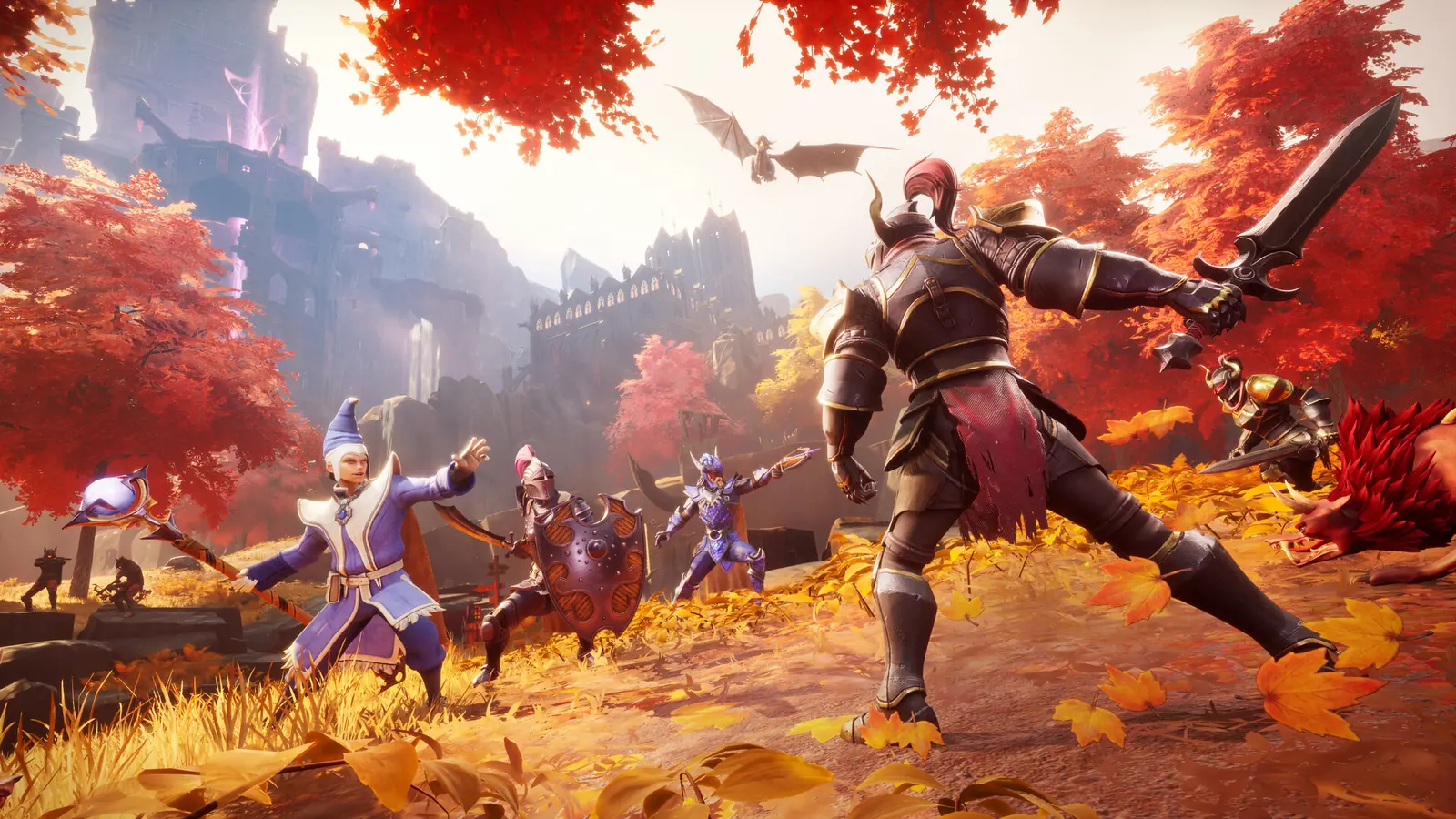
Consoles, crossplay, and joining a server
Console players change the math for a dedicated server. A PS5 or Xbox cannot run a server and cannot keep a world online after its owner logs off, because the server program is a Windows and Linux tool with no console version. Crossplay itself is confirmed in Jagex's own words: "And yes, we've got crossplay."
Jagex has since confirmed the other half: asked on the official subreddit on 11 September whether console players can log in to a dedicated server, community manager Mod Gifted answered "Yup! If you play on a console, you'll be able to join a dedicated server, even if your friends play PC." We are still testing the exact join steps ourselves from a console on launch day. Our console join guide for Dragonwilds carries what is confirmed, what is not, and the verified answer as soon as we have it. Point your console friends there rather than promising them anything sight unseen.
A server not on 1.0 vanishes from the browser
Dragonwilds servers must match the client version to appear in the in-game browser at all. A mismatched server does not error and does not show as outdated. It silently drops out of search results, and the players looking for it conclude it is down. We watch the same wave roll across our fleet after every Dragonwilds patch, and September 15 stacks every platform's launch-day update into a few hours.
So the most useful thing a server owner does today is simple: restart the server. On our panel a restart picks up the 1.0 build automatically, and your existing world carries over. Take a backup first if you want a restore point from before the raid, since Kuldra will not offer you one.
The settings that decide whether players find you
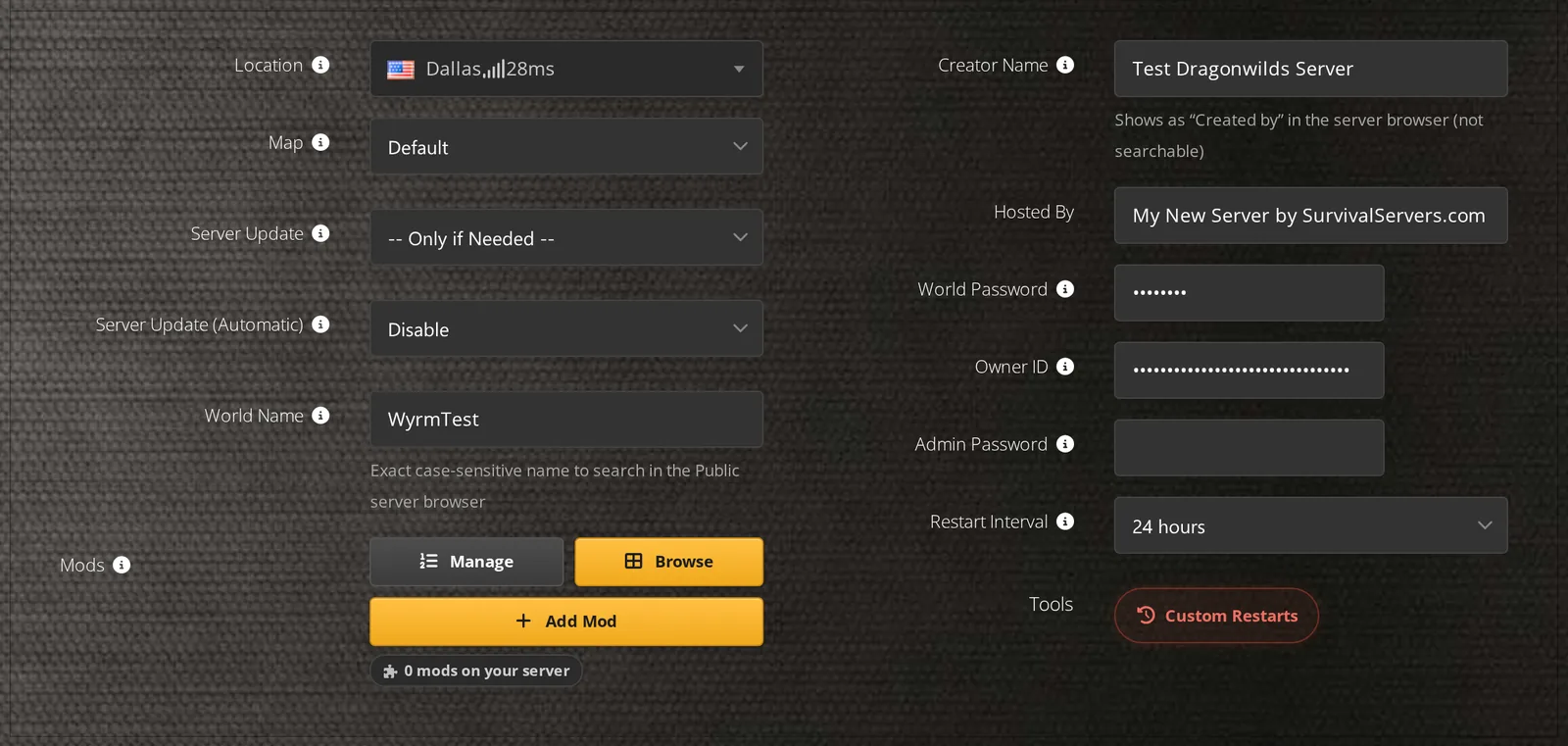
Joining a Dragonwilds server is a search, not an IP address. Players type the world name into the in-game browser, and the search is exact and case-sensitive, so "dragon den" will not find "Dragon Den". Share the name letter for letter with anyone you expect on launch night, along with the world password if you set one.
The other field that decides visibility is the Owner ID. The server will not start without one, and a missing Owner ID is the most common reason a brand-new Dragonwilds server never appears in anyone's search. It comes from the game client, under Settings, listed as Player ID.
Server specs at 1.0
- Player cap: 6, unchanged at 1.0
- Memory: 2 GB baseline plus 1 GB per player, so about 8 GB for a full server
- Network: UDP 7777 as the default game port
- The server tool: free on Steam as its own dedicated server app, separate from the game client
None of these moved for 1.0, which is good news: a server sized for six players last week is sized for six players today. The walkthrough from empty server to first login lives in the Dragonwilds server setup guide, and an existing single-player world can follow you in via the local save transfer guide.
Mods at 1.0
Jagex ships no official modding tools and no Steam Workshop, and 1.0 does not change that. What exists today is community-built: pak mods work server-side, while UE4SS-based mods are client-side only and never load on a dedicated server. Jagex's stated plan splits the browser into moddable servers and unmodified "vanilla" ones flagged as secure, so players can tell what they are joining. The Dragonwilds mods guide covers which kind goes where before you experiment on a live world.
What this means for your server
Restart your server today so it moves onto 1.0 and stays visible in the browser, and take a backup first for a pre-raid restore point. Have your exact world name ready for the friends joining you tonight, on whatever platform they turn out to be on. And if you are starting fresh for the raid, our hosted Dragonwilds servers deploy straight onto the 1.0 build with backups, full file access and the config editor already in the panel.
 Written by , CEO at Survival Servers
Staff ← All news
Written by , CEO at Survival Servers
Staff ← All news
 Hytale
 Valheim
Comments
No comments yet. If you run one of these servers, what did you hit?