
American Truck Simulator Server Hosting


Access to our custom Game Server Management Panel
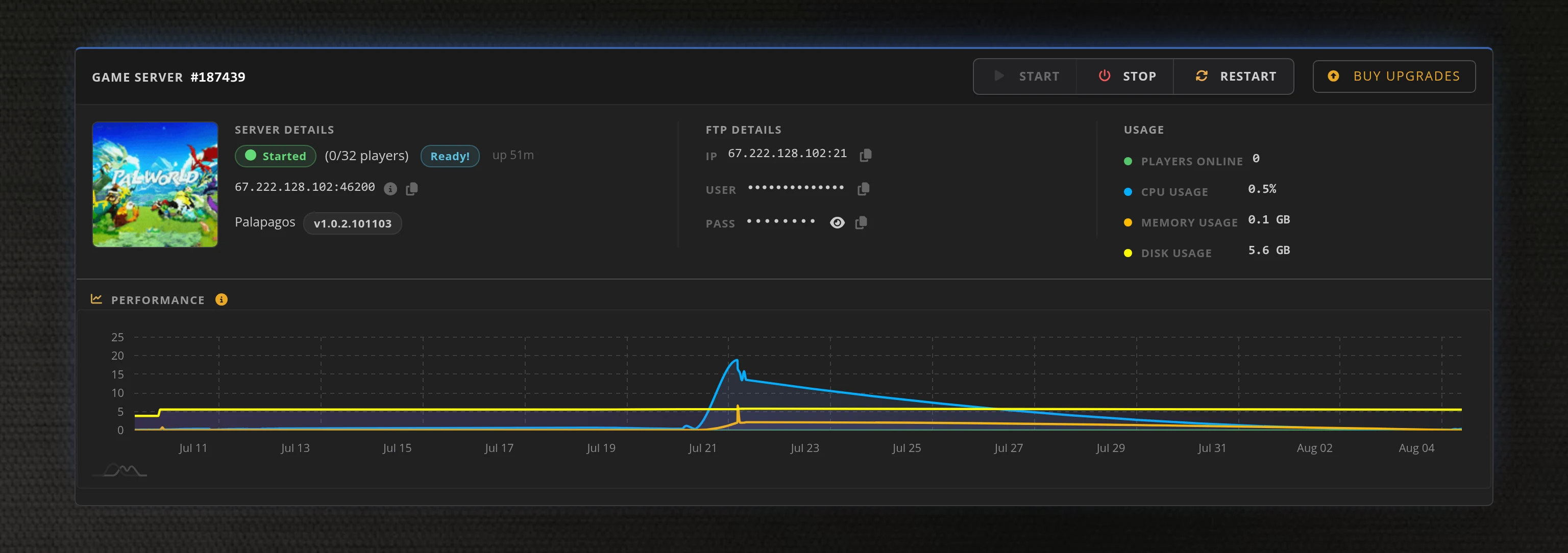
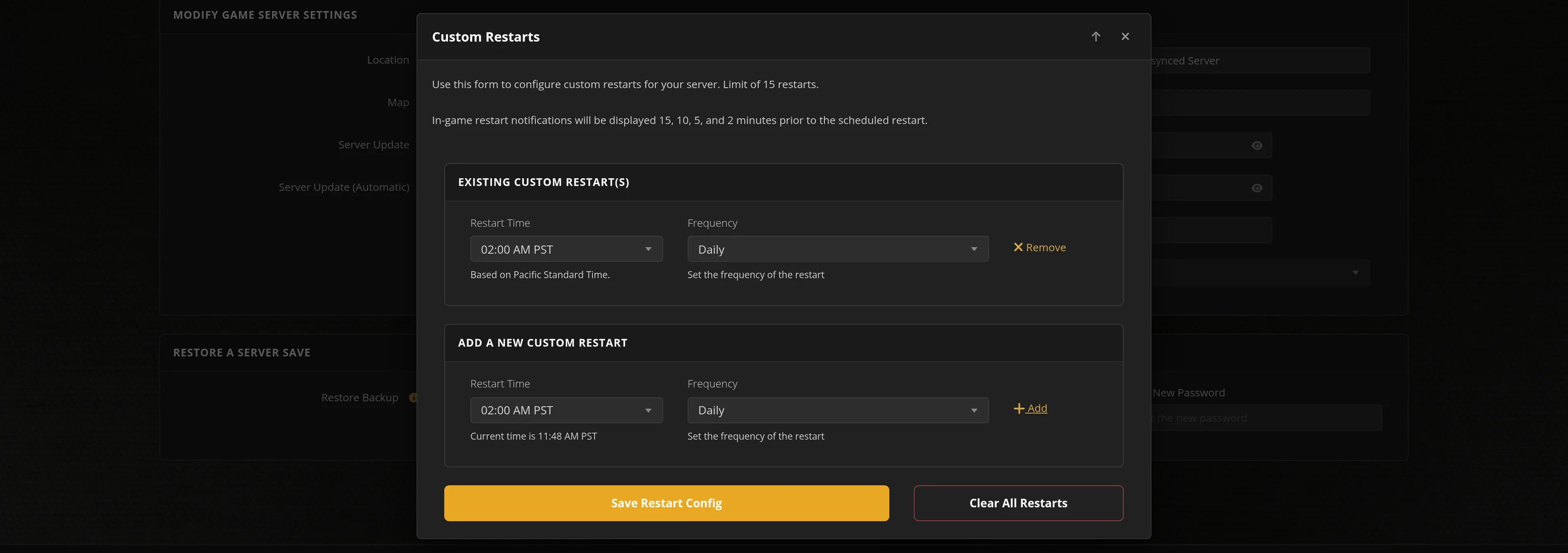
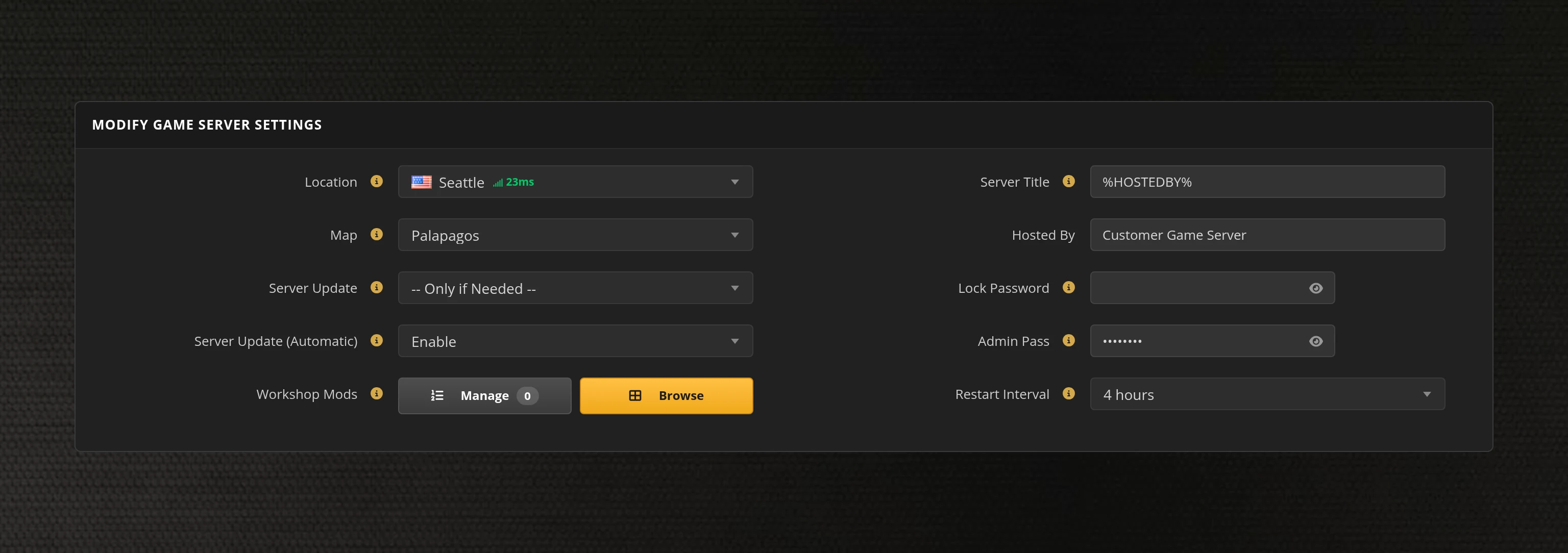
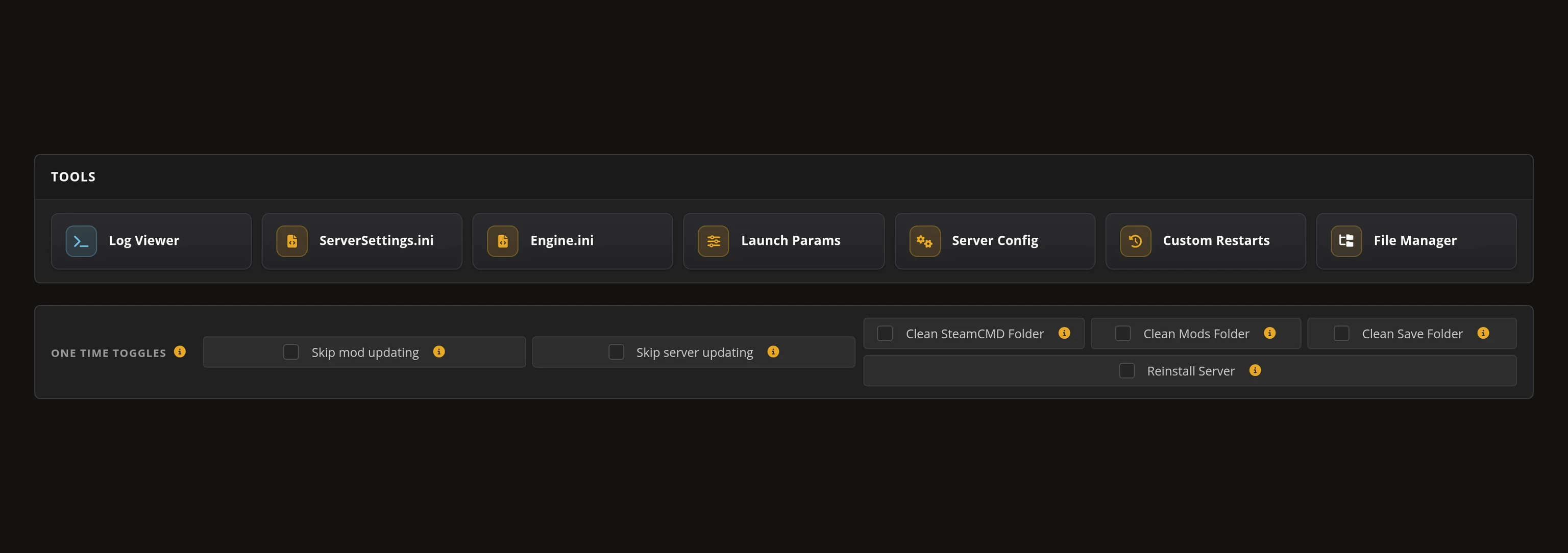
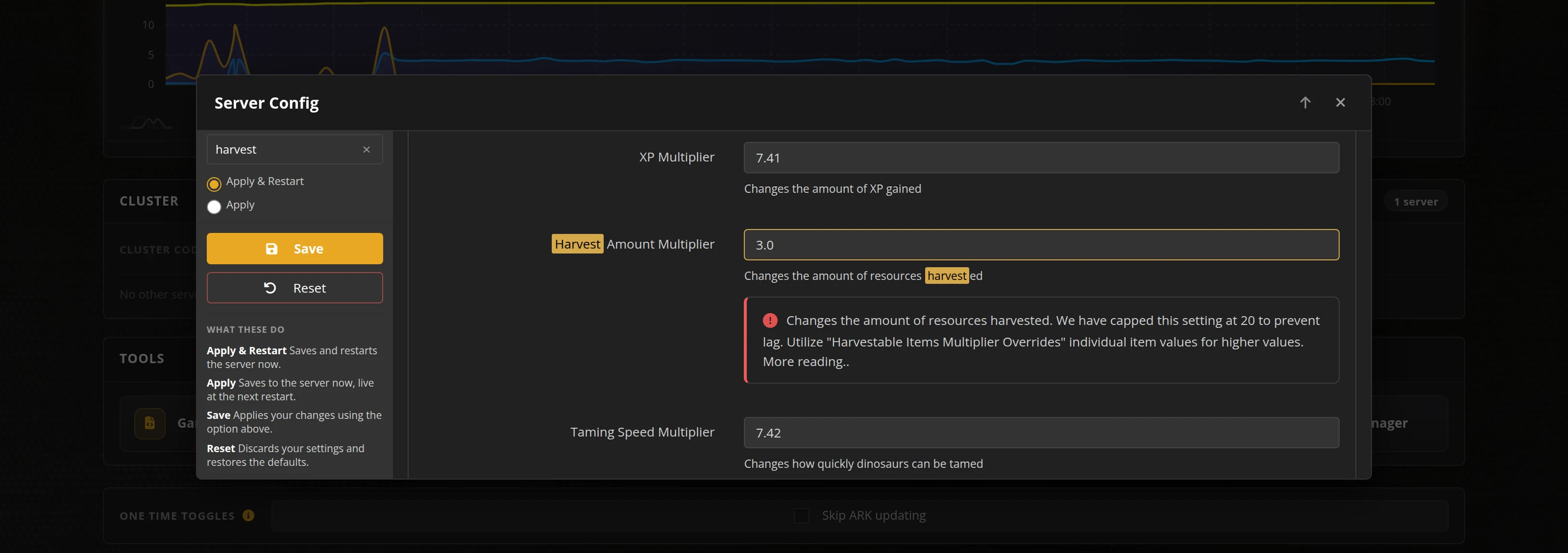
The in-house Survival Servers game control panel allows you to configure and customize your American Truck Simulator convoy server. Set collision and damage rules, AI traffic, name tags and moderators with our easy one click form, switch locations, and upload your own server packages. Survival Servers is an American Truck Simulator dedicated game server provider with our custom panel.
Watch the American Truck Simulator Trailer
American Truck Simulator is SCS Software's American trucking sim. Haul freight across the highways of the western United States, buy and upgrade your rigs, and grow a one-truck operation into a fleet. Convoy takes that career online: up to eight drivers share one road, one clock and one weather system, while each driver keeps their own trucks, money and jobs.
Global Network, Multiple Hosting Locations
Switch locations any time. DDoS protection available.
How to Create a American Truck Simulator Server — ATS Convoy Server Setup Guide
This free American Truck Simulator server setup guide walks you through creating a dedicated convoy server the fast way (with SurvivalServers) and the DIY way (self-hosted on your own hardware).
Hosting your American Truck Simulator convoy server with us is effortless:
- Click Order Now above
- Enter a Username, Password and Email Address or sign up with Google/Twitch
- Select your slot amount, datacenter, and billing cycle
- Click "Order Now" and your American Truck Simulator server is provisioned automatically, online in minutes with full control panel access
Without SurvivalServers
Running an American Truck Simulator dedicated server yourself takes quite a bit more setup:
System Requirements
- A machine you are willing to leave running whenever anyone wants to drive — that is the whole point of a dedicated convoy server
- Around 1.5GB of disk for the server tool, plus headroom for logs and your own packages
- A stable connection with the convoy ports forwarded (defaults are
27015for the connection and27016for queries) - SteamCMD for the install
Installation
- Install the American Truck Simulator Dedicated Server tool from Steam (App ID
1948160). It is free and installs through SteamCMD's anonymous login, so the machine does not need an account that owns the game. - The tool will not host anything until it has
server_packages.siiandserver_packages.dat. Those are not in the download — you export them from a copy of the game: open the in-game console and runexport_server_packages, then copy both files next to the server. - Run the server once to generate
server_config.sii, then edit it: lobby name, description, password, max players (8 is the cap), AI traffic, collision and damage rules, name tags, timezones, vehicle limits and the moderator list by SteamID64. - Forward
27015and27016to the host machine and add matching firewall rules. - The config is read at boot only, so every setting change means a full restart of the server.
- Give your drivers the convoy Search ID printed into
server.log.txton each boot. It changes every restart unless you register a Steam game server logon token and put it in the config.
Mods and DLC maps
- Adding DLC maps or mods means re-exporting the server packages from a copy of the game that has exactly the content you want enabled, then replacing both files on the server.
- Every driver then needs the matching DLC and mods installed to connect, though the optional mods setting can relax that for mods flagged optional. There is no in-server mod browser or workshop sync.
Why Wait? Use SurvivalServers Instead
- Instant provisioning on enterprise NVMe SSD hardware with DDoS protection across 8 global datacenters
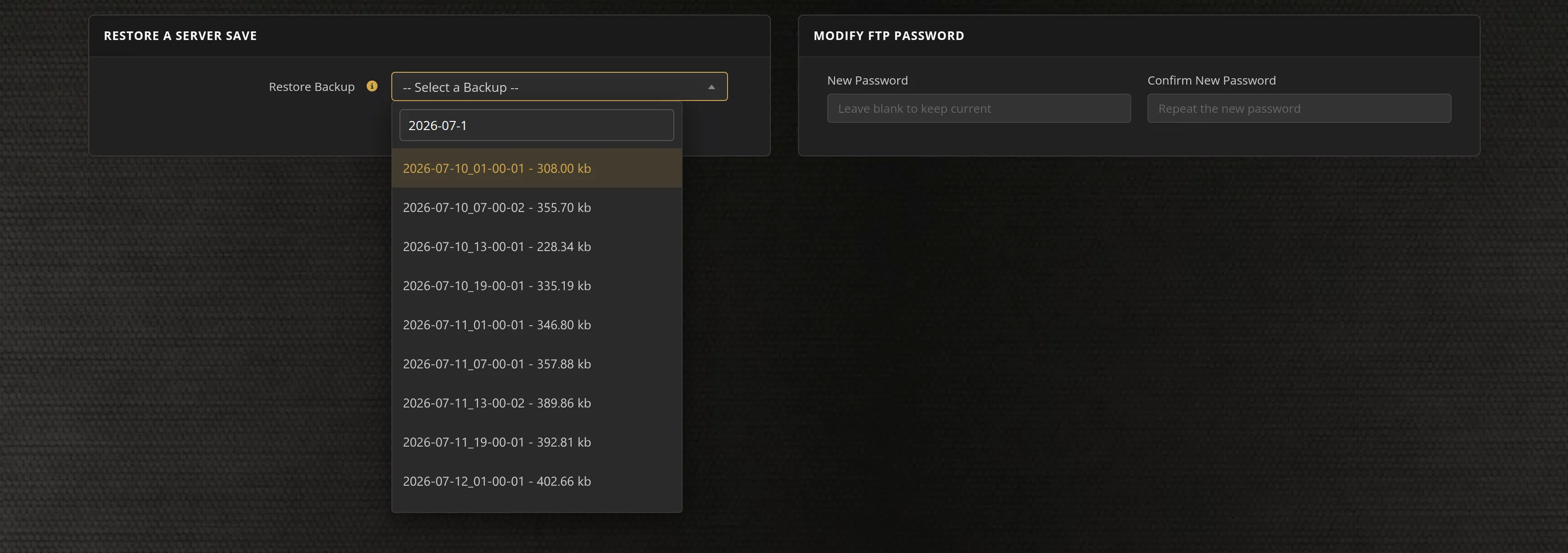
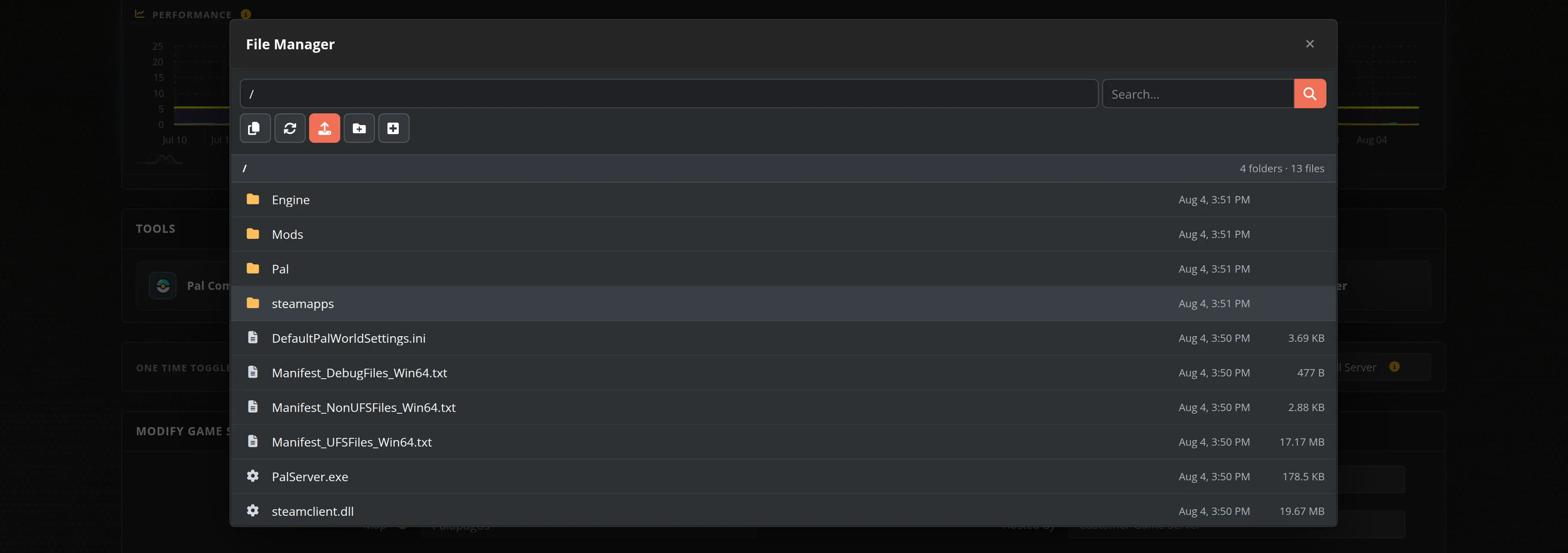
- Around 15 convoy settings in the Server Config tool, plus FTP and a File Manager for your own server packages
- Your convoy Search ID displayed live in the panel, so nobody has to dig through log files after a restart
- Base-map packages preinstalled, so friends can join without owning a single DLC
- Automatic updates on SCS patch days — the server build has to match the game build for anyone to connect
- No SteamCMD wrangling, no port forwarding, no firewall rules, no machine of your own to babysit
American Truck Simulator Dedicated Convoy Server vs Hosting It Yourself
Convoy already lets one player host from their own game, but then the session only exists while that person is at their PC, and their home connection carries everyone else. A dedicated convoy server puts the session on datacenter hardware at a fixed address, so your group can drop in and out around the clock without waiting on a host.
American Truck Simulator Settings, Joining and Mods
Configuration
The Server Config tool covers around 15 convoy settings: collisions and vehicle damage, AI traffic, the speed limiter, name tags, in-menu ghosting, timezones, vehicle limits, optional mods, moderators by SteamID64 and an optional Steam logon token. Convoy config is read when the server boots, so the panel applies your changes with a restart.
Joining
Open Convoy in-game and search for your server's Convoy Search ID, which the panel shows live while the server is online. Drivers can also join through the Steam Friends list once someone is connected. Adding a Steam logon token in the config keeps the same Search ID across restarts.
Mods and DLC maps
Your server ships with base-map packages, so anyone can join with no DLC at all. To bring your DLC maps or mods in, run export_server_packages in your own game's console and upload the two files it produces through the File Manager. Every driver then needs the matching content installed.
Updates and Location
Convoy only connects when the server build matches the game build, so our automatic updater rolls out new SCS releases for you. Pick the datacenter closest to your group — our US locations coast to coast suit most ATS convoys.
From the SurvivalServers Wiki
American Truck Simulator Guides & Tutorials
Frequently Asked Questions about American Truck Simulator Server Hosting
It is the official SCS dedicated server behind Convoy, the game's multiplayer mode. Instead of one player hosting from their own game, your group gets an always-on private session at a fixed address that anyone can drop into or leave at any time. Everyone connected shares the same time of day, weather, AI traffic and job market.
Open Convoy in-game and search for the server's Convoy Search ID, which our control panel displays live while the server is online. Drivers can also join through the Steam Friends list once someone else is already connected. Convoy servers are not listed in a public server browser, so the Search ID is how people find yours, and setting a Steam logon token in the config keeps that ID the same across restarts.
No. Your money, trucks, garages and job history live in your own local American Truck Simulator profile, and the server stores no player saves at all. Restarts, updates and even moving your server to another datacenter never touch anyone's career.
Eight, which is the official Convoy player cap SCS ships with the dedicated server. We sell 4 and 8 slot plans, and you can move between them without any setup work since nothing about your drivers' careers lives on the server. Hosts advertising 16 to 128 players are using an unsupported config tweak that also requires every joining driver to hand edit their own game files, and we explain exactly how it works in our guide to increasing the convoy size limit.
Yes. Your server ships with base-map packages so anyone can join with no DLC at all. To play with your DLC maps or mods, open the console in your own copy of the game, run export_server_packages, then upload the resulting server_packages.sii and server_packages.dat through the File Manager. Every driver then needs the matching DLC and mods installed to connect, although the optional mods setting can relax that for mods flagged optional. There is no mod browser on the server. Our DLC maps and mods guide walks through the export and upload step by step.
Yes. Set a password in the Server Config tool and only drivers who have it can connect. You can also switch the session to friends only, hide it from being shown, and add moderators by SteamID64 so trusted drivers can manage the convoy for you.
No. TruckersMP is a free third-party multiplayer network that runs all of its own servers, so it cannot be rented from us or anyone else. What we host is Convoy, the official co-op mode built into the game, as an always-on private session for up to 8 drivers with your own password, moderators and mods. Our Convoy vs TruckersMP comparison covers the differences honestly, including how they compare for American Truck Simulator.
No. They are separate games with separate dedicated servers, so each needs its own server. We host Euro Truck Simulator 2 servers too, with the same panel, config tools and locations.
Instant. Your server is provisioned automatically after checkout and is online within minutes with the control panel, FTP and File Manager ready to go. Our automatic updater then keeps the server on the current SCS build, which matters because Convoy only lets drivers connect when the server version matches their game version.