
MX Bikes Server Hosting
Our MX Bikes server hosting plans come with the features you need
Your game server will come with the following, instantly available features:


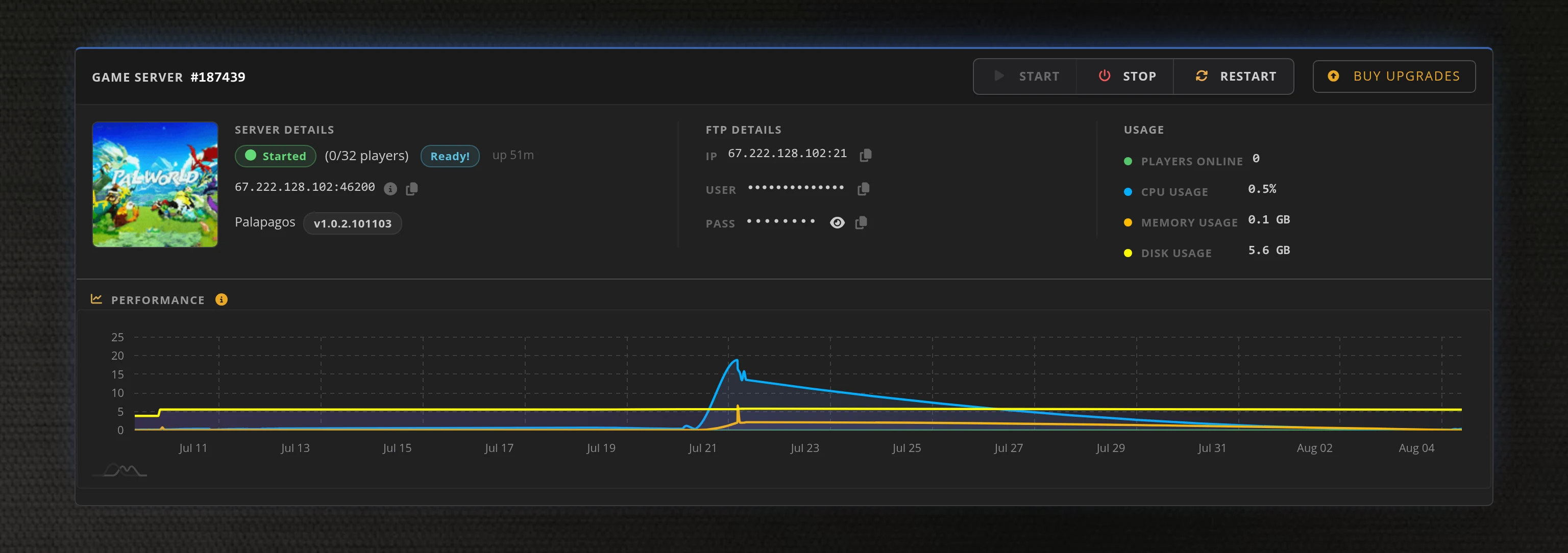
Access to our custom Game Server Management Panel
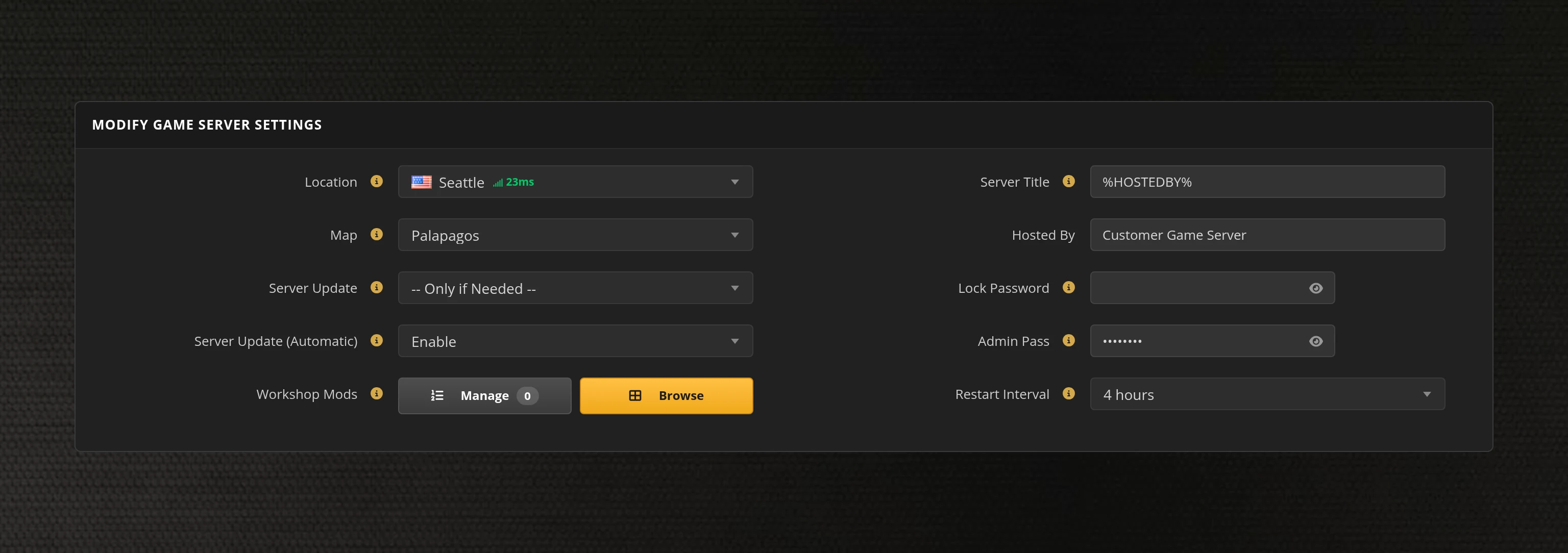
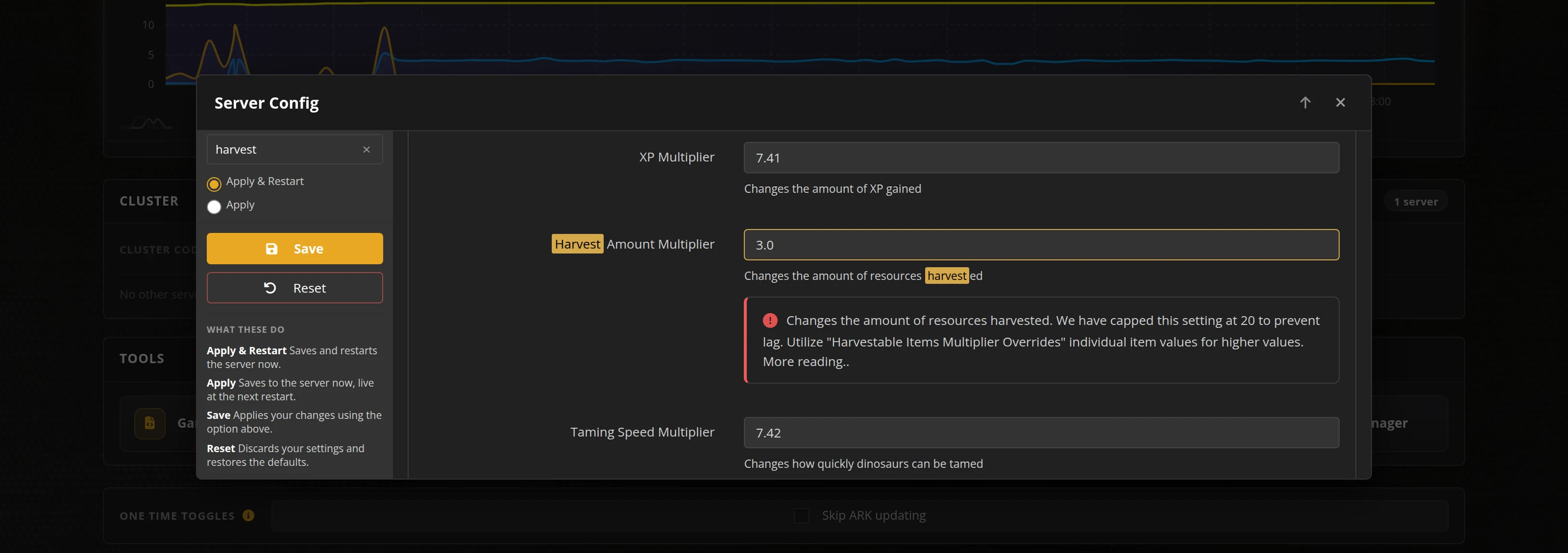
The in-house Survival Servers game control panel allows you to configure and customize your MX Bikes game server. Build a track rotation, set the race format and weather, and edit any setting with our easy one click form. Survival Servers is an MX Bikes dedicated game server provider with our custom panel.
Watch the MX Bikes Trailer
MX Bikes is a realistic motocross simulator from PiBoSo, built on a scratch-written physics engine that models suspension, tyres, terrain deformation and bike setup in detail. Its multiplayer is where the game lives: organised race nights, championships and open practice sessions run on dedicated servers that hold the grid, the rotation and the race format. Rent an MX Bikes server from Survival Servers and your league gets a fixed address, a rotation you control, and hardware that is already up when the gate drops.
Global Network, Multiple Hosting Locations
Switch locations any time. DDoS protection available.
How to Create an MX Bikes Server — MX Bikes Server Setup Guide
This free MX Bikes server setup guide walks you through creating a dedicated MX Bikes server the fast way (with SurvivalServers) and the DIY way (self-hosted on your own hardware).
Hosting your MX Bikes server with us is effortless:
- Click Order Now above
- Enter a Username, Password and Email Address or sign up with Google/Twitch
- Select your slot amount, datacenter, and billing cycle
- Click "Order Now" and your MX Bikes server is provisioned automatically, online in minutes with full control panel access
Without SurvivalServers
Running an MX Bikes dedicated server yourself takes quite a bit more setup:
System Requirements
- Windows. MX Bikes runs its dedicated server from the same executable as the game, in a console window
- Around 2.3GB of disk space for the install, plus room for results, replays and logs
- A machine you are willing to leave running whenever your league wants to ride
- One UDP port per server for the game itself, plus optional UDP ports for the live timing feed and remote admin
- The full MX Bikes package. There is no SteamCMD app for the dedicated server — it ships inside the standalone installer from mx-bikes.com, and a Steam copy of the game on its own will not give you one
Installation
- Download and install the standalone MX Bikes package. PiBoSo's own note is that a licence is not needed to run a dedicated server, but you still have to install the whole 2.2GB package to get it.
- Start it with
mxbikes.exe -dedicated <port>. Add-set params <file>to point at your own config, otherwise the server readsSERVER.INI. - The config file has to sit in the installation folder, next to the executable. Everything lives in that one INI: connection and passwords, the event and its track rotation, race format, weather, hardcore rules, collisions, terrain deformation, live timing, remote admin, results export and replay saving.
- Forward the game port in UDP, and the live timing (default
54220) and remote admin (default54230) ports too if you enable them. If a game client runs on the same PC, the default54210cannot be used by the server. - Running more than one server on a box means keeping each instance's mods and cache folders apart in
mxbikes.ini. Left alone, every instance shares one tree underDocuments\PiBoSo\MX Bikes. - Custom tracks and bikes have to be installed on the server too, matching what your riders run. There is no Steam Workshop for MX Bikes, so mod content is copied in as folders on both ends.
- Share your public IP and game port with riders. They join from Race → Server Browser once your server is listed, or connect straight to you with the
-directconnect <ip>:<port>launch option.
Administration
- There is no RCON. Admin commands are typed into the dedicated server's own console window:
!restart,!admin, and!whitelist update/!blacklist updateto reload those lists. - Anything else typed into that window is broadcast to everyone on the server as a message, so the console is the moderation channel and the chat channel at the same time.
- Whitelists and blacklists are plain files keyed by rider GUID or Steam ID, edited by hand and reloaded with a console command.
Why Wait? Use SurvivalServers Instead
- Instant provisioning on enterprise NVMe SSD hardware with DDoS protection across 8 global datacenters
- We host the server build ourselves, so there is no 2.2GB installer to fetch and no licence question to work through
- Your config is rebuilt from our control panel on every start, so a game update can never wipe your settings
- Every server setting is a labelled field in one form — event and rotation, race format, weather, hardcore rules, collisions, terrain deformation, results export and replays
- Build a rotation of up to 10 tracks with their layouts and shuffle order from dropdowns, instead of hand-numbering INI keys
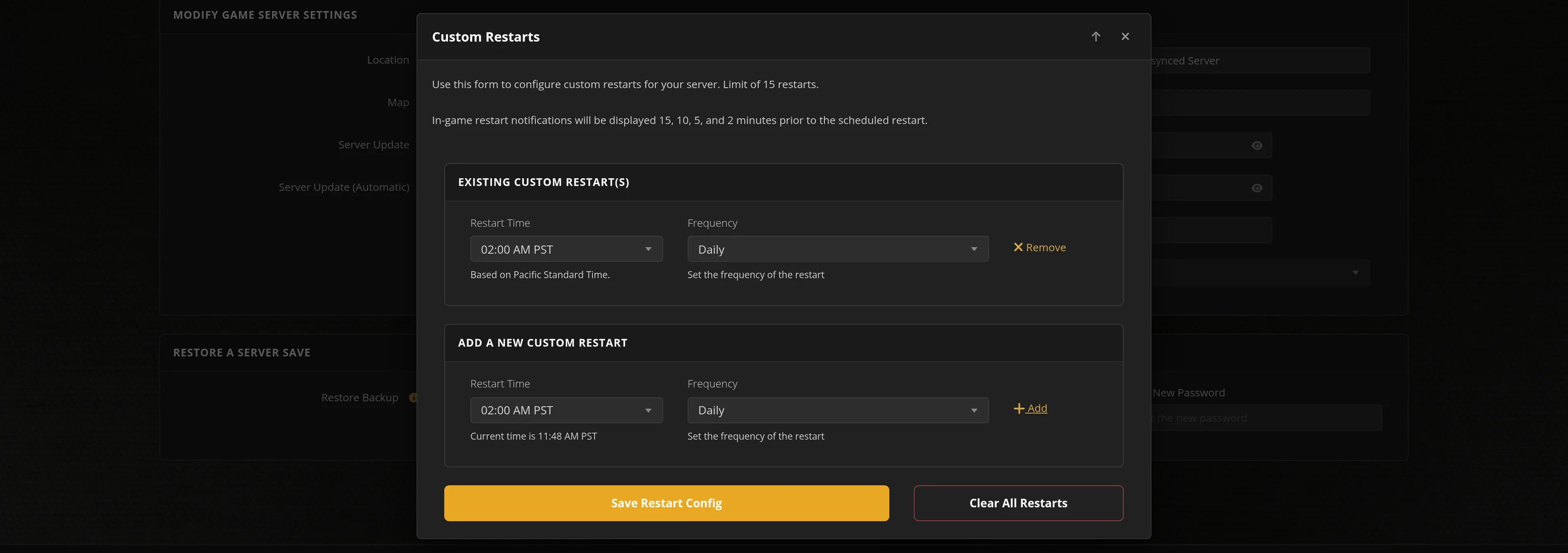
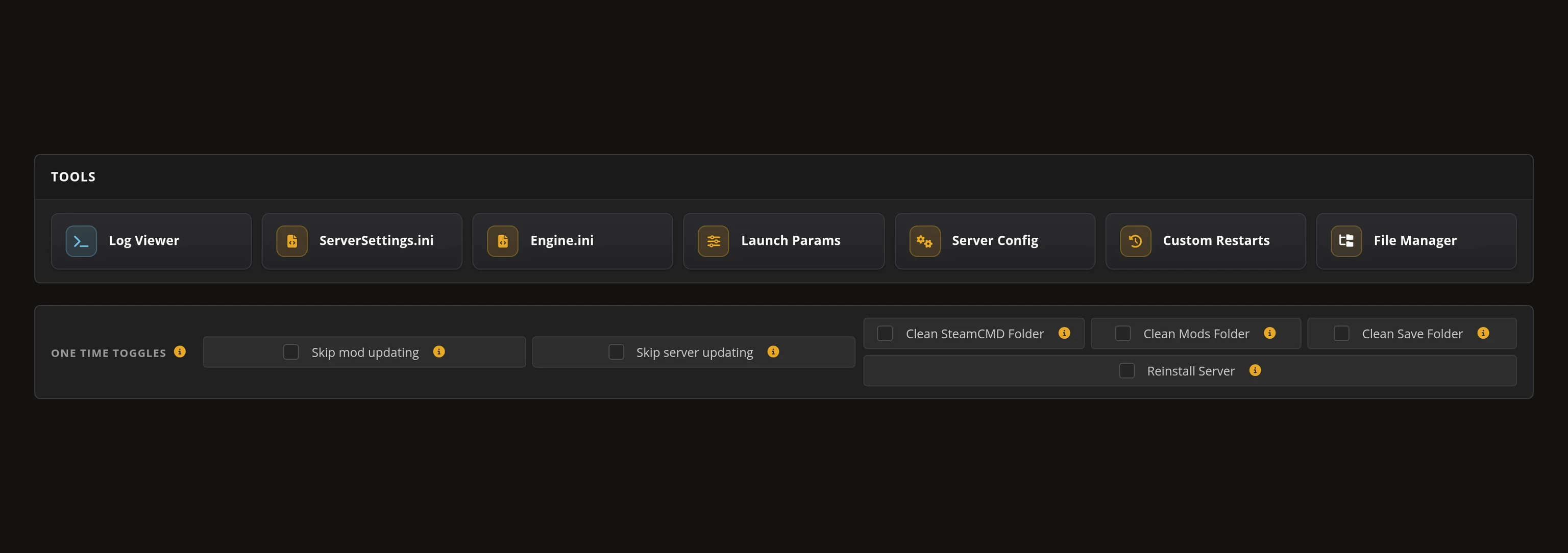
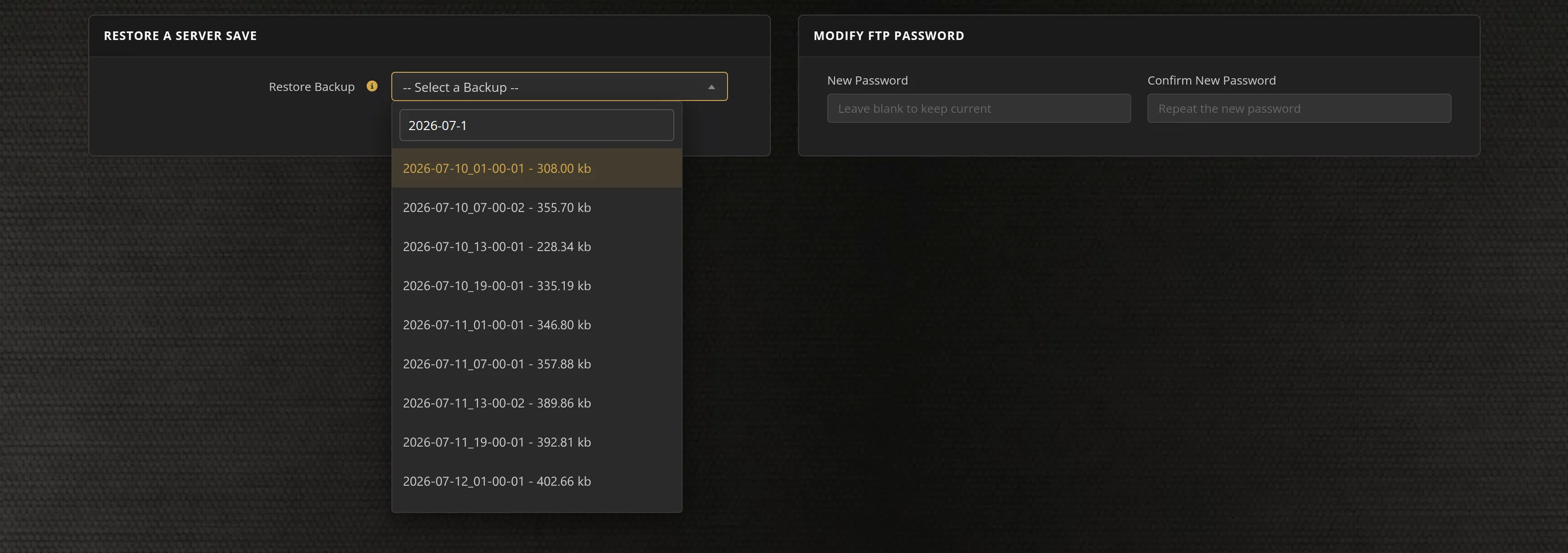
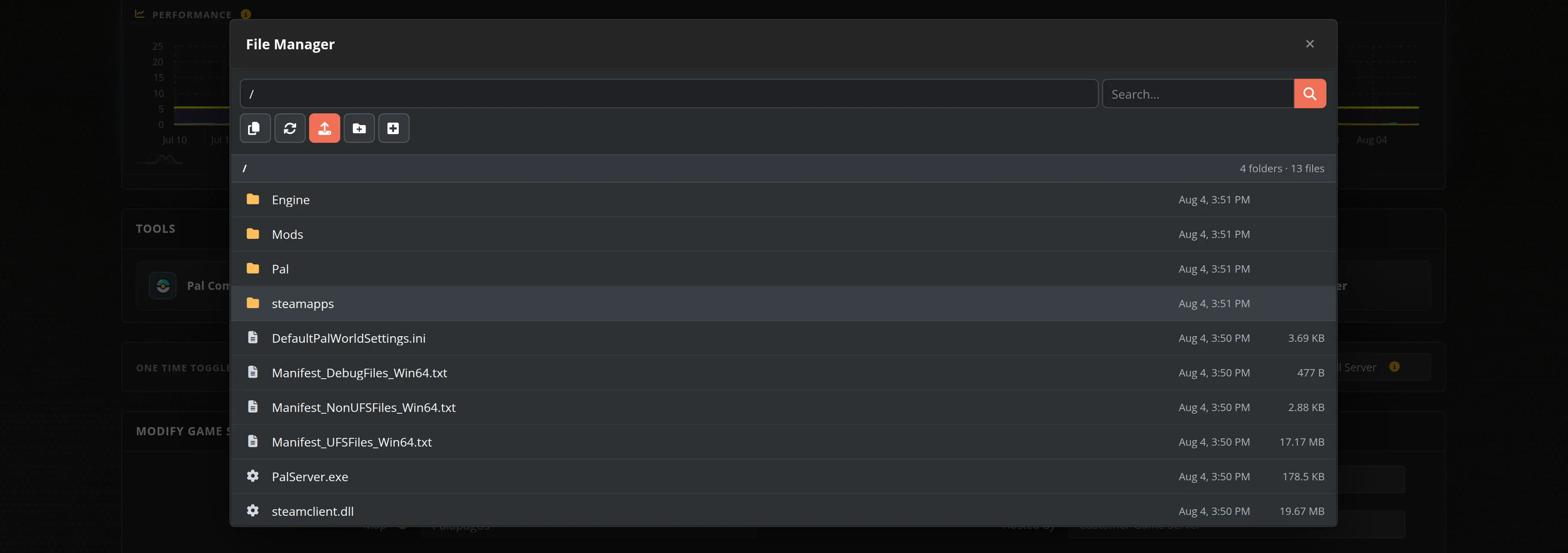
- Automated restarts, scheduled backups, and full FTP and File Manager access for mods, results and replays on day one
- No installer wrangling, no port forwarding, no firewall rules, no Windows updates to babysit
MX Bikes Dedicated Server vs Running One Off Your Own PC
MX Bikes multiplayer only exists on dedicated servers, so the real question is whose machine it runs on. Race nights and championships need a server that is already up, already on the right rotation, and already listed when riders start loading in — not one that comes and goes with whoever volunteered their desktop that week.
MX Bikes Settings, Rotations and Sizing
Configuration
Server name, join and admin passwords, rider limit, message of the day, maximum ping, bandwidth profile and location are all labelled fields in our control panel, alongside the race rules: collisions, hardcore options like forced cockpit view and limited tyre sets, terrain deformation scale, dynamic surface persistence and the rating class allowed on the grid. We rebuild the server's INI from those settings every time it starts, so a game update can never overwrite your setup.
Tracks and Rotations
The server ships with 15 tracks, from Mantua and Holjes to the Straight Rhythm and the practice tracks, plus their alternate layouts. Build an event rotation of up to 10 of them with shuffle order from dropdowns, restrict the grid to MX1, MX2 or Supermoto, and set the race format — practice, prequalify, qualifying, warmup, sighting lap, and a race measured in percent, minutes or laps.
Administration and Mods
MX Bikes has no RCON. Admin runs through the server console and in-game, and you control access ahead of time instead: whitelist and blacklist entries keyed by rider GUID or Steam ID, editable in the panel. Custom tracks and bikes from the modding community are uploaded to your server's mods folder over FTP or the File Manager — there is no Steam Workshop for MX Bikes, so riders need the same content installed to join.
Sizing
An MX Bikes server is light — ours run at roughly 116MB of memory and 2.23GB of disk — so the numbers that matter are your grid size and your latency. Plans run from 10 to 40 rider slots, and the server turns away anyone past your limit with a Server Full message. Pick the datacenter closest to your league; in a bar-to-bar pack, ping is the whole race.
Frequently Asked Questions about MX Bikes Server Hosting
Our MX Bikes plans run from 10 up to 40 rider slots, which covers a practice lobby, a full club race night and a championship grid. The limit is a server setting, so the server itself turns away anyone past your slot count with a Server Full message rather than letting the grid overfill. You can move up or down a plan at any time from your control panel.
Yes, and PiBoSo states that a licence is not needed to run one. The catch is that the dedicated server is not on Steam - it ships inside the standalone MX Bikes installer from mx-bikes.com, so hosting it yourself means downloading and installing the whole game package first. We host that build for you and install it per server, so ordering here skips the installer, the UDP ports you would forward, and the config file you would maintain by hand.
From the main menu they pick Race, then Server Browser, where your server is listed with its track, category, race length and ping. They select it, enter your password if you set one, and join. Riders who prefer to connect straight to you can launch the game with the directconnect option and your IP and port, which your control panel shows on the server page.
Yes. There is no Steam Workshop for MX Bikes, so mod content is installed as files: upload the track or bike folders into your server's mods folder over FTP or the built-in File Manager and restart. Riders need the same content installed on their side to join an event running it, which is why leagues usually publish a content pack alongside the server address.
That is what the event and race settings are for. You can queue a rotation of up to 10 tracks with their layouts and a shuffle order, restrict the grid to MX1, MX2 or Supermoto, and set the full format - open practice, prequalify, qualifying practice, warmup, a sighting lap, and a race measured in percent, minutes or laps. Weather, temperature, wind and a dry or wet track are set per event, results are exported as HTML or XML to your own folder, and replays can be saved automatically.
MX Bikes is a realistic motocross simulator by PiBoSo, built on a scratch-written physics engine that models motorcycle dynamics, tyres, terrain deformation and detailed setup options. It ships with motocross and supermoto tracks and a range of bikes, has a large community modding scene, and is played competitively in organised leagues and race nights on dedicated servers.