
RimWorld Server Hosting
Our RimWorld server hosting plans come with the features you need
Your game server will come with the following, instantly available features:


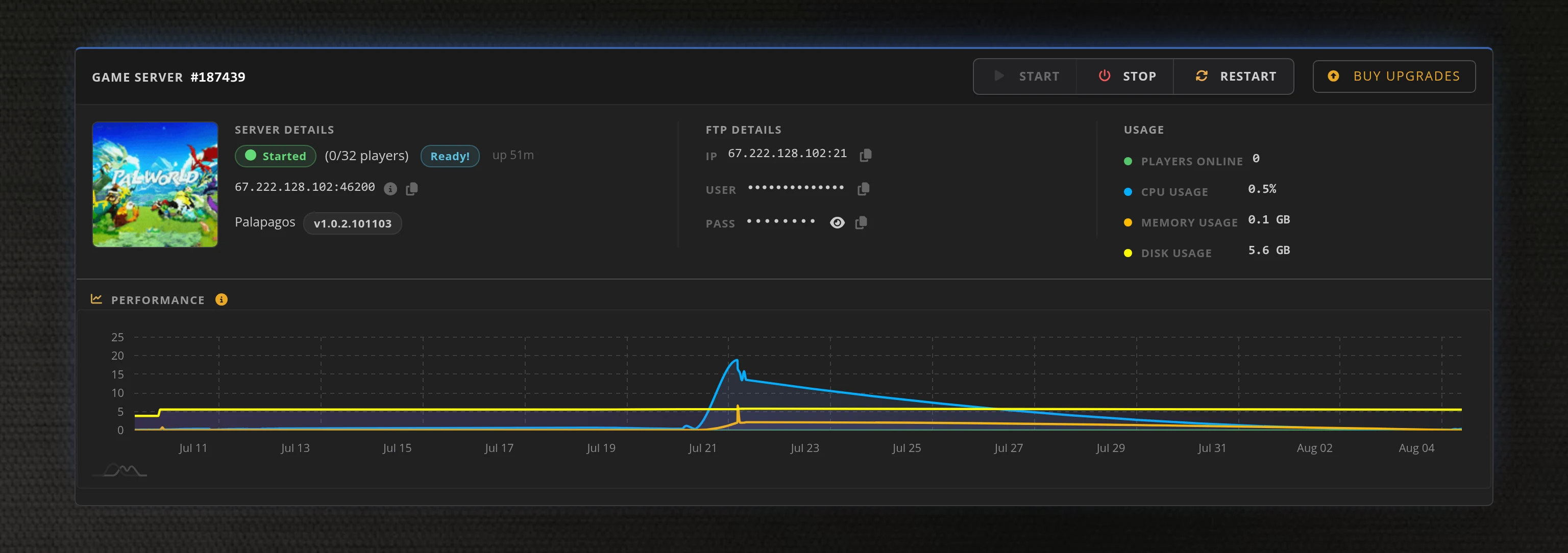
Access to our custom Game Server Management Panel
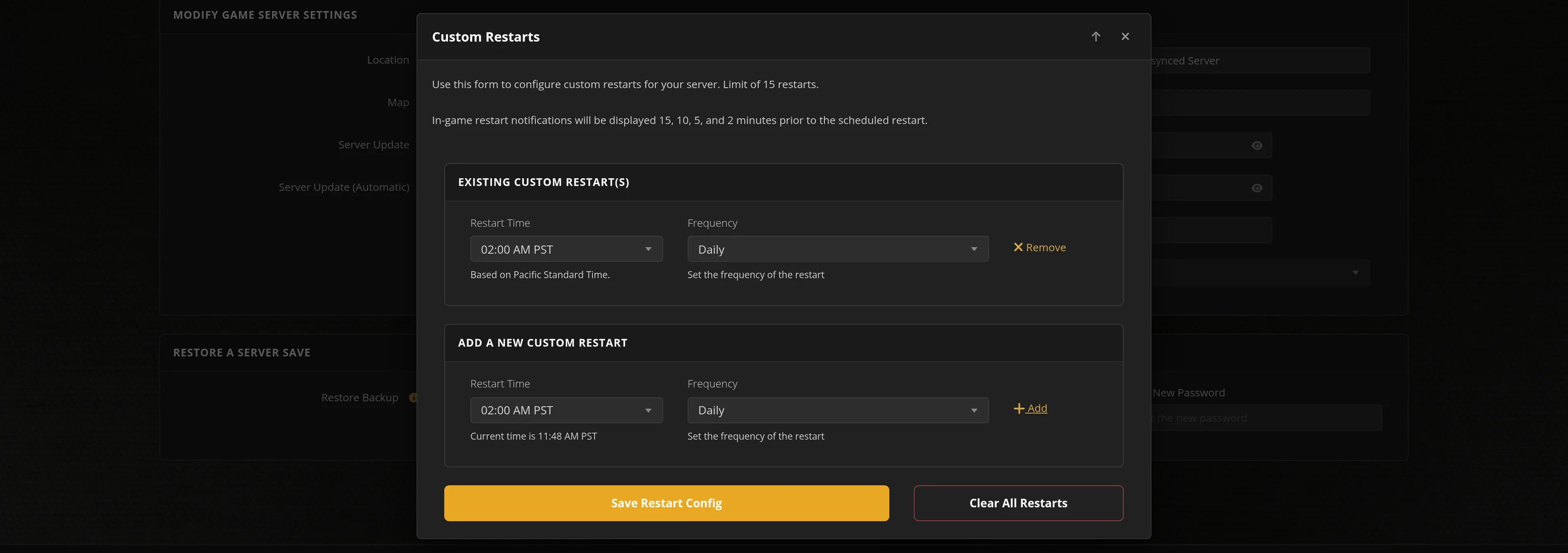
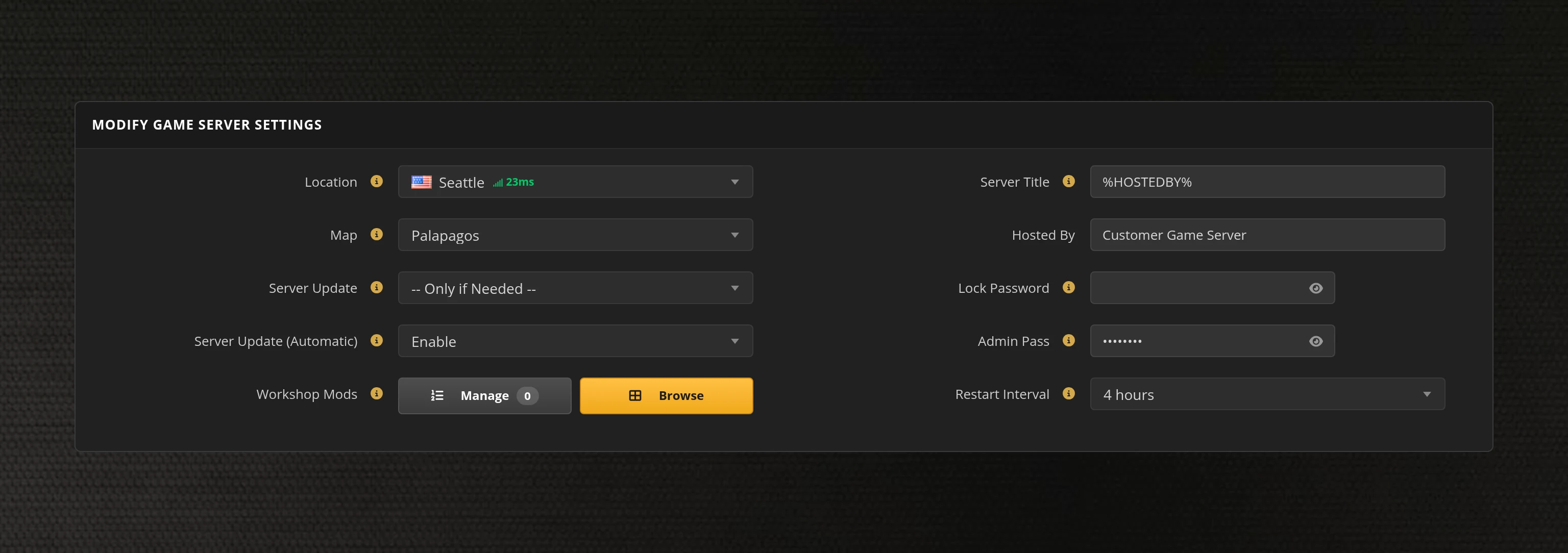
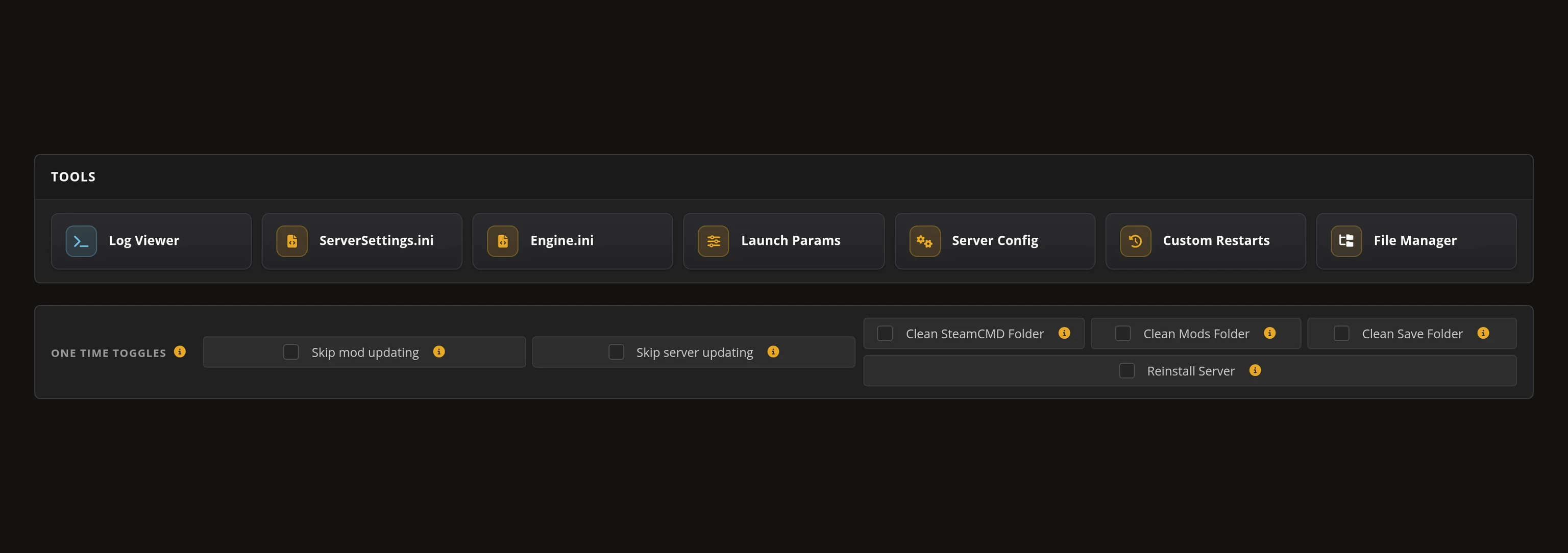
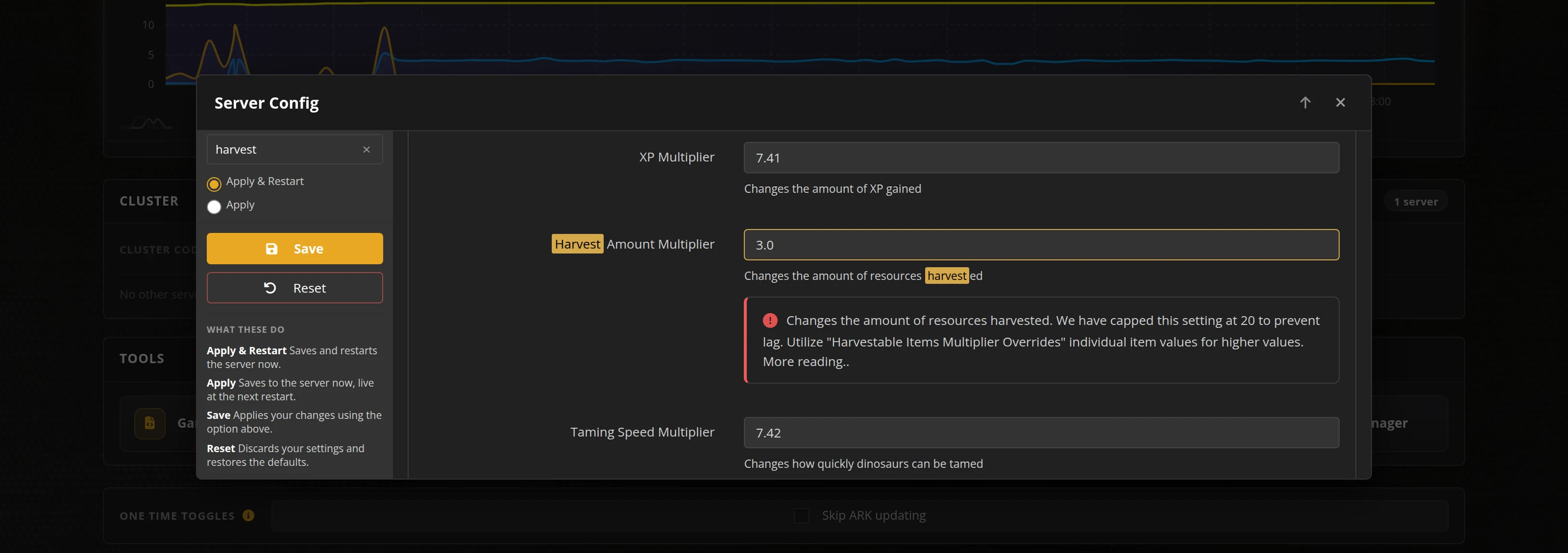
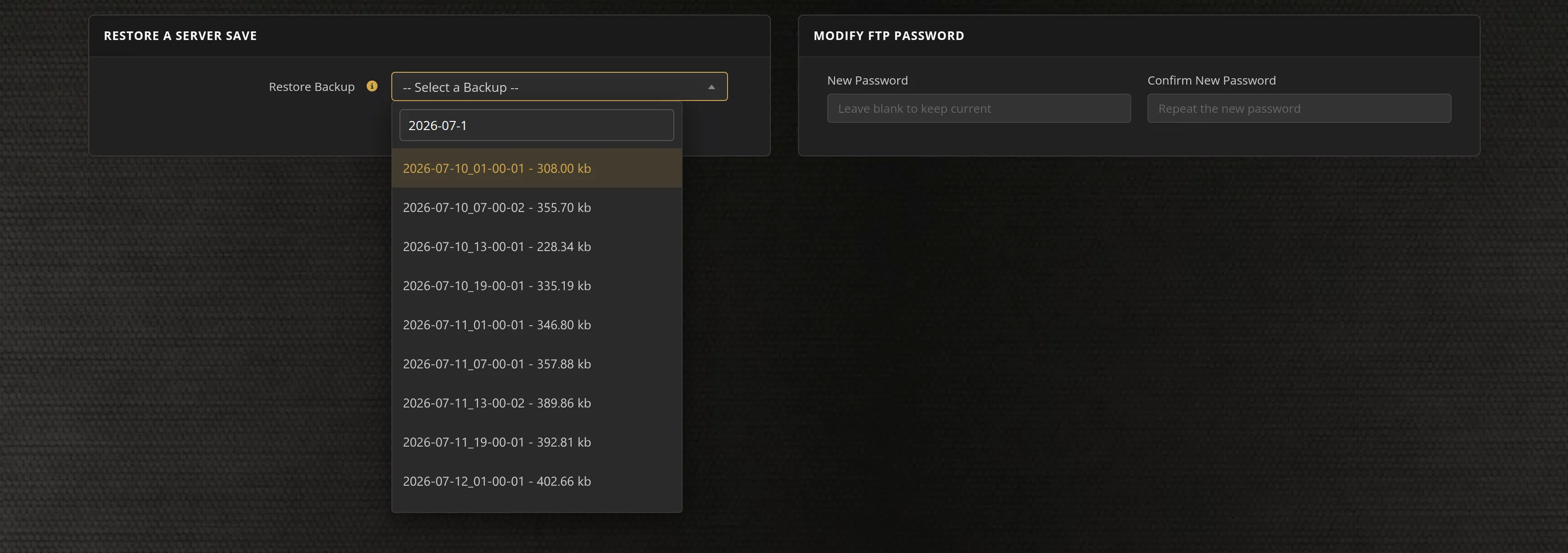
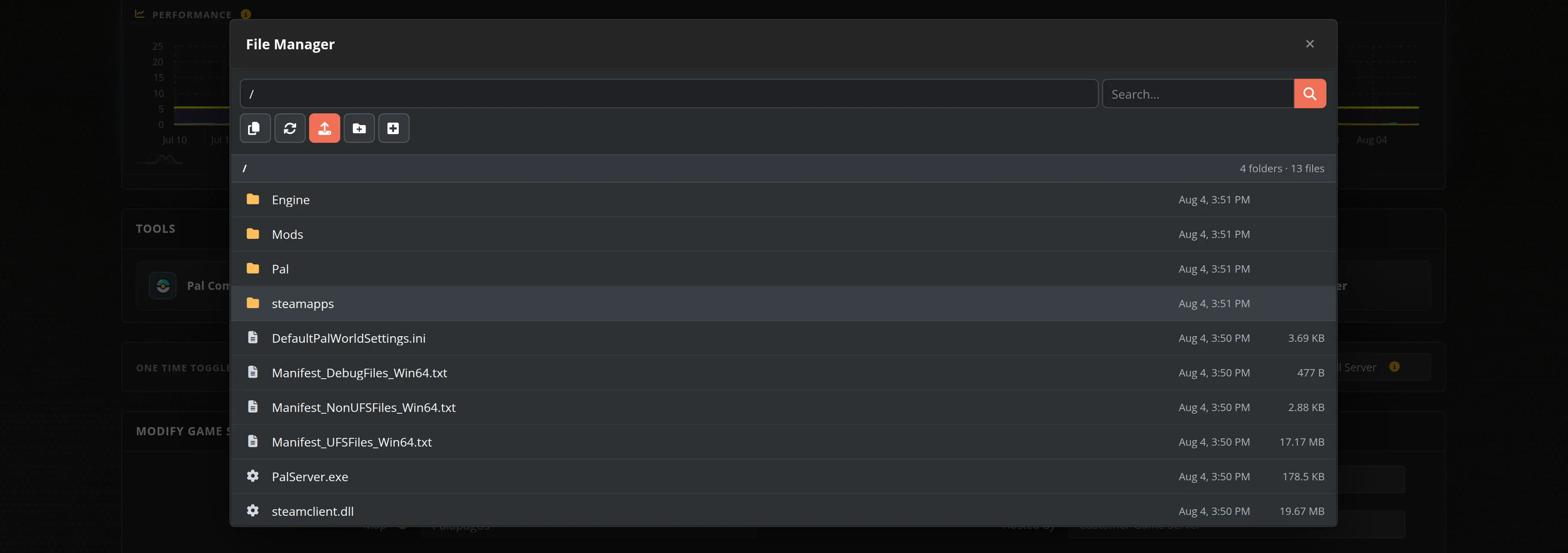
The in-house Survival Servers game control panel allows you to configure and customize your RimWorld server. Set your join password and message of the day, switch locations, schedule restarts, take backups and edit every server setting from one form. Survival Servers is a RimWorld dedicated game server provider with our custom panel.
Watch the RimWorld Trailer
RimWorld is a sci-fi colony sim from Ludeon Studios, driven by an AI storyteller that keeps throwing raids, disease, heatwaves and stranger things at the colonists you have grown attached to. Multiplayer is not built into the base game, so co-op runs through the free RimWorld Together mod: everyone lands on the same planet, each player runs their own colony, and you trade, visit, raid and answer each other's distress calls across a shared world.
Global Network, Multiple Hosting Locations
Switch locations any time. DDoS protection available.
How to Create a RimWorld Server — RimWorld Server Setup Guide
This free RimWorld server setup guide walks you through creating a dedicated RimWorld multiplayer server the fast way (with SurvivalServers) and the DIY way (self-hosted on your own hardware).
Hosting your RimWorld server with us is effortless:
- Click Order Now above
- Enter a Username, Password and Email Address or sign up with Google/Twitch
- Select your slot amount, datacenter, and billing cycle
- Click "Order Now" and your RimWorld server is provisioned automatically, online in minutes with full control panel access
Without SurvivalServers
Running a RimWorld dedicated server yourself takes quite a bit more setup:
System Requirements
- Windows or Linux. macOS is not supported by RimWorld Together and there are no plans to add it
- Very little hardware. The colony simulation still runs on each player's own machine, so the server only keeps the shared planet in step — the build itself is around 30MB
- A machine you are willing to leave running whenever anyone wants to play
- A stable connection with the server port forwarded (default
25555TCP, configurable) - No SteamCMD. RimWorld has no dedicated server on Steam, so there is no anonymous app to pull
Installation
- Download the current server build for your platform from the RimWorld Together releases page and extract it into a folder of its own. It creates a lot of files and subfolders next to the executable.
- Run the executable. A console window opens and the server starts on its own. On Linux you have to make it executable first with
chmod 755. - Forward TCP port
25555(or whichever port you set) to the host machine, and add a matching firewall rule. - Settings are JSON files in the
Configfolder beside the executable.ServerConfig.jsonholds the name, description, port and player limit,BackupConfig.jsonthe rolling backups,ChatConfig.jsonthe message of the day and the join and leave notices, and there are separate files for the mod list, whitelist, storyteller, difficulty and scenario. - Every player, including you, needs the free RimWorld Together mod from the Steam Workshop. With it enabled, you connect from RimWorld's main menu by entering the address and port directly.
- The first player to connect generates the world everyone shares, together with its mod list, so start with the mods you actually intend to run.
- Admin is not a config field. You type
deeplistin the server console to find your user id, thenopwith that id. Storyteller, difficulty and scenario are then set from the in-game admin panel.
Mods
- The server decides how strict it is. Mods can be marked required, optional or forbidden: a player missing a required mod, or running a forbidden one, is turned away at the join screen, and if nothing is required people can join with whatever they like.
- Anything that changes the planet itself — new factions, biomes or world events — belongs in the required list, and keeping that list in step with your players is work you take on yourself.
Why Wait? Use SurvivalServers Instead
- Instant provisioning on enterprise NVMe SSD hardware with DDoS protection across 8 global datacenters
- Server config, save management, and gameplay settings through our custom Survival Servers control panel
- Automated restarts, scheduled backups, and full FTP access on day one
- We follow RimWorld Together's releases and roll the new server build out for you, verified before it lands
- No GitHub downloads to chase, no port forwarding, no firewall rules, no Windows or Linux updates to babysit
RimWorld Dedicated Server vs a Player-Hosted World
RimWorld Together lets one of your group run the server on their own PC, and that works fine for an evening. The catch is that the shared world only exists while that person has it running, so nobody else can drop in to check on their colony, answer a caravan or trade while the host is asleep or at work. A dedicated server keeps the planet up around the clock, on hardware nobody has to remember to switch on.
RimWorld Settings, Saves and Sizing
Configuration
Everything the server owns is edited in our Server Config tool: server name and description, join password, slots, the message of the day, join and leave notifications, whether the server is listed in the public browser, how often it takes a rolling backup and how many it keeps. Storyteller, difficulty and scenario are not here on purpose, because RimWorld Together takes those from the admin's own game, so you pick them in game and the server follows.
Admin
Connect once so the server knows your username, then put that name in the Admin Player Name field and restart. Admin is what lets you set the storyteller, difficulty and scenario, change the server's mod list and manage players from inside the game. The panel handles start, stop, restart, scheduled restarts and updates.
Sizing
This is one of the lightest servers we host. The game simulation runs on each player's own machine, so the server relays and stores rather than doing the thinking, and bandwidth matters more to it than raw CPU. The whole install is a single executable of about 66MB, and we reserve 2GB for it plus the world as it grows.
Location
Pick the datacenter closest to your group. Everything travels over one TCP connection, so a short hop keeps trades, visits and raids between colonies feeling responsive.
Frequently Asked Questions about RimWorld Server Hosting
RimWorld ships as a single-player game, so multiplayer comes from the free RimWorld Together mod: everyone lands on the same planet, each player runs their own colony, and you visit, trade, raid and send events to each other across the shared world. Our plans run from 2 up to 20 slots, and you can move up a plan without losing the world you have built.
Not officially. Ludeon Studios does not ship a dedicated server, and RimWorld has no built-in multiplayer. The server we host is the one from the open-source RimWorld Together project, a small self-contained build that keeps the shared planet in sync while the simulation still runs on each player's machine. We install it, pin it to a verified release, and give you a full config editor, backups and restarts in the control panel.
That is the server's choice, not a fixed rule. Mods can be marked required, optional or forbidden: a player missing a required mod, or running a forbidden one, is turned away at the join screen, while anything optional is left to the individual. If the server requires nothing, people can join with whatever mods they like. Anything that changes the planet itself, such as new factions, biomes or world events, is worth requiring.
Connect once so the server knows your username, then set that username as the Admin Player Name in the Server Config tool in your control panel and restart. Admin is what lets you pick the storyteller, difficulty and scenario, and manage the server's mod list, from inside the game rather than from a config file.
Yes. RimWorld left Early Access with its 1.0 release on 17 October 2018 and Ludeon Studios has kept expanding it since, most recently with the Odyssey expansion. It holds Overwhelmingly Positive reviews on Steam from more than 240,000 players, and Survival Servers deploys RimWorld servers instantly.
RimWorld is a sci-fi colony simulation from Ludeon Studios. You manage a handful of survivors stranded on a distant planet while an AI storyteller decides what happens next, throwing raids, disease, heatwaves and stranger things at colonists who have their own moods, relationships and grudges. The stories come out of the simulation rather than a script, which is why no two colonies end the same way.