
SCP: Secret Laboratory Server Hosting
Our SCP: Secret Laboratory server hosting plans come with the features you need
Your game server will come with the following, instantly available features:


Access to our custom Game Server Management Panel
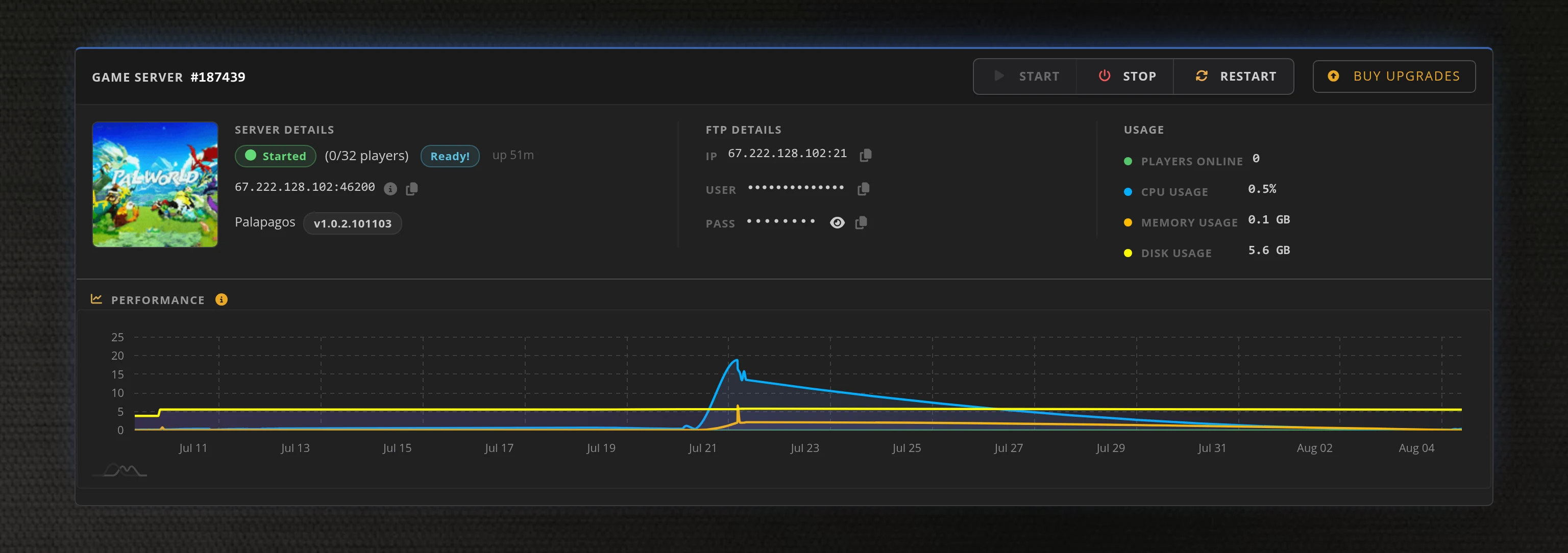
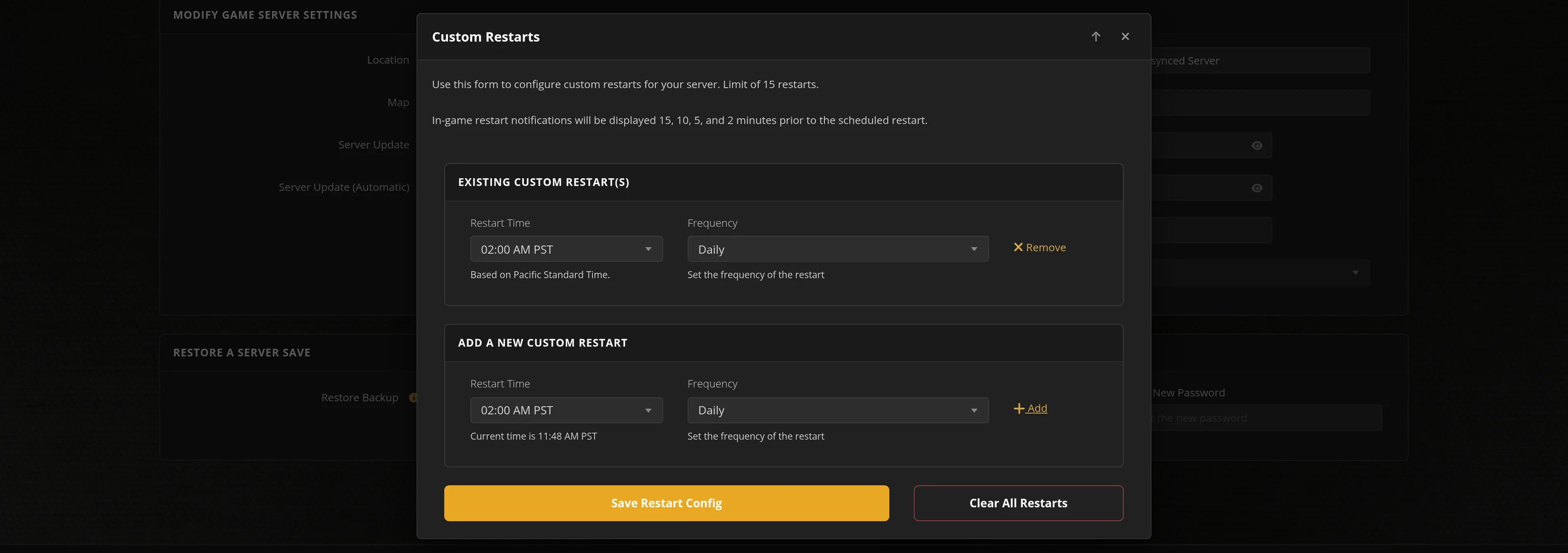
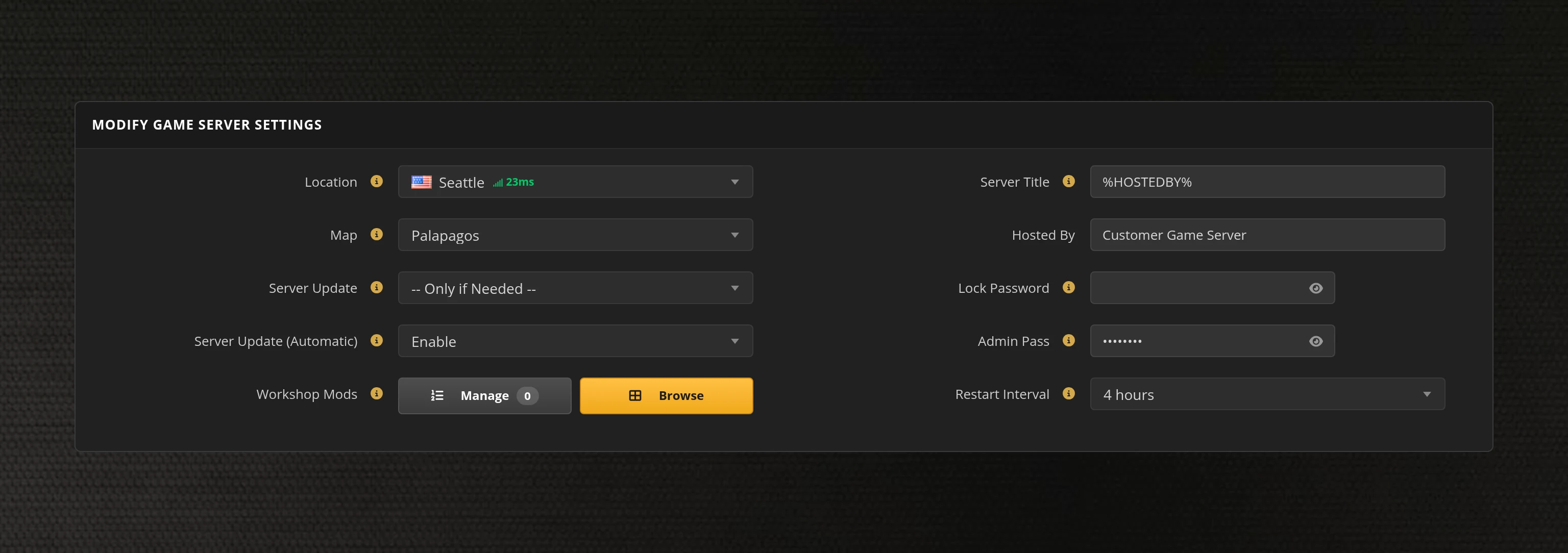
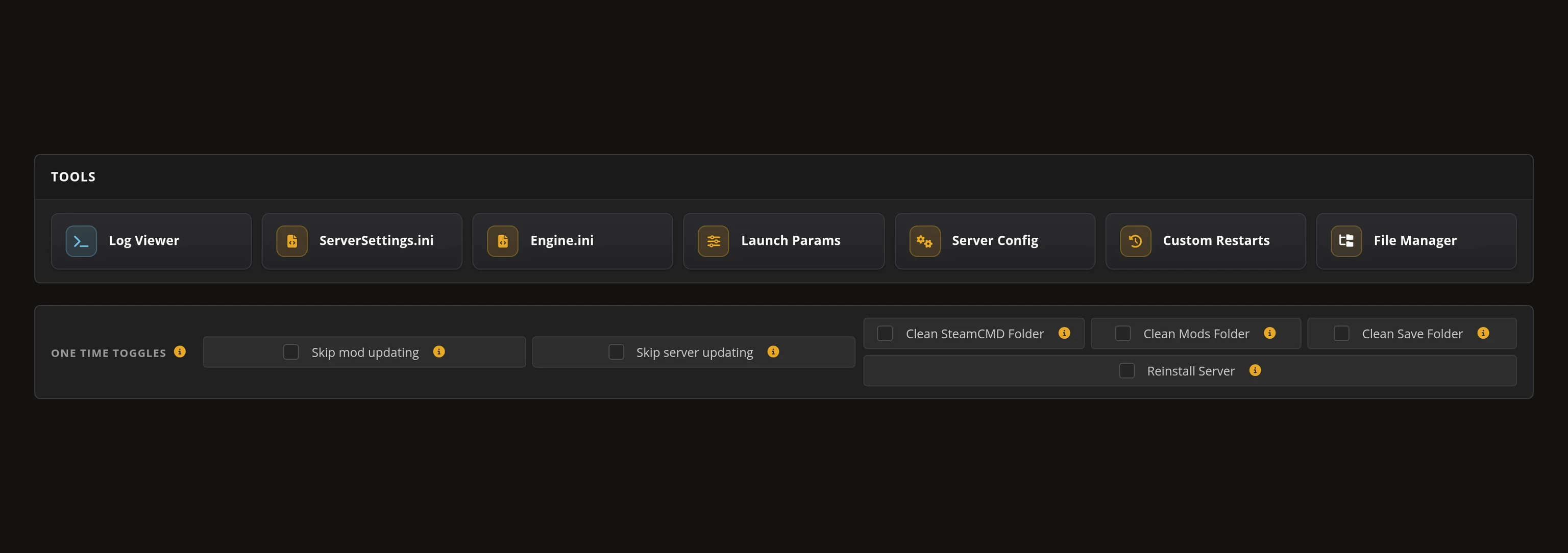
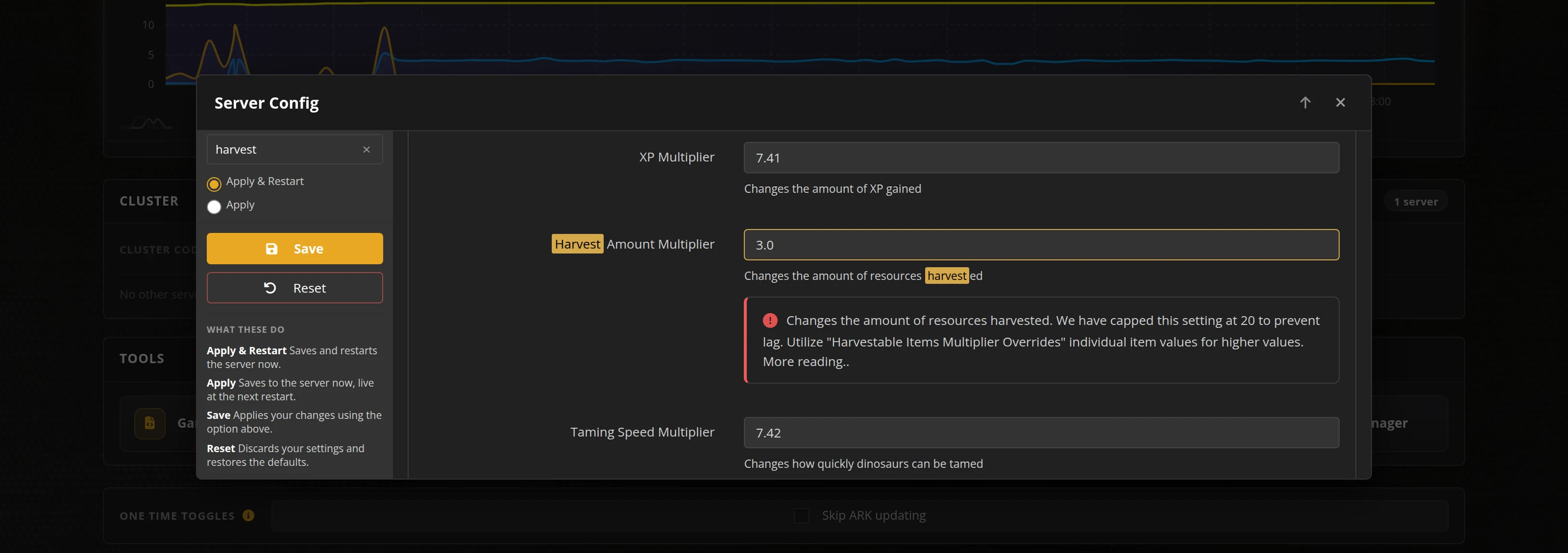
The in-house Survival Servers game control panel allows you to configure and customize your SCP: Secret Laboratory game server. Change any documented server setting with our easy one click form, switch locations instantly, and upload your own LabAPI or EXILED plugins over FTP. Survival Servers is an SCP: Secret Laboratory dedicated game server provider with our custom panel.
Watch the SCP: Secret Laboratory Trailer
SCP: Secret Laboratory is an asymmetric multiplayer horror game from Northwood Studios, set during a containment breach at an SCP Foundation facility. You spawn as Class-D personnel, a scientist, a Mobile Task Force or Chaos Insurgency soldier, or as one of the SCPs. The facility layout is generated from a new seed every round, proximity voice chat carries down the corridors, and rounds are short and repeat.
Global Network, Multiple Hosting Locations
Switch locations any time. DDoS protection available.
How to Create an SCP: Secret Laboratory Server — SCP: Secret Laboratory Server Setup Guide
This free SCP: Secret Laboratory server setup guide walks you through creating a dedicated SCP: Secret Laboratory server the fast way (with SurvivalServers) and the DIY way (self-hosted on your own hardware).
Hosting your SCP: Secret Laboratory server with us is effortless:
- Click Order Now above
- Enter a Username, Password and Email Address or sign up with Google/Twitch
- Select your slot amount, datacenter, and billing cycle
- Click "Order Now" and your SCP: Secret Laboratory server is provisioned automatically, online in minutes with full control panel access
Without SurvivalServers
Running an SCP: Secret Laboratory dedicated server yourself takes quite a bit more setup:
System Requirements
- A Windows machine. Northwood ships the dedicated server free, and it is a Windows build
- A machine you are willing to leave running whenever anyone wants to play
- A stable connection with one UDP port forwarded to the host — SCP: Secret Laboratory uses a single UDP port per server
- Everyone playing needs the free game on Steam (App ID
700330). There is no separate purchase for the server
Installation
- Install Northwood's official dedicated server and start it through
LocalAdmin, the console wrapper Northwood ships with it. It is not launched by running the server executable directly. - Forward your UDP port to the host machine and add a matching firewall rule.
- Gameplay settings live in
config_gameplay.txt— friendly fire and its damage multiplier, round restart timing, lobby wait, intercom cooldown and speech limit, warhead T-minus, decontamination, AFK kick time, tickrate, reserved slots, forced class, map seed and more. The server reads its configuration once at startup, so every change needs a restart. There is no hot reload. - Make yourself admin by putting your SteamID64 in the server's config. That grants the Server Owner role, and pressing M in game opens the Remote Admin panel. SCP: Secret Laboratory has no RCON.
- There is no join password in this game. Access control is a whitelist of SteamID64s, plus IP banning.
- Players reach your server with Servers → Direct Connect → enter IP:Port → Connect. That works as soon as the server is online.
- Appearing in the public in-game server list is a separate, manual step: Northwood reviews each server address by hand, and the server owner requests that review per IP and port.
Plugins
- LabAPI is Northwood's official plugin framework and ships with the dedicated server. EXILED loads on top of it.
- SCP: Secret Laboratory has no Steam Workshop, so plugin DLLs are copied into the server's LabAPI plugins folder by hand and kept in step with the server yourself.
Why Wait? Use SurvivalServers Instead
- Instant provisioning on enterprise NVMe SSD hardware with DDoS protection across 8 global datacenters
- Every documented config_gameplay.txt setting exposed in our custom Survival Servers control panel, no text editing required
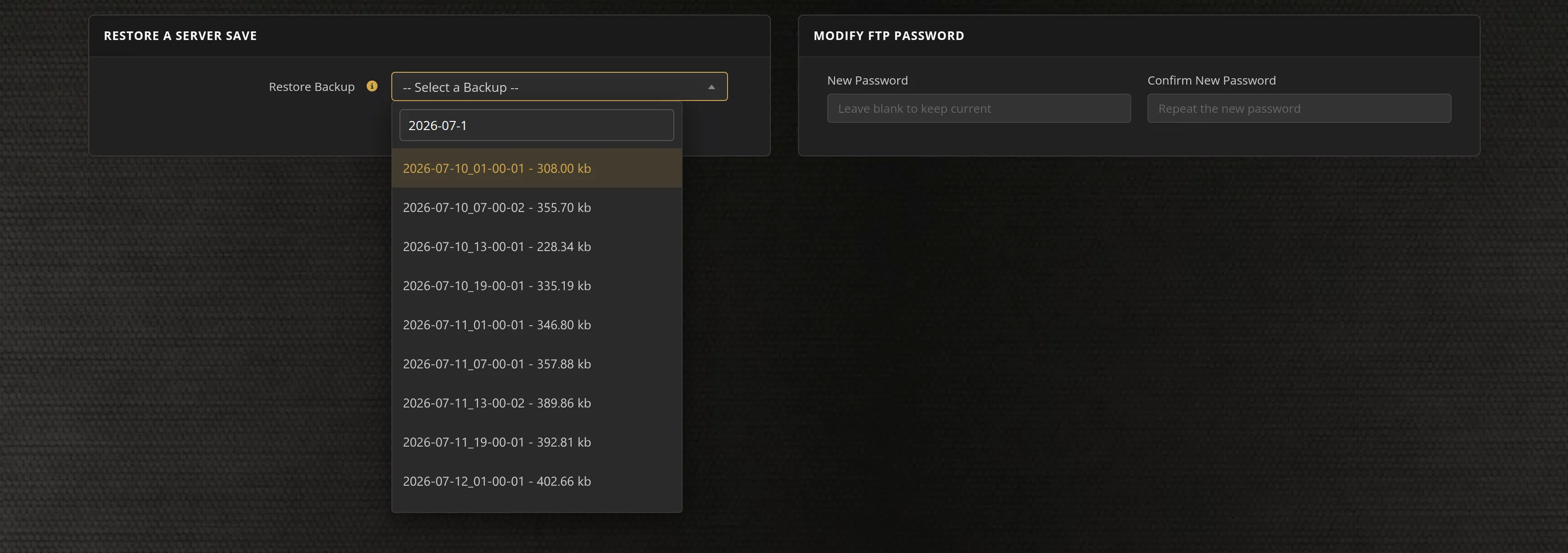
- Automated restarts, scheduled backups, and full FTP access on day one for dropping in your LabAPI and EXILED plugins
- Your server is playable over Direct Connect the moment it boots, and the control panel explains how to request Northwood's verification review if you want a public listing
- No LocalAdmin console to babysit, no port forwarding, no firewall rules, no Windows updates
SCP: Secret Laboratory Dedicated Server vs Public Servers
SCP: Secret Laboratory is played entirely on dedicated servers — there is no in-game host option — so the only way to get a facility that belongs to your group is to run one. Your own server means your config, your admin roster, and a round that is not full of strangers when your friends log in.
SCP: Secret Laboratory Settings, Plugins and Sizing
Configuration
The server is configured through its config_gameplay.txt, and every documented setting is in our control panel: friendly fire and its damage multiplier, round restart timing, lobby wait, intercom cooldown and speech limit, warhead T-minus, decontamination, the countdown gate, zone and door behaviour, AFK kick time, item retention on escape, pocket-dimension exits, tickrate, whitelist, IP banning, online mode, reserved slots, idle mode, forced class and map seed. The server reads its configuration once at startup, so changes apply on the next restart.
Plugins
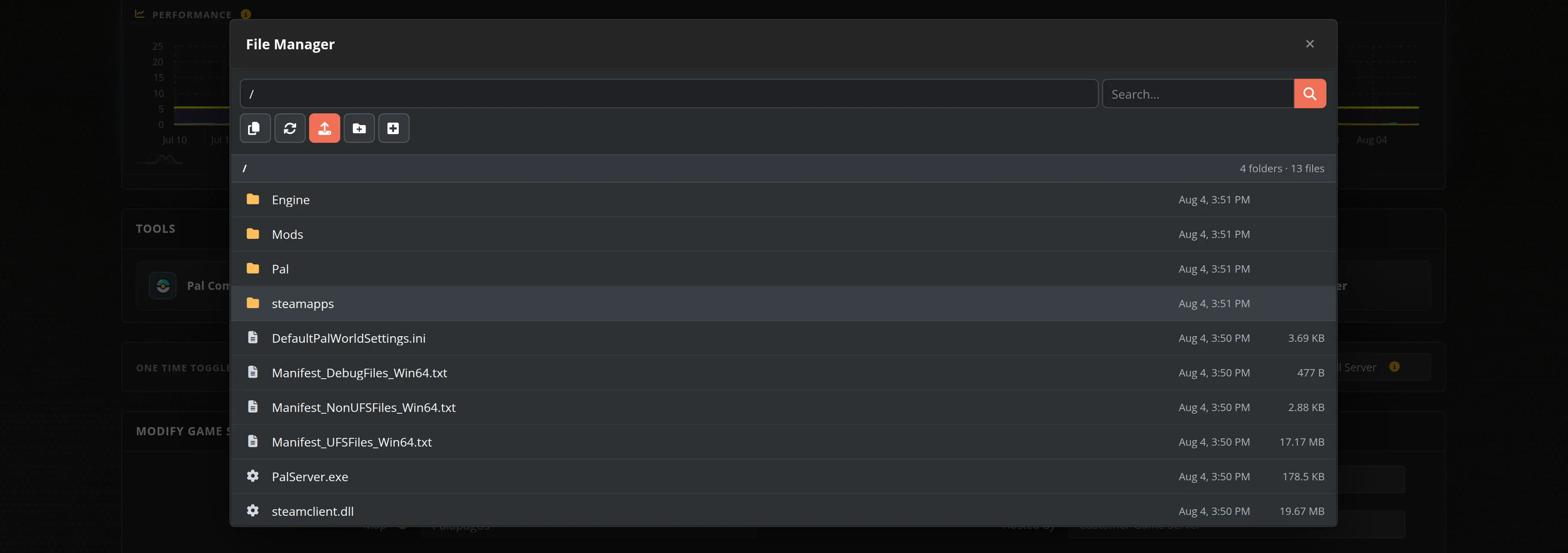
LabAPI is Northwood's official plugin framework and ships with the dedicated server, and EXILED loads on top of it. Upload your plugin DLLs over FTP or the File Manager into your server's LabAPI plugins folder. SCP: Secret Laboratory has no Steam Workshop, so there is no one click mod browser for this game.
Admin Access
Put your SteamID64 in the Admin SteamID64 field in the panel and you hold the Server Owner role, with M opening the in-game Remote Admin panel. There is no RCON and no join password in SCP: Secret Laboratory, so admin rights and access control are both keyed to SteamID64.
Sizing and Location
Plans run from 10 up to 40 slots. Rounds are short and the facility is generated from a new seed each time, so strong single-thread CPU speed and NVMe storage are what keep a full server smooth. Pick the datacenter closest to your group — proximity voice chat and close-quarters fights make latency obvious.
Frequently Asked Questions about SCP: Secret Laboratory Server Hosting
Our SCP: Secret Laboratory plans run from 10 up to 40 slots, so you can start with a small group and move up a plan later. Rounds are short and everyone respawns into the next one, so a larger slot count mostly means a busier facility and a messier containment breach.
Yes. Northwood Studios ships a free official dedicated server for Windows, and it is what we run. It is started through LocalAdmin, Northwood's own console wrapper, and it uses a single UDP port per server. Survival Servers deploys that same official server instantly with a full config editor in the control panel.
In game, open Servers, choose Direct Connect, enter your server's IP and port, and click Connect. That works the moment your server is online. The public in-game server list is a separate matter: Northwood reviews each server address by hand before it is listed, and the control panel explains how to request that review yourself if you want a public listing.
Yes. LabAPI is Northwood's official plugin framework and ships with the dedicated server, and EXILED loads on top of it. You upload plugin DLLs over FTP or the File Manager into your server's LabAPI plugins folder. SCP: Secret Laboratory has no Steam Workshop, so there is no one click mod browser for this game.
Put your SteamID64 in the Admin SteamID64 field in the control panel and restart the server. That grants you the Server Owner role, and pressing M in game opens the Remote Admin panel. SCP: Secret Laboratory has no RCON and no join password, so admin rights and access control are both keyed to SteamID64.
No. SCP: Secret Laboratory is free to play on Steam, so everyone in your group only needs to install the game. The dedicated server is free too, and Survival Servers runs Northwood's official build for you on datacenter hardware.