
Factorio Server Hosting
Our Factorio server hosting plans come with the features you need
Your game server will come with the following, instantly available features:


Space Age worlds are fully supported — all players need the Space Age DLC to join a Space Age world. Vanilla Factorio worlds work for everyone.
Access to our custom Game Server Management Panel
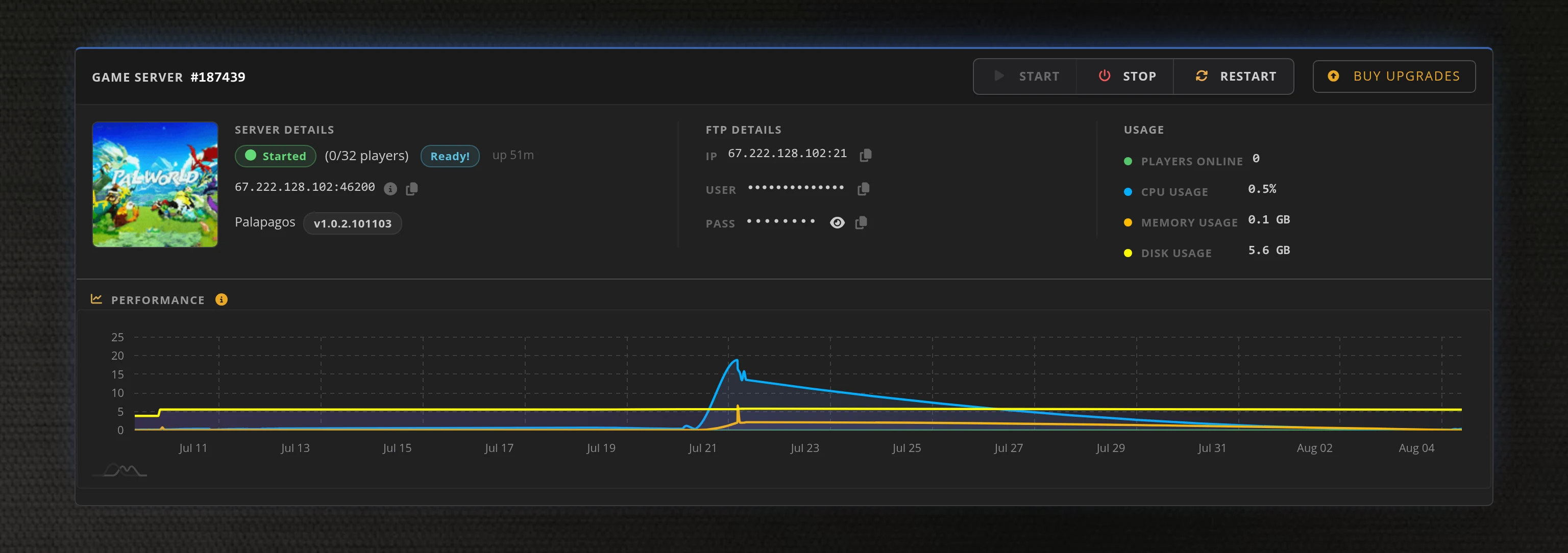
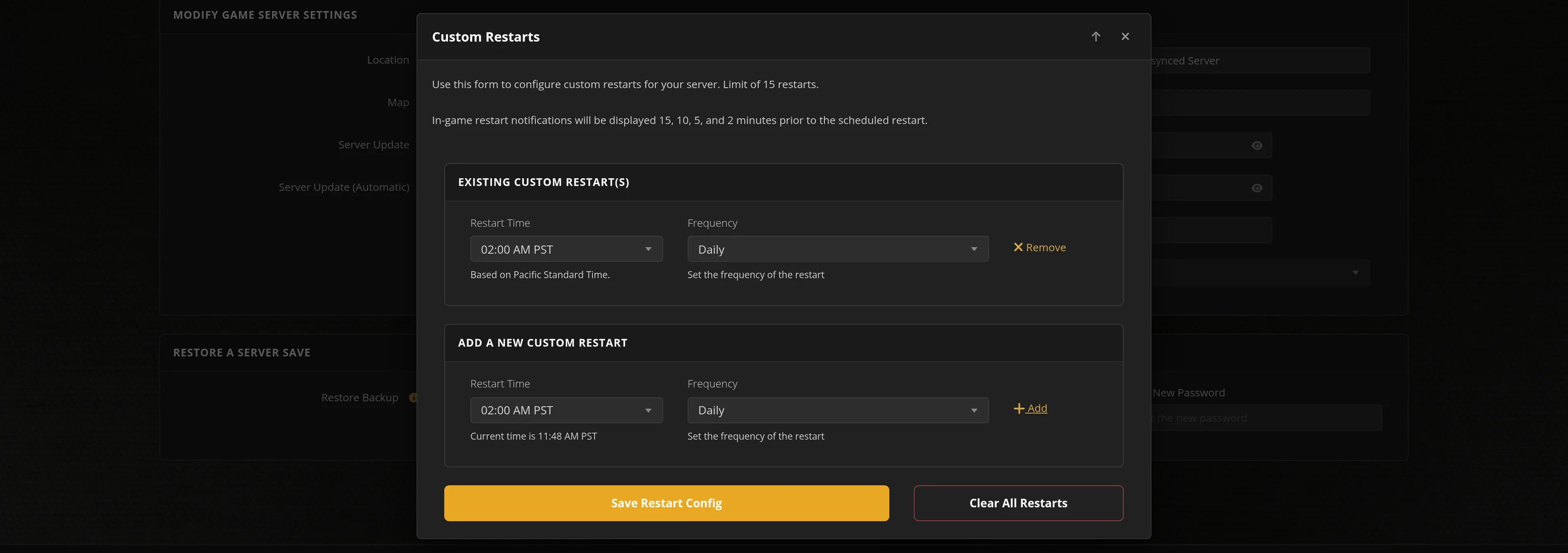
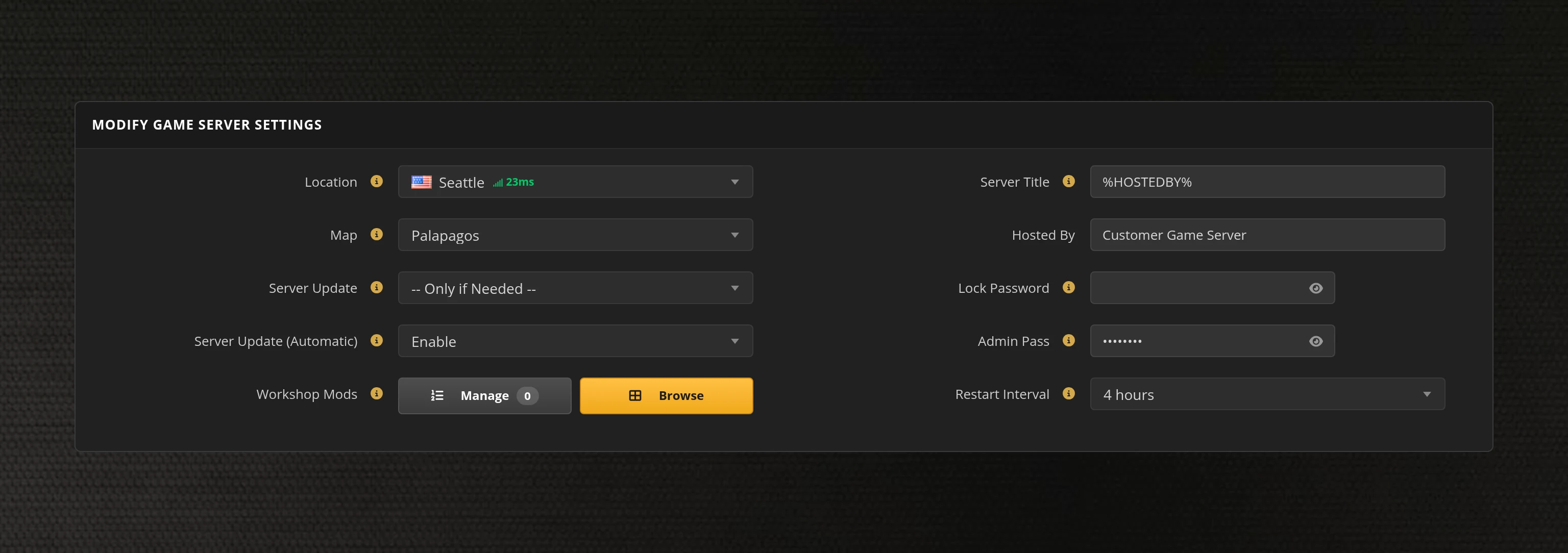
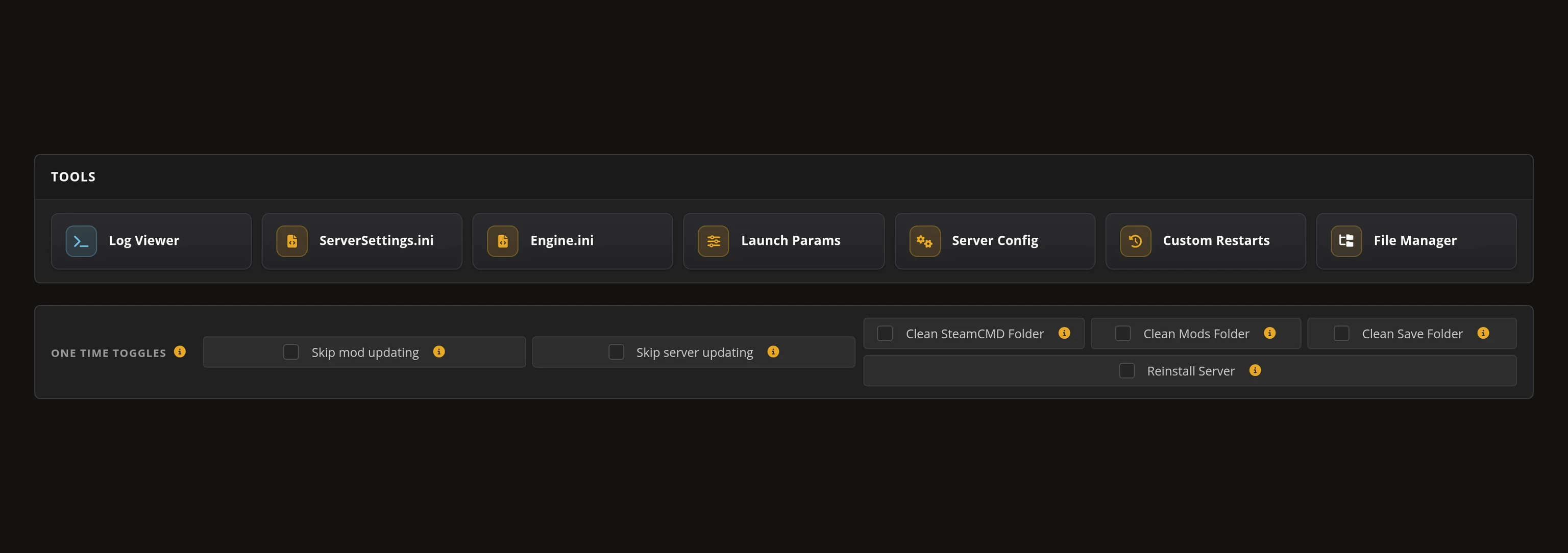
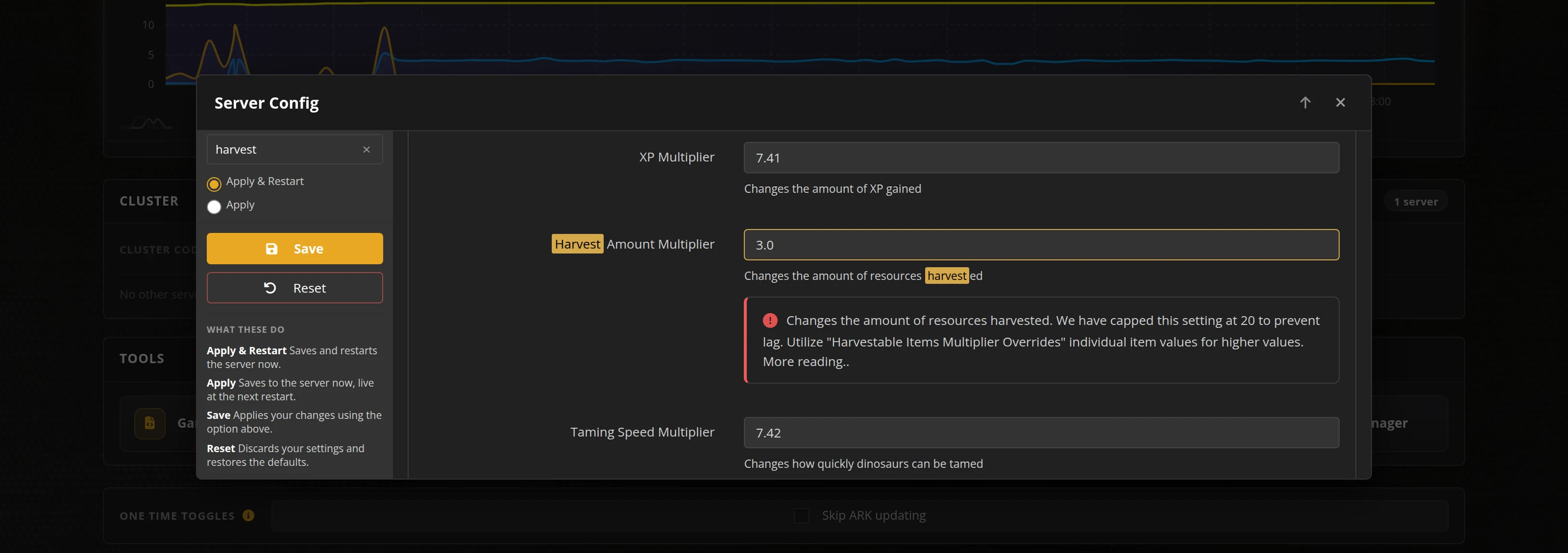
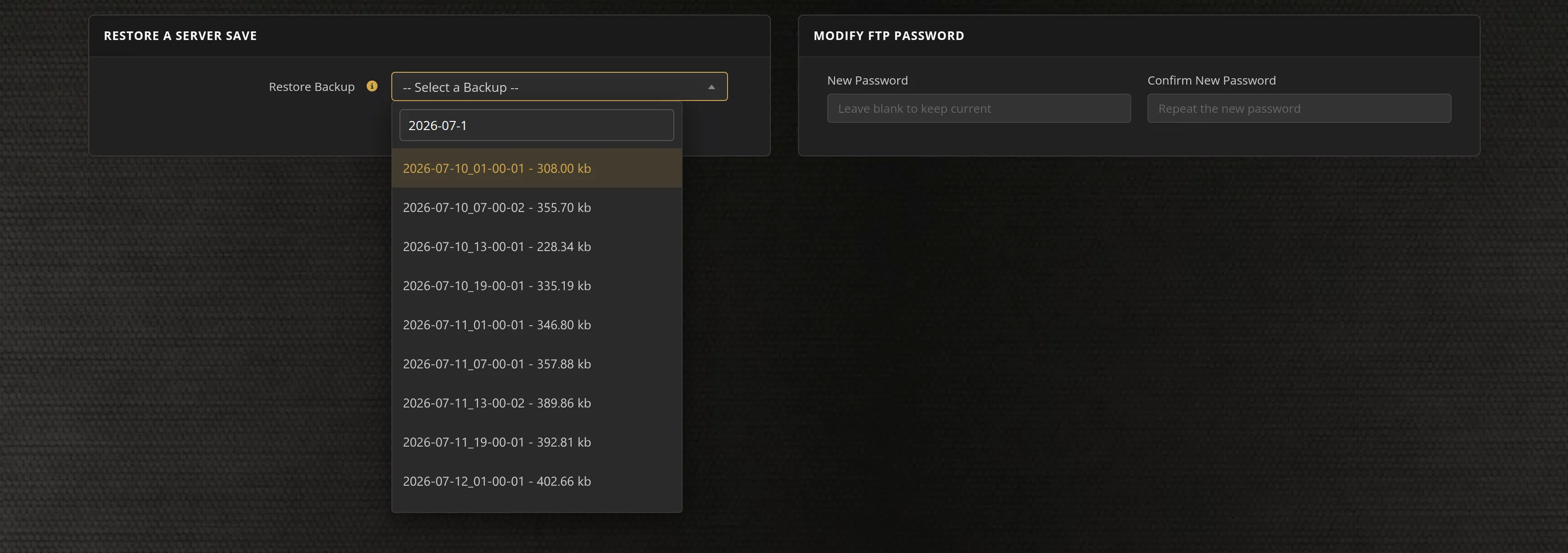
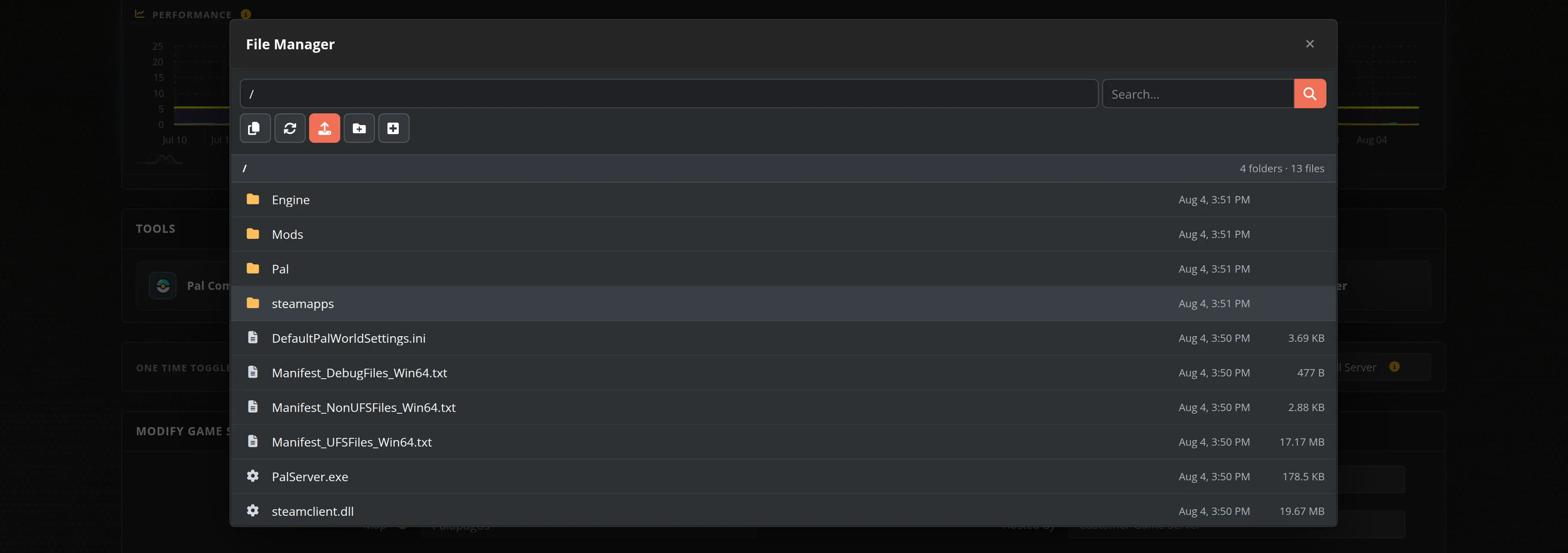
The in-house Survival Servers game control panel allows you to configure and customize your Factorio game server. Edit every server setting and world generation option, switch locations, and manage saves with our easy one click forms. Survival Servers is a Factorio dedicated game server provider with our custom panel.
Watch the Factorio: Space Age Trailer
Factorio is the definitive factory-building game from Wube Software. Crash-land on an alien planet, mine resources, research technology and build ever-growing automated factories — then defend them from the native biters your pollution provokes. The Space Age expansion sends your factory to new planets and into orbit on space platforms.
Powered by Switchboard
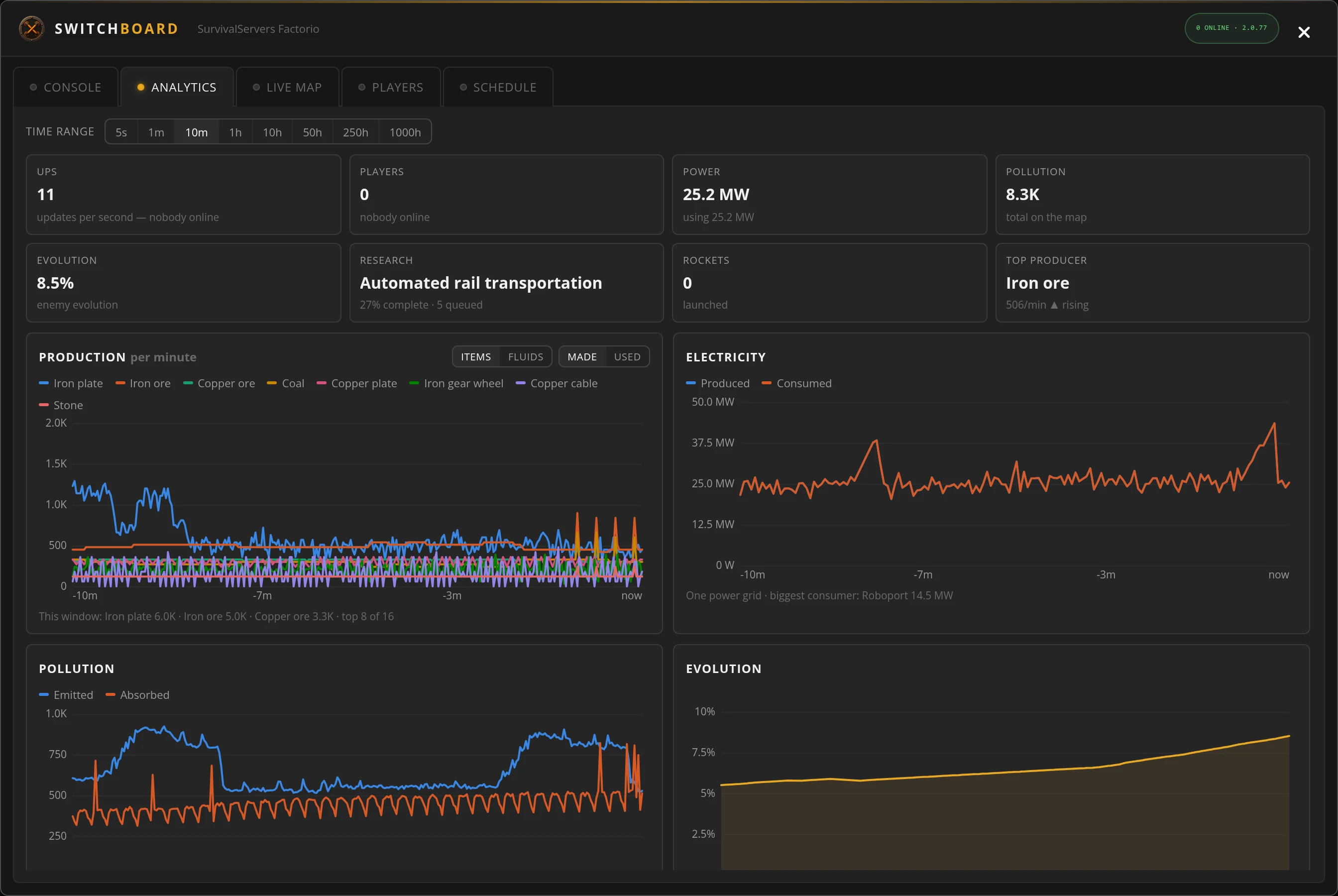
Our Factorio companion, built into the control panel: a live map of your factory, full production analytics, a web console and restart schedules.
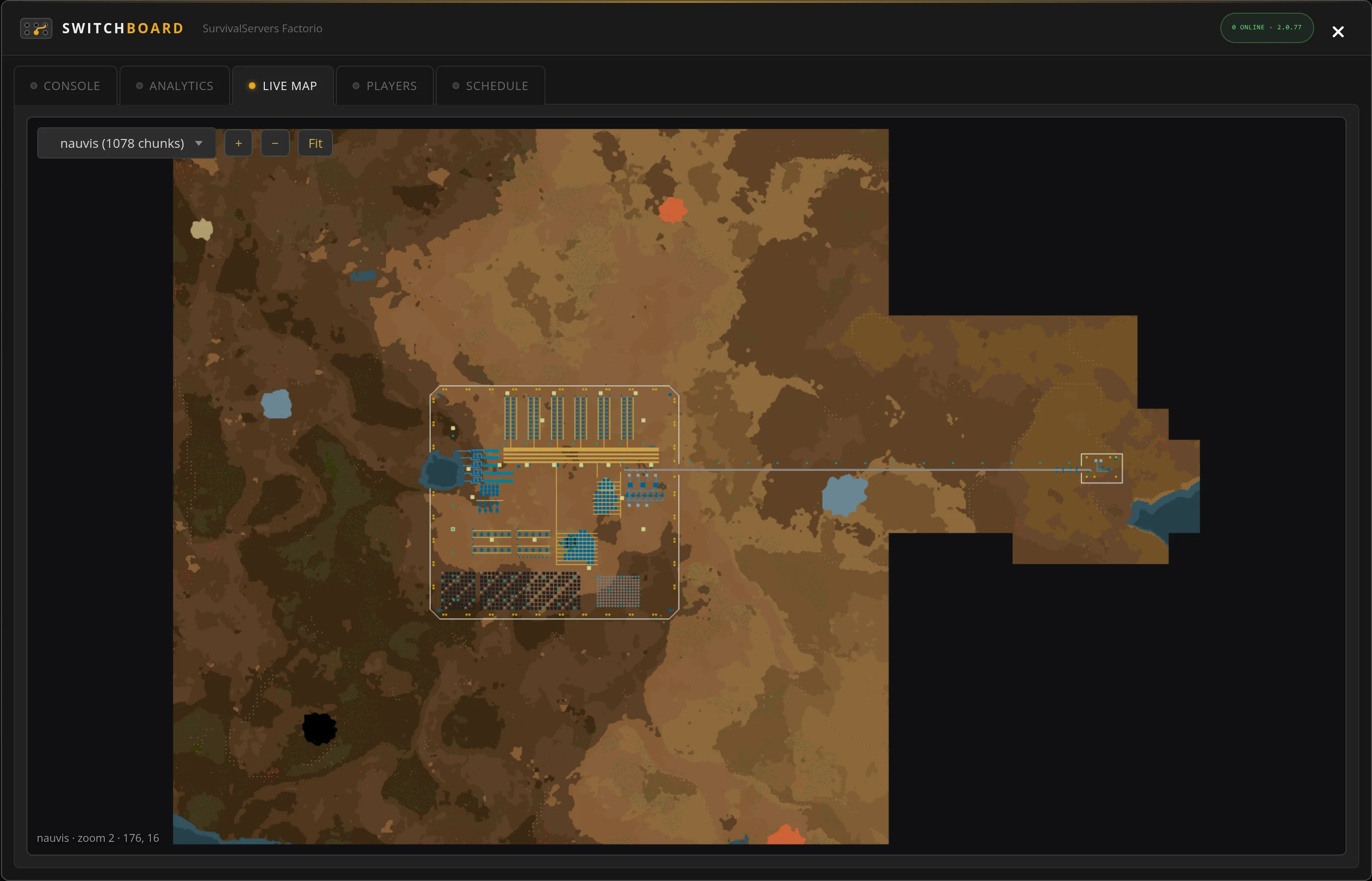
Live Factory Map
Watch your base grow on a live map of the whole world, at every zoom from map view to belt level.
Production Analytics
Production, power, pollution and evolution charts, straight from the game's own statistics.
Web Console
Run server commands and read the output right in your browser — no RCON client needed.
Schedules & Players
Scheduled saves and broadcast messages on your server's clock, plus who's online and recent join activity.
Global Network, Multiple Hosting Locations
Switch locations any time. DDoS protection available.
How to Create a Factorio Server — Factorio Server Setup Guide
This free Factorio server setup guide walks you through creating a dedicated Factorio server the fast way (with SurvivalServers) and the DIY way (self-hosted on your own hardware).
Hosting your Factorio server with us is effortless:
- Click Order Now above
- Enter a Username, Password and Email Address or sign up with Google/Twitch
- Select your slot amount, datacenter, and billing cycle
- Click "Order Now" and your Factorio server is provisioned automatically, online in minutes with full control panel access
Without SurvivalServers
Running a Factorio dedicated server yourself takes quite a bit more setup:
System Requirements
- Windows, Linux or macOS. The free headless server build from factorio.com is Linux-only; on Windows you run the full game with
--start-server - Around 3GB of disk space, plus room for saves as your factory grows
- RAM scales with your factory: a fresh world idles under 500MB, sprawling megabases can want several gigabytes and a fast single-thread CPU
- A machine you are willing to leave running whenever anyone wants to play
- A stable connection with the Factorio port forwarded (default
34197UDP, configurable)
Installation
- Download the free headless server from factorio.com (Linux), or install the game via Steam/SteamCMD — note there is no separate dedicated-server app on Steam, so the SteamCMD route needs an account that owns Factorio.
- Create a world first:
./factorio --create saves/world.zip, optionally with--map-gen-settingsand--map-settingsJSON files for custom resources, enemies and terrain. - Start it with
./factorio --start-server-load-latest --server-settings server-settings.json. The example settings file in thedata/folder documents every option. - Forward UDP port
34197(or whichever port you set) to the host machine, and add a matching firewall rule. Add--rcon-portand--rcon-passwordif you want remote admin. - Keep the server updated: Factorio requires the server and every player to run exactly the same game version, so each stable release strands an un-updated server until you patch it.
- Admins go in
server-adminlist.json; bans and whitelists have their own JSON files alongside it. - Share your public IP and port with players. They join from Multiplayer → Connect to address.
Space Age & Mods
- The Space Age expansion runs as three built-in mods (space-age, quality, elevated-rails) enabled in
mods/mod-list.json. Joining players need to own the DLC when they are enabled. - Factorio has one of the biggest modding scenes in gaming via the official mod portal; on a dedicated server every connecting player is prompted to sync the server's mods automatically.
Why Wait? Use SurvivalServers Instead
- Instant provisioning on enterprise NVMe SSD hardware with DDoS protection across 8 global datacenters
- Every server setting and world generation option editable in our custom Survival Servers control panel
- Automatic version updates the moment Wube ships a stable release — your friends never see "server is running an older version"
- Automated restarts, scheduled backups, RCON access, and full FTP on day one
- No SteamCMD wrangling, no port forwarding, no firewall rules, no updates to babysit
Factorio Dedicated Server vs In-Game Co-op
You can absolutely host a Factorio multiplayer game from inside the client — but then your factory only exists while the host is online, and everyone lags on the host's home connection. A dedicated server keeps your factory producing 24/7 in a real datacenter, so anyone in your group can log in and push the base forward on their own schedule.
Factorio Settings, Saves and Sizing
Configuration
The server is configured through its server-settings.json — verification, autosaves, pause behavior, admin lists and public listing — plus separate world generation files for presets, seed, resources and enemies. All of it is editable from our control panel, or directly over FTP if you prefer.
Console Commands
Your server has full RCON access on its own port — player list, save, kick, ban, promote and chat commands work from any Source RCON client, and the panel handles restarts and updates.
Sizing
A young factory is one of the lightest servers in gaming — and a late-game megabase is one of the hungriest. Factorio's update loop lives on a single core, so our highest single-thread CPUs and NVMe storage are exactly what keeps a big base at 60 UPS.
Location
Pick the datacenter closest to your group — lower latency keeps building and biter defense feeling instant.
From the SurvivalServers Wiki
Factorio Guides & Tutorials
Frequently Asked Questions about Factorio Server Hosting
Factorio multiplayer scales remarkably well. Our plans run from 2 up to 32 slots, and the engine itself has no hard player cap, so you can start small with friends and move up a plan without losing your world. Community events have run hundreds of players on one map.
Yes. Factorio has first-class dedicated server support from Wube Software, configured through documented JSON files with standard RCON for remote admin. Survival Servers runs that official server with instant setup, a full config and world-generation editor in the control panel, and automatic version updates.
Yes. Space Age runs as three official mods (space-age, quality, elevated-rails) that you toggle when your world is created, and our panel exposes that choice. Players joining a Space Age world need to own the Space Age DLC; vanilla worlds work for every Factorio player.
Factorio requires the server and every player to run exactly the same game version, so a server that has not updated becomes unjoinable for updated players after each stable release. Survival Servers tracks Wube's stable releases and updates your server automatically on restart, so version mismatch errors essentially disappear.
Factorio is the genre-defining factory building and automation game from Wube Software, holding Overwhelmingly Positive reviews on Steam as one of the highest-rated games on the platform. You mine resources, research technology and build sprawling automated factories while defending them from the native biters, alone or in co-op. The Space Age expansion, released in October 2024, extends your factory across new planets and orbital space platforms.