
Rising Storm 2: Vietnam Server Hosting
Our Rising Storm 2: Vietnam server hosting plans come with the features you need
Your game server will come with the following, instantly available features:


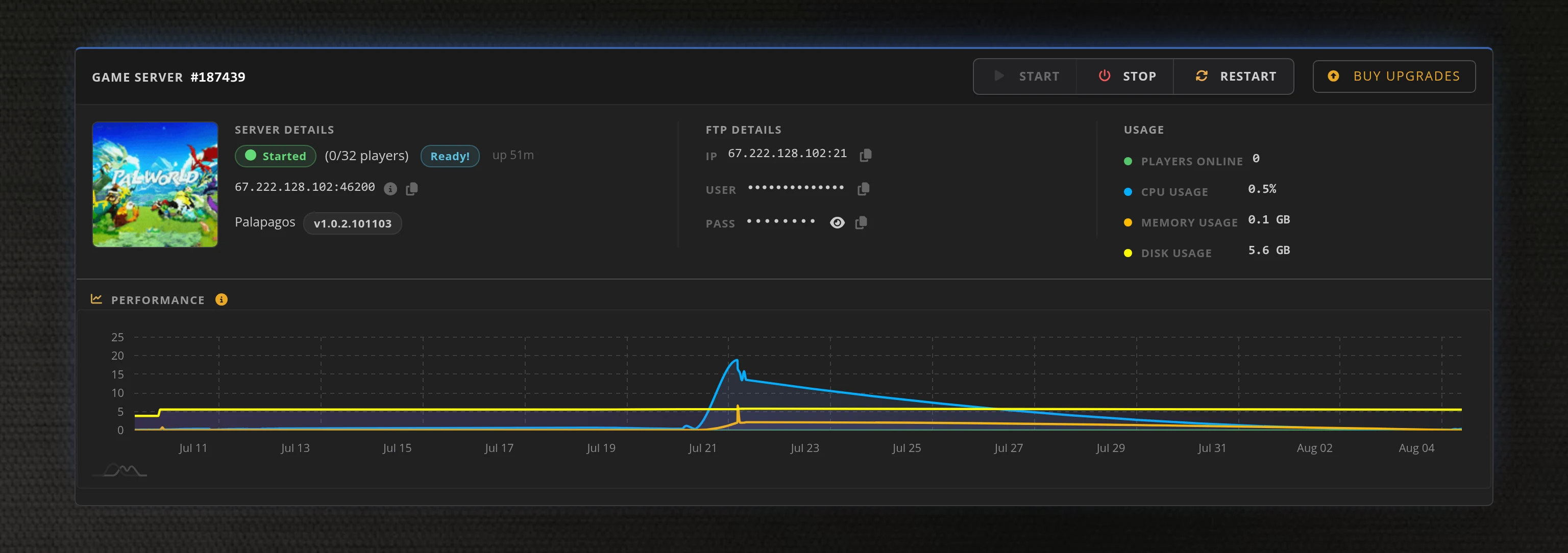
Access to our custom Game Server Management Panel
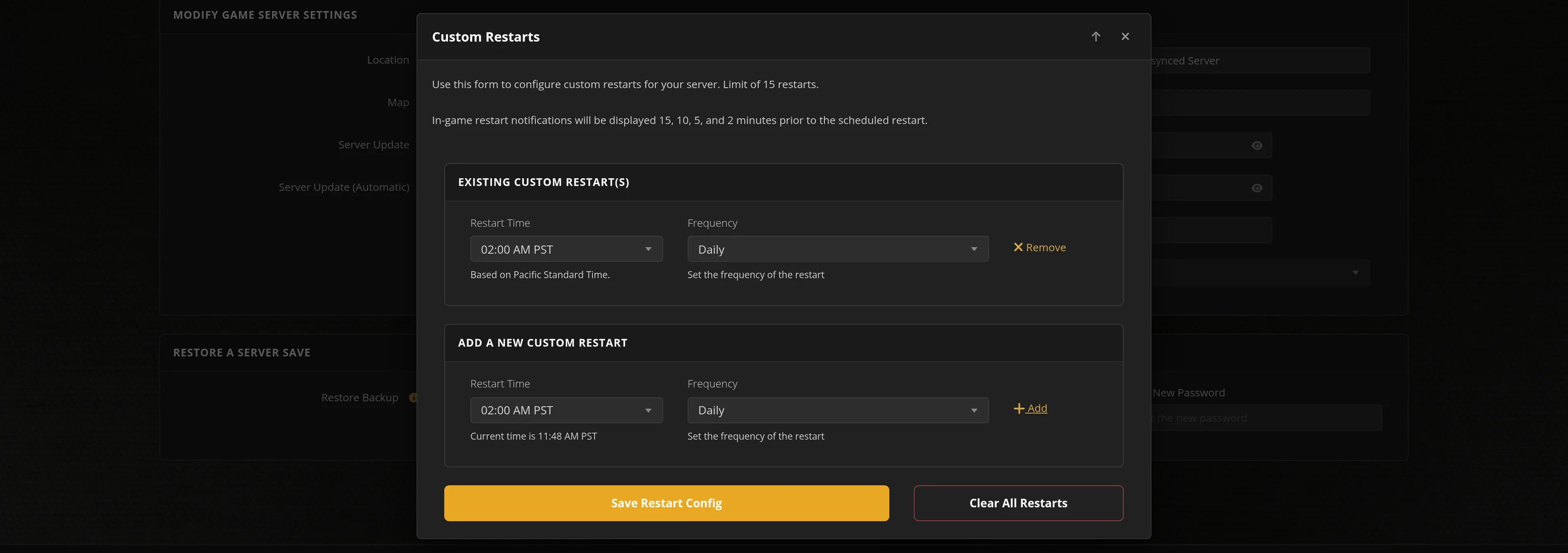
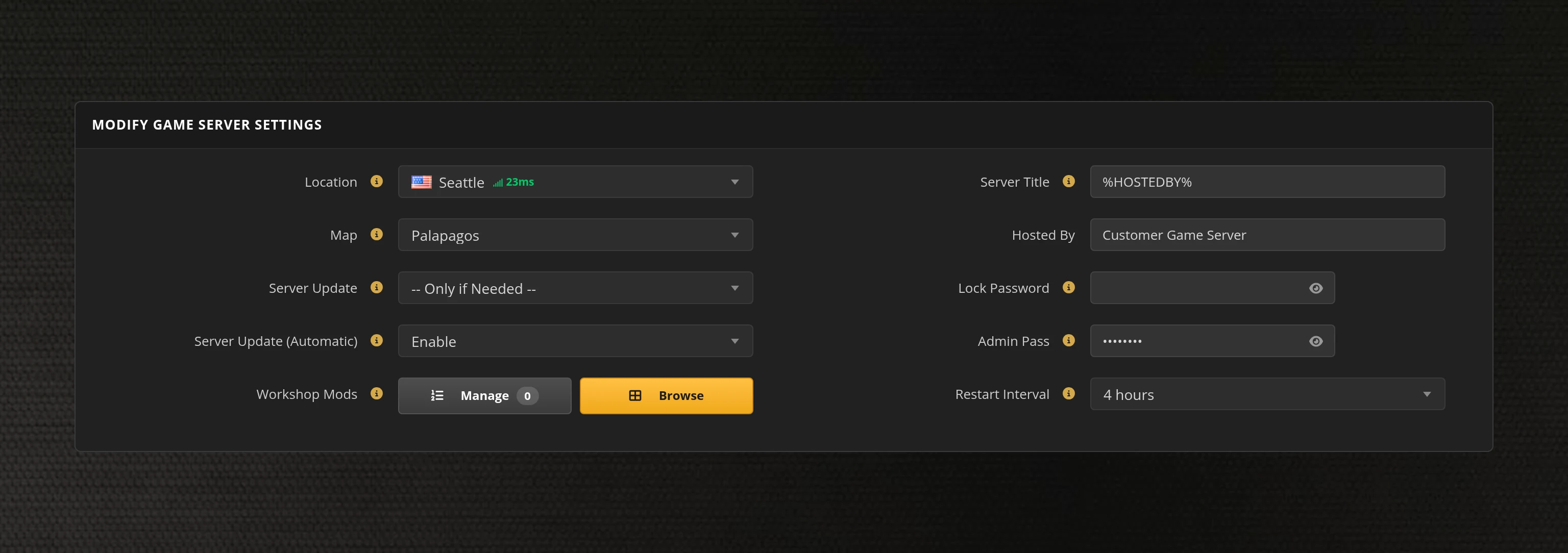
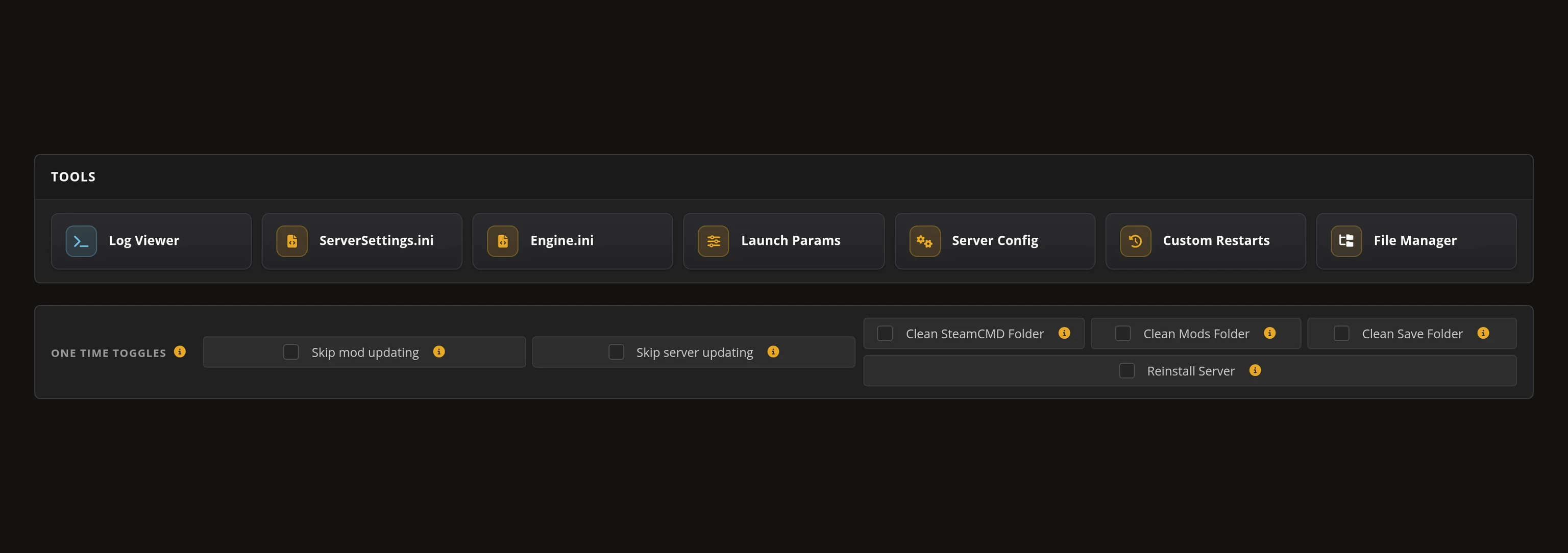
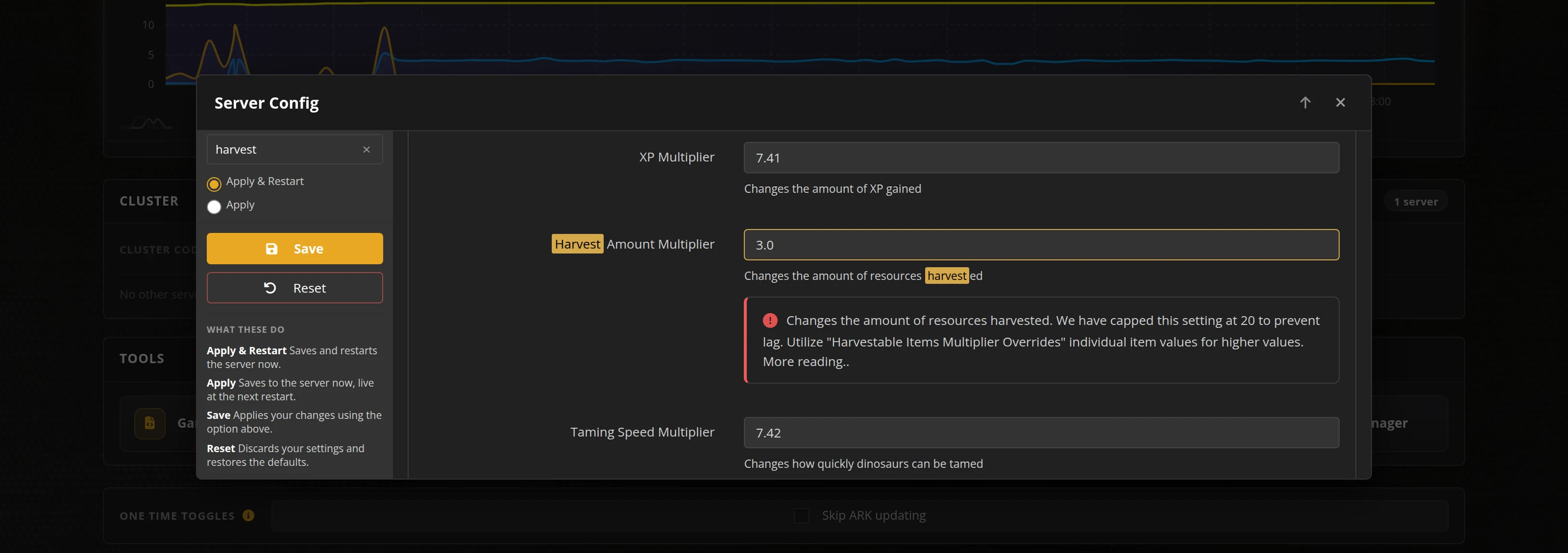
The in-house Survival Servers game control panel allows you to configure and customize your Rising Storm 2: Vietnam game server. Set the game mode, build a map cycle, tune round and team rules, and edit any setting with our easy one click form. Survival Servers is a Rising Storm 2: Vietnam dedicated game server provider with our custom panel.
Watch the Rising Storm 2: Vietnam Trailer
Rising Storm 2: Vietnam is a 64-player Vietnam-war shooter from Antimatter Games, published by Tripwire Interactive and built on Unreal Engine 3. Rounds play out across Territories, Supremacy and Skirmish on 35 maps, from tight infantry-only fights to the big combined-arms battles. Rent a Rising Storm 2: Vietnam server from Survival Servers and your community gets a fixed address, a map cycle you control, and hardware that is already up when everyone shows up.
Global Network, Multiple Hosting Locations
Switch locations any time. DDoS protection available.
How to Create a Rising Storm 2 Server — Rising Storm 2: Vietnam Server Setup Guide
This free Rising Storm 2 server setup guide walks you through creating a dedicated Rising Storm 2: Vietnam server the fast way (with SurvivalServers) and the DIY way (self-hosted on your own hardware).
Hosting your Rising Storm 2 server with us is effortless:
- Click Order Now above
- Enter a Username, Password and Email Address or sign up with Google/Twitch
- Select your slot amount, datacenter, and billing cycle
- Click "Order Now" and your Rising Storm 2 server is provisioned automatically, online in minutes with full control panel access
Without SurvivalServers
Running a Rising Storm 2: Vietnam dedicated server yourself takes quite a bit more setup:
System Requirements
- Windows. Tripwire ship the dedicated server as a Windows x64 build, so a Linux box means running it under a compatibility layer
- Around 19.7GB of disk space for the server files, plus room for logs
- A machine you are willing to leave running whenever your community wants to play
- Serious single-thread CPU headroom. Unreal Engine 3 runs the whole match on one core, so a 64-player Territories round leans on clock speed far more than core count
- A stable connection with three ports forwarded per server: the game port on UDP, the Steam query port one above it on UDP, and a third above that reserved for the optional WebAdmin panel
- Inbound ICMP echo allowed at the firewall. Rising Storm 2 measures server ping with an ICMP echo, so a host that drops it shows a garbage ping and can be left out of matchmaking entirely, with no error anywhere
- SteamCMD for headless installs
Installation
- Install the Rising Storm 2: Vietnam Dedicated Server via SteamCMD (App ID
418480). It is free and installs anonymously, so you do not need to own a second copy of the game. - Forward the three ports above per server and add matching firewall rules. Every one of them has to be unique per instance.
- The download ships no runtime config at all. The install carries only
Default*.initemplates; your realROGame.ini,ROEngine.iniandROWeb.inido not exist until the server has been started once and shut down again. - Settings are then spread across those Unreal Engine 3 ini files: server name, passwords, slots, round timing, team balance and the map cycle in one, the net driver and ports in another, the WebAdmin listener in a third.
- The browser admin panel ships disabled, and its password is the same admin password the in-game console uses. Leave that blank and nobody can log into the panel at all.
- Running more than one server on a box means a unique port trio per instance and a separate config subdirectory for each, or they overwrite each other's settings.
- Share your public IP and game port with players. They find you in the in-game server browser once the query port is answering, or connect straight to the address.
Administration
- Admin runs through the in-game console: set an admin password in your control panel, join, and sign in with it. You turn it on yourself and pick its port.
- There is no separate panel account by default. Your admin password is generated per server and shown in your control panel, so it is never a shared default.
Why Wait? Use SurvivalServers Instead
- Instant provisioning on enterprise NVMe SSD hardware with DDoS protection across 8 global datacenters
- An optional browser WebAdmin panel you can switch on in the config editor, with a unique generated password shown in your control panel
- Your config is rebuilt from our control panel on every start, so a game update can never wipe your settings
- Around 70 server settings are labelled fields in one form, alongside the map cycle
- All 35 maps across Territories, Supremacy and Skirmish are already installed and selectable
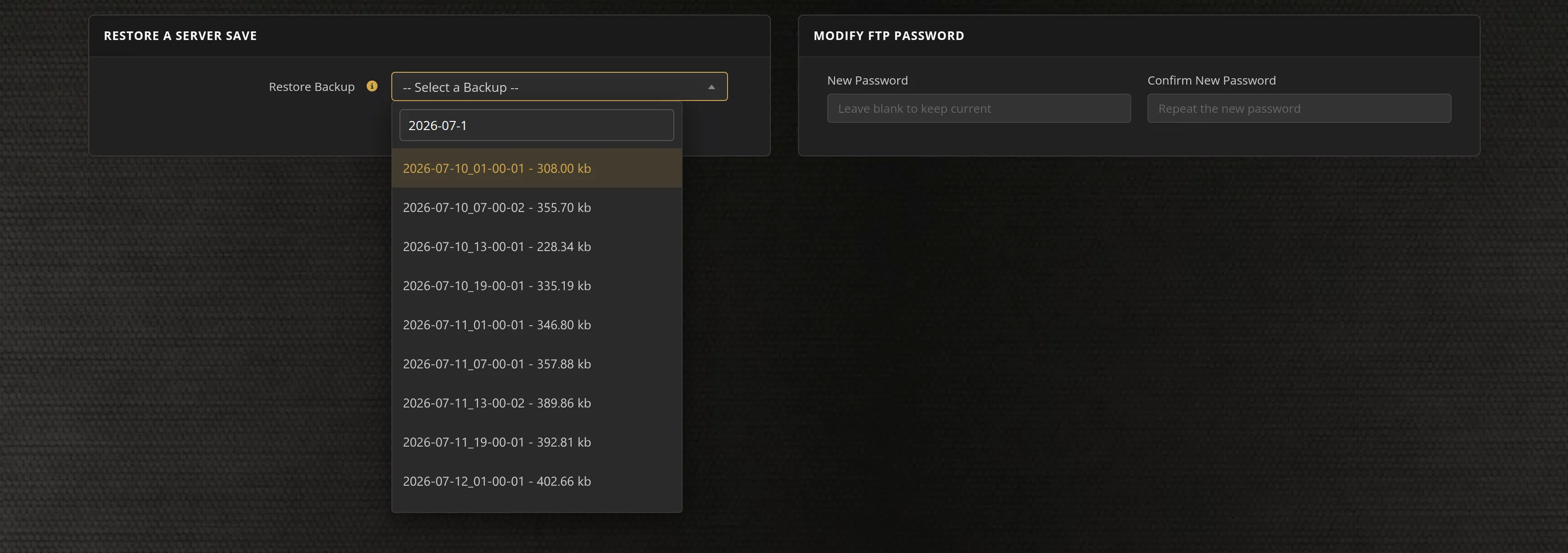
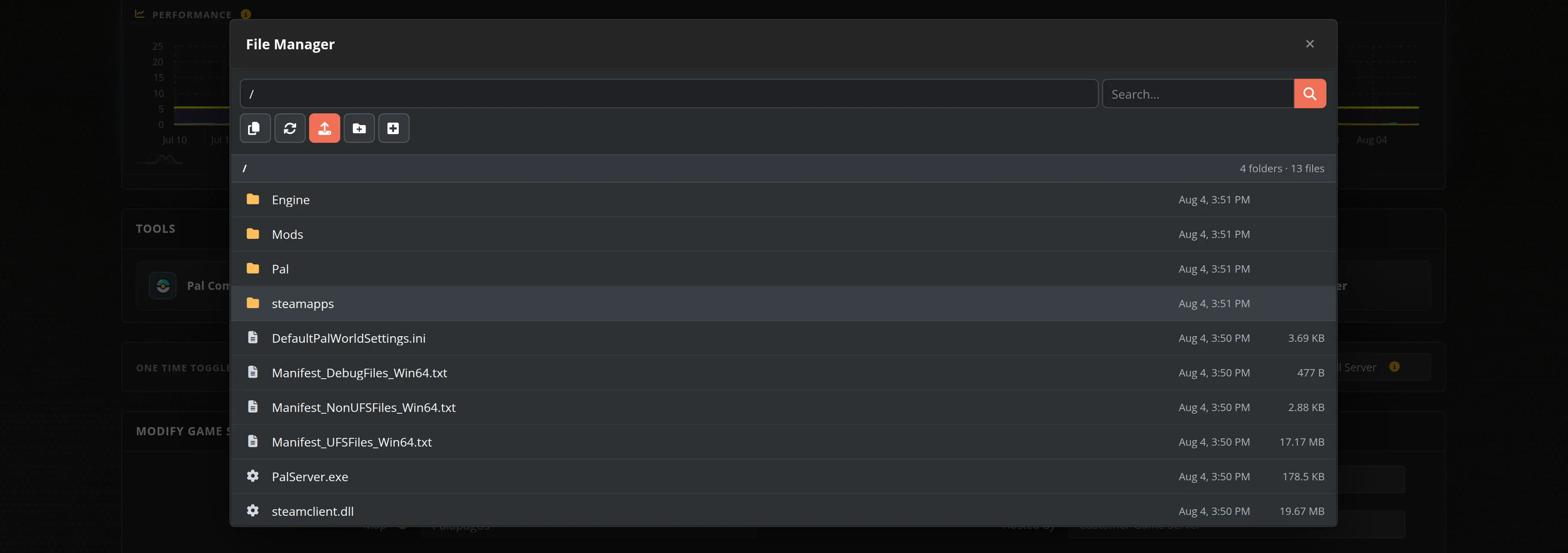
- Automated restarts, scheduled backups, and full FTP access on day one
- We track new Rising Storm 2 dedicated-server releases and roll them out for you automatically
- No SteamCMD wrangling, no 19.7GB download, no port forwarding, no firewall rules, no Windows updates to babysit
Rising Storm 2 Dedicated Server vs Running One Off Your Own PC
Rising Storm 2 is played on dedicated servers. Every entry in the in-game browser is one somebody is running, so the only real question is whose hardware it sits on. A rented one gives your community a fixed address, a listing that is up when nobody from the group is online, and a machine that is not also trying to play the game.
Rising Storm 2 Settings, Maps and Sizing
Configuration
Around seventy settings are labelled fields in our control panel: round limits and timing, team balance and auto-balance, friendly fire scaling and its punishment, damage scaling, realism level, map and kick voting, VOIP and text chat controls, ping limits, idle kick, and your MOTD and server branding. We rebuild the server's config from those settings every time it starts, so a game update can never overwrite your setup.
Game Modes and Maps
All 35 multiplayer maps ship with the server and all three modes are selectable: Territories across 25 maps including Hue City, Khe Sanh, Hill 937 and Cu Chi, Supremacy across 5, and Skirmish across 5. The map cycle is a field in the same form, so you set the order once and the server plays it.
Administration
Every setting below is in your control panel, so you never touch an ini file by hand. It gives you a live player list, kick and ban, map switching, a server console and the settings pages, from any browser, without being in the game.
Sizing
Rising Storm 2 caps a server at 64 players and we sell 16, 24, 32, 40, 48 and 64 slot plans. Skirmish is built around 16 players and the big Territories and Supremacy maps are built for 64, so size the server for the mode you actually run. Pick the datacenter closest to your players — on a 64-player push, latency is the whole game.
From the SurvivalServers Wiki
Rising Storm 2: Vietnam Guides & Tutorials
More Rising Storm 2: Vietnam guides on our wiki →Frequently Asked Questions about Rising Storm 2: Vietnam Server Hosting
Rising Storm 2: Vietnam caps a server at 64 players, and we sell 16, 24, 32, 40, 48 and 64 slot plans. Skirmish maps are designed around 16 players while the large Territories and Supremacy maps are built for 64, so pick the slot count that matches the mode you intend to run. You can change your plan later without rebuilding the server.
Yes. Tripwire Interactive ship a free standalone dedicated server tool on Steam that installs anonymously, and it is what we run for you. Ordering here skips the 19.7GB SteamCMD download, the three ports you would otherwise forward per server, and the fact that the download carries no working config until you have started it once.
35 multiplayer maps ship with the dedicated server and all of them are installed on yours. They split across three modes: 25 Territories maps including Hue City, Khe Sanh, Hill 937 and Cu Chi, 5 Supremacy maps, and 5 Skirmish maps. You set the mode and the map cycle from fields in your control panel.
Every setting is in your control panel, so you never edit an ini file by hand, and your settings are written back to the server every time it starts. From it you get a live player list, kick and ban, map switching, a server console and the settings pages, without having to be in the game. The same admin password also works from the in-game console.
Rising Storm 2: Vietnam is a 64-player Vietnam-war shooter developed by Antimatter Games and published by Tripwire Interactive, released in 2017 on Unreal Engine 3. Matches are round-based across Territories, Supremacy and Skirmish, with maps that run from tight infantry-only fights to large combined-arms battles.