
Mount & Blade: Warband Server Hosting
Our Mount & Blade: Warband server hosting plans come with the features you need
Your game server will come with the following, instantly available features:


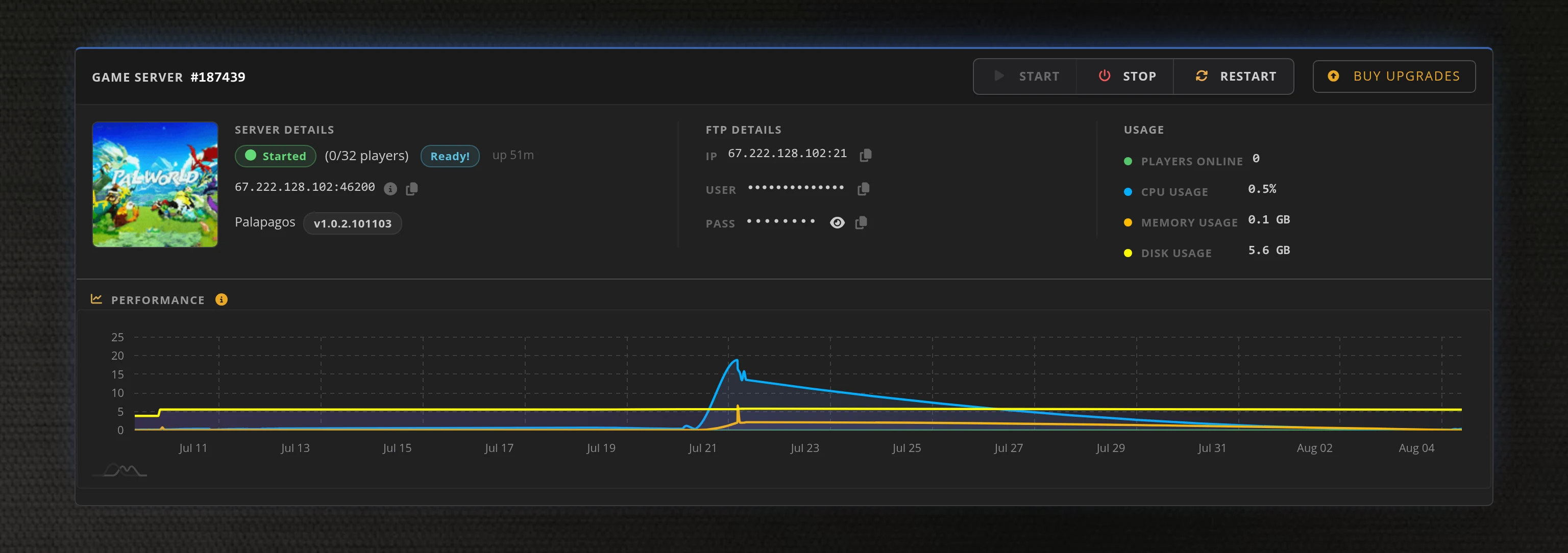
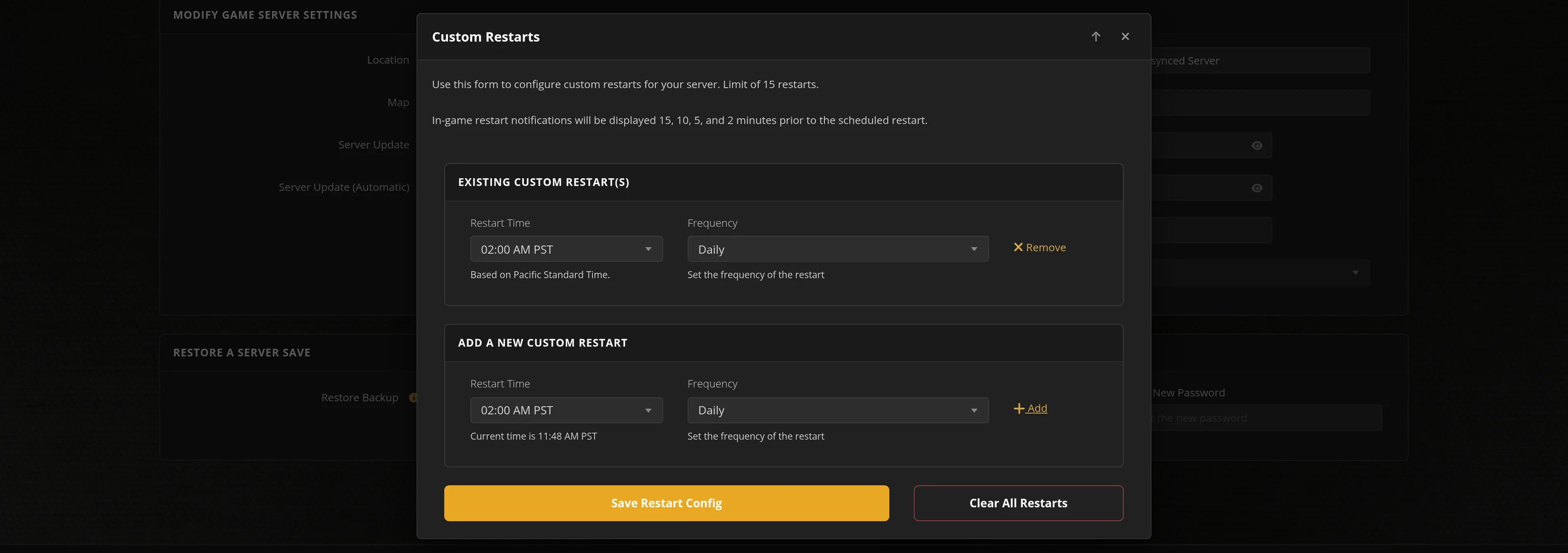
Access to our custom Game Server Management Panel
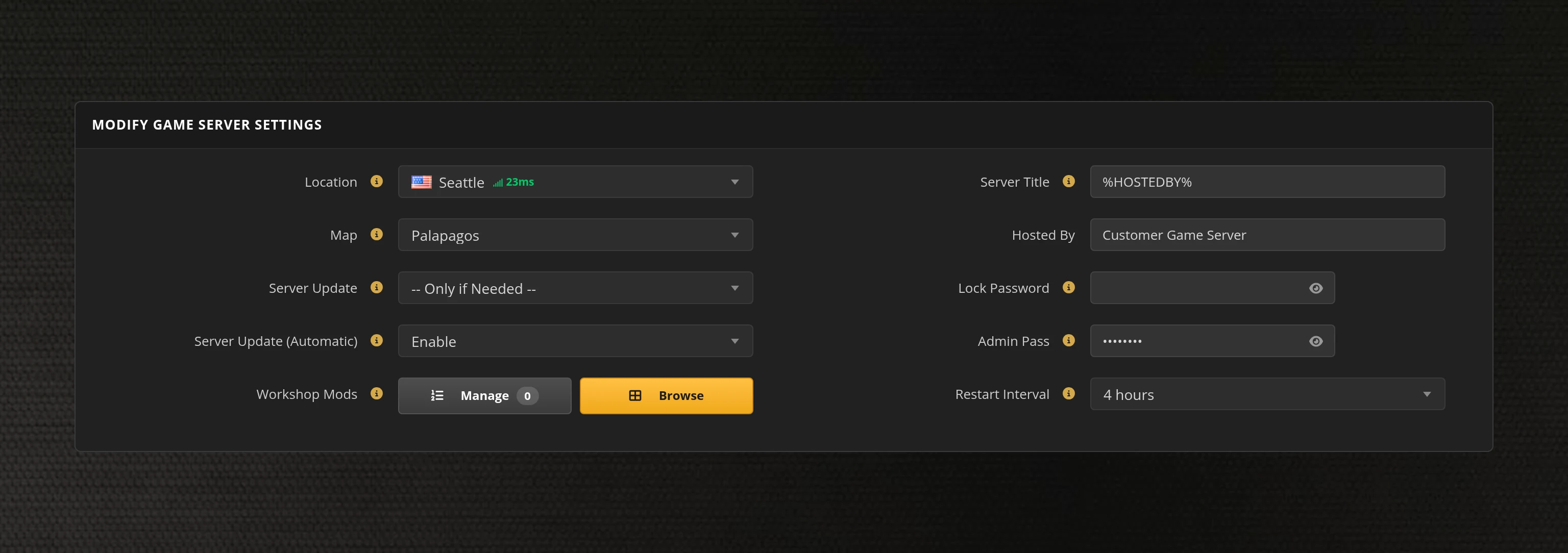
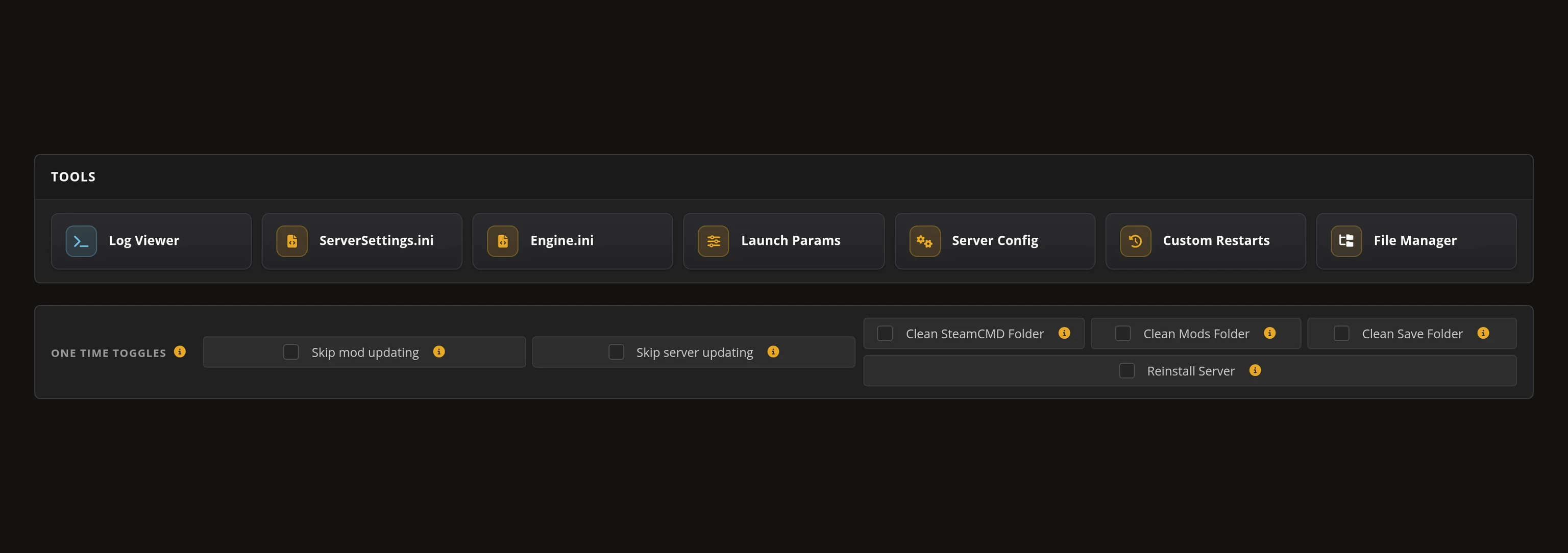
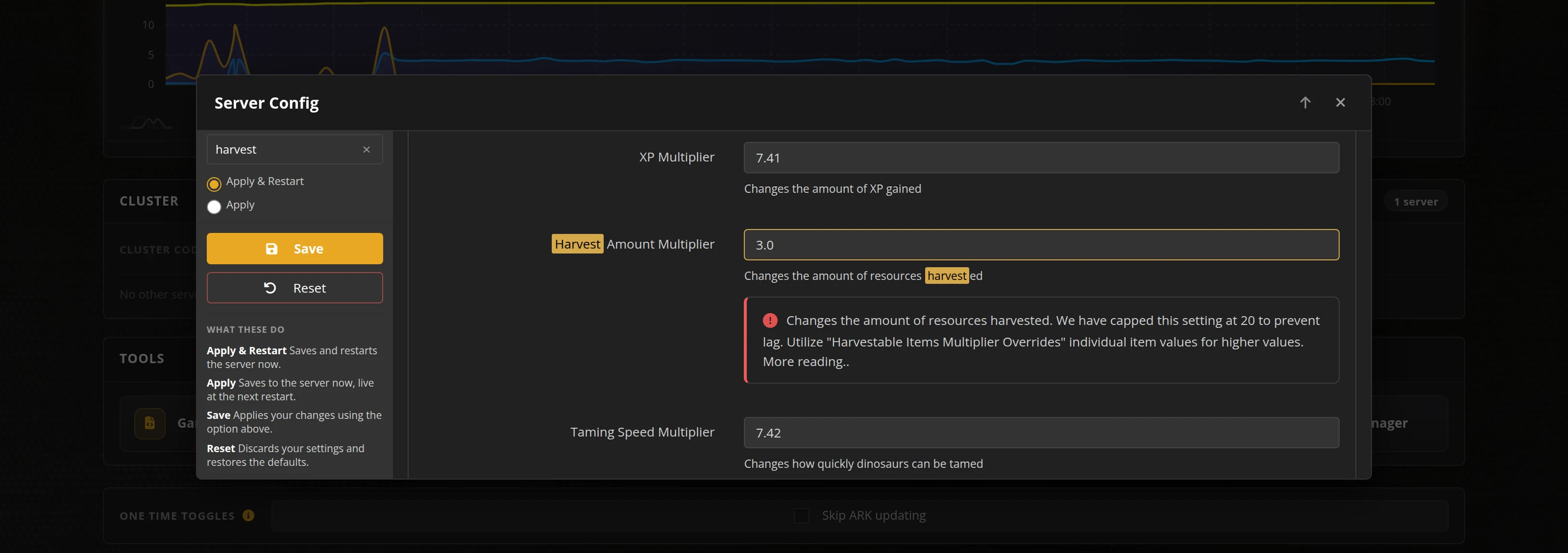
The in-house Survival Servers game control panel allows you to configure and customize your Mount & Blade: Warband game server. Pick the game mode, build a map rotation, tune combat and voting rules, and edit any setting with our easy one click form. Survival Servers is a Mount & Blade: Warband dedicated game server provider with our custom panel.
Watch the Mount & Blade: Warband Trailer
Mount & Blade: Warband is TaleWorlds' medieval combat game, and its multiplayer is a directional melee system played on dedicated servers — shield walls, cavalry charges and sieges rather than lobbies. Nine modes ship with the game, from Battle and Siege to Duel and Invasion, and the multiplayer community has been built for over a decade on modules like Persistent World, Full Invasion and cRPG, plus the organised linebattle regiments that run scheduled events every week.
Global Network, Multiple Hosting Locations
Switch locations any time. DDoS protection available.
How to Create a Mount & Blade: Warband Server — Warband Server Setup Guide
This free Warband server setup guide walks you through creating a dedicated Mount & Blade: Warband server the fast way (with SurvivalServers) and the DIY way (self-hosted), so you can pick whichever suits you.
Hosting your Warband server with us is effortless:
- Click Order Now above
- Enter a Username, Password and Email Address or sign up with Google/Twitch
- Select your slot amount, datacenter, and billing cycle
- Click "Order Now" and your Warband server is provisioned automatically, online in minutes with full control panel access
Without SurvivalServers
Running a Warband dedicated server yourself takes quite a bit more setup:
System Requirements
- Windows. Warband ships a standalone dedicated server executable that runs without the game client
- Around 220MB of disk for the server itself, plus room for whatever modules you install — a big one like Persistent World runs to a gigabyte or more
- About 1GB of memory up to 16 slots and 2GB out to 64. The server is single threaded, so a fast core matters more than a lot of them
- A machine you are willing to leave running whenever your regiment or community wants to play
- One port per server, forwarded on both TCP and UDP. TCP-only is the single most common mistake in community guides
- The dedicated server package. There is no SteamCMD app for it — TaleWorlds distributed it as a standalone download, and that download host is no longer online, so getting a clean copy is the first problem you have to solve
Installation
- Obtain and unpack the dedicated server package. It contains
mb_warband_dedicated.exe, the shared resources and theNativemodule. - Start it with
mb_warband_dedicated.exe -r <script> -m <module>. The-rfile is a list ofset_*commands ending instart, and-mnames a folder underModules. - You must launch it from its own folder. The executable resolves the script, the module tree and the log folder against the working directory, so starting it from anywhere else silently gives you a default Native server with none of your settings.
- Write the script by hand. Everything lives in it:
set_server_name,set_pass_admin,set_max_players,set_mission, theset_mapandadd_maprotation, factions, friendly fire, combat speed, voting rules and the log paths. - Forward the game port on both TCP and UDP — the server binds both on the same number.
- Running more than one server on a box means giving each instance its own port and its own
set_server_log_folderandset_server_ban_list_file, or they overwrite each other's logs and bans. - Modules have to be installed on the server too, matching what your players run. There is no Steam Workshop for Warband, so module folders are copied in by hand on both ends.
- Share your public IP and game port. Players add you under Favorites with
<ip>:<port>.
Administration
- There is no RCON and no web admin. You claim admin in game by opening the admin panel and entering the password from
set_pass_admin. - From there you can kick and ban, change the map and mode, and restart the round. That panel is the entire moderation surface.
- Bans are written to a plain text ban list in your log folder, edited by hand.
Why Wait? Use SurvivalServers Instead
- Instant provisioning on enterprise NVMe SSD hardware with DDoS protection across 8 global datacenters
- We host the server build ourselves, so there is no hunting for a package that is no longer distributed
- Your config is rebuilt from our control panel on every start, so nothing can quietly overwrite your settings
- Every server setting is a labelled field in one form — mode and map rotation, rounds and scoring, combat rules, factions, bots, and voting and admin
- Pick your game mode from a dropdown and your map rotation from a list, instead of hand-writing
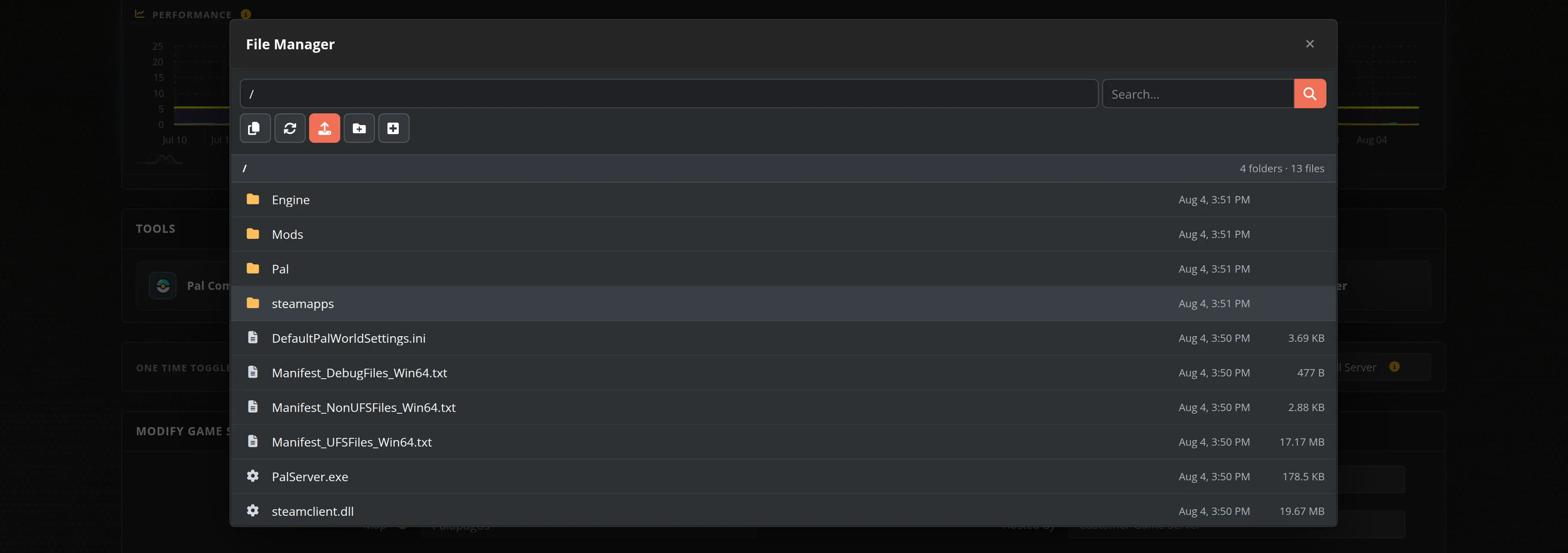
set_mapandadd_maplines - Upload Persistent World, cRPG or any other module over FTP or the File Manager and select it by name — no launch flags to edit
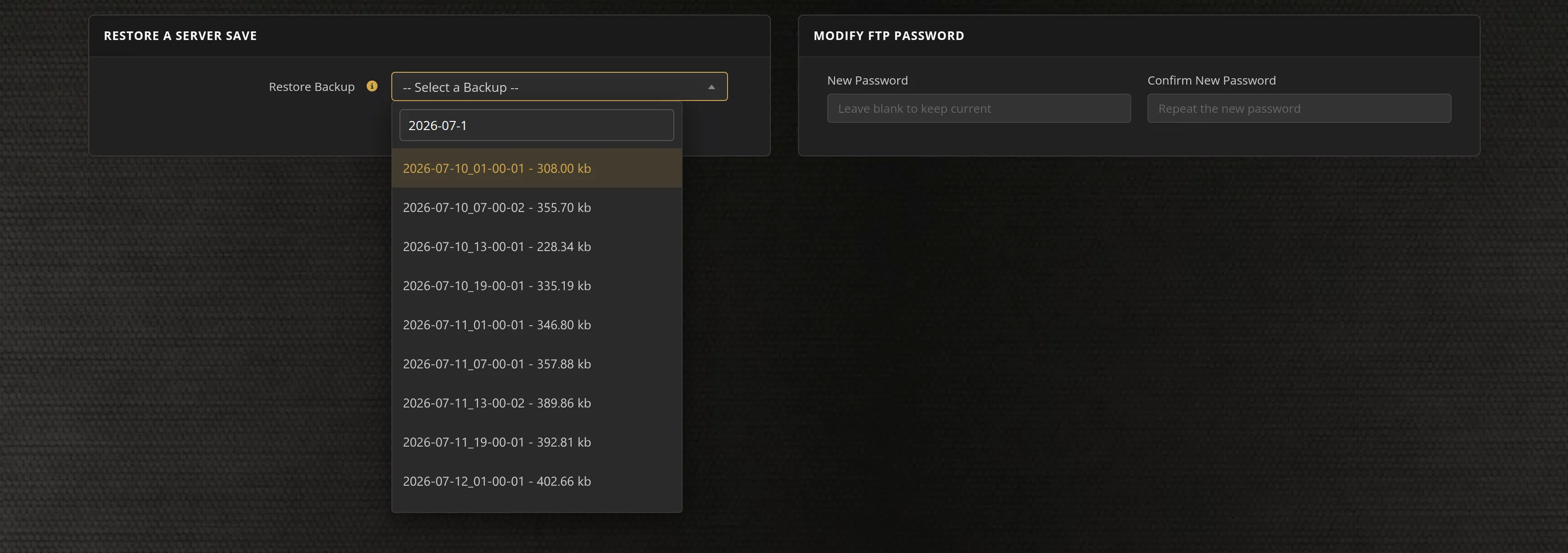
- Automated restarts, scheduled backups, and full FTP and File Manager access on day one
- No package hunting, no port forwarding, no firewall rules, no Windows updates to babysit
Warband Dedicated Server vs Running One Off Your Own PC
Warband multiplayer only exists on dedicated servers, so the real question is whose machine it runs on. A regiment's linebattle or a Persistent World community needs a server that is already up, already on the right module, and already listed when people start loading in — not one that comes and goes with whoever volunteered their desktop that week.
Warband Settings, Modules and Sizing
Configuration
Server name, join password, admin password, player limit, welcome message, upload limit and browser listing are all labelled fields in our control panel, alongside the rules that decide how the server plays: friendly fire and its damage ratios, combat speed, block direction, spectator mode, forced default armor, auto team balance, and what your players are allowed to vote on. We rebuild the server's command script from those settings every time it starts, so nothing can quietly overwrite your setup.
Modes and Map Rotation
All nine multiplayer modes are here — Battle, Siege, Deathmatch, Team Deathmatch, Capture the Flag, Conquest, Fight and Destroy, Duel and Invasion — picked from a dropdown. Each one comes up on the map rotation TaleWorlds ship for it, or you can set your own order from the twenty-odd Native scenes. Round length, map time limit, respawn period, team point limit, defender respawns, gold and flag scoring are all fields, not files.
Modules and Administration
Warband's multiplayer scene is its modules, so your server runs whichever one you name: upload Persistent World, cRPG, a linebattle module or anything else into your Modules folder over FTP or the built-in File Manager, then select it in Server Config. There is no Steam Workshop for Warband, so everyone joining needs the same module installed. Warband has no RCON — you claim admin in game with the admin password set in your panel, and bans are written to a ban list you can edit over FTP.
Sizing
A Warband server is light: ours idle at around 165 MB of memory and roughly 220 MB of disk before you add modules, with headroom to a gigabyte or two on a full 64-slot melee. The server is single threaded, so per core speed and your players' latency matter far more than core count — and past roughly 40 players in a heavy melee even a fast core starts to feel it. Plans run from 16 to 64 slots and the server turns anyone past your limit away rather than letting the field overfill. Pick the datacenter closest to your regiment or community.
From the SurvivalServers Wiki
Mount & Blade: Warband Guides & Tutorials
More Mount & Blade: Warband guides on our wiki →Frequently Asked Questions about Mount & Blade: Warband Server Hosting
Our Warband plans run from 16 up to 64 slots, which covers a duel server, a full Battle or Siege lobby and a regiment linebattle. The limit is a server setting, so the server itself turns anyone past your slot count away rather than letting the field overfill. You can move up or down a plan at any time from your control panel. Modules like Persistent World are often run larger, and the engine will accept it, but Warband's server is single threaded and a heavy melee past roughly 40 players starts to feel it on any hardware.
Yes. TaleWorlds shipped a standalone dedicated server for Warband and it does not need a copy of the game to run. The catch is that it was never on Steam and the official download host is no longer online, so hosting it yourself starts with finding a clean copy of the package. We host that build ourselves and install it per server, so ordering here skips the package hunt, the two UDP ports you would forward, and the command script you would otherwise write by hand.
You share your address and they add it directly: from the main menu choose Multiplayer, open the Favorites tab, click Add Server and enter your IP and port. It stays in their list from then on, which is how regiments and communities run their regular servers anyway. If you set a join password they are asked for it as they connect. Your control panel shows the exact address to share.
Yes, and that is what most Warband servers do. Modules are self-contained folders, so you upload one into your server's Modules folder over FTP or the built-in File Manager, then select it by name in Server Config and restart. There is no Steam Workshop for Warband, so everyone joining needs the same module installed and selected in their own launcher. Only the stock Native module ships with the server, and Napoleonic Wars is paid DLC content that we cannot distribute.
All nine that ship with the game: Battle, Siege, Deathmatch, Team Deathmatch, Capture the Flag, Conquest, Fight and Destroy, Duel and Invasion. You pick one from a dropdown in the control panel and the server comes up on the map rotation TaleWorlds ship for that mode, or you can set your own order. Round length, respawn timing, team point limits, friendly fire, combat speed and what your players may vote on are all fields in the same form.
Mount & Blade: Warband is TaleWorlds' medieval combat game, built around a directional melee system where blocking and timing decide fights rather than reflexes alone. Its multiplayer runs on dedicated servers and has sustained an unusually long-lived community: organised linebattle regiments, roleplay servers running Persistent World, and the long-running cRPG progression mod. Version 1.174 is the final release, which means a server set up today stays compatible indefinitely.