
Necesse Game Server Hosting
Our Necesse server hosting plans come with the features you need
Your game server will come with the following, instantly available features:


Access to our custom Game Server Management Panel
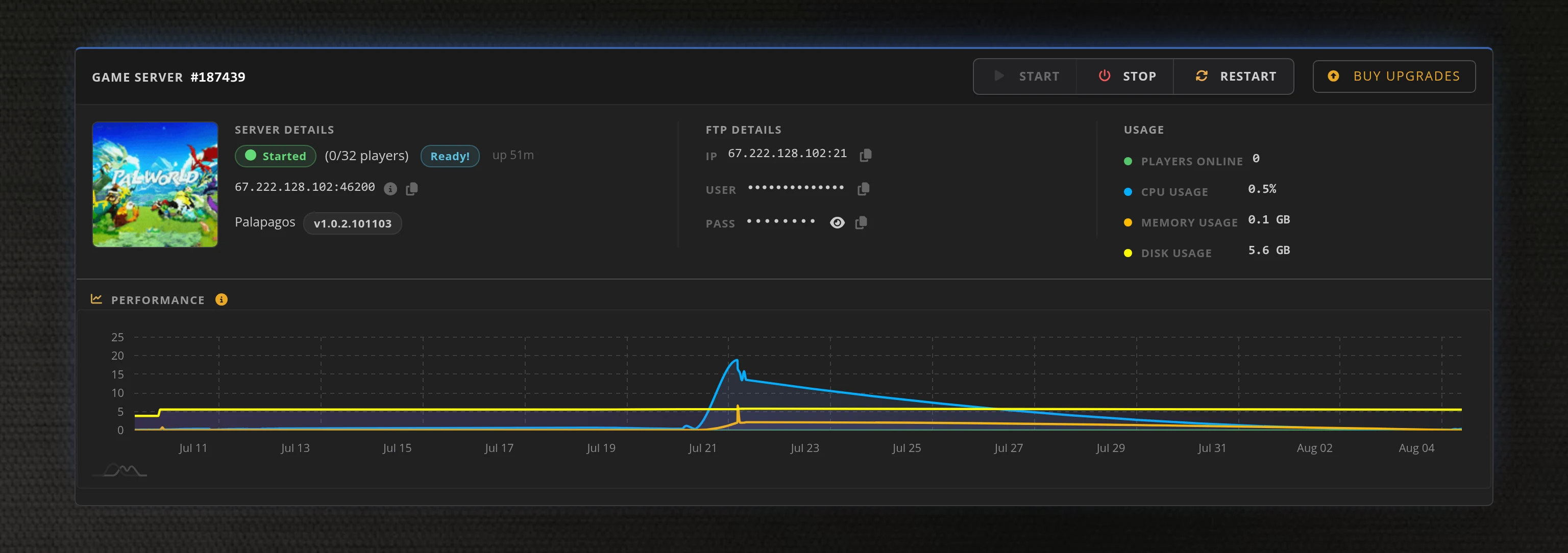
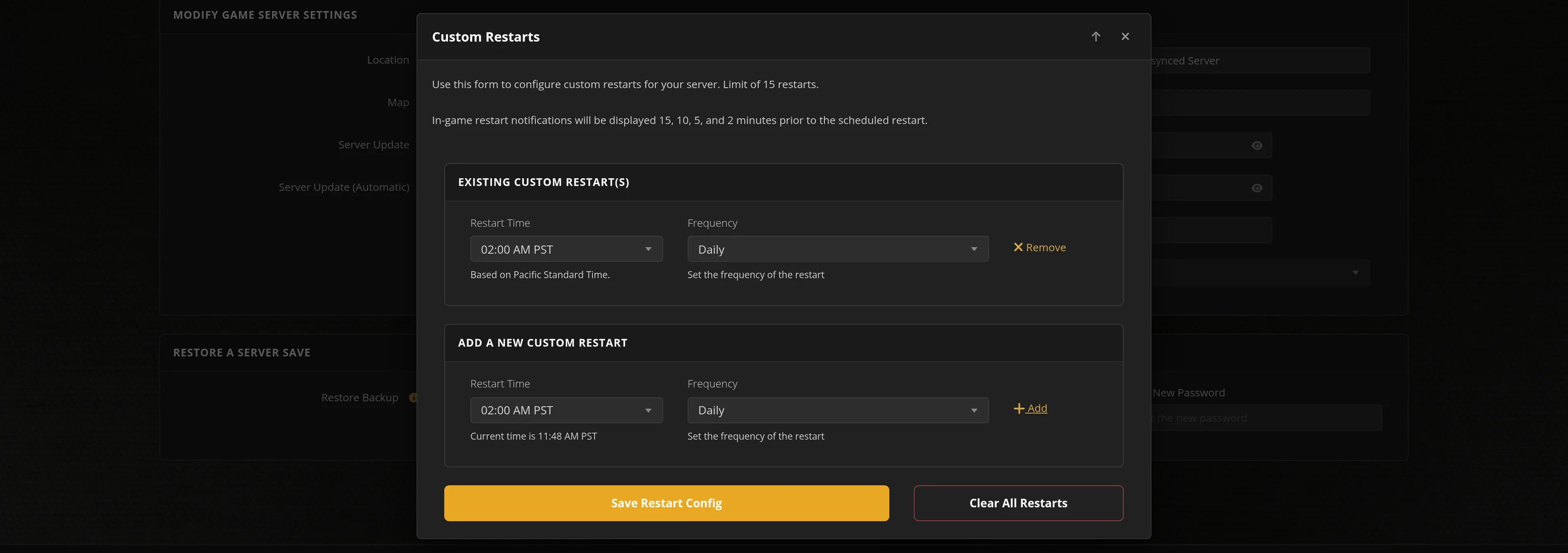
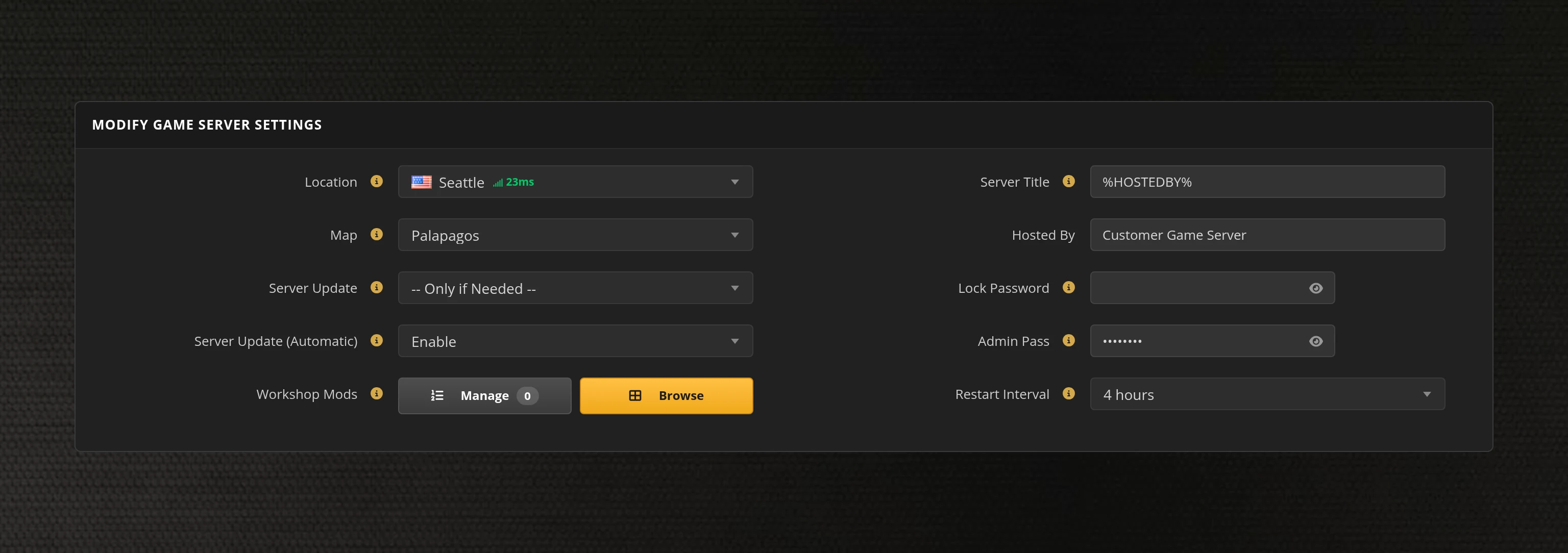
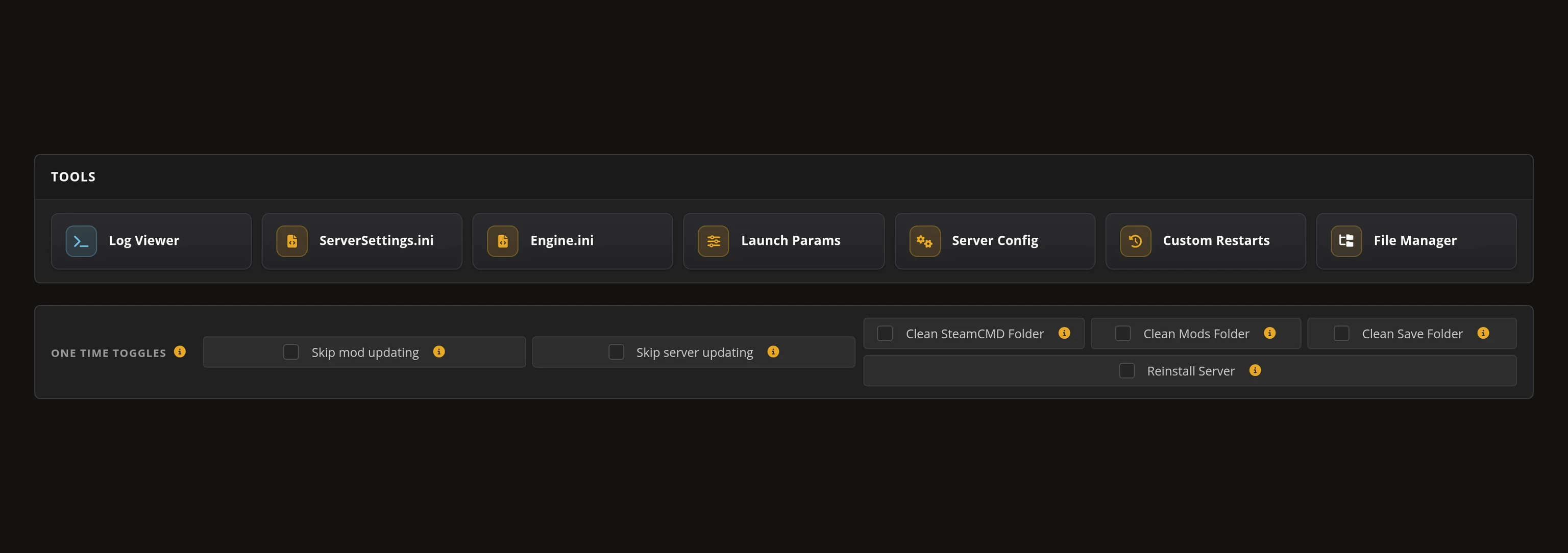
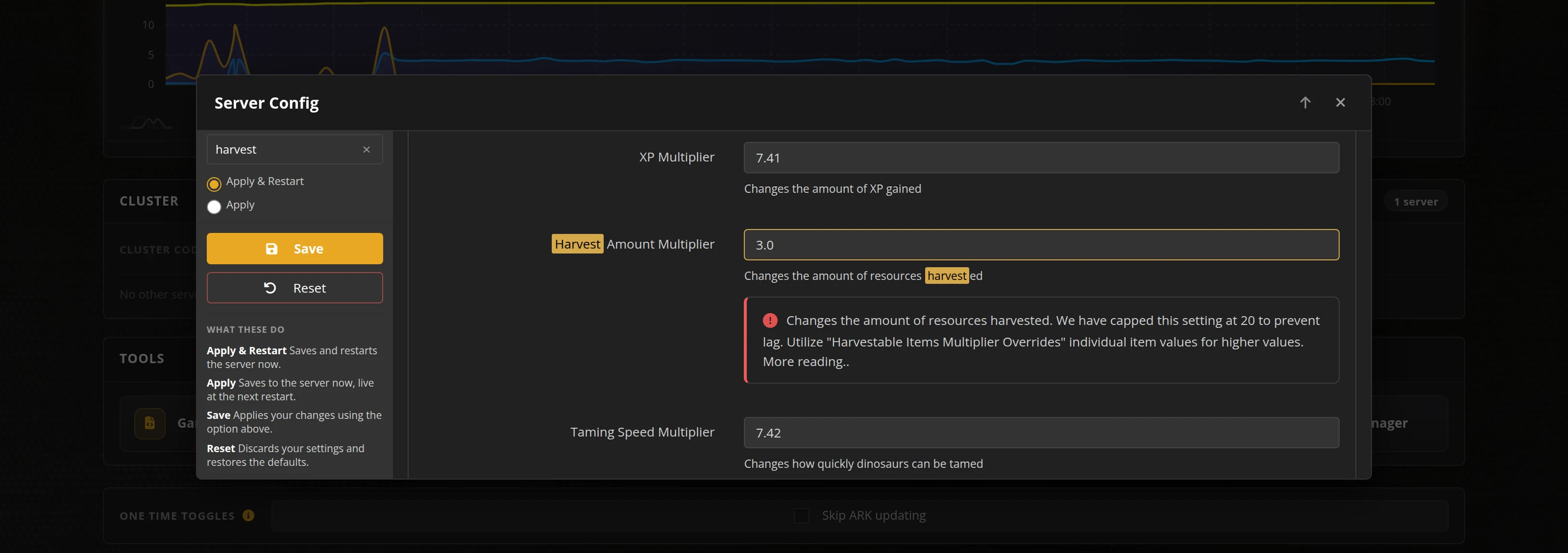
The in-house Survival Servers game control panel allows you to configure and customize your Necesse game server. Install supported mods / maps, switch locations, and change any setting with our easy one click form. Survival Servers is a Necesse dedicated game server provider with our custom panel.
Watch the Necesse Trailer
Necesse is an open-world survival sandbox RPG from Fair Games ApS. Build, quest and explore across an infinite procedurally generated world, alone or with friends, establishing a settlement while you dive into deep dungeons, fight monsters and bosses, mine rare ores and craft magical equipment.
Global Network, Multiple Hosting Locations
Switch locations any time. DDoS protection available.
How to Create a Necesse Server — Necesse Server Setup Guide
This free Necesse server setup guide walks you through creating a dedicated Necesse server the fast way (with SurvivalServers) and the DIY way (self-hosted on your own hardware).
Hosting your Necesse server with us is effortless:
- Click Order Now above
- Enter a Username, Password and Email Address or sign up with Google/Twitch
- Select your slot amount, datacenter, and billing cycle
- Click "Order Now" and your Necesse server is provisioned automatically, online in minutes with full control panel access
Without SurvivalServers
Running a Necesse dedicated server yourself takes quite a bit more setup:
System Requirements
- Windows or Linux. The server ships with its own Java runtime, so there is nothing extra to install
- Around 300MB of disk space for the server itself, plus room for world saves as they grow
- A machine you are willing to leave running whenever anyone wants to play
- A stable connection with the Necesse port forwarded (default
14159UDP, configurable) - SteamCMD for headless installs
Installation
- Install the Necesse Dedicated Server via SteamCMD (App ID
1169370). It is free and installs anonymously, so you do not need to own a second copy of the game. - Launch it with the
-noguiflag. Without that flag the server tries to open a desktop window and will not start on a headless box. - Forward UDP port
14159(or whichever port you set) to the host machine, and add a matching firewall rule. - Settings live in
server.cfgunder%APPDATA%\Necesse\cfg\— slots, password, message of the day, item despawn timers and settlement limits. Edit it while the server is stopped: Necesse rewrites the file when it shuts down cleanly, which will overwrite changes made while it was running. - World saves are single
.zipfiles under%APPDATA%\Necesse\saves\worlds\. Back those up yourself on a schedule. - Running more than one server on the same machine is fiddly: every instance reads that same
%APPDATA%folder, so without redirecting it per instance they will share one config and overwrite each other's worlds. - Share your public IP and port with players. They join from the Necesse multiplayer menu by entering the address directly.
Mods
- Necesse supports mods through the Steam Workshop and the game ships its own mod loader.
- On a dedicated server every connecting player needs the same mods as the server, so keeping a modded server in step with its players is work you take on yourself.
Why Wait? Use SurvivalServers Instead
- Instant provisioning on enterprise NVMe SSD hardware with DDoS protection across 8 global datacenters
- Server config, save management, and gameplay settings through our custom Survival Servers control panel
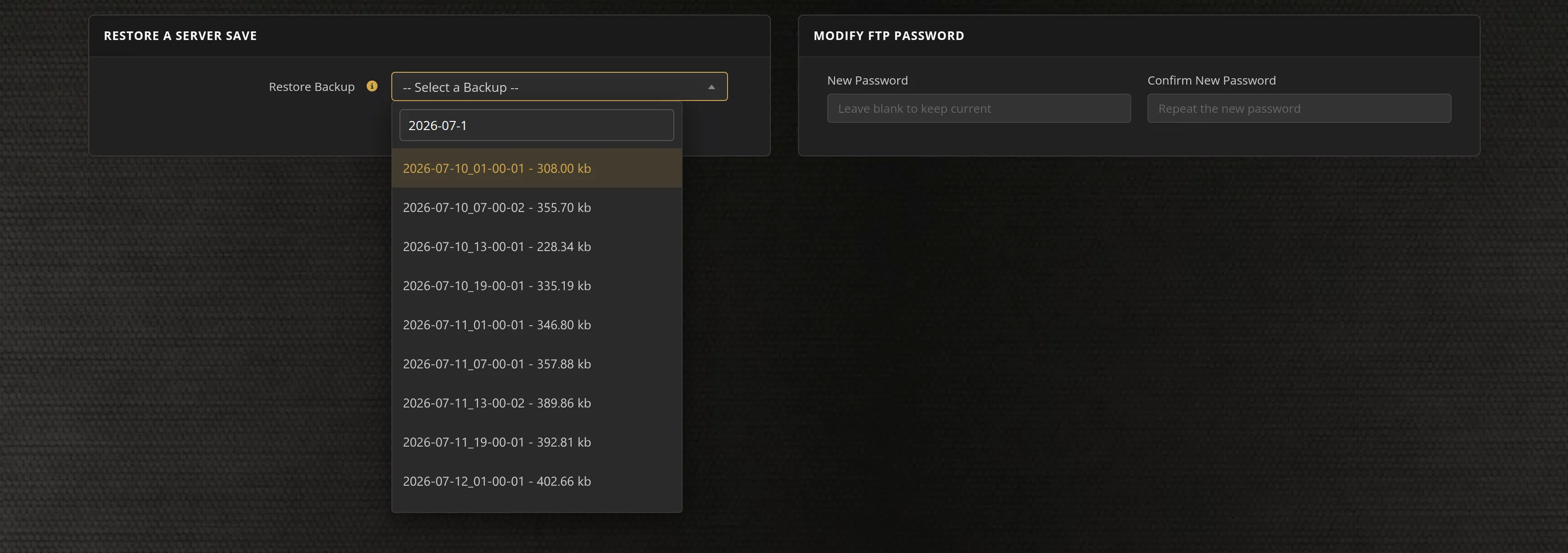
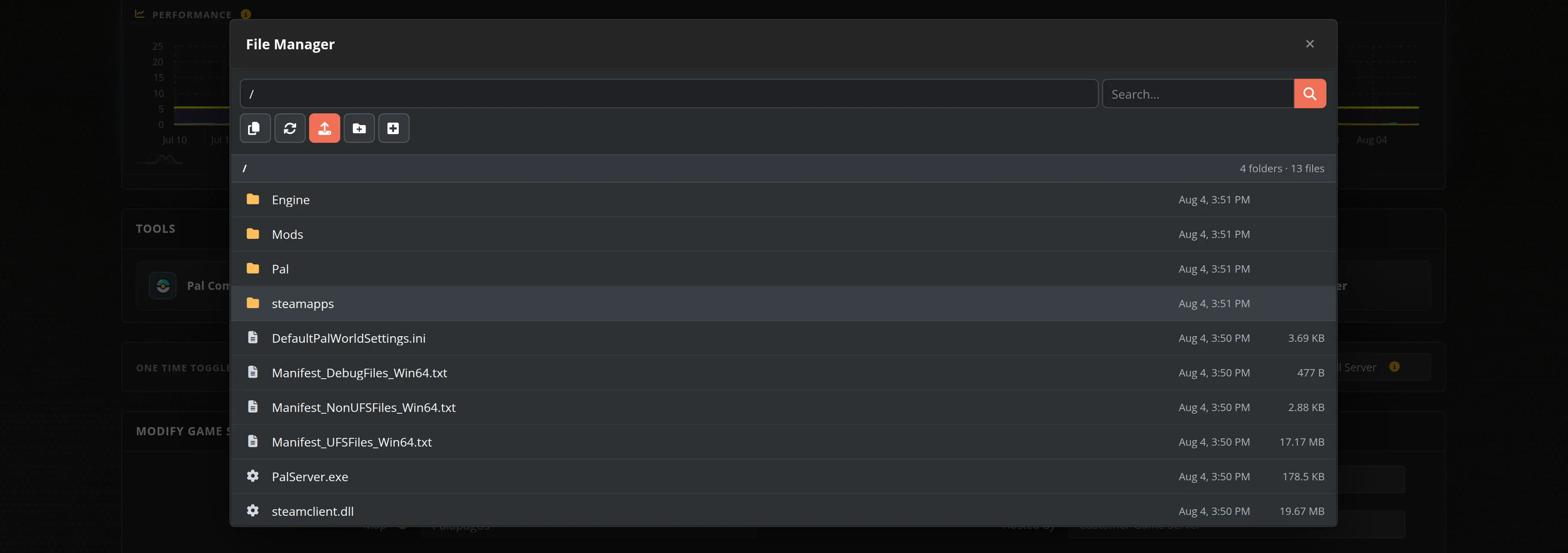
- Automated restarts, scheduled backups, and full FTP access on day one
- We track new Necesse dedicated-server releases and roll them out for you automatically
- No SteamCMD wrangling, no port forwarding, no firewall rules, no Windows or Linux updates to babysit
Necesse Dedicated Server vs In-Game Co-op
Necesse supports 1–8 players, and you can absolutely play peer-to-peer co-op with a friend hosting — but then your settlement only exists while the host is online. A dedicated server keeps your town, farms, and defenses running 24/7 so anyone in your group can log in and play on their own schedule.
Necesse Settings, Saves and Sizing
Configuration
The server is configured through its server.cfg — world name, slots, password, message of the day, item despawn timers and settlement limits — all editable from our control panel, or directly over FTP if you prefer.
Console Commands
The server console supports save, kick, ban, and broadcast commands for day-to-day admin work, and the panel handles restarts and updates.
Sizing
With an 8-player cap, Necesse is one of the lighter survival games to host. Strong single-thread CPU speed and NVMe storage keep large late-game towns smooth.
Location
Pick the datacenter closest to your group — lower latency makes night-horde defense feel noticeably better.
Frequently Asked Questions about Necesse Server Hosting
Necesse supports drop-in co-op multiplayer. Our plans run from 2 up to 20 slots, and the dedicated server itself will go higher if you need it, so you can start small with friends and move up a plan without losing your world.
Yes. Fair Games ApS ships a free standalone dedicated server tool on Steam that anyone can download, and it runs on Java with its own bundled runtime, so there is nothing extra to install. It listens on a single UDP port and is configured through a server.cfg file. Survival Servers runs that same official tool with instant setup and a full config editor in the control panel.
Settlements are the heart of a long-running Necesse server. You claim an area, recruit settlers with their own jobs and priorities, and they keep working while you are away exploring or fighting bosses. On a hosted server the world keeps ticking for everyone, so a settlement built together carries on whether or not the person who started it is online.
Necesse left Early Access and released its full 1.0 version on 16 October 2025, and it holds Overwhelmingly Positive reviews on Steam. It is available and fully playable today, and Survival Servers deploys Necesse servers instantly.
Necesse is an open-world survival sandbox RPG from Fair Games ApS. You build, quest and explore across an infinite procedurally generated world, alone or with friends, establishing a settlement while diving into deep dungeons, fighting monsters and bosses, mining rare ores and crafting magical equipment.