
Starbound Server Hosting
Our Starbound server hosting plans come with the features you need
Your game server will come with the following, instantly available features:


Access to our custom Game Server Management Panel
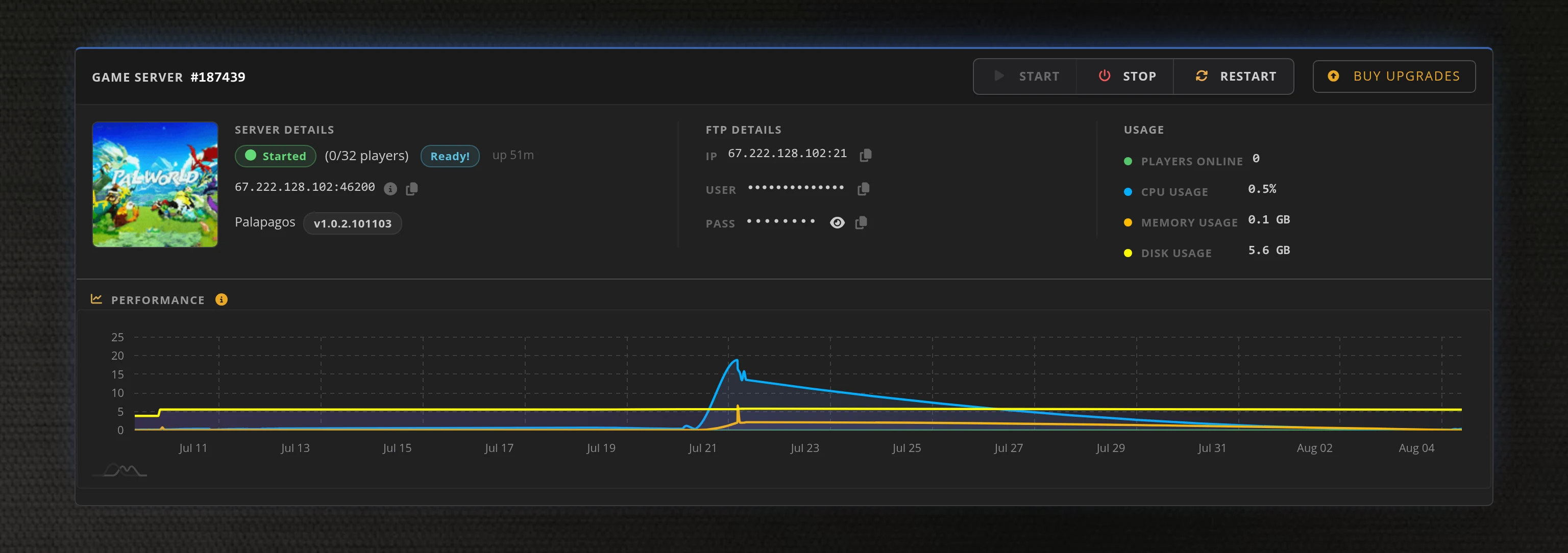
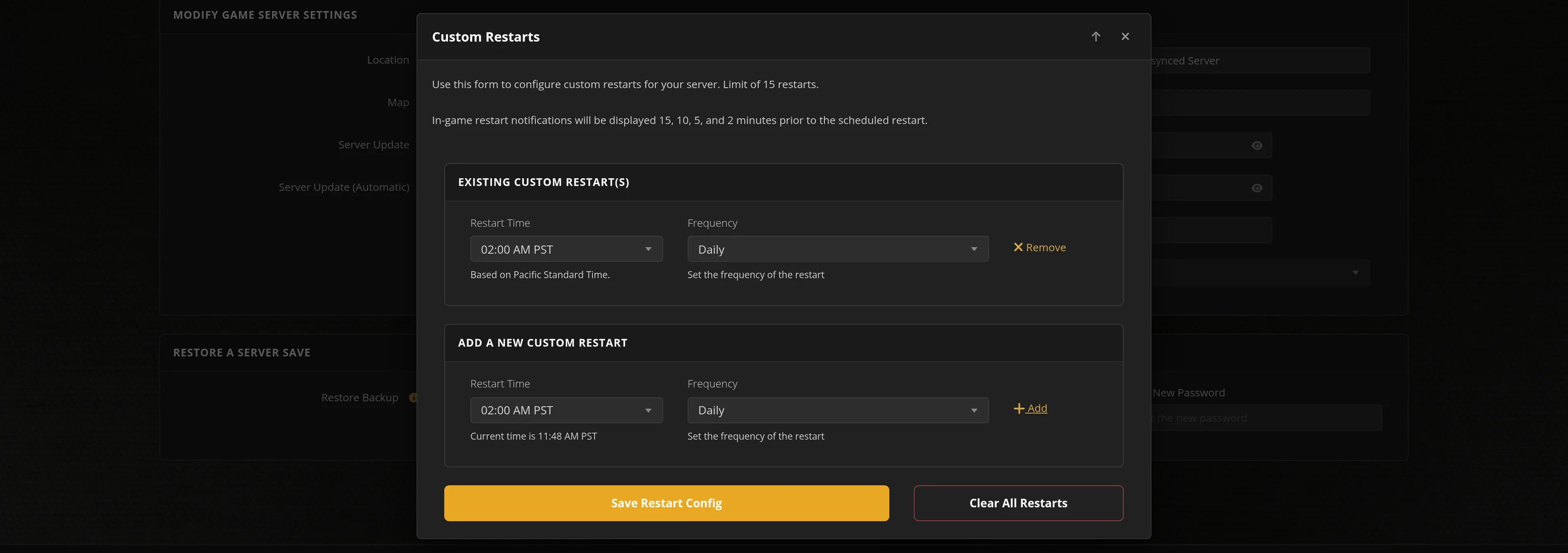
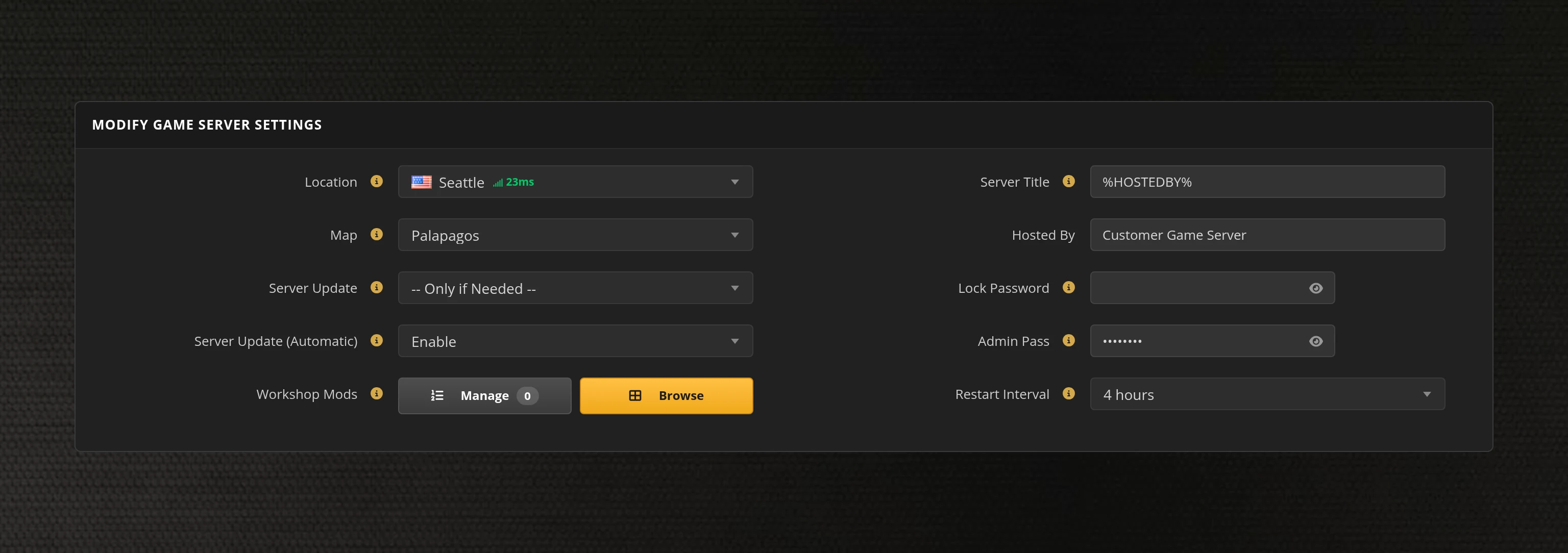
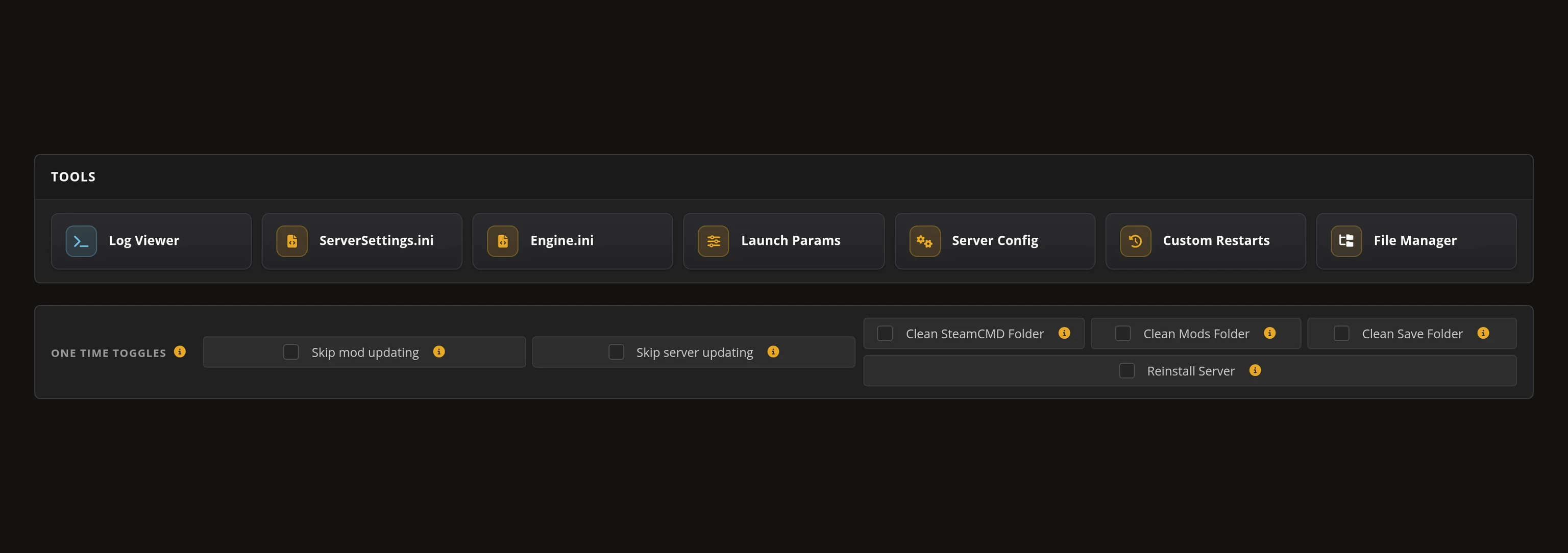
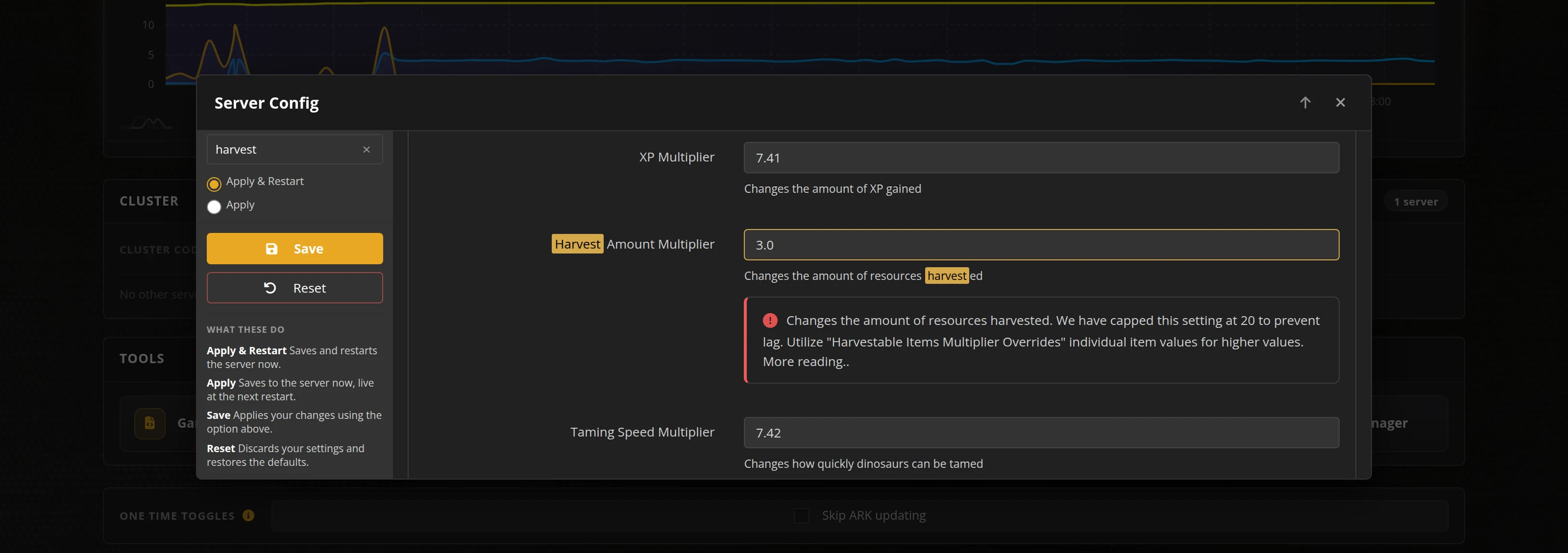
The in-house Survival Servers game control panel allows you to configure and customize your Starbound game server. Install Steam Workshop mods, change locations, and edit any setting with our easy one click form. Survival Servers is a Starbound dedicated game server provider with our custom panel.
Watch the Starbound Trailer
Starbound is a 2D space sandbox from Chucklefish where you fly between procedurally generated planets to mine, build, farm, fight and follow a story across the galaxy. It has one of the deepest Steam Workshop libraries on the platform, and total-conversion modpacks like Frackin' Universe are what most long-running crews actually play. Rent a Starbound server from Survival Servers and your crew gets a universe that keeps running when you log off, with Workshop mods installed for you rather than copied in by hand.
Global Network, Multiple Hosting Locations
Switch locations any time. DDoS protection available.
How to Create a Starbound Server — Starbound Server Setup Guide
This free Starbound server setup guide walks you through creating a dedicated Starbound server the fast way (with SurvivalServers) and the DIY way (self-hosted on your own hardware).
Hosting your Starbound server with us is effortless:
- Click Order Now above
- Enter a Username, Password and Email Address or sign up with Google/Twitch
- Select your slot amount, datacenter, and billing cycle
- Click "Order Now" and your Starbound server is provisioned automatically, online in minutes with full control panel access
Without SurvivalServers
Running a Starbound dedicated server yourself takes quite a bit more setup:
System Requirements
- A 64-bit Windows or Linux machine you are happy to leave running whenever your crew wants to play
- Only a few hundred megabytes for the server itself, but your universe grows as your crew explores — every planet anyone visits becomes a file that lives forever
- A Steam account that owns Starbound. The dedicated server tool is not a free anonymous download, so the machine has to log in as someone with a licence
- A stable connection with the game port forwarded, plus a firewall rule
- SteamCMD for headless installs
Installation
- Install the Starbound Dedicated Server through SteamCMD (App ID
533830) signed in as an account that owns the game, then runwin64\starbound_server.exefrom inside that folder — it resolves its assets, mods and save paths relative to the working directory, so launching it from anywhere else quietly loads the wrong ones. - Forward the game port (default
21025) on TCP so people can play, and on UDP as well if you want the server to answer server-list queries. - Settings live in
storage/starbound_server.config, a JSON file the server writes for itself on first boot. One misplaced comma and the game renames it.config.oldand silently boots on stock defaults — your settings are simply gone, with no error anywhere. - There is no plain "server password". Access is accounts:
serverUsersmaps a name to a password and an admin flag, andallowAnonymousConnectionsdecides whether anyone without one can join at all. - Mods go in
mods/. Every Steam Workshop item ships its payload under the identical namecontents.pak, so copying several across leaves you with exactly one mod installed unless you rename each file by hand. This is the real reason people say big modpacks "do not work" on a dedicated server. - Share your public IP and port. Players join from Multiplayer → enter the address, plus an account and password if you closed the server off.
Administration
- Admin is an account: give a
serverUsersentry"admin": true, log in with it, then type/adminin chat. - Starbound does ship Source RCON, but it is off out of the box — you have to turn on
runRconServer, set a password and forward a second port before any remote console works.
Why Wait? Use SurvivalServers Instead
- Instant provisioning on enterprise NVMe SSD hardware with DDoS protection across 8 global datacenters
- No Starbound licence needed on your end — we own and run the dedicated server for you
- Steam Workshop mods install themselves. Pick them from a browser in your control panel and we download each one and give it a unique filename, which is exactly the step that breaks hand-built modded servers
- Frackin' Universe and other large modpacks work the same way as anything else — pick it, save, restart
- Your config is rebuilt from our control panel on every start, so a stray comma can never wipe your settings
- Source RCON is switched on the moment you set a password, on a port we allocate for you
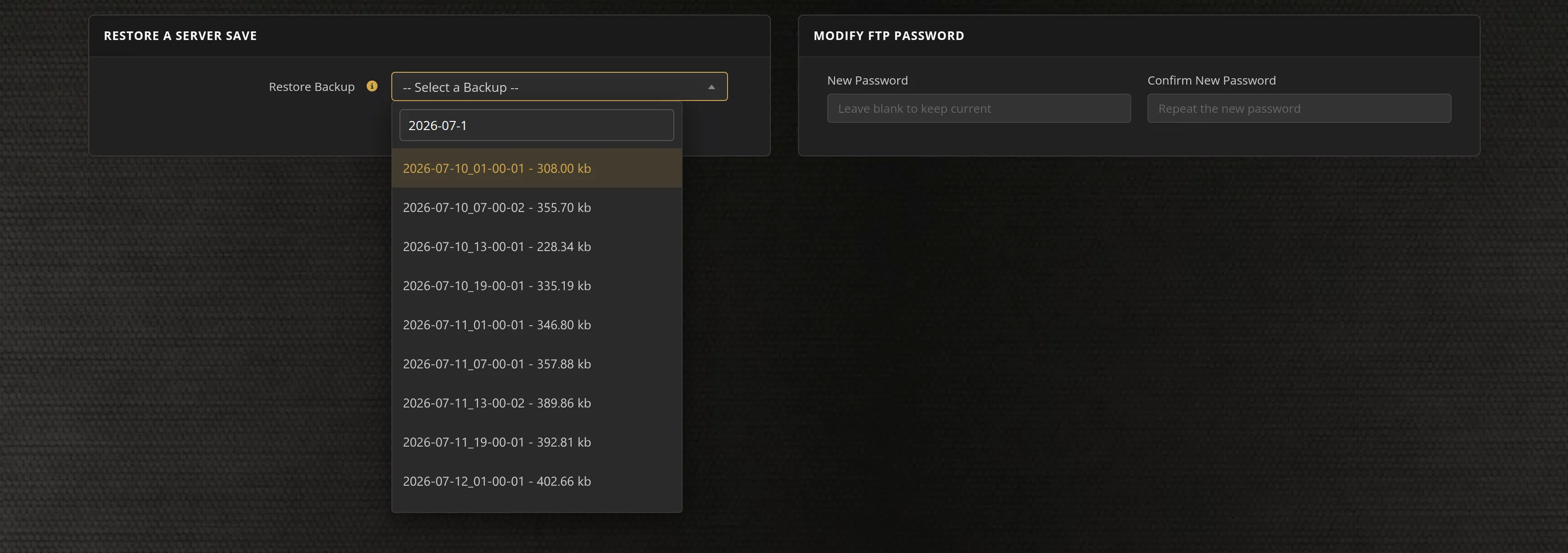
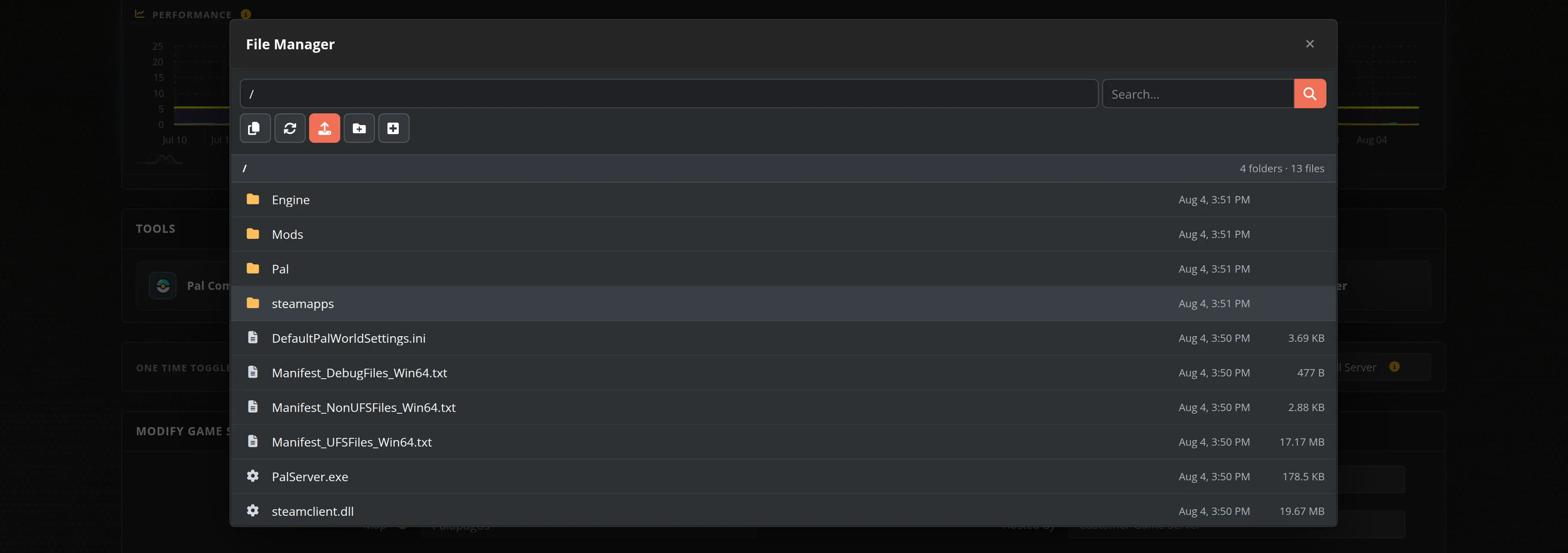
- Automated restarts, scheduled backups of your whole universe, and full FTP access on day one
- No SteamCMD wrangling, no port forwarding, no firewall rules, no operating system to babysit
Starbound Dedicated Server vs Hosting From the Game
Starbound lets you open your own game to friends, but that universe only exists while you are playing. A dedicated server keeps the whole galaxy running whether you are online or not, so somebody else can carry on terraforming, mining or building the colony while you are at work.
Starbound Mods, Settings and Sizing
Steam Workshop Mods
Browse the Steam Workshop from inside your control panel, pick what you want, set the load order and save. We download each mod server-side and give it a unique filename — the step that trips up hand-built servers, because every Workshop item publishes its files under the same name and they overwrite each other. Big modpacks like Frackin' Universe install exactly the same way as a one-file tweak.
Configuration
Admin and player accounts, world fidelity, party size, character backups, tutorial prompts, mod matching rules and the scripting limits large modpacks need are all editable from our control panel. We rebuild the server's config from those settings every time it starts, so a bad edit can never leave you booted on stock defaults.
Administration
Starbound's admin is an account, not a password prompt: set an admin name and password in Server Config, log in with them, then type /admin in chat. Source RCON is there too and switches itself on as soon as you set an RCON password — the address and port are shown in your panel, ready for any standard RCON client.
Sizing
Starbound is light. Eight players is the game's own default and comfortably covers a group of friends; our larger plans suit a public colony or a heavily modded server where every extra body means more of the universe being simulated at once. Pick the datacenter closest to your crew.
Frequently Asked Questions about Starbound Server Hosting
Starbound's own default is eight players, which is what a group of friends normally wants. Our plans run from 4 up to 24 slots, and you can change tier at any time from your control panel. Starbound is a light server, so the practical limit is usually how heavily modded your universe is rather than the player count itself.
Yes. Chucklefish ships an official dedicated server on Steam, and it is what we run for you. The catch when you do it yourself is that the server tool is not a free anonymous download, so the machine hosting it has to sign in as a Steam account that owns Starbound. Order here and that is our problem, not yours.
Yes, and you do not have to touch a file. Browse the Steam Workshop from inside your control panel, pick the mods you want, set the load order and save. We download each one server-side and give it a unique filename. That last part is the whole trick: every Workshop item publishes its files under the same name, so copying several onto a server by hand leaves you with exactly one mod actually loaded.
Yes. Pick it in the Workshop browser, save and restart, and it installs like any other mod. The advice you will find online that the Workshop version does not work on a dedicated server comes from that filename collision plus the fact that a bare server has no Steam subscription to download from. Both are handled for you here. Everyone playing still needs the same mods in their own Starbound.
Starbound's admin is an account rather than a password prompt. Open Server Config in your control panel, set an Admin Account name and password, then in Starbound's Multiplayer screen fill in the Account and Password boxes with them. Once you are in, type /admin in chat. Source RCON is also available and switches on as soon as you set an RCON password.
Starbound is a 2D space sandbox from Chucklefish, released in 2016. You fly a ship between procedurally generated planets, mine, build, farm, fight and follow a story across the galaxy, alone or with friends. It has a very large Steam Workshop, and total-conversion modpacks like Frackin' Universe are what most long-running servers actually play.