

Hytale Update 6 went live today. The headline change is a mod browser built into the game: you open it from the main menu, search, and hit install. No second app, no dragging files into folders.
We pulled the catalogue on launch day and counted 6,203 mods already sitting in it, split across three sections: Mods, Worlds, and Prefabs.
The mod browser
Until now, modding Hytale meant installing the CurseForge desktop app, letting it find your game, installing mods there, and then launching. It worked, but it was a separate program you had to know about.
Update 6 puts all of it in the game. The browser shows featured, popular and recently updated mods, you can filter by category or search by name, and each mod has a page with screenshots, a description, download count and the game versions it supports. A "My Library" screen handles updating and removing what you already have.
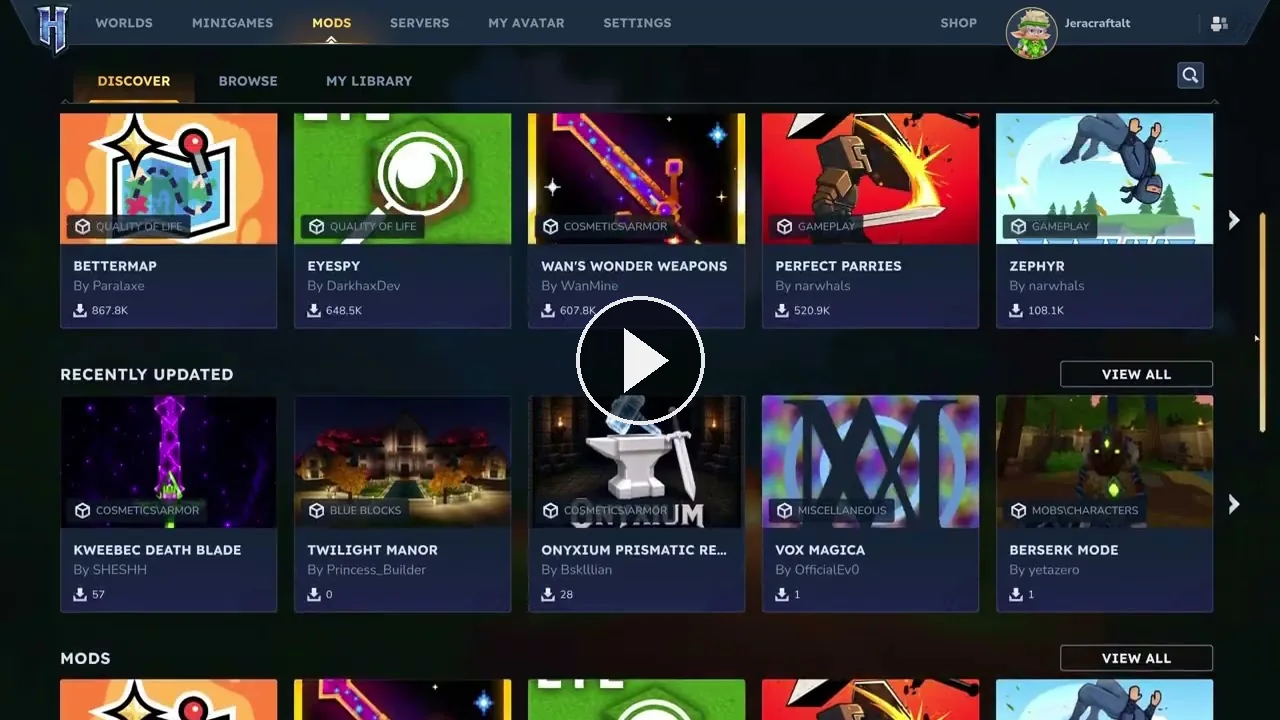
The mod browser in Update 6. Video: Hytale
Everything in it is free. Hypixel have said plainly there will be no paid mods in the browser, and that a future version will let players support creators in exchange for cosmetics instead.
All 6,203 listings currently come from CurseForge, which is Hytale's official modding partner. If you already publish there, you are already in the browser.
The ten most installed mods right now
We queried the catalogue directly on launch day. This is what Hytale players have actually installed, by download count:
| Mod | Author | Downloads |
|---|---|---|
| BetterMap | Paralaxe | 881,973 |
| EyeSpy | DarkhaxDev | 672,768 |
| Wan's Wonder Weapons | WanMine | 615,203 |
| Perfect Parries | narwhals | 531,151 |
| RPG Leveling And Stats/Skills | Zuxaw_dev | 499,361 |
| MMO Skill Tree & Abilities | ziggfreed | 455,000 |
| Endgame & QoL | Lewaii | 452,692 |
| Overstacked | DarkhaxDev | 339,321 |
| MultipleHUD | Buuz135 | 337,805 |
| Simply Trash | Jaredlll08 | 324,872 |
The pattern is worth noticing. The top of the list is quality of life and progression: a better map, item tooltips, bigger stacks, skill trees and levelling. People are not mostly installing new blocks, they are reshaping how the game plays.
Hardcore mode
Worlds can now be created with one of five difficulty settings. Off is the normal game. Permadeath ends the run on your first death. Three Strikes and Nine Lives give you a fixed number of deaths before that happens. Soulbound ties the run to your gear.
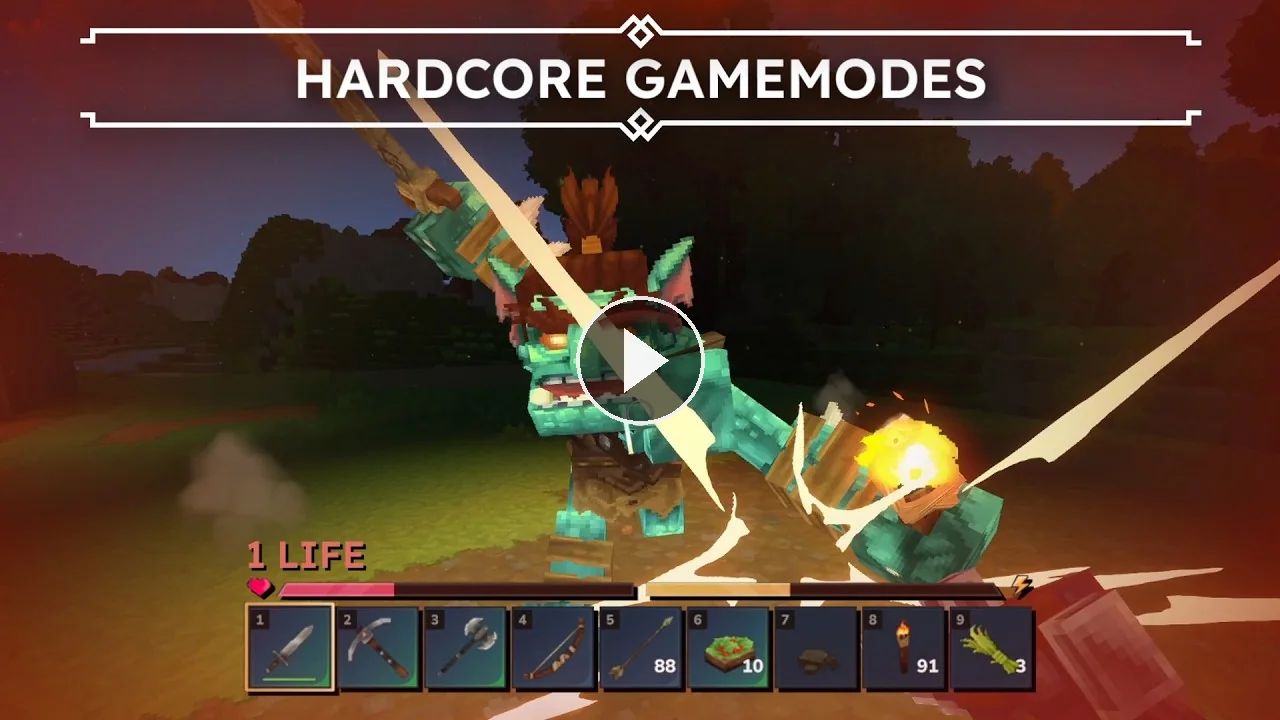
Choosing a hardcore mode when you create a world. Video: Hytale
When your run ends you are not kicked out. You stay in the world as a spectator and keep watching everyone else, which makes hardcore work properly on a shared server instead of just in single player.
Playing with friends got easier
Hytale has always had a problem where some players simply could not connect to a friend's game, depending on how their home internet was set up. The usual fix was installing extra networking software.
Update 6 handles it automatically for most of those players. If you host for a few friends off your own PC, this will work better than it did yesterday.
It does not change the reason people rent servers. A world hosted on your PC is only up while your PC is on, and it shares your home connection with everything else in the house. If your group plays across time zones, or the world matters enough that people want to log in when you are asleep, that is still a different problem.
What changed for server owners
This is the part worth reading twice. Update 6 changed how servers and players talk to each other. A server still running the old version will not accept players who have updated, and the game updates players automatically.
In practice that means any Hytale server that has not been updated is now unreachable, and will stay unreachable until it is. Plugins written for older versions need rebuilding too.
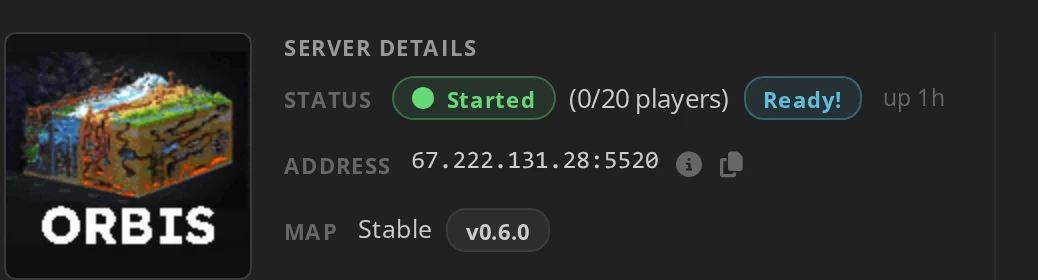
If your server is with us, updating takes one click. Stop the server, then start it again and choose Yes, run update when the panel asks. That pulls Update 6 and you are current. If you would rather never think about it again, switch on automatic updates in your server settings and every future Hytale release installs itself on the next start.
If you run your own server, grab the new files from Hypixel's downloader before your players start asking why they cannot get in.
Everything else
Update 6 also brings the largest batch of creative tool additions since Update 5, and controller gyroscope support, so you can aim by tilting the pad.
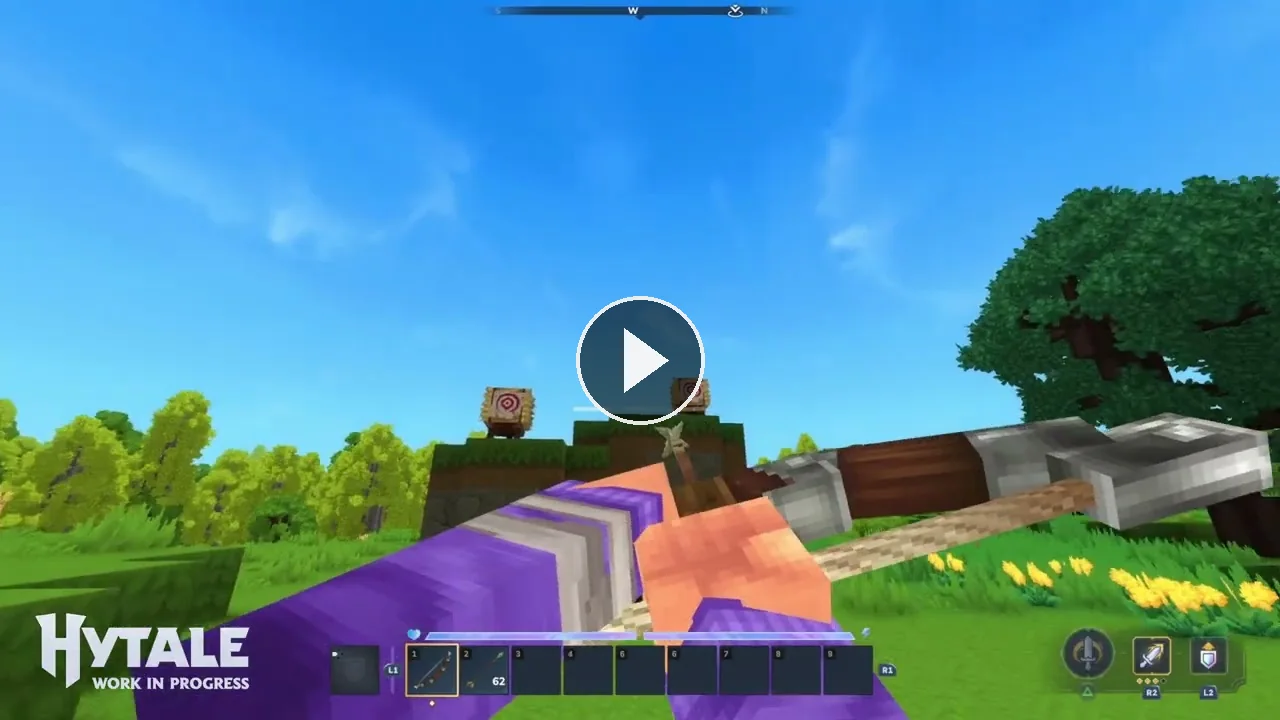
Gyro aiming on a controller. Video: Hytale
Players now collide with each other and with entities, so you can stand on and get pushed by things that used to pass straight through you. Builders get selections of up to 16 million blocks, saved in a new compact format, with copying and pasting much faster on big builds. There is also a new cape that only unlocks for accounts with two factor authentication turned on.
The full patch notes are on Hytale's site.
Running a Hytale server
Hytale is built to be modded on the server side, which means the mods you install apply to everyone who joins and are sent to them automatically. One person sets up the world, everyone else just connects.

That is the part the new browser makes easy, and it is why a shared server is where most of the interesting Hytale play ends up. Our Hytale server hosting runs Update 6 now, with a web console, mod and plugin management, scheduled restarts and backups included.
 Written by , CEO at Survival Servers
Staff ← All news
Written by , CEO at Survival Servers
Staff ← All news
 Hytale
 RuneScape: Dragonwilds
 Valheim
Comments
No comments yet. If you run one of these servers, what did you hit?