
Motor Town: Behind The Wheel Server Hosting
Our Motor Town server hosting plans come with the features you need
Your game server will come with the following, instantly available features:


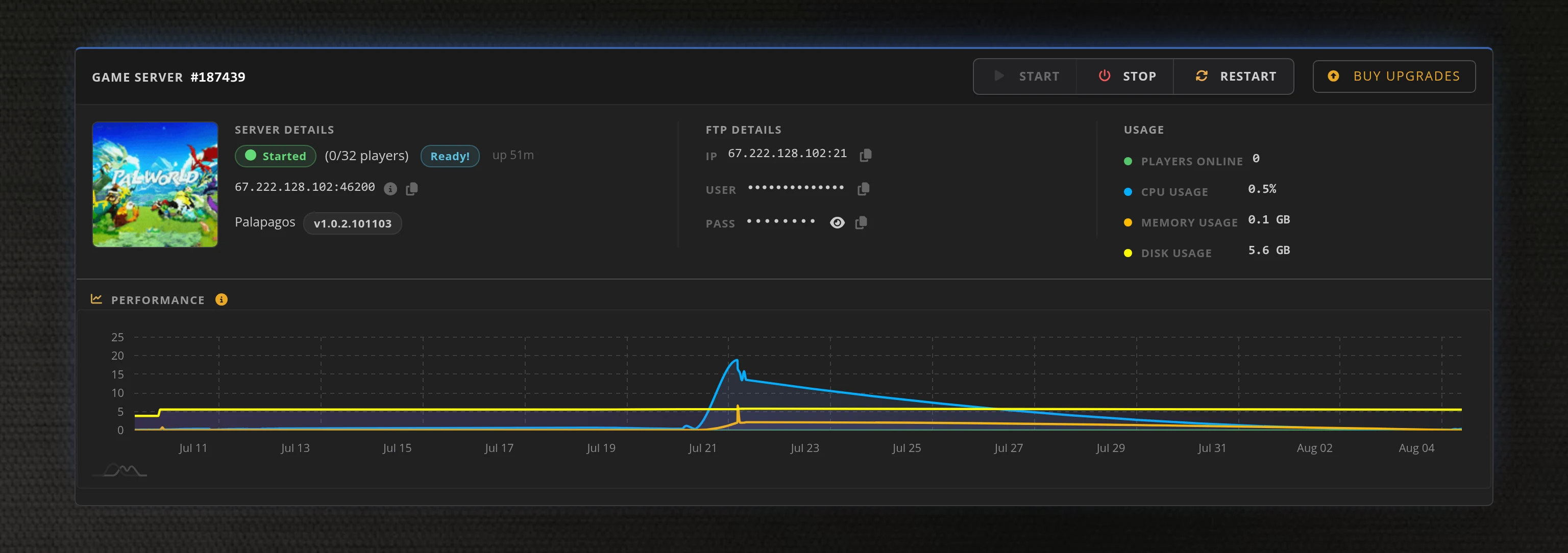
Access to our custom Game Server Management Panel
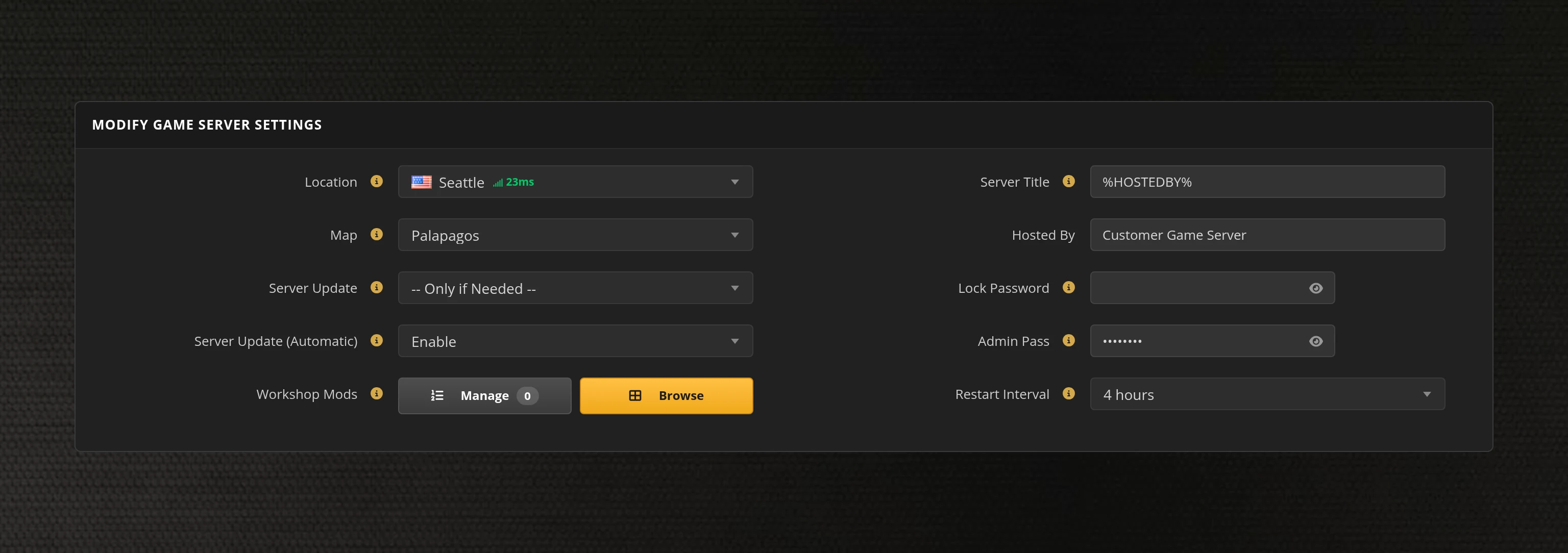
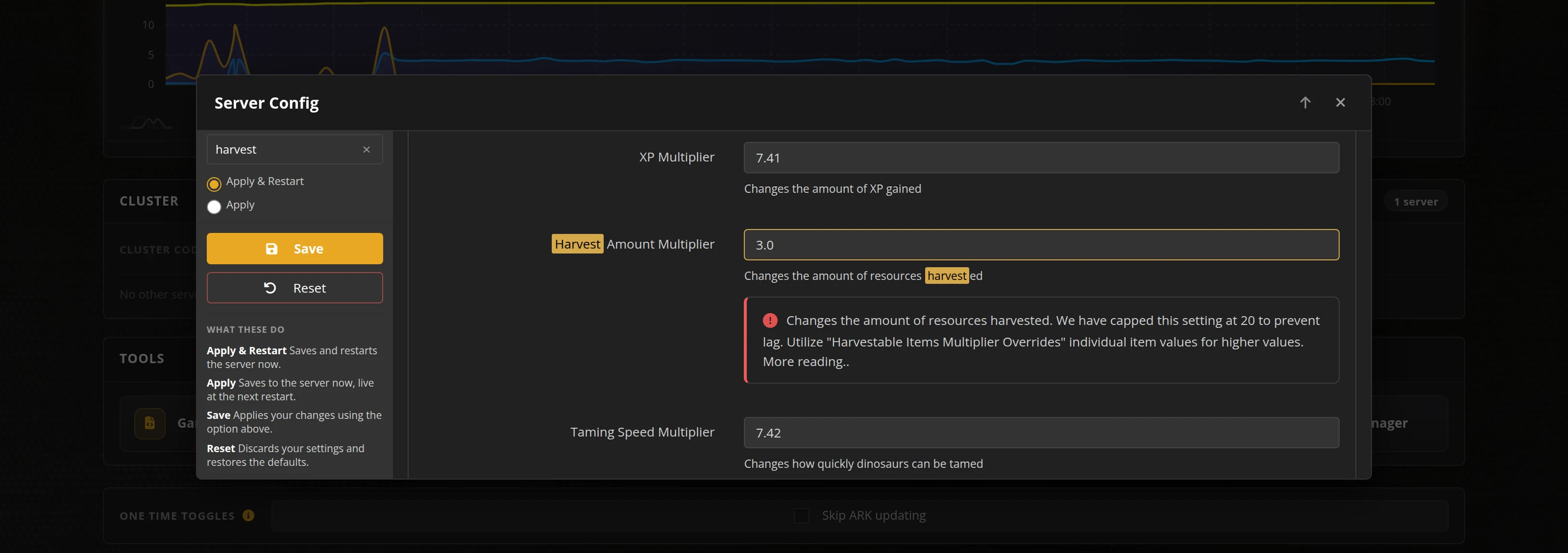
The in-house Survival Servers game control panel allows you to configure and customize your Motor Town game server. Upload vehicle mods, switch locations, and change any setting with our easy one click form. Survival Servers is a Motor Town dedicated game server provider with our custom panel.
Watch the Motor Town Trailer
Motor Town: Behind The Wheel is an open-world driving life sim from P3 Games. Drive, deliver and build a career across a recreation of Jeju Island — haul freight, run bus and taxi routes, patrol as police, race rallies and grow a company in a persistent player economy, alone or with friends.
Your Server on a Live Map
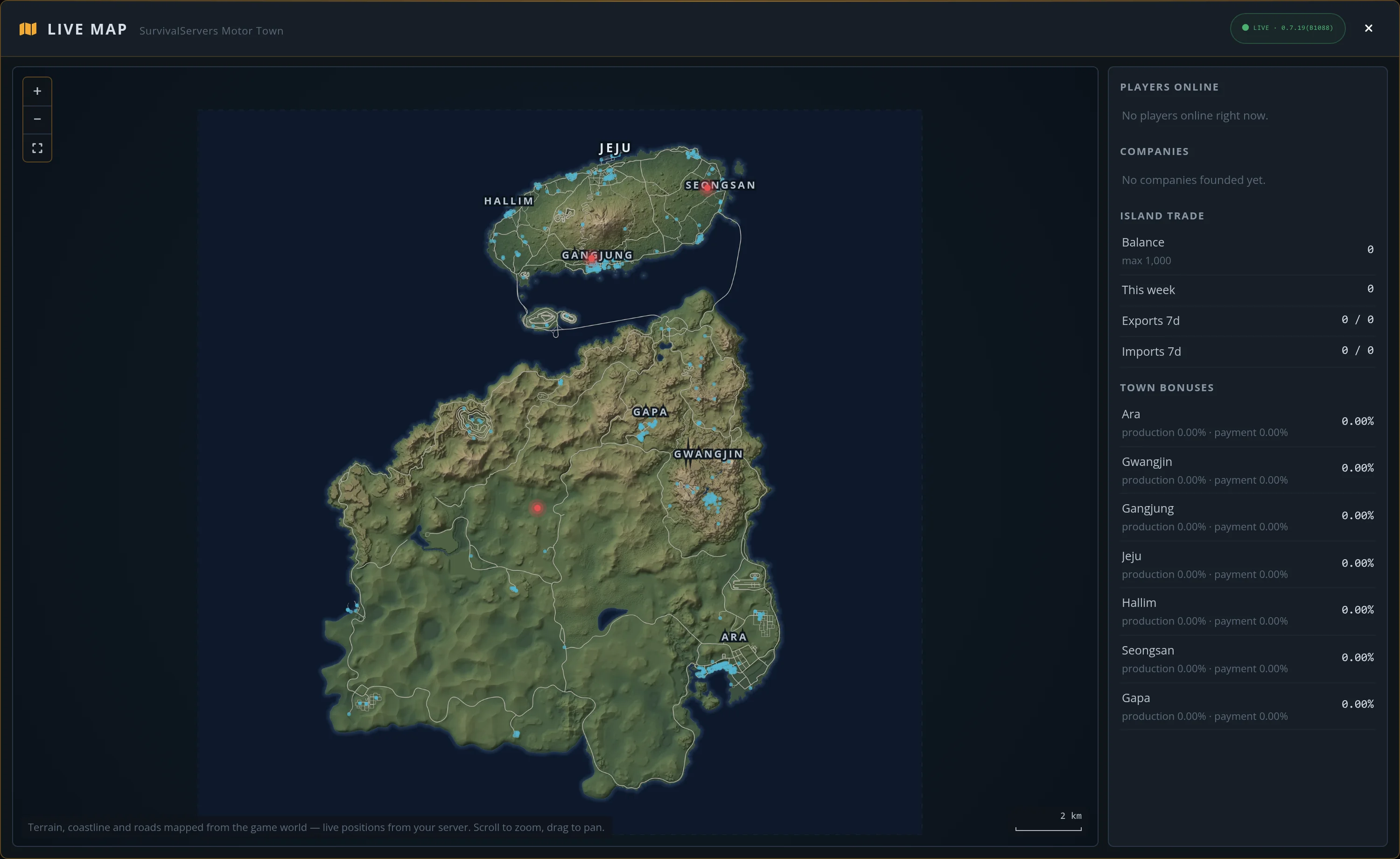
Every Motor Town server includes our live map: a real relief map of the island we measured ourselves, with live players, deliveries and the island economy on top.
Measured Terrain
Relief, coastline and the full road network, measured from a live server and rendered by us at road-level accuracy.
Live Players
See who's online and where they're driving, with their current vehicle and AFK status, updated live.
Island Economy
Delivery sites, the island trade balance, exports and imports, companies and town production bonuses at a glance.
Zero Setup
Already in your control panel on every server. No mods, no companion apps, nothing to configure.
Global Network, Multiple Hosting Locations
Switch locations any time. DDoS protection available.
How to Create a Motor Town Server — Motor Town Server Setup Guide
This free Motor Town server setup guide walks you through creating a dedicated Motor Town: Behind The Wheel server the fast way (with SurvivalServers) and the DIY way (self-hosted on your own hardware).
Hosting your Motor Town server with us is effortless:
- Click Order Now above
- Enter a Username, Password and Email Address or sign up with Google/Twitch
- Select your slot amount, datacenter, and billing cycle
- Click "Order Now" and your Motor Town server is provisioned automatically, online in minutes with full control panel access
Without SurvivalServers
Running a Motor Town dedicated server yourself takes quite a bit more setup:
System Requirements
- A Windows machine — the Motor Town dedicated server is Windows-only
- At least 2 CPU cores and 2GB of RAM for a small server, and around 5GB of disk space plus room for saves and vehicle mods
- A machine you are willing to leave running whenever anyone wants to play
- A stable connection with the game port forwarded (default
7777TCP/UDP, plus27015for Steam queries) - SteamCMD, or the Steam client, for installs
Installation
- Install the Motor Town: Behind The Wheel Dedicated Server from Steam (App ID
2223650). The server tool is granted with the game, so the installing account must own Motor Town — SteamCMD's anonymous login will not work here. - Run the server once, then stop it — it generates
DedicatedServerConfig_Sample.jsonin the server folder. Copy that toDedicatedServerConfig.jsonand edit it: server name, welcome message, password, max players, player vehicle limits, housing rental rules and NPC traffic density all live in this one file. - Add your admins to the config by SteamID64 so they can kick, ban and send announcements in-game.
- Forward TCP/UDP
7777(game) and27015(Steam query) to the host machine, and add matching firewall rules. Enable the web API in the config (its own TCP port) if you want browser-based admin tools. - World saves live under the server's
Saved\SaveGamesfolder. Back those up yourself on a schedule. - Share your public IP and port with players, or have them find your server in the in-game server browser.
Mods
- Motor Town supports vehicle mods packaged as
.pakfiles, with a large library shared on Nexus Mods. Install them on the server and enable modded vehicles in the config. - Every player who wants to see a modded vehicle needs the same mod installed, so keeping a modded server in step with its players is work you take on yourself.
Why Wait? Use SurvivalServers Instead
- Instant provisioning on enterprise NVMe SSD hardware with DDoS protection across 8 global datacenters
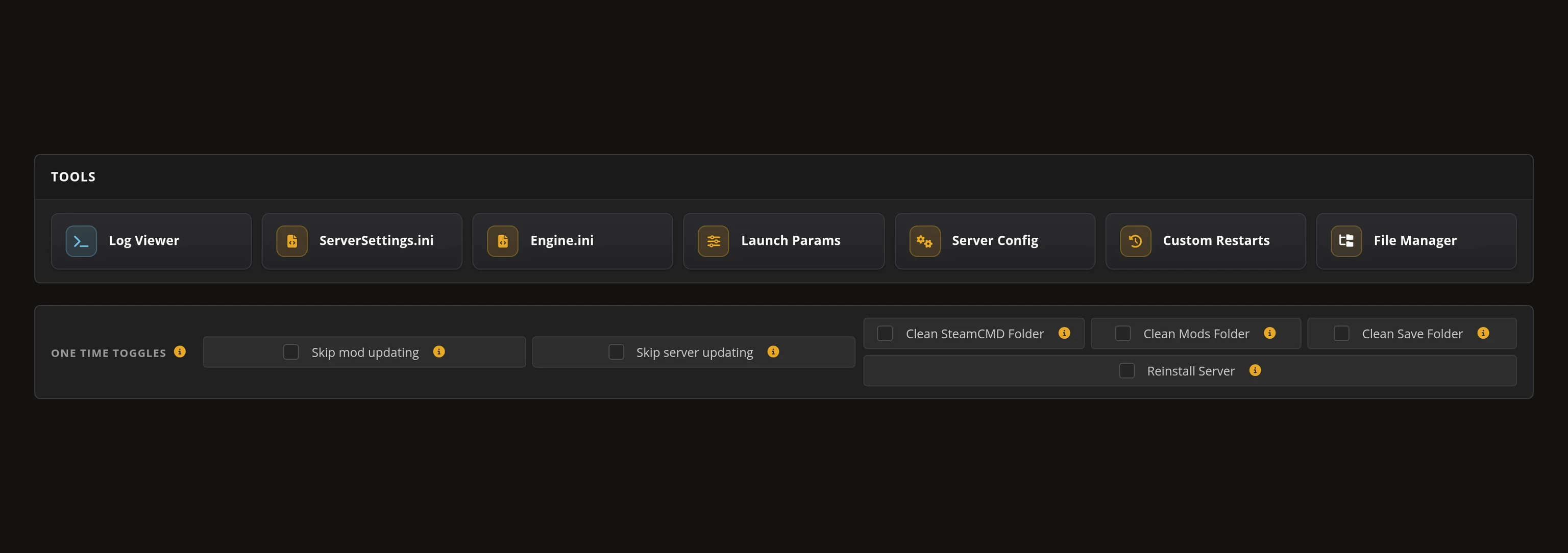
- Server config, vehicle mod uploads, and gameplay settings through our custom Survival Servers control panel
- Web admin tools built in — kick or ban players, manage roles, and send announcements without launching the game
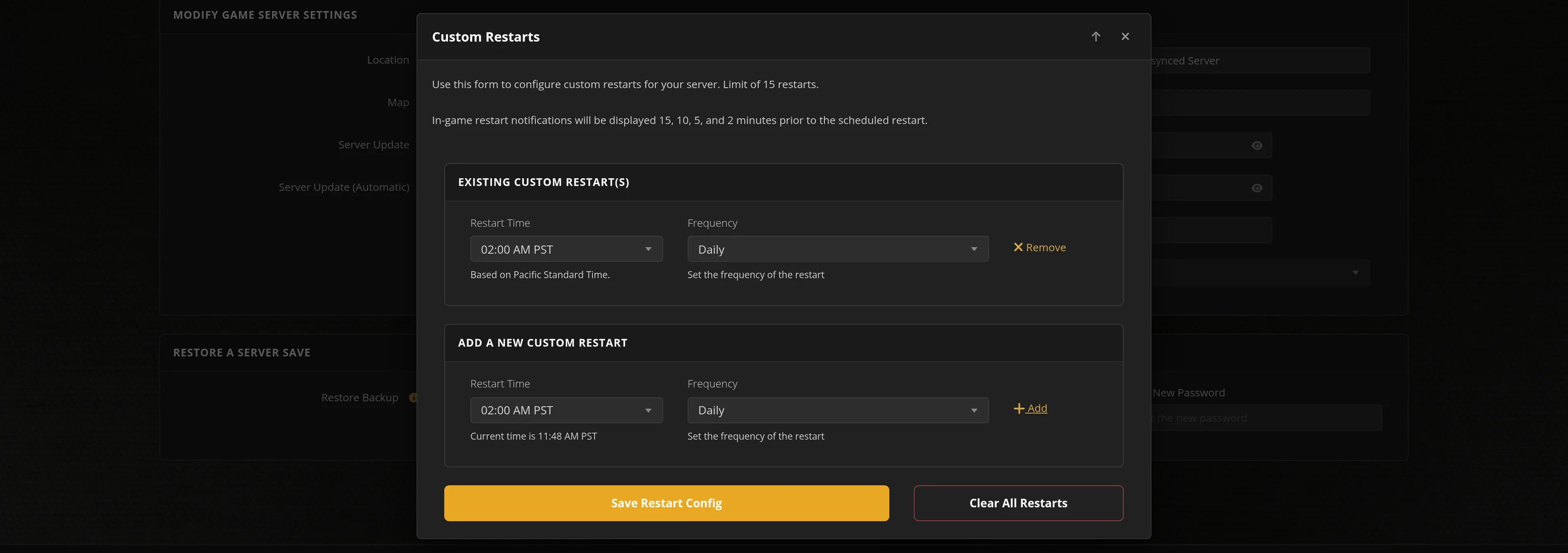
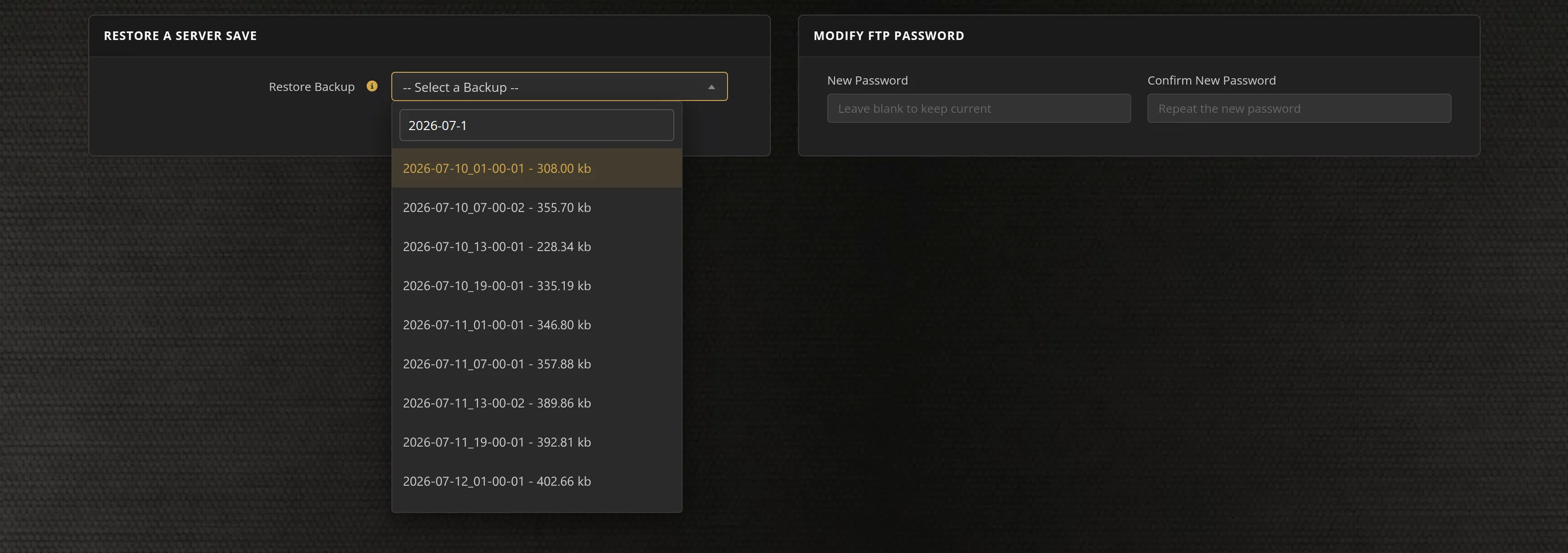
- Automated restarts, scheduled backups, and full FTP access on day one
- We track new Motor Town dedicated-server releases and roll them out for you automatically
- No SteamCMD wrangling, no port forwarding, no firewall rules, no Windows updates to babysit
Motor Town Dedicated Server vs Self-Hosting
Every Motor Town owner can run the dedicated server tool on their own PC — but then your world only runs while that machine is online, and your home connection carries all the traffic. A hosted dedicated server keeps Jeju Island alive 24/7, so your group's companies, deliveries and owned vehicles carry on around the clock whoever is playing.
Motor Town Settings, Saves and Sizing
Configuration
The server is configured through its DedicatedServerConfig.json — server name, welcome message, password, max players, player vehicle limits, housing rental rules and NPC traffic density — all editable from our control panel, or directly over FTP if you prefer.
Admin Tools
Motor Town ships a first-class web admin API, and our panel builds on it: kick or ban players, manage roles, and broadcast announcements without launching the game.
Sizing
Motor Town scales from a few friends up to busy 40-slot communities. NPC traffic density and player vehicle counts drive most of the load, and strong single-thread CPU speed with NVMe storage keeps a full Jeju Island smooth.
Location
Pick the datacenter closest to your group — lower latency keeps convoys, races and police chases feeling tight.
From the SurvivalServers Wiki
Motor Town: Behind The Wheel Guides & Tutorials
Frequently Asked Questions about Motor Town Server Hosting
Motor Town supports big open-world multiplayer, with dedicated servers running up to around 100 players. Our plans run from 10 up to 40 slots, so you can start small with friends and move up a plan without losing your world.
Yes. P3 Games ships an official dedicated server tool on Steam that is granted with the game. It is configured through a single JSON file and includes a built-in web admin API for actions like kicking, banning and server announcements. Survival Servers runs that same official tool with instant setup, a full config editor and web admin tools in the control panel.
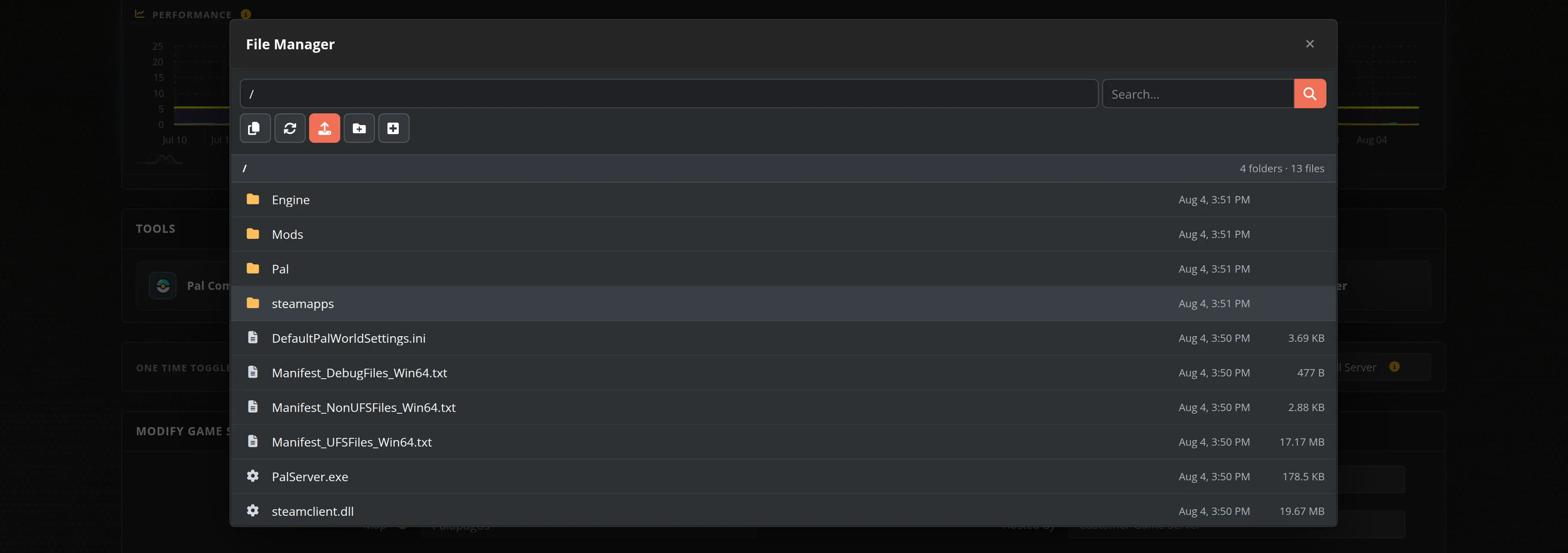
Motor Town supports vehicle mods packaged as .pak files, with a large library shared on Nexus Mods. On a Survival Servers server you upload them through the File Manager and enable modded vehicles with a config toggle. Players who install the same mods can then drive those vehicles on your server.
No. The official Motor Town dedicated server is Windows-only and no Linux build exists, so self-hosting means dedicating a Windows machine to it. If you do not have one spare, renting is the practical route: every Survival Servers Motor Town server runs on Windows hardware we manage for you, with the game kept updated from the panel.
Yes. With the server stopped, upload your save files from %LOCALAPPDATA%\MotorTown\Saved\SaveGames on your PC into MotorTown\Saved\SaveGames using the File Manager, then start the server. Only the first character slot's world transfers cleanly, so check that slot before you copy.
Motor Town admins are set by Steam ID: put your SteamID64 in the Admin Steam IDs field of our Server Config tool and restart to unlock the in-game admin menu. The server also ships a web admin API, and our control panel builds on it, so you can kick, ban, send announcements and manage police roles without joining the game.
We host Motor Town servers in 8 datacenters: Los Angeles, Seattle, Dallas, New York and Miami in the US, Germany and France in Europe, and Singapore in Asia. Pick the location closest to your community when you order for the lowest ping on Jeju Island's roads.
Motor Town: Behind The Wheel has been in Early Access on Steam since December 2021 and is still in active development, holding Very Positive reviews. It is available and fully playable today, and Survival Servers deploys Motor Town servers instantly.
Motor Town: Behind The Wheel is an open-world driving life sim from P3 Games set on a recreation of Jeju Island. You earn your way through trucking, bus and taxi routes, police patrols, rally races and towing jobs, buying and upgrading vehicles and building companies in a persistent player economy.