


Permafrost servers are live at Survival Servers. Permafrost came out in Steam Early Access today, October 9, with co-op for up to four players and no dedicated server of its own. A Permafrost server from us keeps your world online when everyone logs off, and your friends join it from the game's own Join list.
What Permafrost is
Permafrost is a story-driven survival game from SpaceRocket Games, published by Toplitz Productions. Earth is locked in an endless winter after a string of disasters that ended with the moon breaking apart. You play an engineer pulled north by a radio signal from a long-lost friend.
You scavenge frozen cities, repair old machines and restore abandoned shelters until you have a network of them. A dog you rescue from the ruins scouts ahead, warns you about danger and carries supplies. The cold is the real enemy: frostbite, storms and running out of things.
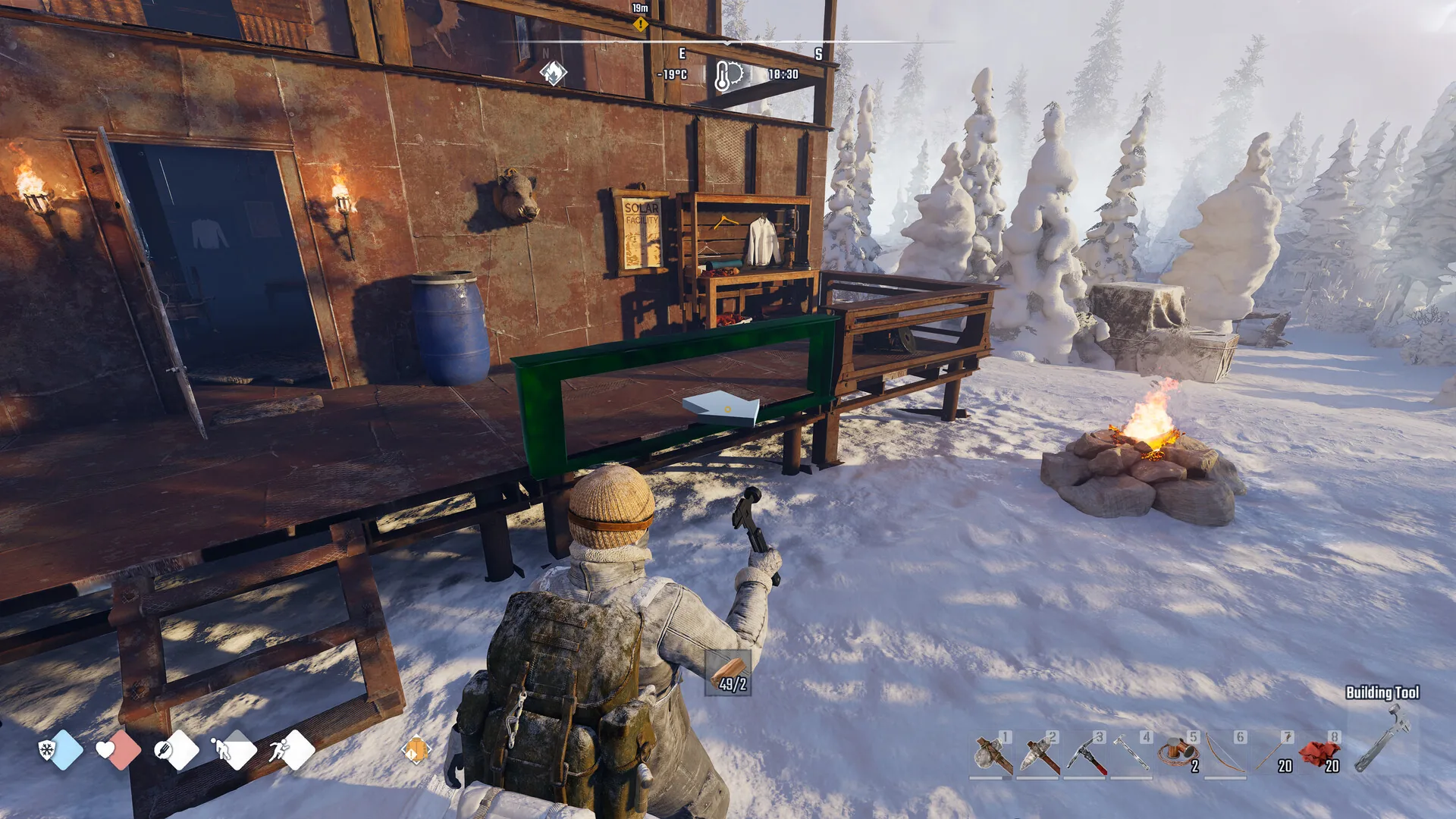 Restoring a shelter. Image: SpaceRocket Games / Toplitz Productions.
 Permafrost Early Access price and roadmap
Permafrost is $24.99 on Steam with 20% off for launch, according to the developers' October 6 post. It's in nine languages, with full voice acting in English.
Early Access is PC only. The store page asks for at least Windows 10, 16 GB of RAM, a GTX 1060 6GB or RX 590 and 30 GB of space. A developer said on the Steam forum that consoles won't come during Early Access, "more likely for the 1.0 release."
The free demo passed 500,000 downloads and 15,000 daily players at its peak, per the developers' April 2025 update.
The Early Access roadmap lists four updates. The first brings better combat animations, new chests, recipes and items, and new firearms and clothes. The second adds weapon parts to crafting, the third a sledgehammer for smashing through obstacles, and the fourth a new biome called White Hell.
How Permafrost co-op works
Permafrost co-op is one player hosting and up to three friends joining. The host picks a public world or a private one with a password, and everyone else finds it in the game's Join list.
The world lives on the host's PC, so when the host logs off, the world and everyone in it go with them. When one group's playtest clock ran out in October, the host wrote, the game "kicked me, the host, which kicked everyone else."
Players have asked for servers since the demo. A thread on October 2 asked for server files "so those of us that want to run it on our own private server for our three friends can without having to be online ourselves each time one of them wants to play." Toplitz answered: "For the moment the plans are for single player and peer-to-peer co-op."
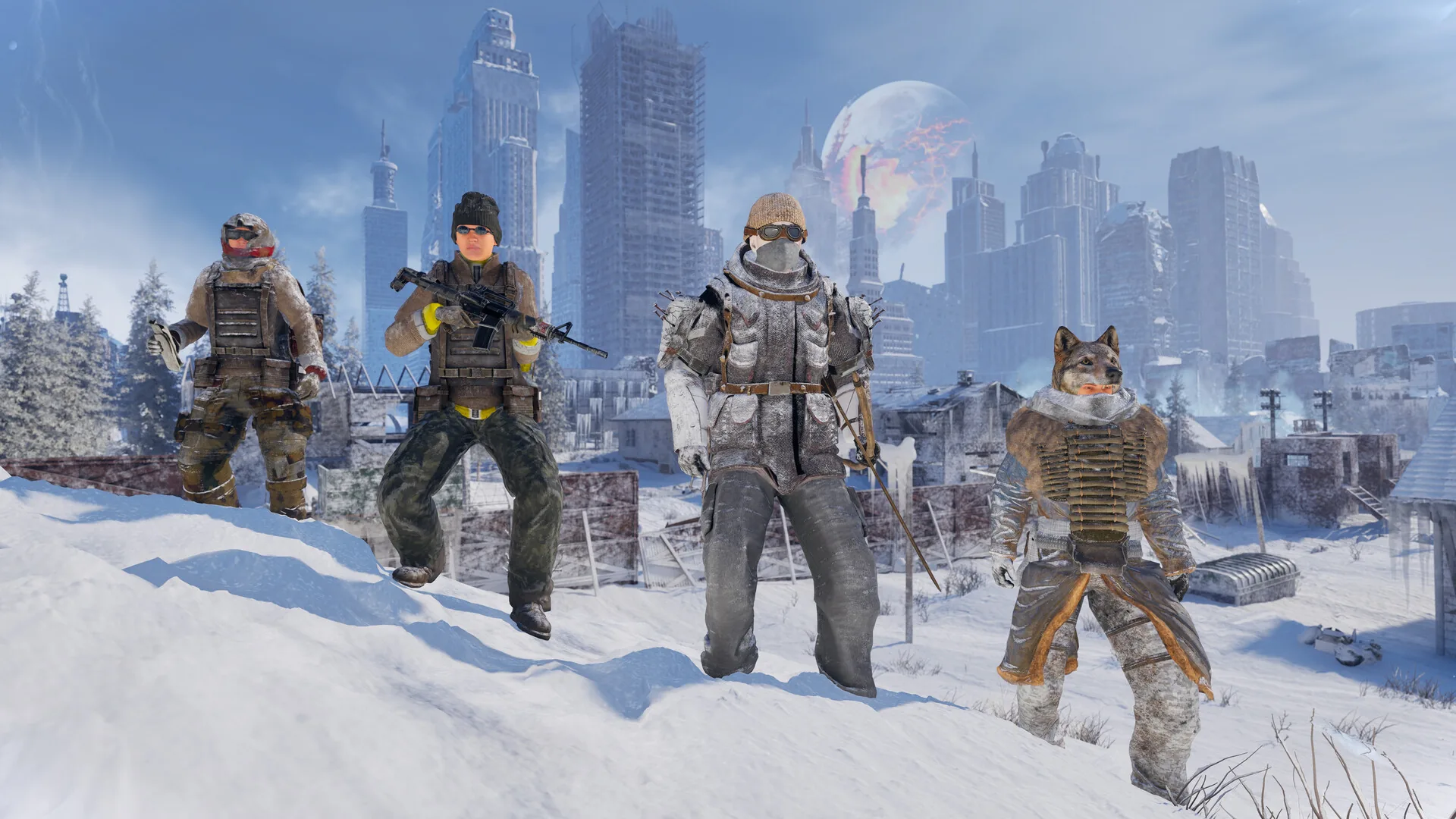 Four players is the most Permafrost co-op allows. Image: SpaceRocket Games / Toplitz Productions.
 What a Permafrost server does
A Permafrost server from us is a world that doesn't log off. Nobody in your group has to leave a PC running, and anyone can play whenever they want. One of you scavenges in the morning and another picks it up that night, in the same world.
Joining works the way it already does in the game. Open Permafrost, choose Play, then Join, and search for your world name. Your world shows in that list under the name you set in the control panel, with a lock on it if you set a password.
Each friend needs their own copy of Permafrost on Steam, and nothing else. Step by step: how to join a Permafrost server, how to play Permafrost with friends, and for whoever orders it, how to create a Permafrost server.
Snowline: the map and console for your server
Every Permafrost server comes with Snowline in the control panel. It opens on the game's own world map, with the named places and fast travel points marked.
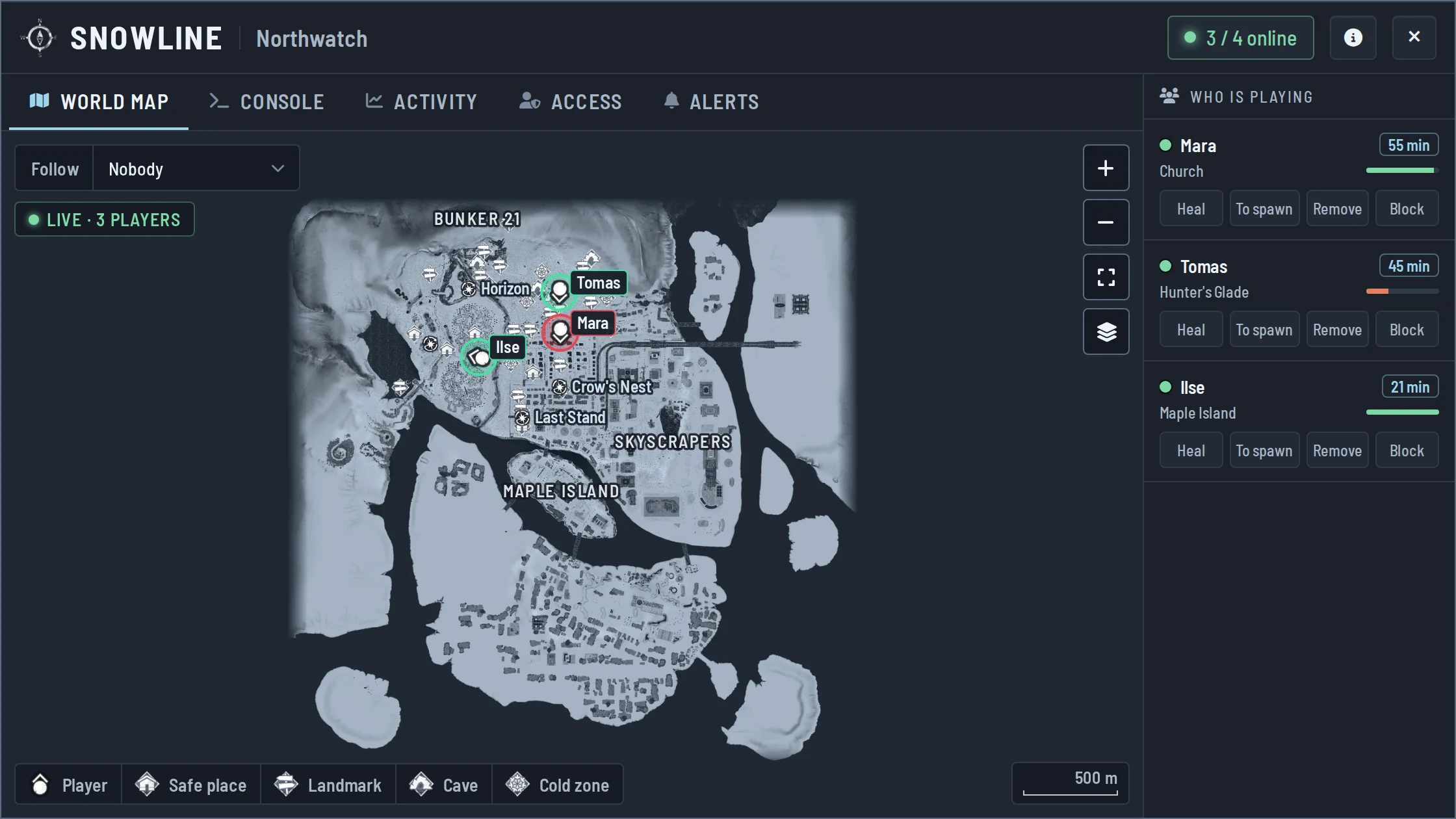 Snowline's world map is the game's own map of the frozen city.
 Next to the map are a console and your player list. You can heal or warm a player, give items, move someone to a place or to another player, and put a message on everyone's screen. Permafrost doesn't give a host admin commands of its own, so the full list lives in our Permafrost admin commands guide.
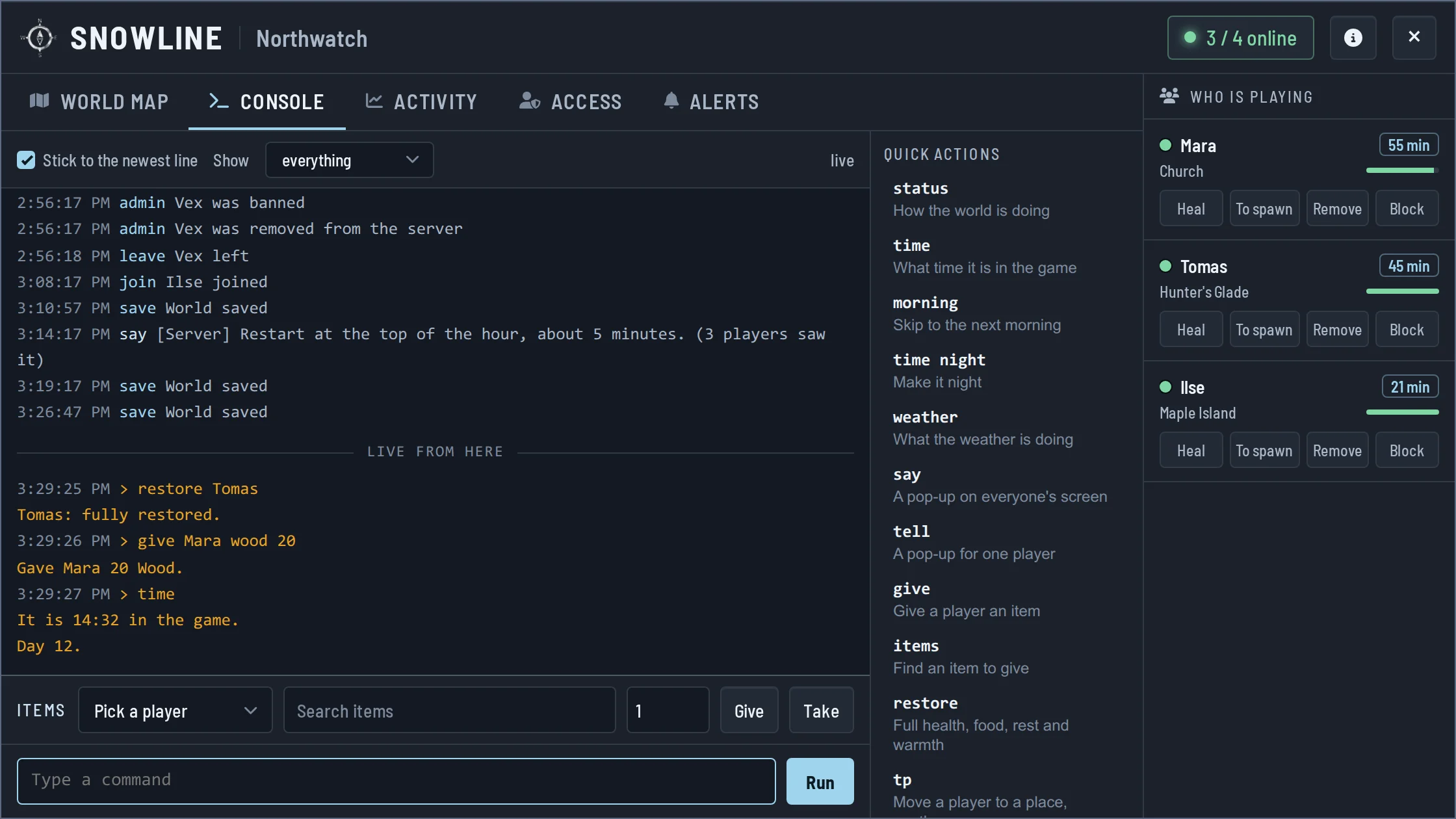 The console: the live log and one-click commands.
 An allow list, blocks and a welcome message decide who gets in. Discord alerts tell you when people join or leave, when someone goes down, and when the server goes quiet.
Permafrost server settings
The control panel holds your world name, a password and the difficulty: Story, Survival or Custom. Custom opens nine values from the game's own Custom difficulty, like how fast food and rest drop, damage taken, skill experience, friendly fire and whether you keep quick slot items when you die.
The game fixes the difficulty when a world is created, so set it before your first start. Every setting with its range is in Permafrost server settings.
Saves and restarts
The world saves itself every few minutes while you play and again whenever the server stops, so there's no save button to forget.
Restarts run on a schedule or at times you pick. Players online get a warning on screen 15, 10, 5 and 2 minutes before, and the world saves before anyone is sent back to the main menu.
Early Access and updates
Permafrost will keep updating through Early Access, and your server and every player need the same game version to play together. When Steam updates the game, restart your server from the control panel.
Permafrost server hosting is live now. Pick a location, name your world, and send the name to your friends.
 Written by , CEO at Survival Servers
Staff ← All news
Written by , CEO at Survival Servers
Staff ← All news
 Delverium
 Dimraeth
 Red Dead Redemption 2 (RDR2): RedM
Comments
No comments yet. If you run one of these servers, what did you hit?