
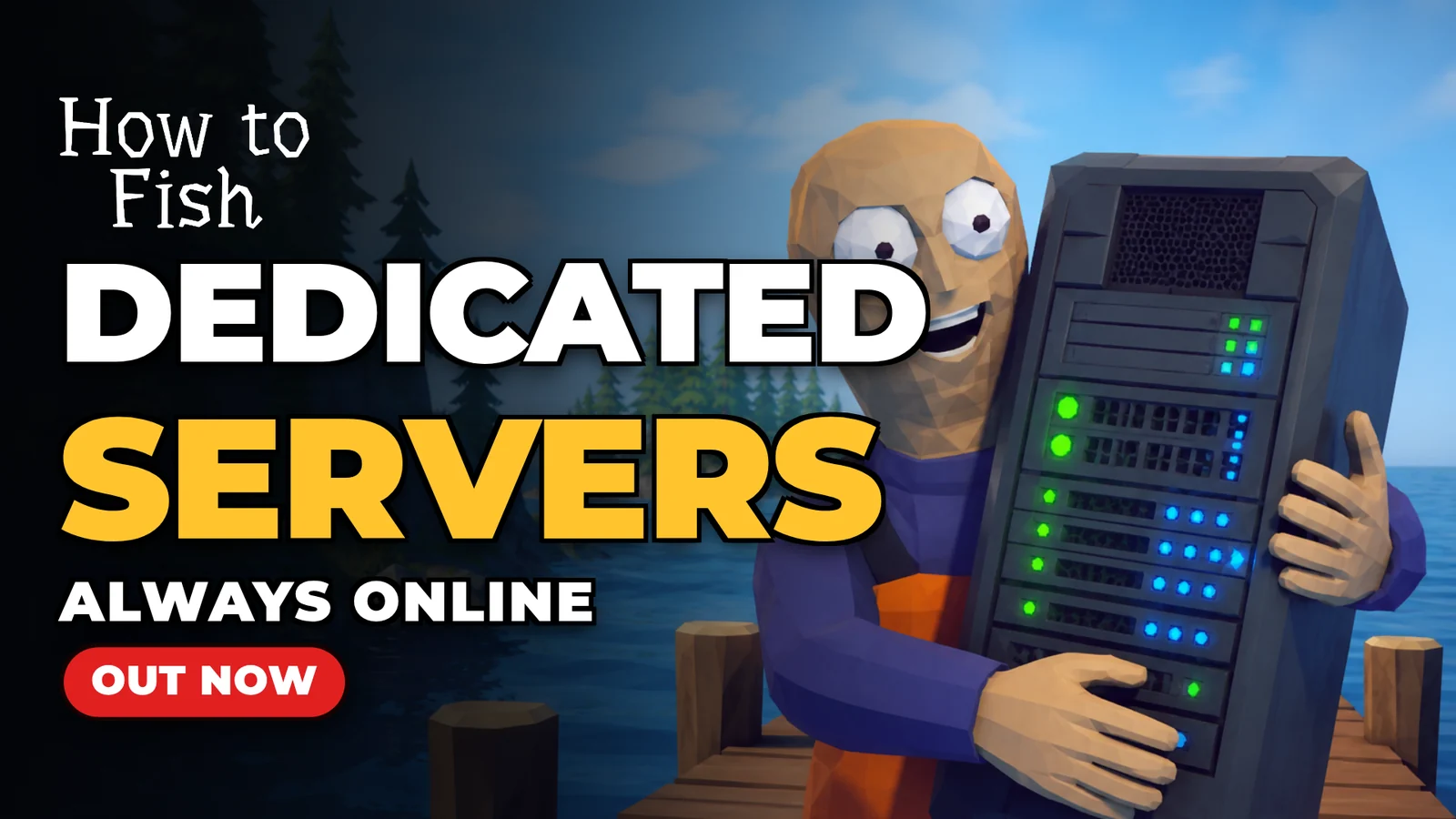
How to Fish dedicated servers are now available at Survival Servers. The game came out on August 20, passed a million players in its first two days, and ships without dedicated servers. We had servers for it on sale on August 22. This post covers how the game normally handles multiplayer, what we built to change that, what we tested, and what you get when you order one.
How multiplayer works in the game
How to Fish is peer to peer over Steam. When you start a multiplayer game, your PC is the server. Your friends connect to you through Steam, your machine runs the island for everyone, and their connection quality depends on your upload speed and how far away they are. When you quit, the island goes offline. Nobody can play until you are back, and the only save is on your drive.
That works for two people who play at the same time. It does not work for a group in different time zones, or for anyone who wants to fish for an hour while the host is at work. The game's Steam forum filled with the same request within days of launch. A thread asking about matchmaking got the reply "+1 dedicated servers when". Another is titled "I would love to play these kind of games but i will never use unsecure p2p". Two more, "cant invite friend or find game id" and "Black screen when joining friends", run to 7 and 17 replies. We started on the server the day after release.
What we built
The game already contains everything a dedicated server needs. Single player is not a separate mode. It starts the same server a multiplayer host runs, on your own machine, with one player connected to it. We take that server and run it on our hardware instead, with no screen, no graphics card and no Steam client, and the world is saved there rather than on anyone's PC. We do not modify the game files and we do not redistribute them. Every player needs their own copy of the game on Steam.
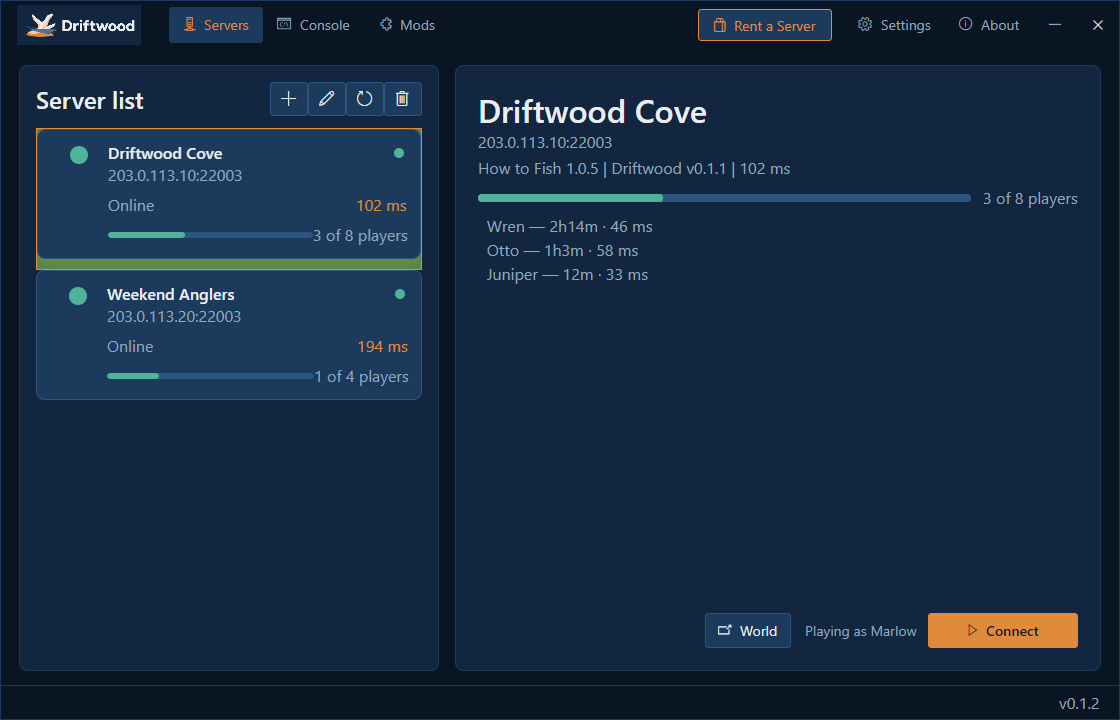
The missing piece was on the joining side. The game has a direct connection mode built in, but it is only ever pointed at the player's own machine, and there is nowhere in the menus to type an address. So we built Driftwood, a free Windows app that adds one. You add your server's address once. From then on the app shows whether the server is online and who is playing, and Connect starts How to Fish and puts you in the world. Every player installs it, including you.
This is the sixth game we have done this for. Subnautica 2, Grounded 2, Solarpunk, Witchspire and Stardew Valley all shipped without dedicated servers. In each case we built the server side ourselves and a free app or launcher for players to join with. We have hosted game servers since 2012 and host over 100 games, and the panel, the backups and the hardware behind a How to Fish server are the same ones behind everything else we run.
The server side is open source under the MIT license at github.com/HumanGenome/DriftwoodServer. Anyone can read exactly what runs their world, and anyone with a Windows PC and their own copy of the game can run a server themselves. The setup guide on our wiki has the steps for that.
How a server behaves
The world stays up whether or not anyone is on it, and the server keeps saving while it runs. Up to 8 players can be connected, which is the game's own limit. The server counts players before letting one in, so a full server turns the ninth person away instead of letting them half-load.
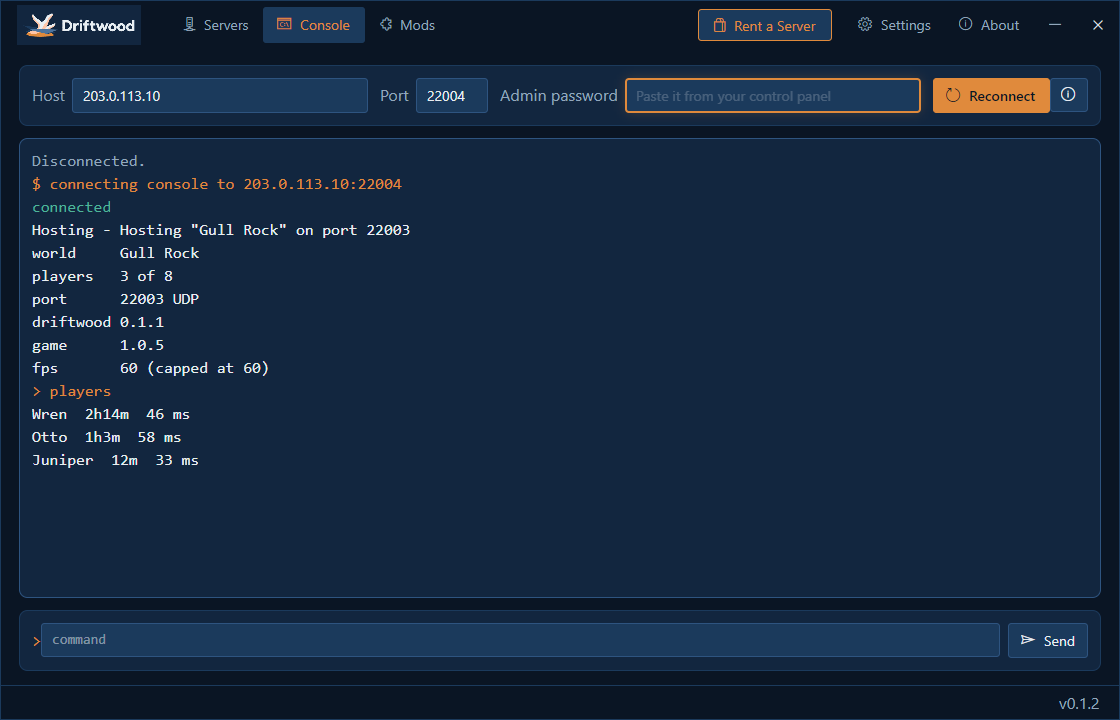
Backups are taken from a completed save. The server tells the game to save, waits until the save is written, and then copies it, so every backup is a complete world. Backups can be restored from the panel, or from the app's Console tab with your Driftwood pass.
Game updates are the part most likely to break a server like this, because the server runs the game's own code. Before it starts, the server checks that the game build it has is the one it was tested against. If a patch has moved something it depends on, it refuses to start and reports what moved, rather than hosting a broken world. When Dazed Games patches the game, we test the patch against the server first and then update every server we host. There is nothing for you to do.
The server reports online only once the world is actually running, not when the process starts, so an online status in the app or the panel means the world is joinable.
What we tested
Before opening orders we ran the whole thing the way a customer would. We placed a real order through checkout, let the server set itself up, installed the app on a separate PC, joined the server from it and played. That test found two problems. The server hung on the game's 1.0.5 build before it could create a world, and the app's Connect button did nothing. Both were fixed the same day and the test was run again on the version that shipped. The app updates itself on players' PCs, and the first update went out on August 23.
The video above shows the order, the panel and a join in under two minutes.
What a hosted server includes
Every server comes with the control panel: start, stop and restart, automatic backups with restore, the world name and friendly fire settings, and FTP access to the files. The panel shows your server address and your Driftwood pass. The address is what you send your friends. The pass is yours: it opens the Console tab and the world backup tools in the app, and players never need it. There is a Download Driftwood button on the same page and an Open in Driftwood link that adds the server to the app for you.
We keep Driftwood on its current release on every server. When the game or Driftwood updates, the server takes the update from us and the app takes it on its own.
Pricing and getting started
Plans start at $7.95 a month for 2 players. The 4, 6 and 8 player plans are $9.95, $10.95 and $11.95, and all four are available in all 8 of our datacenter locations: Seattle, Los Angeles, Dallas, New York, Miami, Germany, France and Singapore. Servers are set up automatically after checkout and are ready in a few minutes, with the address and the app download link in your panel.
Order a How to Fish server from the service page, or start with the setup guide, which covers the hosted server and running your own.
 Written by , CEO at Survival Servers
Staff ← All news
Written by , CEO at Survival Servers
Staff ← All news
 Delverium
 Dimraeth
 Red Dead Redemption 2 (RDR2): RedM
Comments
No comments yet. If you run one of these servers, what did you hit?