
Sons of the Forest Game Server Hosting


Sons of the Forest game server hosting available now
Instant setup. v1.0 game update coming on Feb 22 2024
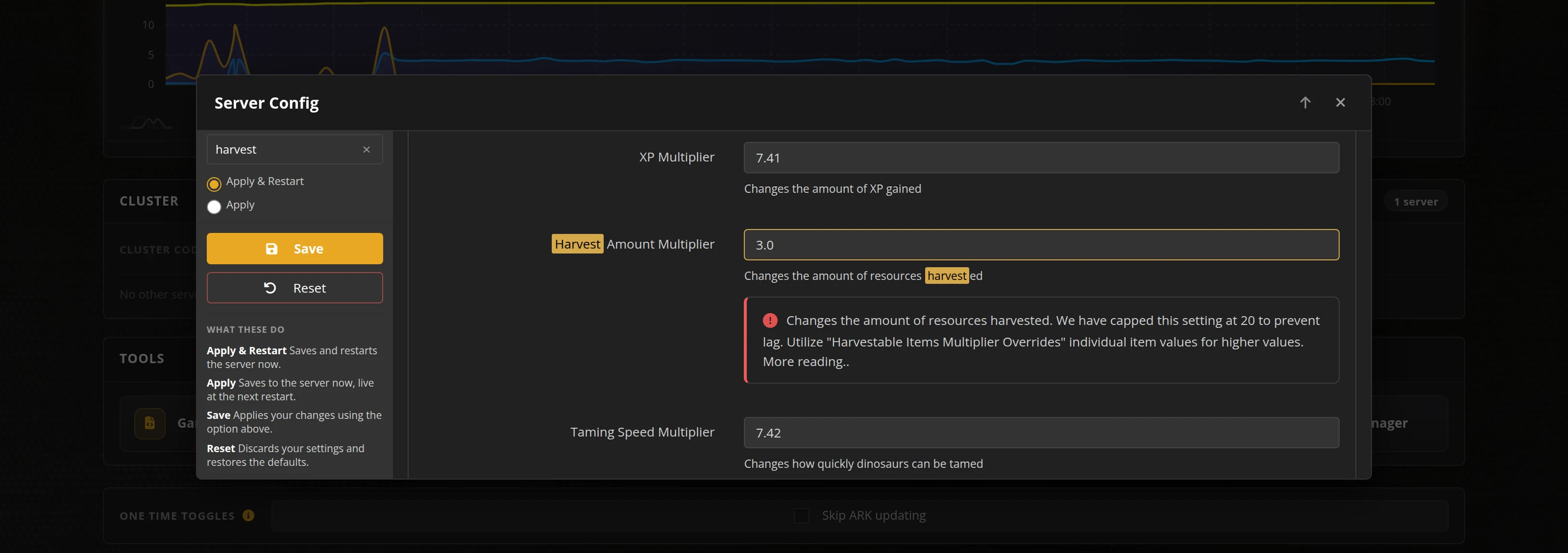
Access to our custom Game Server Management Panel
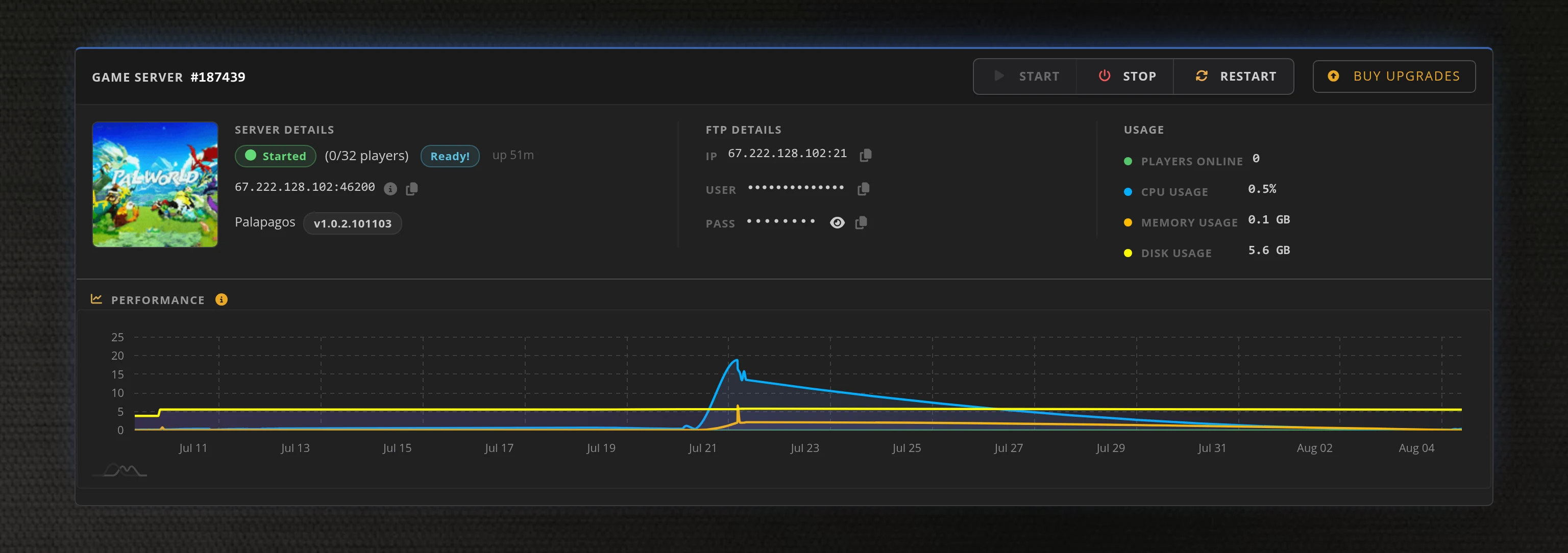
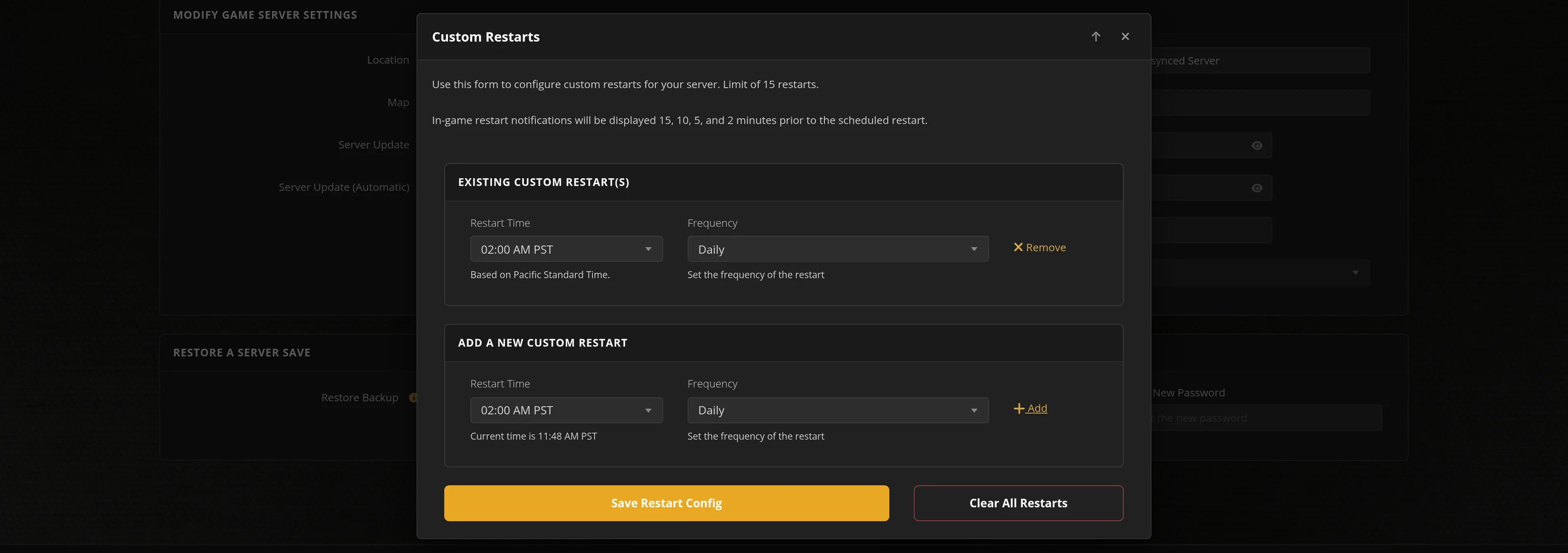
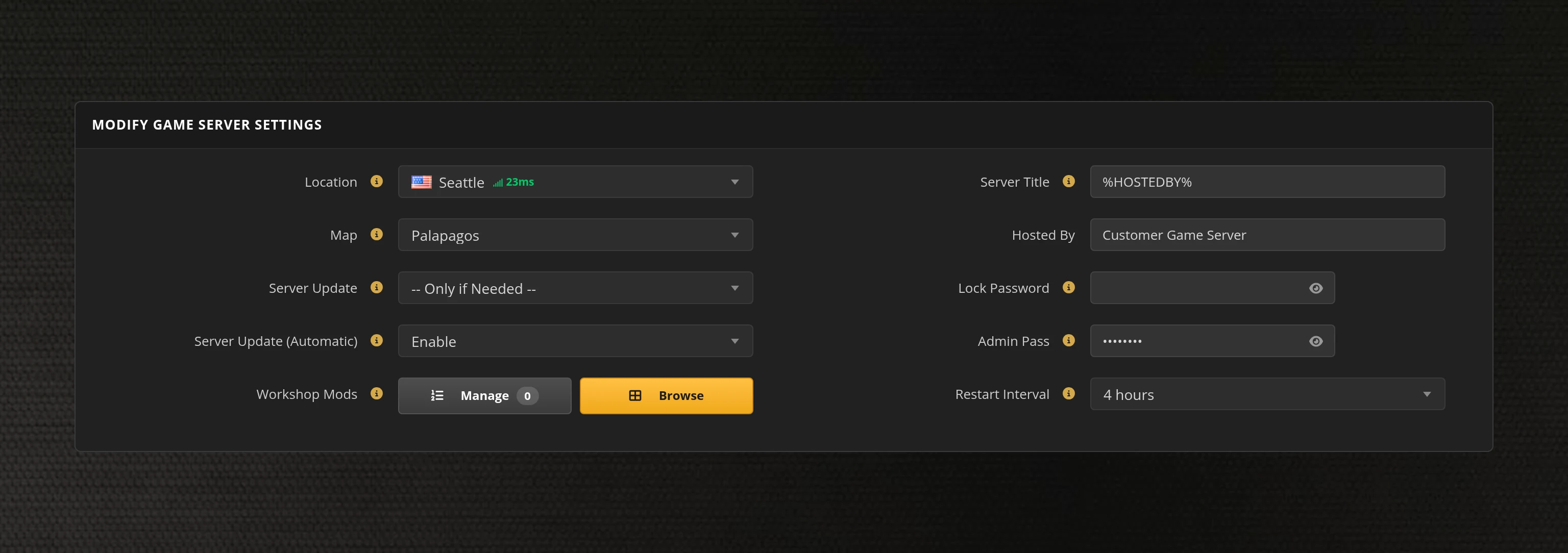
The in-house Survival Servers game control panel allows you to configure and customize your Sons of the Forest game server. Install supported mods / maps, switch locations, and change any setting with our easy one click form. Survival Servers is a Sons of the Forest dedicated game server provider with our custom panel. From there, join your Sons of the Forest server and play with your friends!
How Sons of the Forest Server Hosting Works
Out of the box, Sons of the Forest multiplayer is peer-to-peer: one player hosts, and the world only exists while that player is online. If the host logs off, everyone gets kicked and progress stops. A dedicated server fixes that. Endnight Games publishes a free dedicated server tool on Steam (App ID 2465200), and we run it for you on datacenter hardware, so your island stays online 24/7 whether you are in the game or not.
Renting a Sons of the Forest server from Survival Servers works like this:
Because the save lives on the server rather than on one player's PC, a dedicated server is also the safest way to run a long-term world: no lost progress because the host's machine crashed, reinstalled Windows, or simply went to bed.
Sons of the Forest Server Settings That Matter
The dedicated server is configured through its dedicatedserver.cfg file, and every option in it can be changed from our control panel. These are the settings that actually change how your server plays:
Game Mode
Choose Normal, Hard, Peaceful, Hard Survival, or Custom. Peaceful removes hostile cannibals and mutants for a pure building experience, while Hard Survival cranks enemy damage and survival pressure for veteran groups.
Custom Game Settings
Custom mode exposes fine-grained sliders: enemy spawn rate, health, damage, armor, and aggression, animal spawn rate, day length, season length, starting season, and more. This is where you tune the game to exactly your group's taste — for example, aggressive enemies but a longer, more forgiving winter.
Player Slots & Password
The game supports up to 8 players on a dedicated server. Set a server password to keep your world private, or leave it open and let the server browser fill your island with new survivors.
Save Interval
By default the server autosaves every 600 seconds (10 minutes). You can shorten this if you want tighter protection against rollbacks, or lengthen it slightly on very large bases.
Network Ports
Sons of the Forest uses three ports: the game port (8766 by default), query port (27016), and blob sync port (9700). On a rented server these are preconfigured and reachable from the start — no router port forwarding, no UPnP headaches, no fighting your ISP over CGNAT.
VAC & LAN Options
Enable or disable Valve Anti-Cheat for your server, and control whether it is publicly listed. Useful when you want a strictly friends-only world.
Saves, Mods, and Full FTP Access
Your World, Server-Side
On a dedicated server the world save is stored on the server itself, not on any player's PC. Every player's progress, inventory, and structures live in that shared save, which the server writes automatically on its save interval and on shutdown.
Bring an Existing World
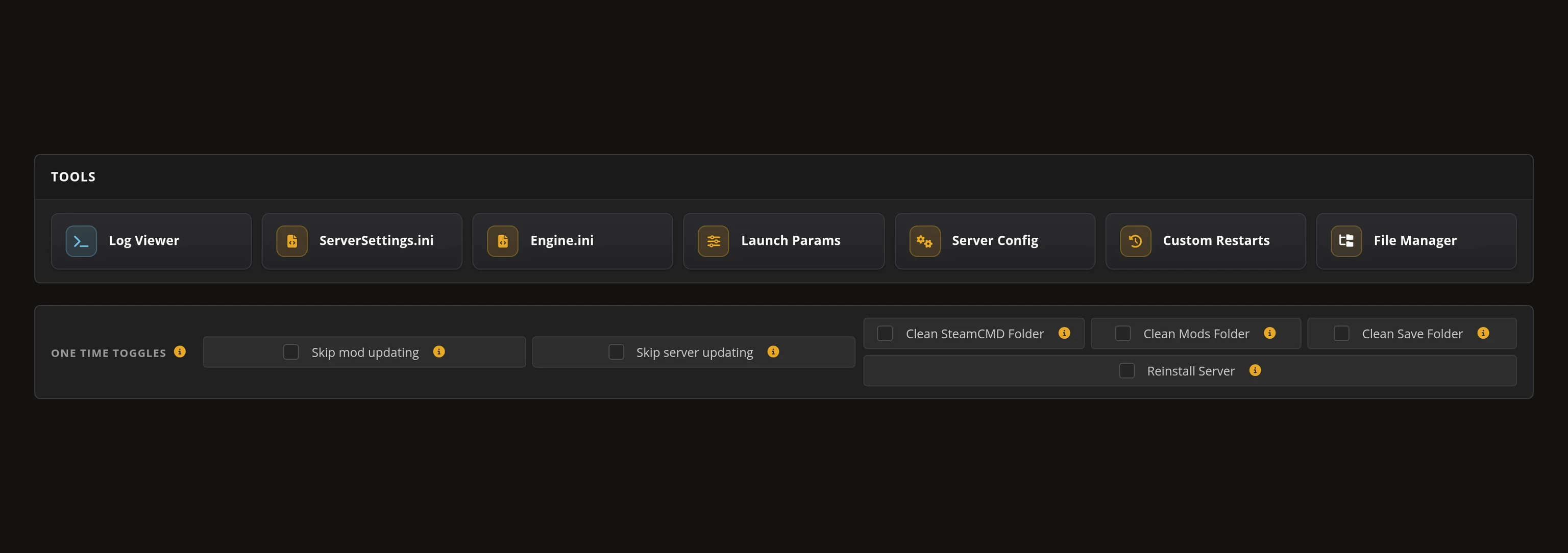
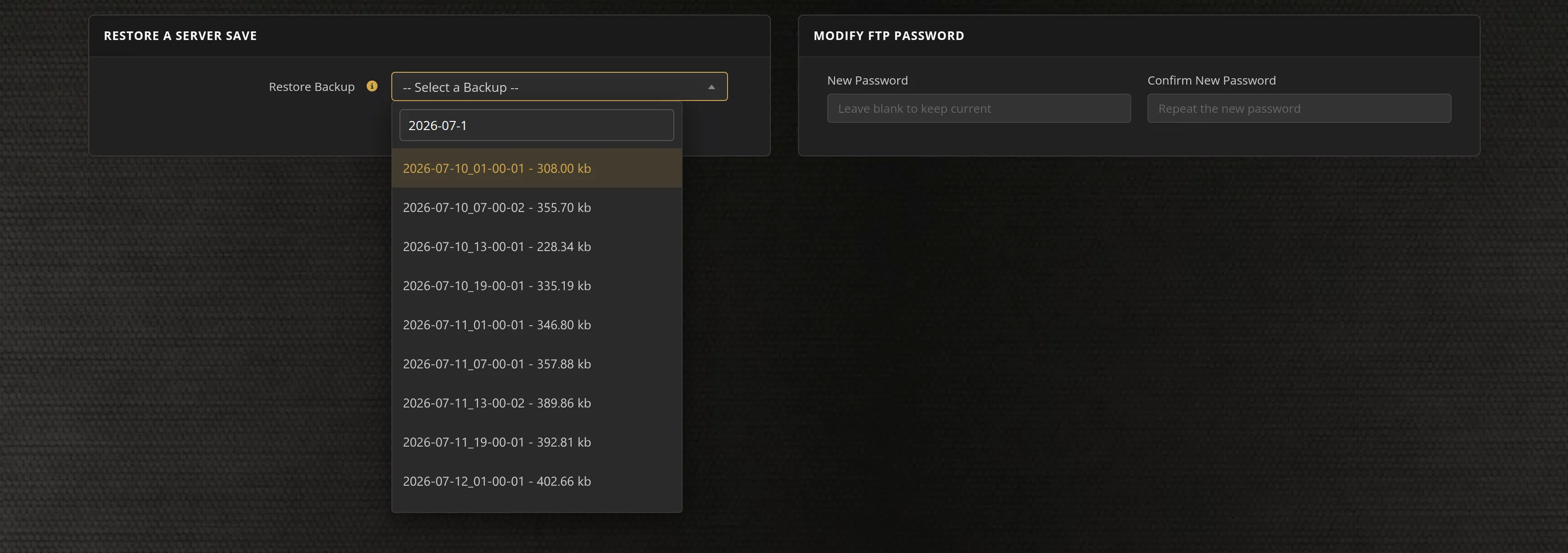
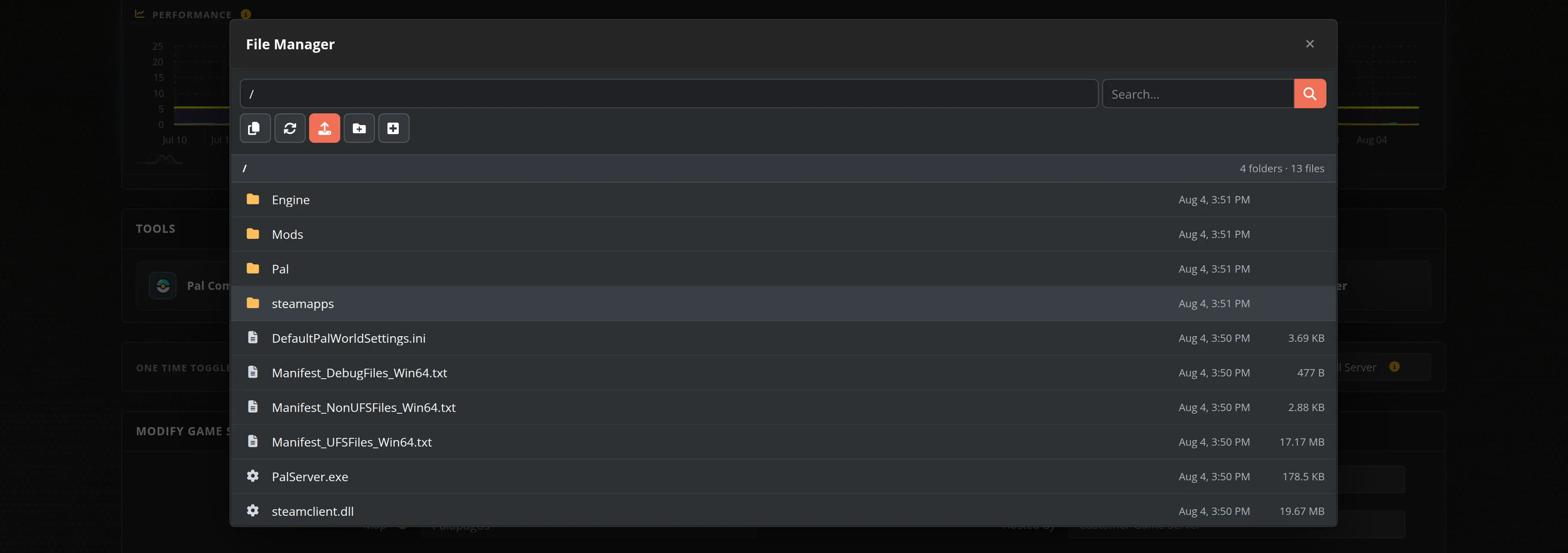
Already deep into a co-op world? With full FTP access you can upload your existing multiplayer save to the server and pick up where you left off, or download the server save at any time as your own backup before a big game update.
Mods & Plugins
Sons of the Forest has an active modding community, and FTP access means you can install server-side mods and tweaks directly. Client-side mods remain each player's choice and work alongside a vanilla server.
Backups and Updates
When Endnight ships a game patch, your server updates to the matching dedicated server build so your group is never stuck version-mismatched. Keeping your own FTP copies of the save folder before major patches is cheap insurance for a long-running world.
Sons of the Forest Server Performance and Sizing
Sons of the Forest is a demanding game to simulate. The server tracks enemy AI across the whole island, seasonal weather, and every structure your group builds, and like most survival games it leans heavily on a single CPU core rather than spreading across many. That is why raw single-thread CPU speed matters far more than core count for this game — and why we run our Sons of the Forest servers on high single-thread benchmark Intel and AMD CPUs with NVMe/SSD storage.
Practical sizing guidance for a smooth server:
Global Network, Multiple Hosting Locations
Switch locations any time. DDoS protection available.
What is Sons of the Forest?
Watch the unsettling new trailer for Sons of the Forest, the upcoming sequel to The Forest.
Sons of the Forest game server hosting available now
Instant setup. v1.0 game update coming on Feb 22 2024
From the SurvivalServers Wiki
Sons Of The Forest Guides & Tutorials
Frequently Asked Questions about Sons of the Forest Server Hosting
Sons of the Forest supports up to 8 players in co-op, and that cap is set by the game itself. Our plan matches it exactly with 8 slots, so you never pay for capacity the game cannot use.
For 2 players, you need at least a 2.4 GHz CPU with 2 cores and 3 GB of RAM. For 3 or more players, requirements increase to a 3.0 GHz CPU with 4 cores and 4 GB of RAM. A minimum of 10 GB storage space is essential, with at least 6GB of RAM recommended to avoid lags and crashes.
Yes - community modding for Sons of the Forest servers runs through the BepInEx loader, and our control panel can enable BepInEx with one click. From there you upload plugin files to the BepInEx plugins folder over FTP or the File Manager. There are no official mod tools from Endnight, so treat all mods as community-supported.
Sons of the Forest requires three ports to be opened: port 8766 for the Game Port, port 9700 for Blob Sync, and port 27016 for Query. These ports need to be forwarded in your router settings for players to connect to your server.
Sons of the Forest is currently available on PC via Steam. The game offers a free dedicated server tool through Steam (App ID 2465200) that supports both Windows and Linux hosting, making it accessible for various server configurations.