
Assetto Corsa Competizione Server Hosting
Our Assetto Corsa Competizione server hosting plans come with the features you need
Your game server will come with the following, instantly available features:
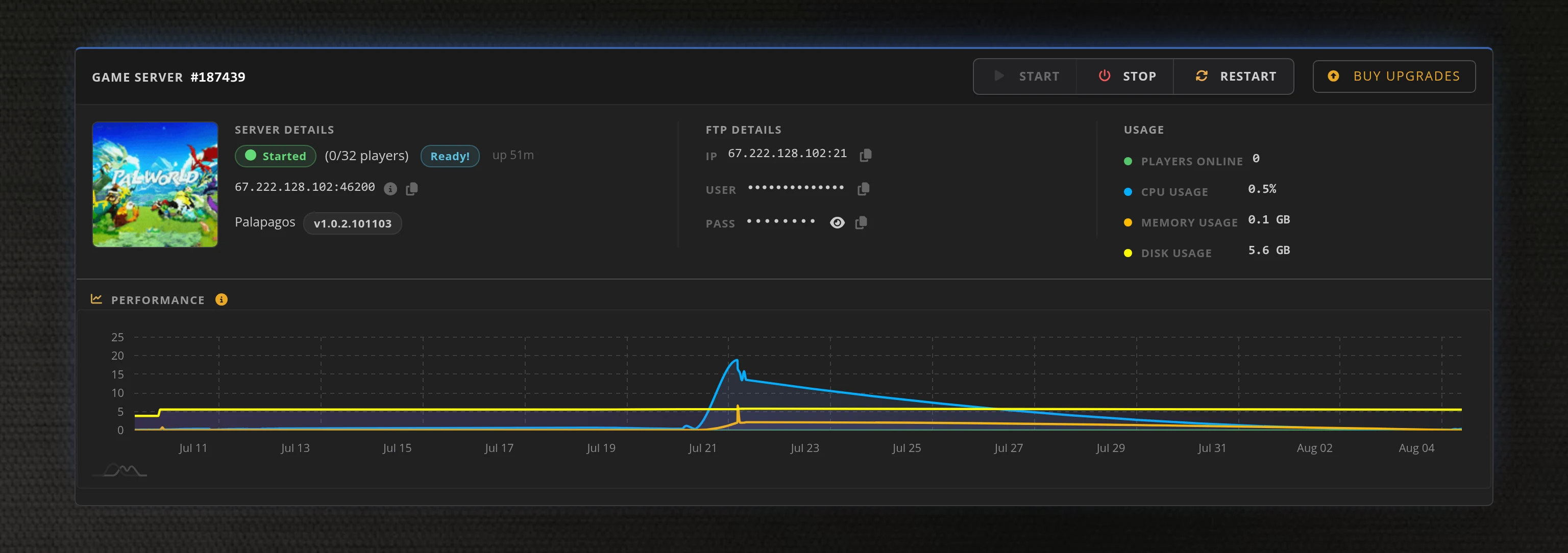
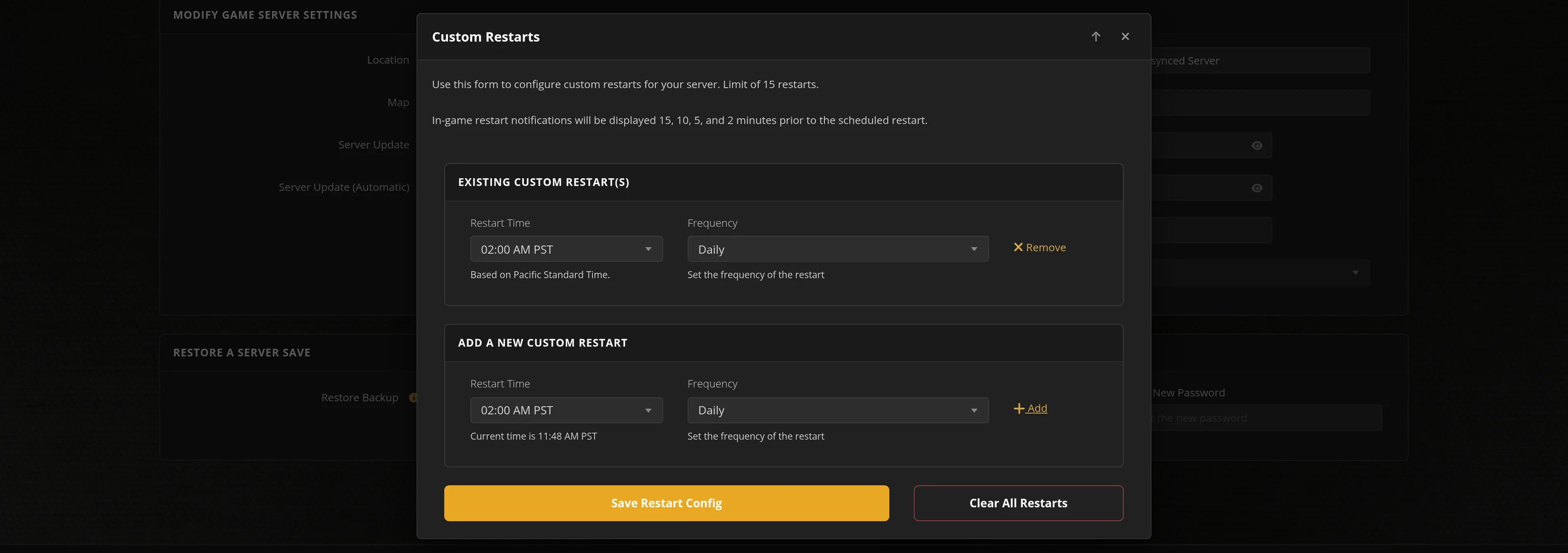
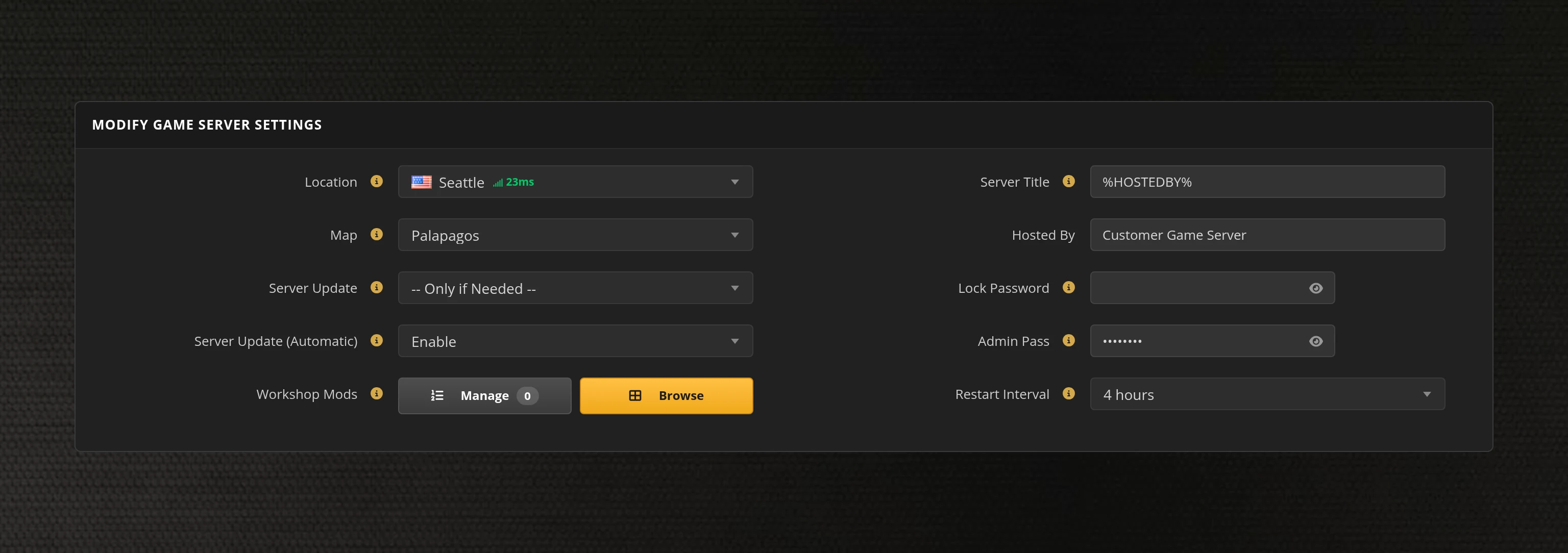
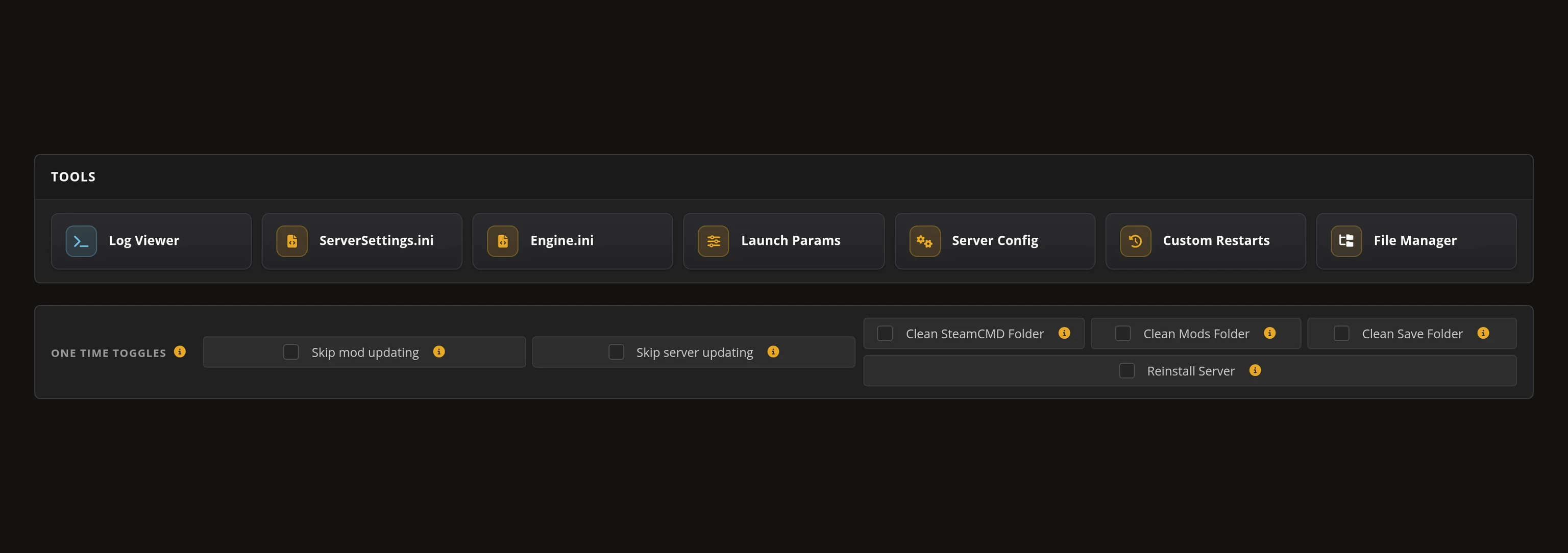
Access to our custom Game Server Management Panel
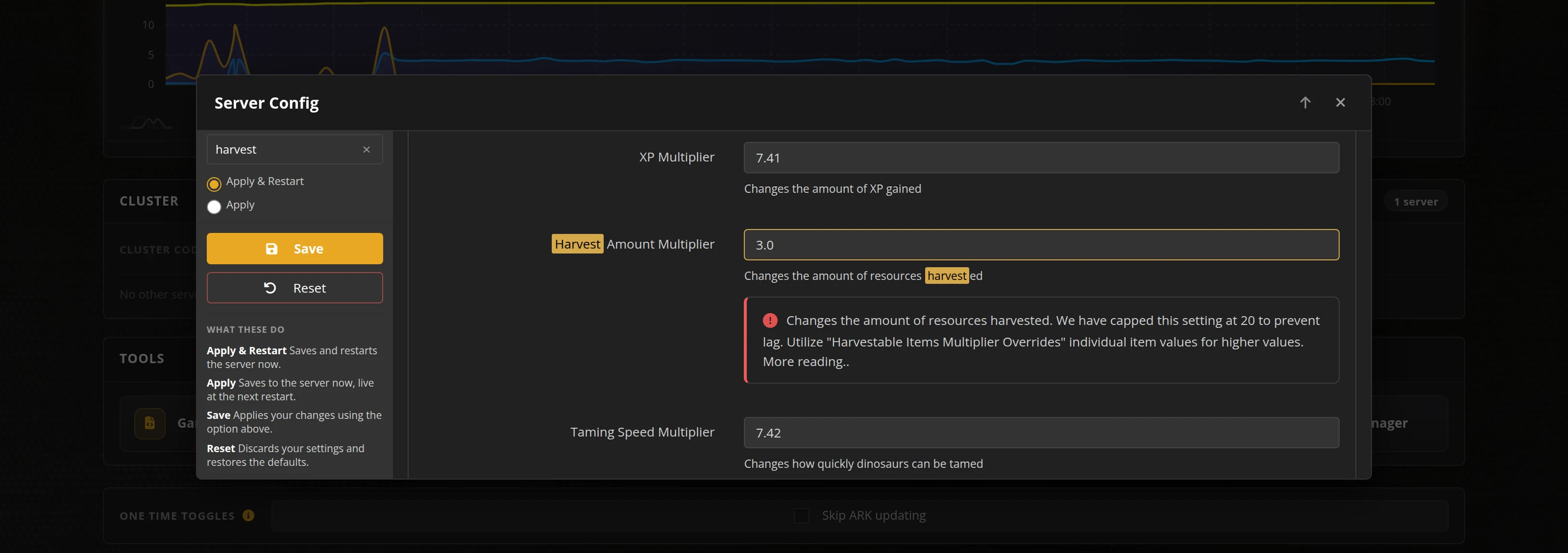
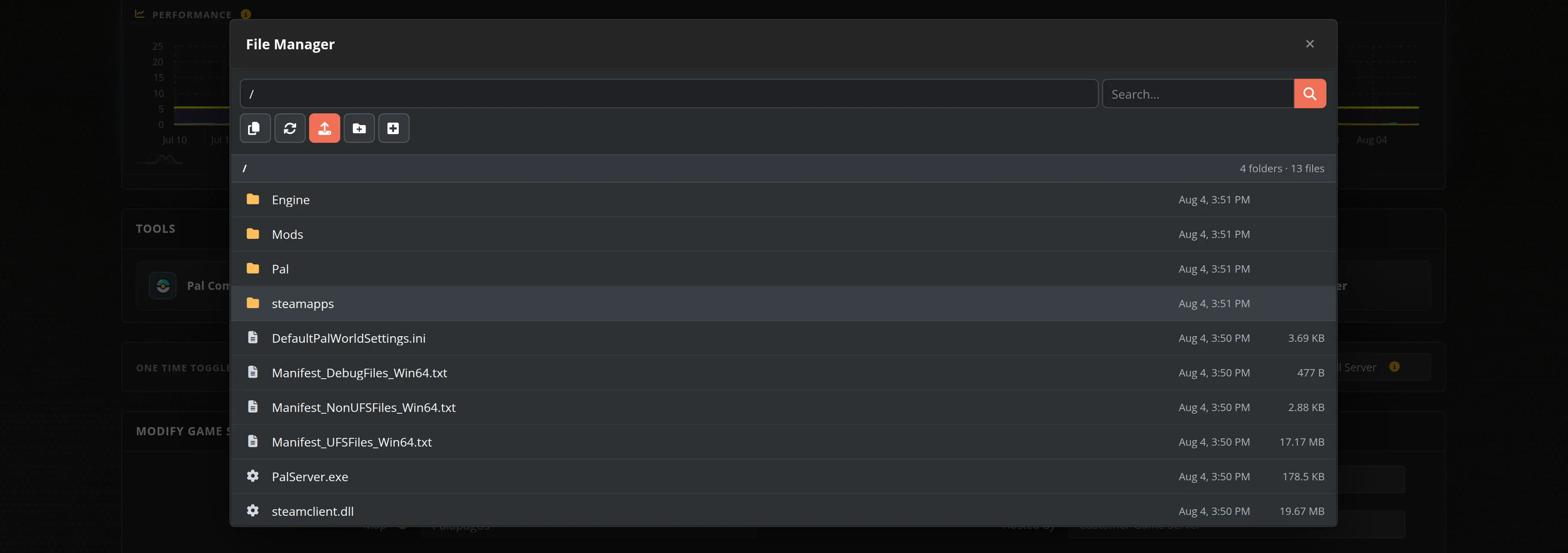
The in-house Survival Servers control panel gives you the full Assetto Corsa Competizione server configuration suite: track and race-weekend session builder, weather simulation, Safety/Racecraft rating gates, pit and stint rules, driving assists, and seven one-click league presets from Open Practice to Endurance with driver swaps. Entry lists and BoP files are one click away in the File Manager. Set it up once, and your server loops your race weekend 24/7.
Global Network, Multiple Hosting Locations
Switch locations any time. DDoS protection available.
What is Assetto Corsa Competizione?
Assetto Corsa Competizione is the official GT World Challenge simulation by Kunos Simulazioni. Built on Unreal Engine 4, it delivers laser-scanned circuits, a full GT3/GT4/GT2 grid, dynamic day-night cycles and rain, and the sim-racing ratings system that made it the benchmark for competitive GT racing. Multiplayer runs practice-qualifying-race weekends - exactly what a rented server loops for your league or community, around the clock.
More sim racing from the same family: Assetto Corsa servers for modded track days and custom content, plus Assetto Corsa EVO server hosting and Assetto Corsa Rally hosting on the horizon.
How to Set Up an Assetto Corsa Competizione Dedicated Server
With SurvivalServers
Running your Assetto Corsa Competizione multiplayer server is easy!
- Click Order Now above
- Enter a Username, Password and Email Address or Signup with Google/Twitch
- Select your slot amount and billing cycle
- Click "Order Now" and enjoy your server!
Without SurvivalServers
Running an Assetto Corsa Competizione server on your own requires several components.
System Requirements
- Windows Server or Windows 10/11 (the dedicated server is Windows-only)
- A few hundred MB of RAM per server - bandwidth is the real per-driver cost
- Two forwarded ports per server (one UDP for car positions, one TCP for connections)
- Static IP address or Dynamic DNS service
Required Components
- ACC Dedicated Server - Steam Tool App ID 1430110, downloadable only with a Steam account that owns Assetto Corsa Competizione
- configuration.json - Ports, connection limits and lobby registration
- settings.json - Server name, passwords, car group, rating requirements
- event.json - Track, race-weekend sessions and weather
- eventRules.json / assistRules.json - Pit, stint and assist rules (private servers)
- entrylist.json / bop.json - League entry lists and Balance of Performance
Configuration Gotchas
- Every JSON file must be saved as UTF-16LE - UTF-8 configs appear to work but are read wrong
- At least one non-race session is required or the server refuses the weekend
- Public servers cap the grid at 30 cars (or the track's pit-box count, whichever is lower)
- An implausible value makes the server exit with an error in its log folder
Network Configuration
- One unique UDP port (car position streaming and ping) and one TCP port (connections) per server
- Both ports must be reachable from the internet
- The server registers itself with the ACC lobby backend - players find it in the in-game Server List by name (ACC has no direct IP join)
Why Use SurvivalServers Instead?
- We handle all the technical setup - just click and play
- DDoS protection included at all 8 global locations
- Server Config tool covering the full JSON suite, with seven league presets and a session builder
- The UTF-16LE trap, ports and lobby registration handled automatically
- 24/7 server uptime - your racing league can run anytime
- Full FTP and File Manager access for entry lists and BoP files
Frequently Asked Questions About Assetto Corsa Competizione Server Hosting
Public ACC servers support up to 30 cars on track, additionally capped by the selected track's pit-box count (Monza has 29 pit boxes, Zandvoort 25, Spa 82). Private password-protected servers can exceed 30 on large circuits. Our plans sell real car slots from 10 up to the full 30-car field, and every plan includes spectator headroom on top.
Yes. ACC console server rental is exclusive to publisher-licensed partners, and console players cannot join PC dedicated servers (there is no PC-console crossplay in ACC). Our servers are for the Steam PC version of Assetto Corsa Competizione.
ACC has no direct IP join. Your server registers itself with the official lobby backend, and players find it in-game under Multiplayer then Server List, searching by your server name. If you set a server password the server becomes Private Multiplayer, which also unlocks the advanced pit, stint and assist rules.
Yes, ACC is the benchmark for GT league racing. Our Server Config tool covers rating requirements (Safety, Racecraft, track medals), car group restrictions, a full practice-qualifying-race weekend builder, pit windows, driver stints and swaps, mandatory pit stops, and Balance of Performance via bop.json. Seven one-click presets cover Open Practice through Endurance with driver swaps.
ACC is the official GT World Challenge simulation by Kunos Simulazioni, with laser-scanned circuits, the full GT3, GT4 and GT2 grids, dynamic weather and day-night transitions, and a built-in driver rating system. Server-side rating gates mean you can run a clean-racing server that only admits drivers above the Safety Rating you choose.
Step 1: Select your car-slot count and server location from our order page, then complete checkout for instant deployment.
Step 2: Open the Server Config tool and pick a league preset, or build your own race weekend with the session builder, weather and rules sections.
Step 3: Set your server name, join password (optional) and admin password in the panel.
Step 4: Click "Apply & Restart". Your server registers with the ACC lobby and appears in the in-game Server List within minutes.
Our Server Config tool covers the full ACC server configuration suite:
Server & Ratings: Car group (GT3, GT4, GT2, GTC, TCX or open), Safety and Racecraft rating gates, track medal requirements, auto-DQ and formation lap rules.
Event & Track: All 25 circuits with pit-box counts shown, session overtime, pre-race and post-race timing.
Sessions: A full race-weekend builder - practice, qualifying and race sessions with in-game start times, day and time multipliers.
Weather: Temperature, clouds, rain and randomness for ACC's dynamic weather simulation.
Race Rules & Assists: Pit windows, mandatory stops, driver stints and swaps, tyre sets, and every driving-assist restriction on private servers.
Your ACC server loops a simulated race weekend (Friday to Sunday) that you design session by session:
Practice: Any duration from a quick warm-up to a 24/7 open practice server.
Qualifying: Fastest-lap qualifying that sets the race grid.
Race: Timed races with formation lap options, pit windows and mandatory stops on private servers.
Each session gets an in-game start time, day of the weekend and a time multiplier, so a one-hour real race can sweep from afternoon into sunset. At least one non-race session is required - the game enforces it, and so does our panel.
League admins manage two files, both one click away in your panel:
entrylist.json - your league roster: Steam IDs, race numbers, forced car models, grid positions, per-car ballast and driver-swap teams. Entry-list drivers bypass rating gates and can join a full server.
bop.json - per-track, per-car Balance of Performance (ballast and restrictor).
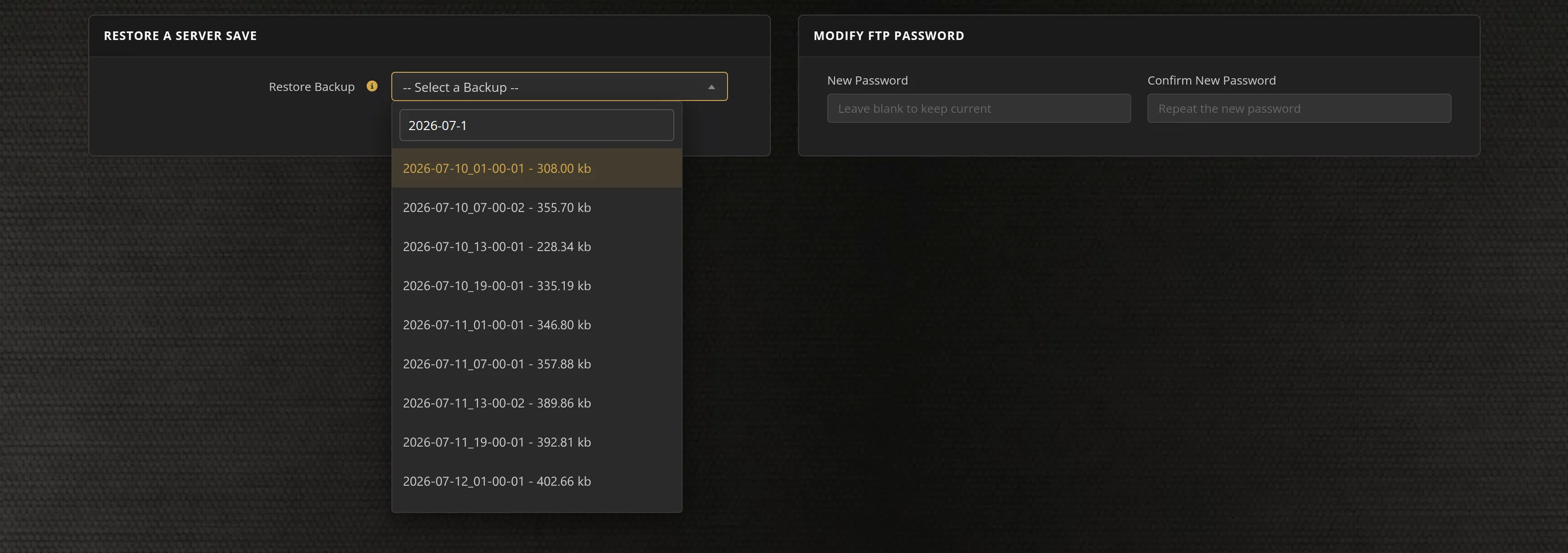
Both live in server/cfg/ and are editable through the File Manager or FTP. The panel ships valid empty defaults and never overwrites your edits - unlike the panel-managed settings files, these are yours.