
 English
 Deutsch
 Français
 Español
Stormforge Game Server Hosting
Our Stormforge server hosting plans come with the features you need
Your game server will come with the following, instantly available features:

Access to our custom Game Server Management Panel
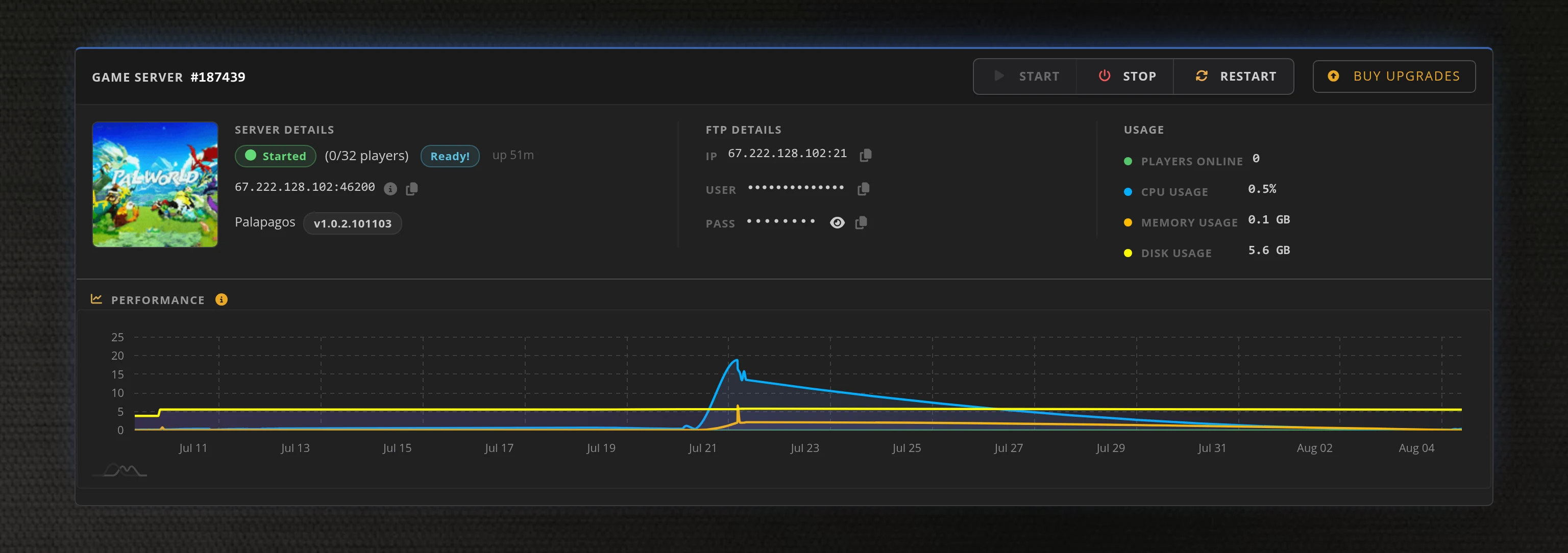
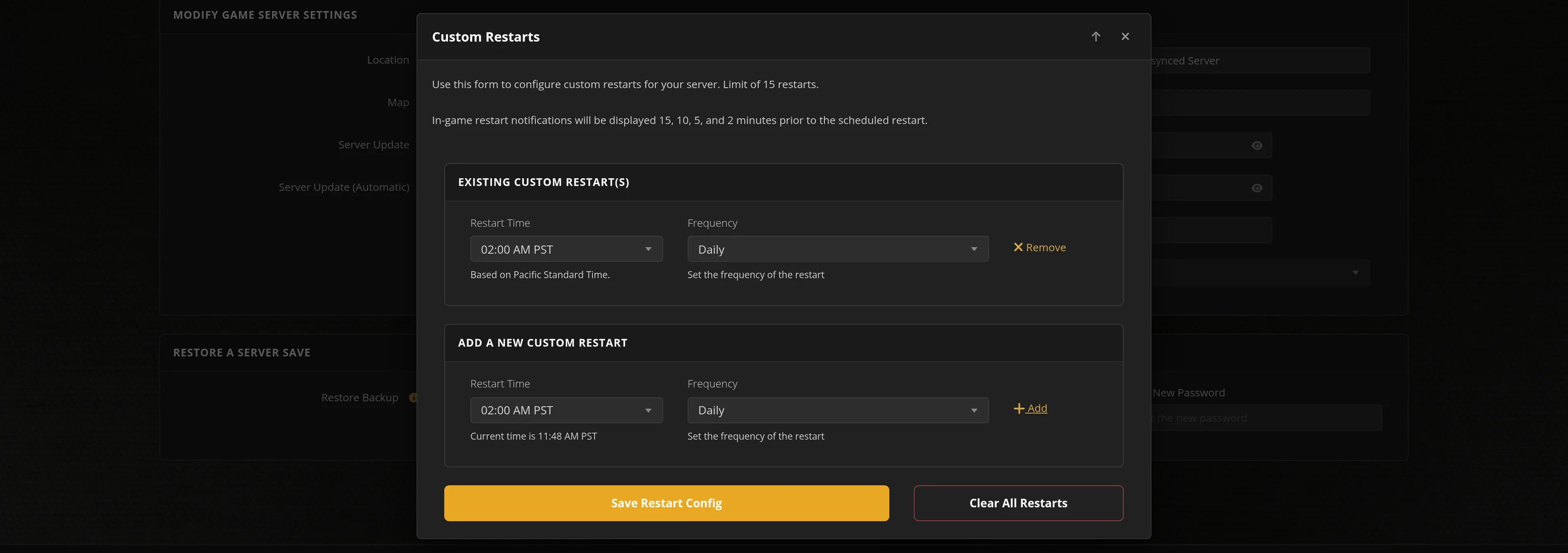
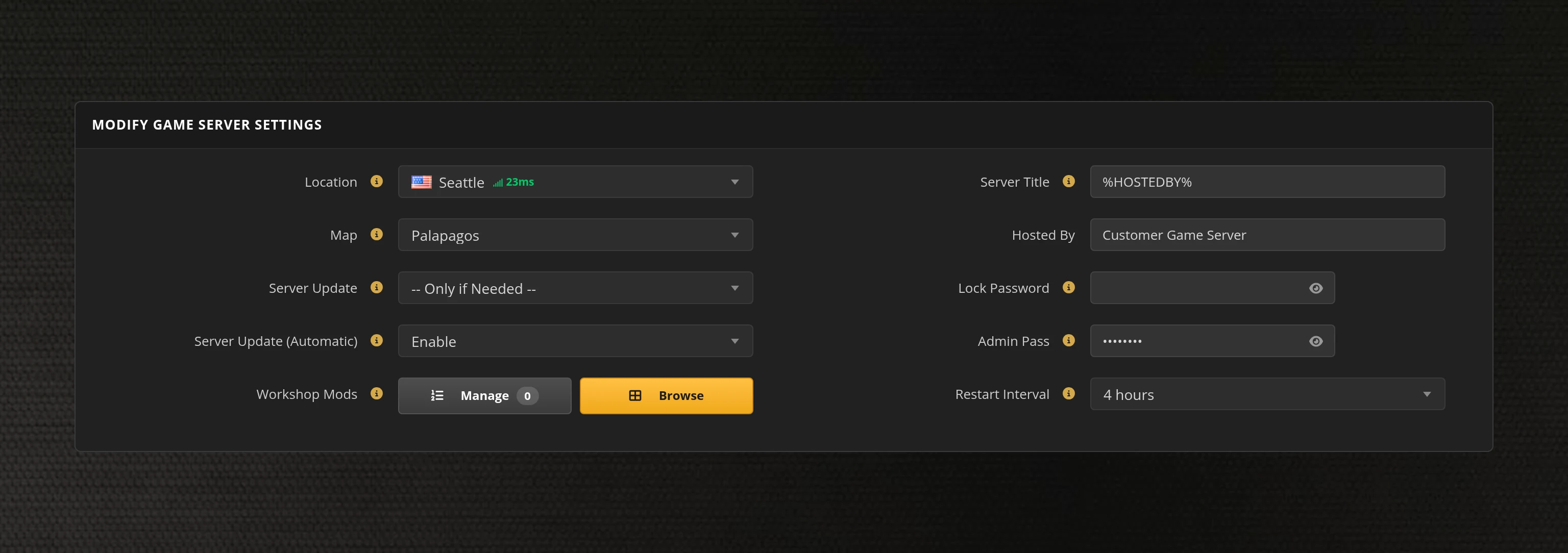
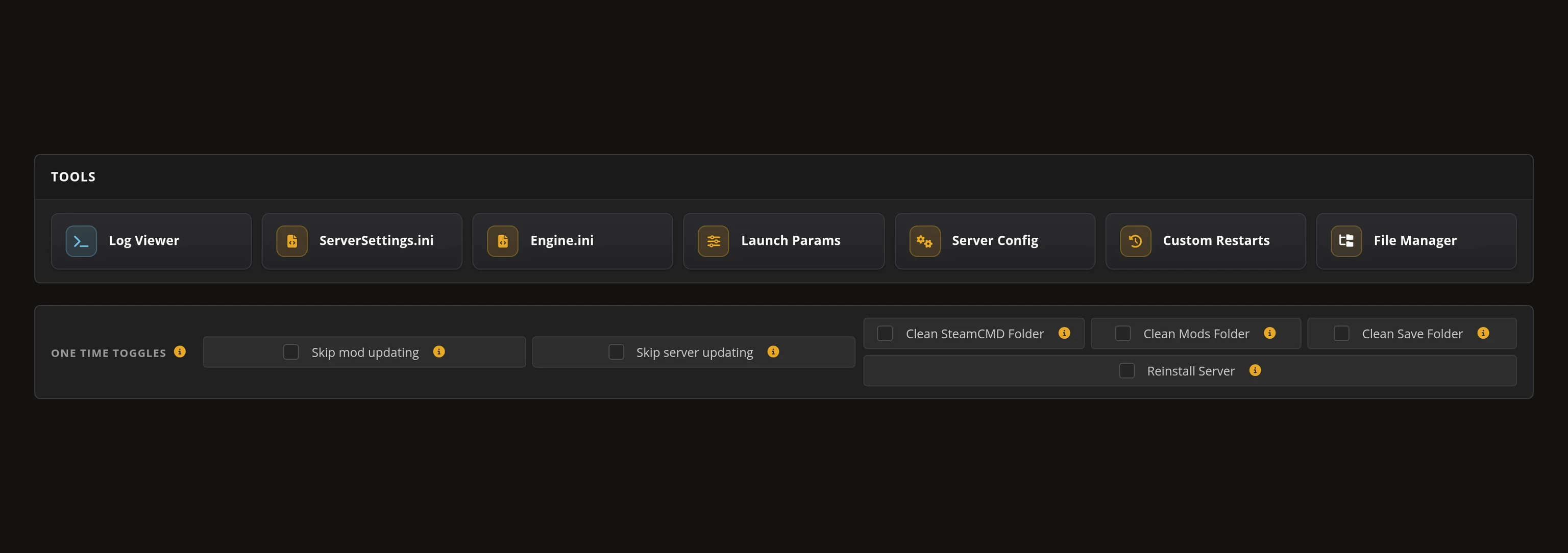
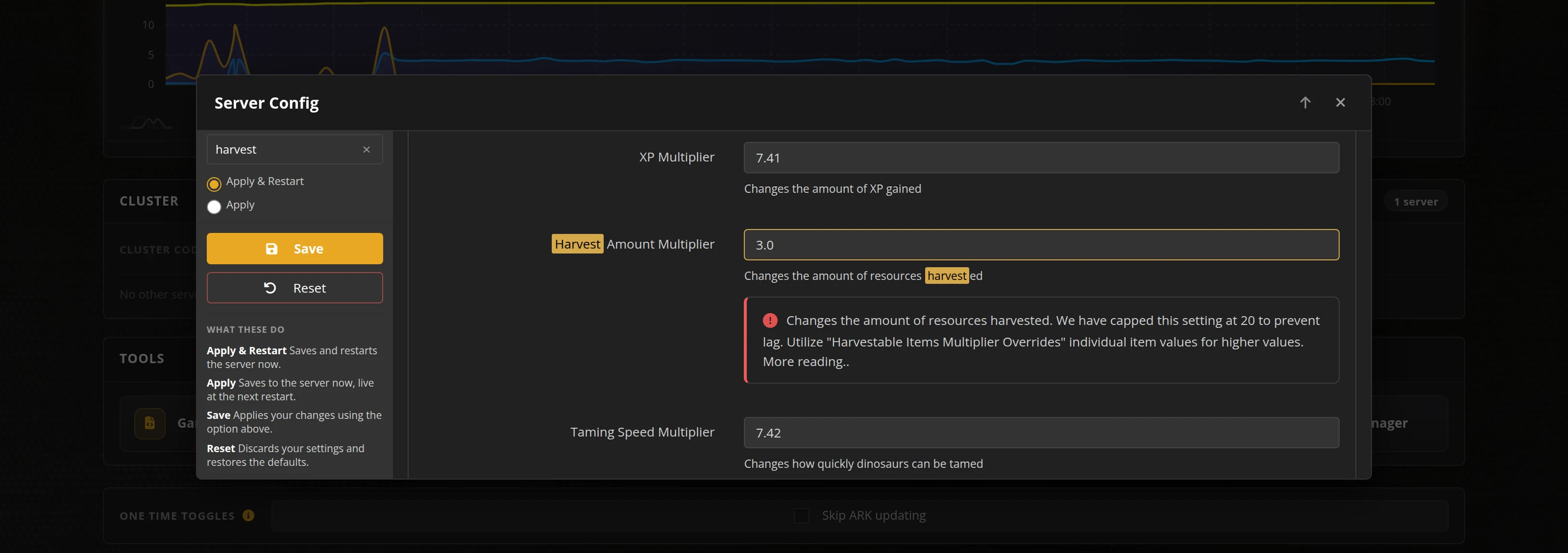
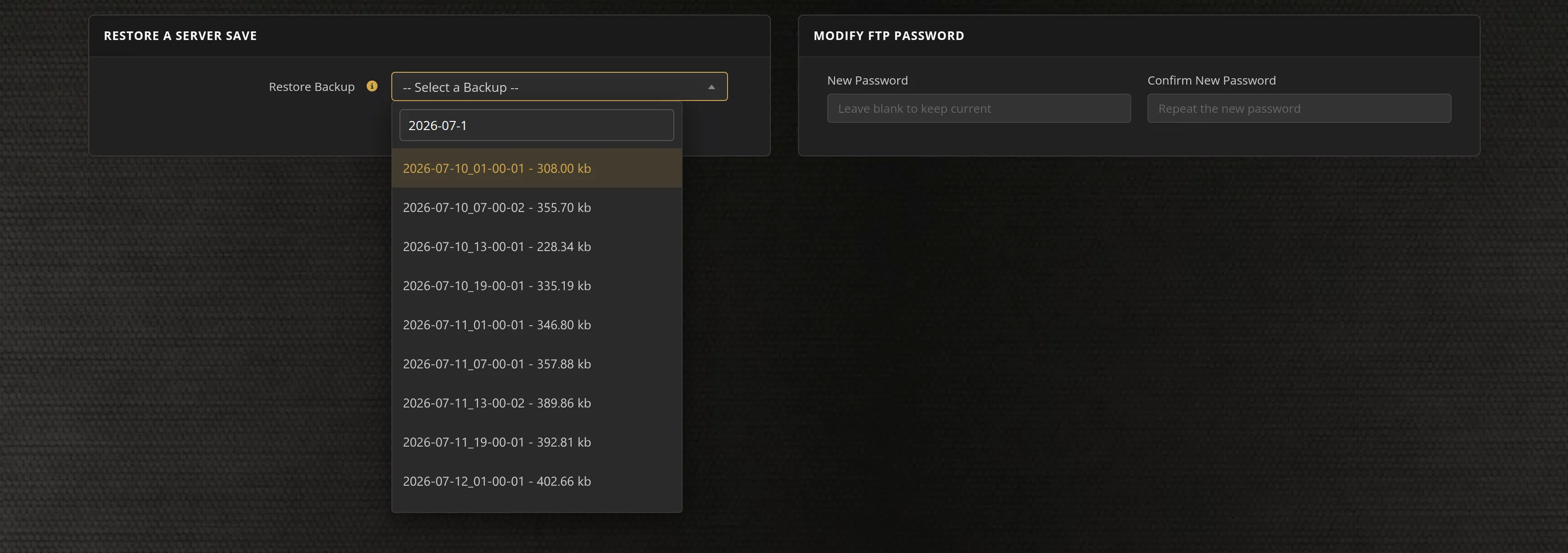
The in-house Survival Servers game control panel lets you copy the current invite code, start a fresh world, schedule restarts, restore a save, and manage the supported server controls in one place.
Watch the Stormforge Trailer
Stormforge is a co-op survival game from Roboto Games where you and your friends explore a procedurally generated world, survive deadly storms, gather resources, build, and fight together
Global Network, Multiple Hosting Locations
Choose your location when ordering. Player traffic uses the game's EOS relay instead of a public game port.
How to Set Up a Stormforge Server
With SurvivalServers
Running your Stormforge multiplayer server is easy!
- Click Order Now above
- Enter a Username, Password and Email Address or Signup with Google/Twitch
- Select your billing cycle
- Receive instant panel access and wait for your server to show Ready
- Copy the eight-character invite code from your panel
- Friends choose Multiplayer in Stormforge, enter the code, and join your world
Without SurvivalServers
Stormforge ships with online co-op, but the world runs inside the host player's game and only exists while that player is online. There is no official server download, so there is no way to keep a world running on its own. Hosting with us keeps your world online around the clock, and anyone with the current invite code from your panel can join.
Expected Configuration
- Server title
- Player slots (2, 4, 6, or 8)
- Fresh world reset
- Scheduled restart interval
- Save backup restore
Why Wait? Use SurvivalServers Instead
- We handle the game install, host setup, and firewall configuration
- EOS-relayed multiplayer traffic with no public game port
- Game and host builds are pinned as one approved pair and checksum-verified on every start
- 24/7 server uptime - your friends can play even when you're offline
- Fresh worlds, scheduled restarts and save backups managed from the panel
- Order in one click and play within minutes
Why Host Your Stormforge Server With Us?
Instant Setup
Your Stormforge server is ready within minutes of ordering. The game install, host setup, and firewall configuration are all handled for you - jump straight into gathering, building, and braving the storms with your friends.
Invite-Code Joining
Your group joins from Stormforge's built-in Multiplayer screen using the eight-character invite code shown in your panel. Every server restart publishes a fresh invite code, so the panel always shows the current one ready to copy.
24/7 Uptime
Your server stays online around the clock so your group can play anytime - even when you're offline. No need to keep your PC running, no host migration, and no waiting for whoever owns the world to log on first.
8 Global Locations
Choose from Seattle, Los Angeles, Dallas, New York, Miami, France, Germany, or Singapore when ordering. The order form shows exactly which cities have Stormforge stock ready, while player traffic stays on the game's EOS relay.
Frequently Asked Questions about Stormforge Server Hosting
Stormforge server hosting keeps your co-op world running 24/7 on our infrastructure instead of inside one player's game. Order a 2, 4, 6, or 8 slot server, wait for the panel to show Ready, and your group joins from Stormforge's built-in Multiplayer screen with the invite code in your panel - no extra software, and no port forwarding. Every plan includes automatic save backups, FTP access to your save files, and 24/7 support.
Stormforge's online co-op normally runs inside one player's game, so the world only exists while that player is online. We run the world on our own infrastructure instead, and your group joins from Stormforge's built-in Multiplayer screen with the invite code shown in your panel - no host PC, and no port forwarding on their end. The world runs 24/7 even when nobody is logged in.
Steam updates Stormforge on your PC automatically, and Stormforge refuses connections between mismatched builds. Your server is pinned to one approved game and host build pair and will not move on its own; we validate the new pair together before rolling it out. Your saved world is not affected by a build change.
Servers come in 2, 4, 6, and 8 slot sizes. The difference from stock co-op is that nobody has to play host - the whole group connects to the hosted world with the current invite code and can drop in or out anytime.
Yes. Starting or restarting the server publishes a fresh invite code. Wait for the panel to show Ready, then share the current code with your group.
Each friend needs Stormforge from Steam and the current invite code from your panel. They open Stormforge, choose Multiplayer, enter the code, and connect. Characters are made in Stormforge itself, exactly as they always were.
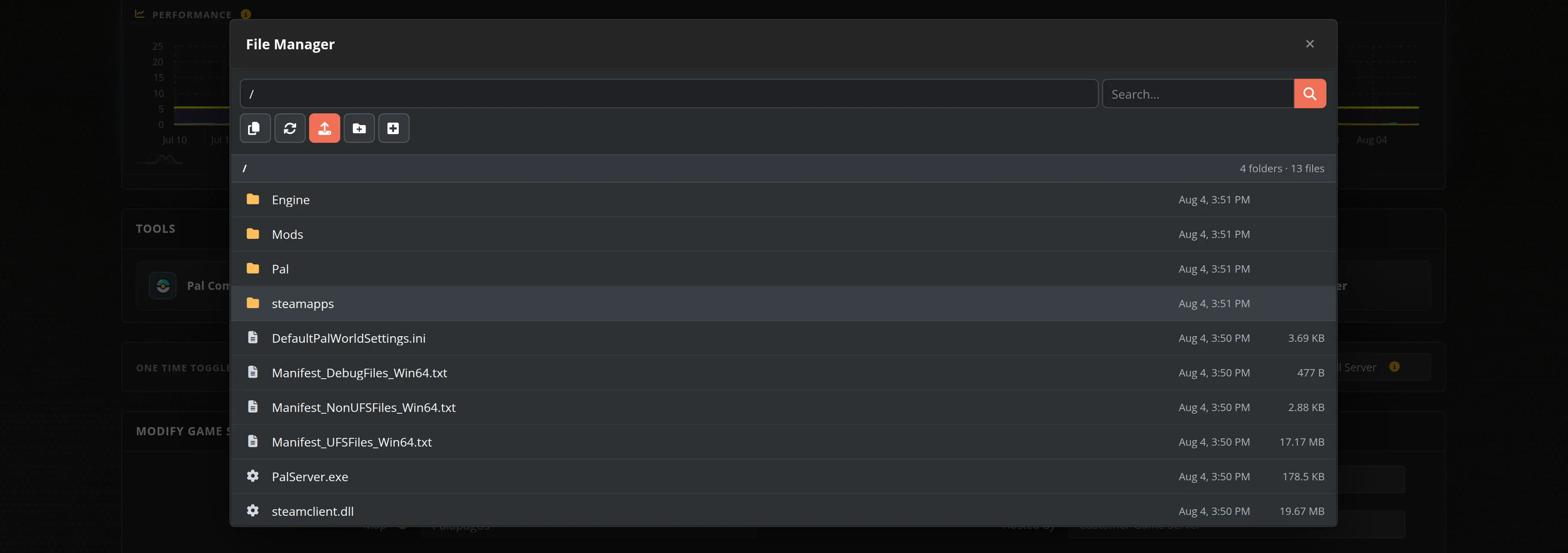
Yes. Your Stormforge world is stored on our infrastructure, not on any player's PC, so progress is never tied to whoever created the game. It is backed up automatically, you can restore a backup from the panel, and you can download your save files over FTP whenever you like.
Not currently. Stormforge does not expose a supported server-side mod workflow, console, password lock, or custom launch parameters, so the panel only ships the controls that are proven to work. If the game adds them, so will we.
Seattle, Los Angeles, Dallas, New York, Miami, Germany, France, and Singapore. The order form marks any city that is temporarily out of Stormforge stock, so pick the closest available location to your friend group. Player traffic uses the game's EOS relay.
You can cancel any time with no commitment. Stormforge servers cannot be moved between locations yet, so pick the city closest to your group when ordering - if you need to be somewhere else later, open a support ticket.