
Unturned Game Server Hosting
Our Unturned server hosting plans come with the features you need
Your game server will come with the following, instantly available features:


How to Create an Unturned Server — Unturned Server Setup Guide
This free Unturned server setup guide walks you through creating a dedicated Unturned server the fast way (with SurvivalServers) and the DIY way (self-hosted on your own hardware).
Hosting your Unturned server with us is effortless:
- Click Order Now above
- Enter a Username, Password and Email Address or sign up with Google/Twitch
- Select your slot amount, datacenter, billing cycle, and map
- Click "Order Now" and your Unturned server is provisioned instantly with one-click control panel access
Without SurvivalServers
Running an Unturned dedicated server yourself takes quite a bit more setup:
System Requirements
- Windows or Linux 64-bit host (Unturned dedicated server hosting is not supported on macOS)
- Disk space for U3DS server files, save data, Workshop downloads, and logs
- Reliable CPU, memory, and network capacity for your player count, plugins, and Workshop content
- Stable internet connection with open or forwarded UDP ports
- SteamCMD for headless installs and updates, or the Steam Library tool for a simple setup
- Steam account access to create a Game Server Login Token (GSLT) for public server listing
Installation
- Install the Unturned Dedicated Server tool from your Steam Library, or install it headlessly with SteamCMD (App ID
1110390) - With SteamCMD, use
login anonymousthenapp_update 1110390to download or update the server files - Launch an Internet server with
ServerHelper.bat +InternetServer/MyServeron Windows or./ServerHelper.sh +InternetServer/MyServeron Linux - Use
+LanServer/MyServerfor LAN-only testing, then switch to+InternetServer/MyServerwhen you want friends to join online - After first launch, shut down safely with
Shutdownso the server writes its files underServers\MyServer\ - Edit
Servers\MyServer\Server\Commands.datfor server name, map, password, max players, port, owner/admin, and GSLT - Create a Steam GSLT using Unturned's app ID
304930and add it to your server if you want public browser listing and persistent server codes - Open or forward the UDP port you configured, then share your server code or IP:port with players
Picking Mods & Workshop Content
- Browse Unturned maps, vehicles, weapons, and content packs on the Steam Workshop (Workshop App ID
304930) - Add Workshop item IDs to
Servers\MyServer\WorkshopDownloadConfig.jsonso U3DS downloads required maps and content - Set the matching map name in
Commands.dat; common maps include PEI, Washington, Russia, Yukon, Germany, Greece, Hawaii, and California 2 - Enable Rocket/LDM when using Rocket-compatible plugins, upload plugin
.dllfiles toServers\MyServer\Rocket\Plugins\, and verify each plugin supports your current Unturned version
Why Wait? Use SurvivalServers Instead
- Instant provisioning on enterprise NVMe SSD hardware with DDoS protection across 8 global datacenters
- Map selection, password setup, GSLT support, Rocket/LDM, Workshop content, and config editing through our custom Survival Servers control panel
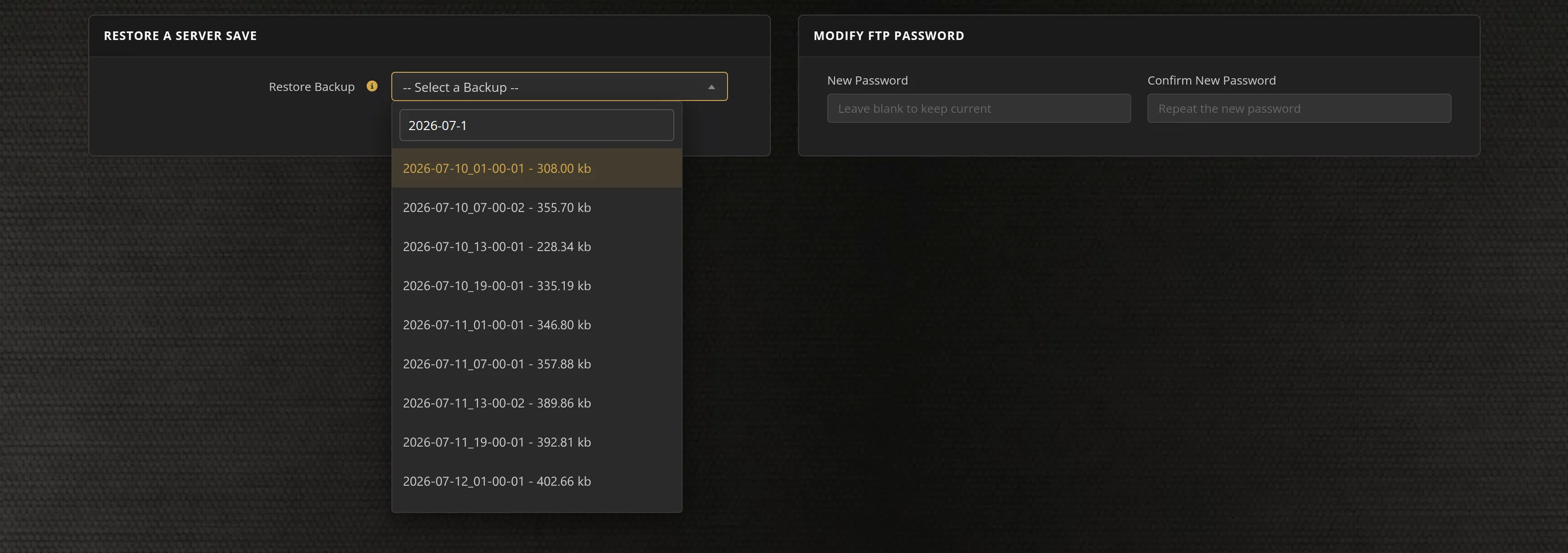
- Automated updates, restarts, backups, and full FTP access from day one
- Steam Workshop map support including California 2, plus Rocket/LDM-compatible plugin support
- No port forwarding, no firewall wrangling, no Windows updates to babysit
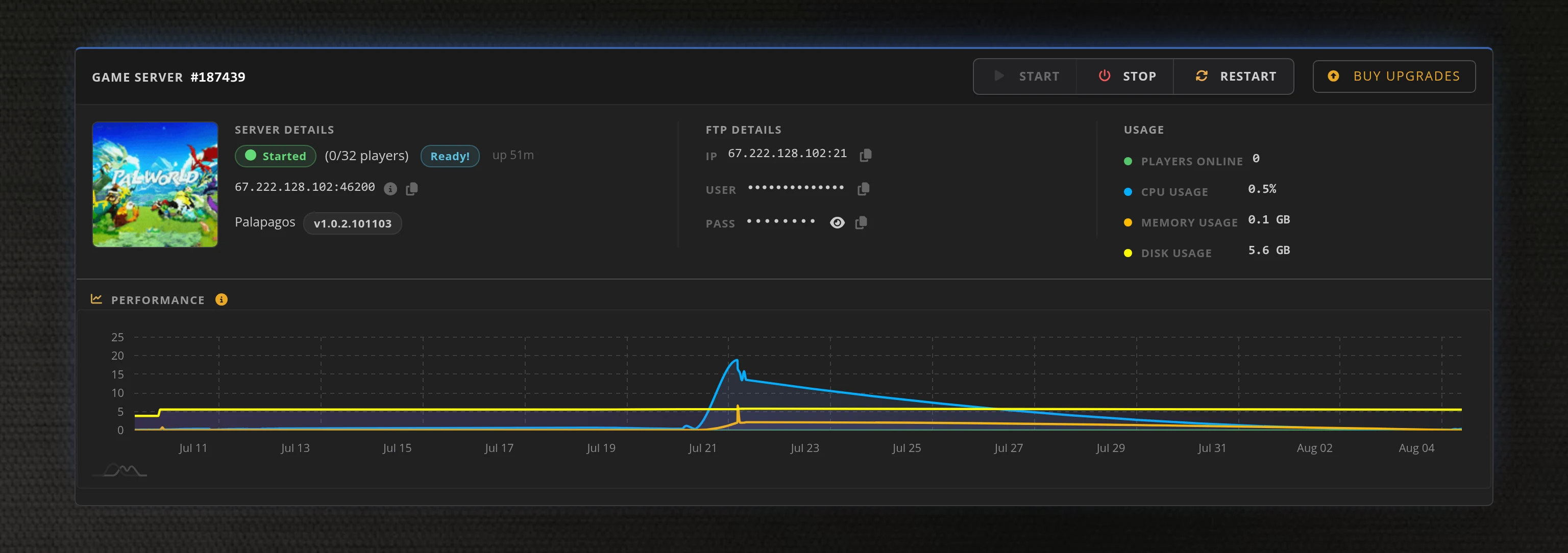
Access to our custom Game Server Management Panel
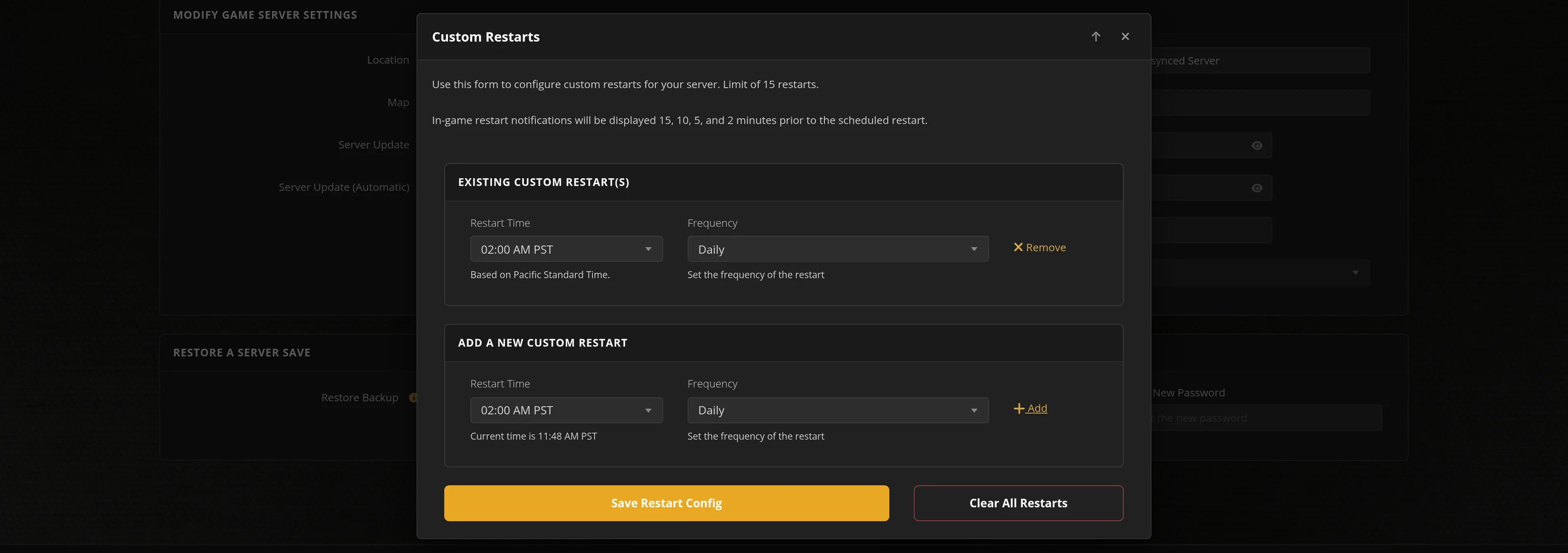
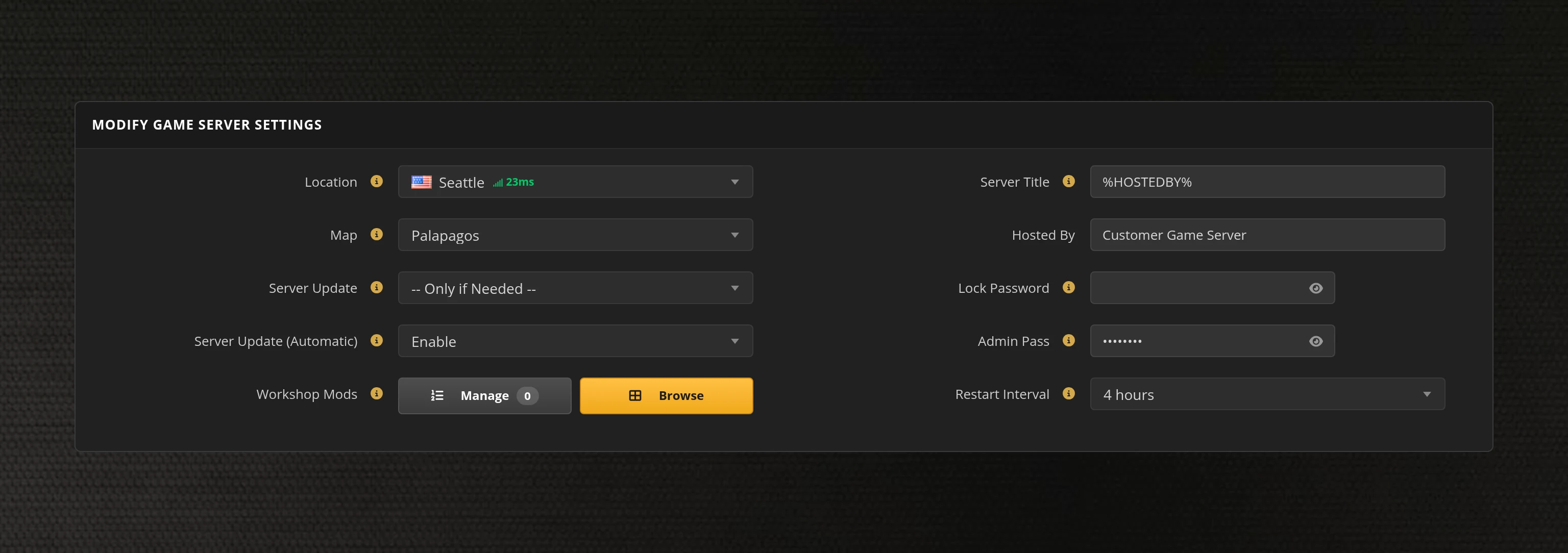
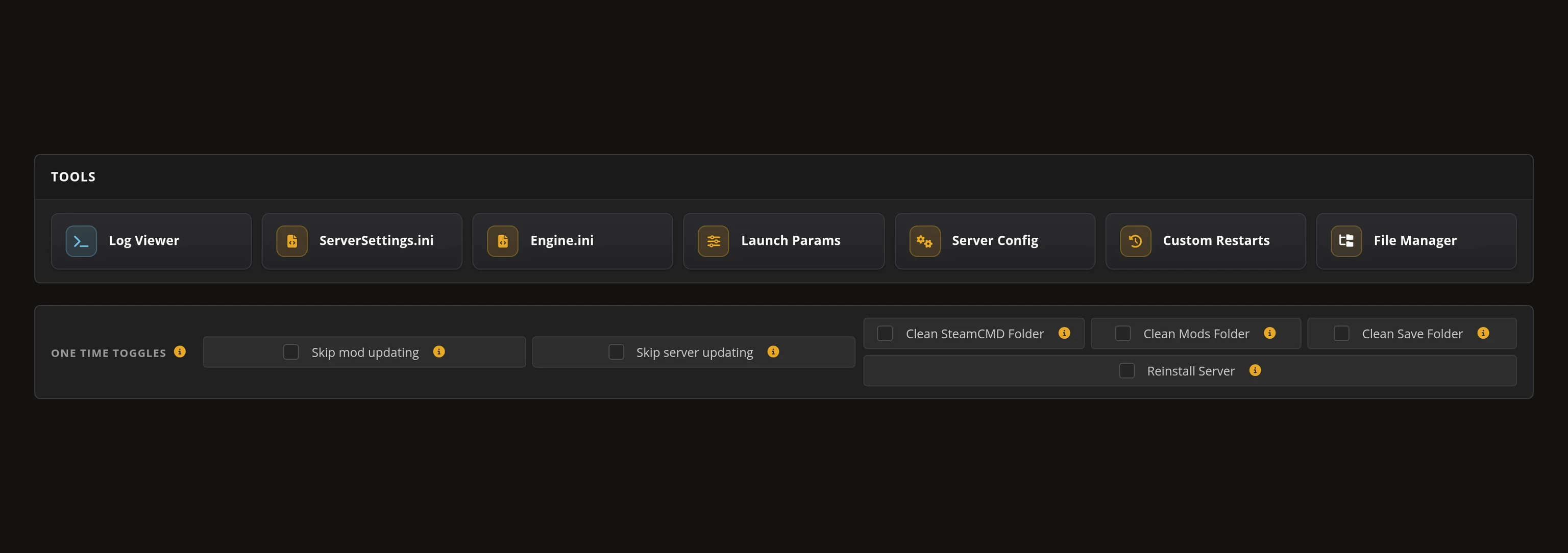
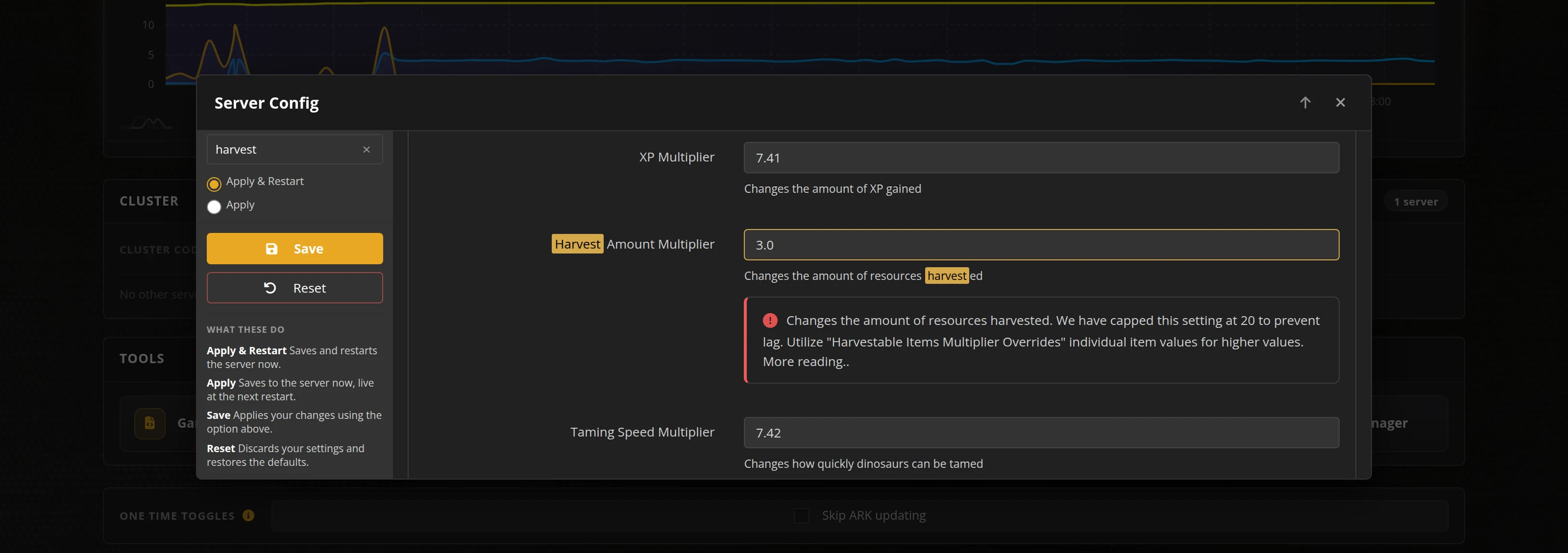
The in-house Survival Servers game control panel allows you to configure and customize your Unturned game server. Install supported mods / maps, switch locations, and change any setting with our easy one click form. Survival Servers is an Unturned dedicated game server provider with our custom panel.
Global Network, Multiple Hosting Locations
Switch locations any time. DDoS protection available.
Powered by Rocket/LDM
Rocket/LDM keeps Rocket-compatible plugin and RCON support available for current Unturned dedicated servers.
LDM is the maintained Rocket-compatible module bundled with current Unturned dedicated server files. Third-party plugins are maintained by their own developers; use plugins from sources you trust and confirm they support your current Unturned version.
Rocket-Compatible Plugins
Enable Rocket/LDM from the control panel, then upload compatible plugin files to your server.
Plugin Upload Path
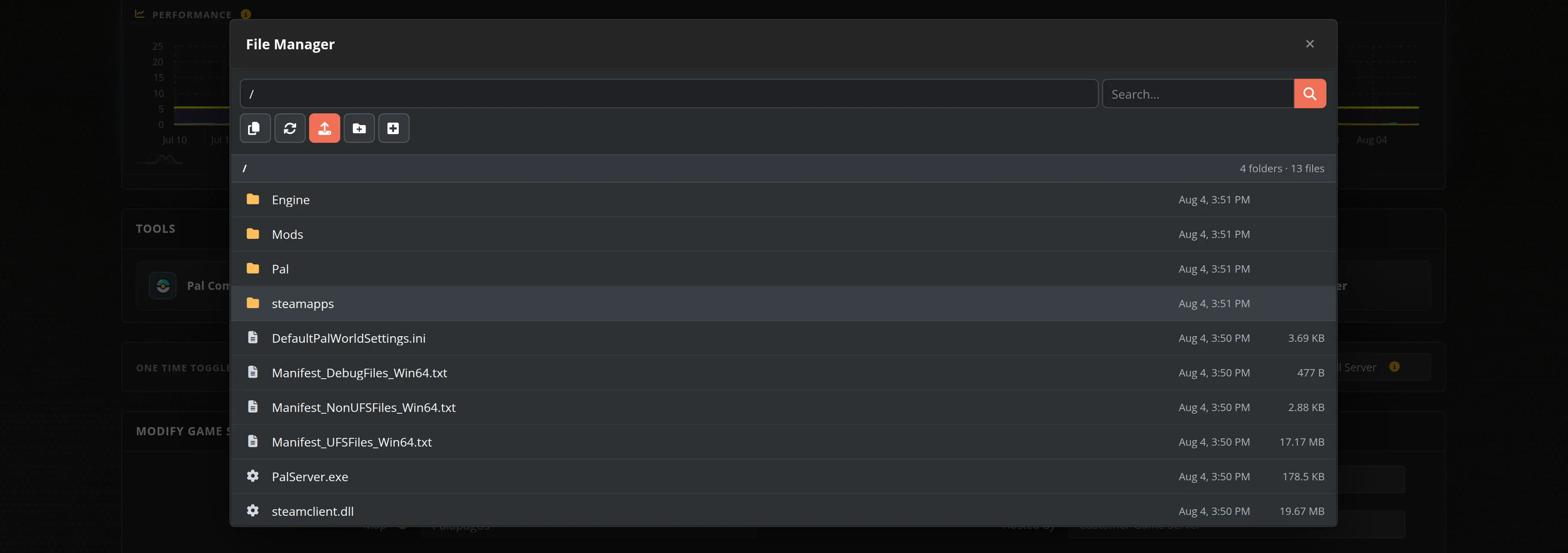
Plugin DLLs belong in /Servers/Server/Rocket/Plugins while your server is stopped.
Rocket/LDM RCON
When Rocket/LDM is enabled, the panel writes the Rocket RCON config and exposes the RCON details.
Why Host Your Unturned Server With Us?
California 2 Ready
Launch an Unturned server with California 2, official maps, and Steam Workshop map support configured through the control panel.
Rocket/LDM Support
Enable Rocket/LDM for Rocket-compatible plugins and RCON details without manually wiring the bundled module or config files.
Fast Global Hosting
Choose from 8 locations with high single-thread CPU performance, NVMe storage, DDoS protection, and instant location switching.
Panel Control
Start, stop, restart, update, passlock, upload files, manage backups, and adjust supported settings from our in-house control panel.
Frequently Asked Questions about Unturned Server Hosting
Unturned servers can support 8-64 players depending on your hosting plan and server specifications. The game itself doesn't specify a fixed limit, but most hosting providers cap or recommend keeping the player count at or below 48 for optimal gameplay balance.
Rocket is the legacy Unturned plugin framework, and LDM is the maintained Rocket-compatible module bundled with current Unturned dedicated server files. When enabled, it supports Rocket-compatible plugins and Rocket/LDM RCON details from the control panel.
Stop your server, enable Rocket/LDM if needed, upload compatible plugin .dll files to /Servers/Server/Rocket/Plugins, then restart. Use plugins from trusted sources and confirm they support your current Unturned version.
Yes. Unturned supports Steam Workshop maps and content mods, and Rocket/LDM-compatible server plugins. Survival Servers can run Workshop maps like California 2 and supports uploaded compatible plugin files.
Yes. California 2 is available from the map selector. The panel writes the California 2 map command and Workshop download configuration for the server.
Unturned supports multiple maps including PEI, Arena, Yukon, Alpha Valley, Monolith, Tutorial, Washington, Russia, Hawaii, Germany, Greece, and California 2. Each map offers unique environments and challenges for different gameplay experiences.