

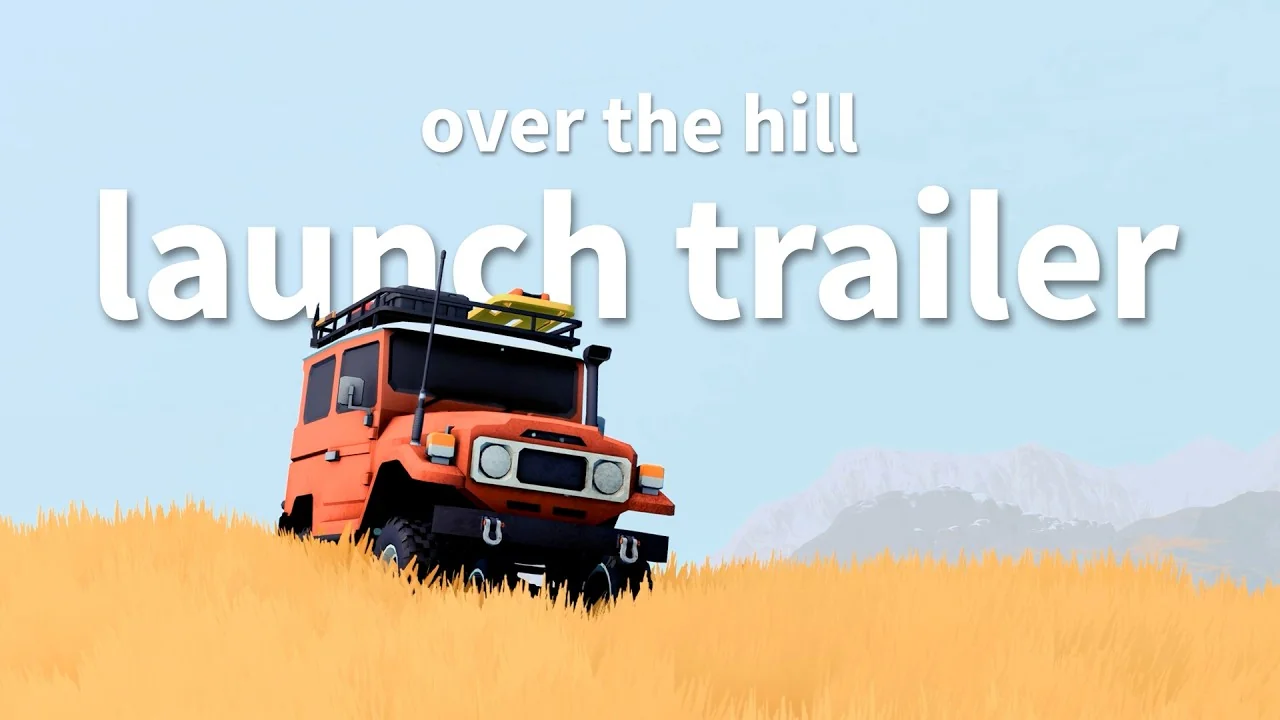
Over the Hill servers are live at Survival Servers. Over the Hill came out on Steam today, October 14, with online co-op for up to four players and no dedicated server of its own. An Over the Hill server from us keeps a co-op room open around the clock, and your friends join it from the game's own Server Browser.
What Over the Hill is
Over the Hill is an off-road exploration game from Funselektor Labs, the studio behind art of rally. You drive 4x4s from the 60s to the 80s across hand-crafted areas, alone or with up to three friends.
You cross gaps with planks, winch each other out of trouble and pick your own route. Along the way you find remote cabins, viewpoints, meteorites that fell from the sky, and portals that take you to new areas.
Weather and a day and night cycle change the trails as you go. In the studio's words, "This is a driving game, not a racing game."
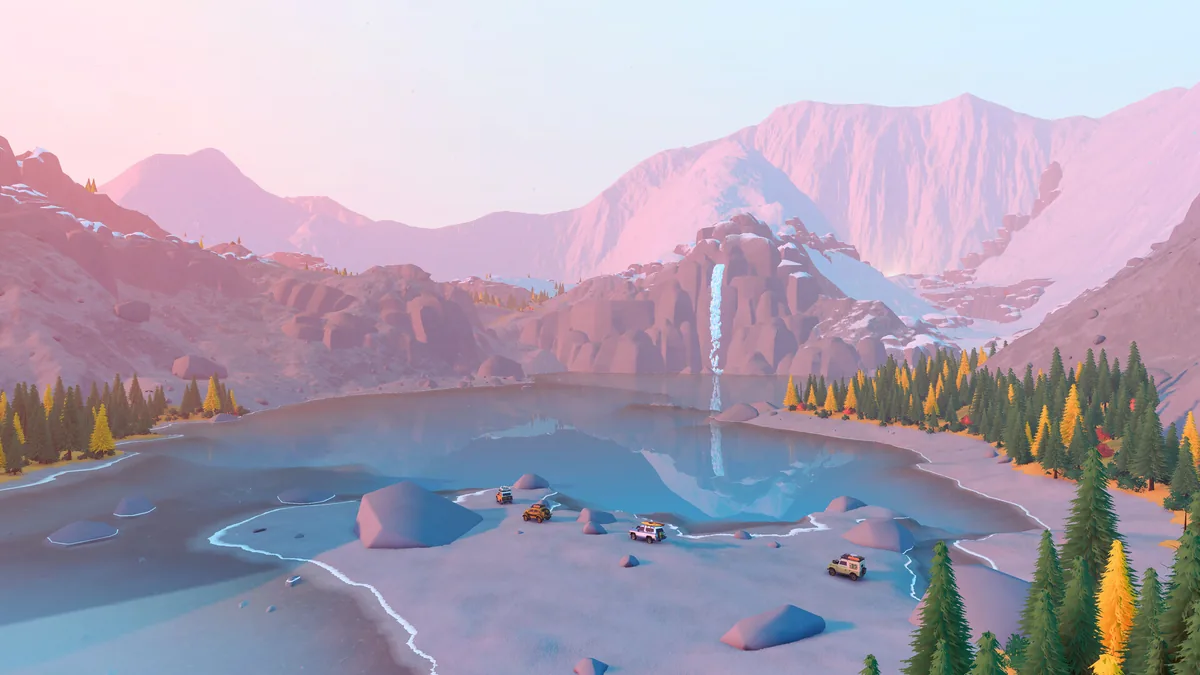 A mountain lake stop. Image: Funselektor Labs.
 Over the Hill price and release
Over the Hill is $24.99 on Steam with 20% off for the first 14 days, according to the studio's launch post. It runs on Windows and the Steam Deck, and through GeForce Now.
It isn't on consoles yet. The studio's FAQ says the PlayStation 5, Xbox Series X|S and Nintendo Switch 2 versions follow in 2027.
The demo drew over 500,000 players, and the game passed 1,200,000 wishlists on Steam before launch, per the studio's August 10 announcement.
The world is built from hand-crafted areas of about 4 km by 4 km each, in two regions. Emerald Lake, Gimli Ridge and Asgard Mountain are in Canada, and Tassili n'Ajjer Desert and the Aurès Mountains are in Algeria. You travel between areas without going back to the main menu.
How Over the Hill co-op works
Over the Hill co-op is one player hosting a room and up to three friends joining it. The host picks a server region, an area and a public or private room, and everyone else finds it in the game's Server Browser or joins with its 6-character server code.
Progress doesn't live in the room. The studio's FAQ puts it this way: "Progress will be tracked individually, so while you can help each other reach the objective, each player must reach the checkpoint themselves to complete it." Every player keeps their own unlocks and their own car, in single player and in any room they join.
The room only exists while the host has the game open. When the host quits, the room closes and everyone else goes back to their menu.
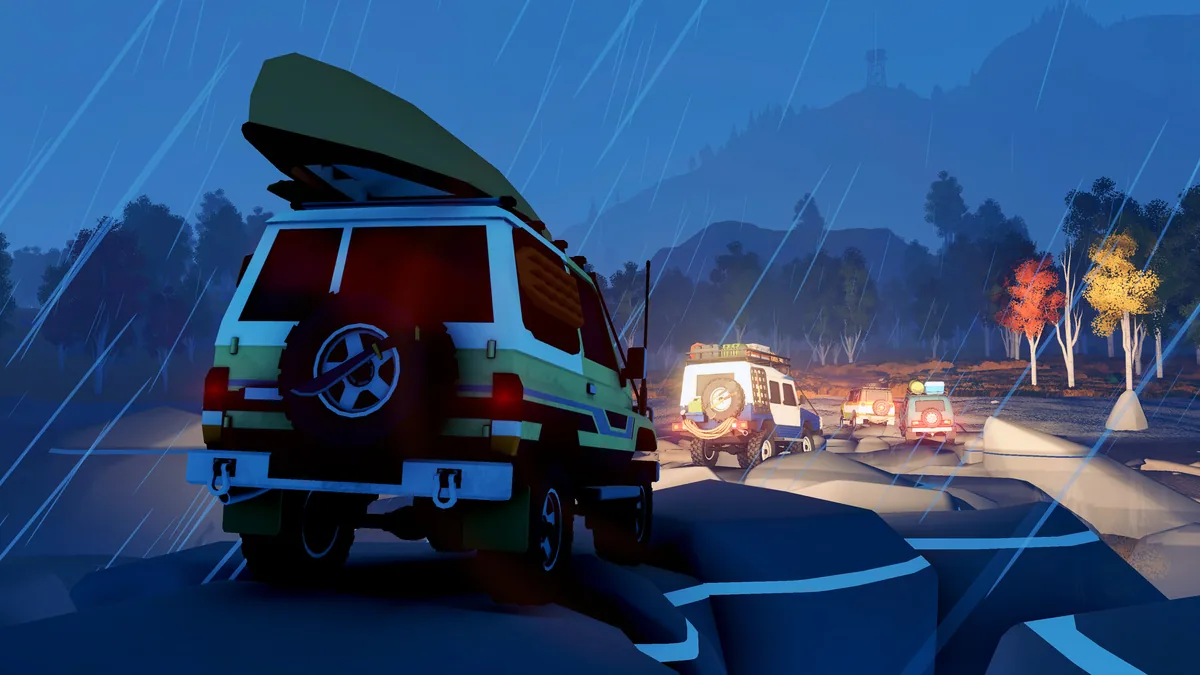 Driving as a group at night. Image: Funselektor Labs.
 What an Over the Hill server does
An Over the Hill server from us is a room that stays up when everyone quits. Nobody in your group has to host it or leave a PC running, and anyone can drop in whenever they want. One of you drives in the morning, another joins that night, and the room is still there under the same name.
It holds 4 players, the most Over the Hill allows, and camping at cabins and portals to new areas work the same as in any room.
Joining works the way it already does in the game. Open Over the Hill, choose Multiplayer, then Server Browser, and set the server region to your server's, for example USA, West.
Your server shows in that list as its name followed by "'s room". Or open the Join by Code tab and type the server code from your control panel. In the lobby, press Enter to drive in.
 Our test server in the game's Server Browser, listed as a room under its name.
 In the control panel you name your server and pick the area it opens in. The server region follows the location you choose, so a Los Angeles server is listed under USA, West. Friends can drive any area your room opens in, even one they haven't reached yet in their own game.
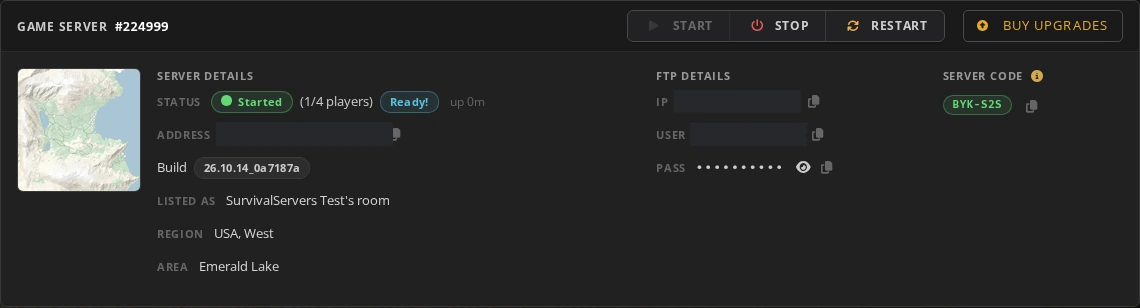 The server page shows the name players see, the region, the area and the server code.
 Over the Hill has no server password. Make your server private and it shows in the list with a lock, and only players with the server code can get in. The code stays the same through restarts, so your friends can keep it, and you can ask for a new one in the control panel whenever you want.
The Players window in the control panel kicks or bans a player, and unbans them later. Custom paint jobs from mod.io are off by default, the same as in the game, and one switch turns them on. Voice chat is the game's own: each player turns it on in the game's settings.
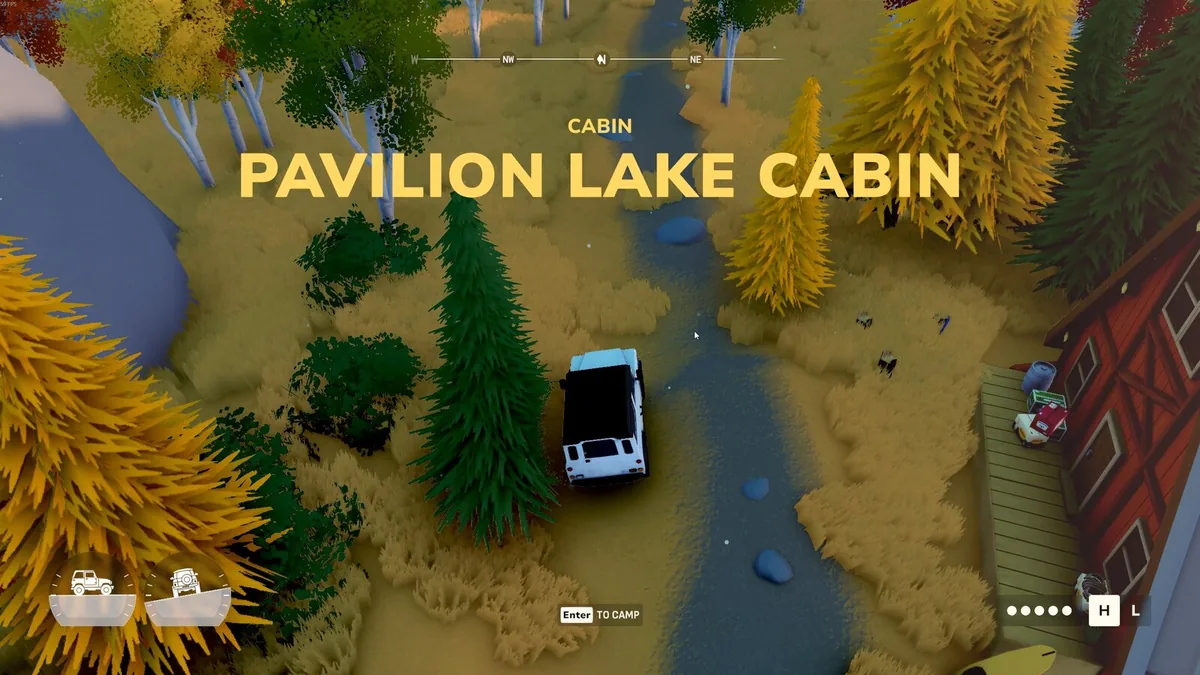 Camping at Pavilion Lake Cabin on our test server.
 Each friend needs their own copy of Over the Hill on Steam, and nothing else. Step by step: how to join an Over the Hill server, and for whoever orders it, how to create an Over the Hill server.
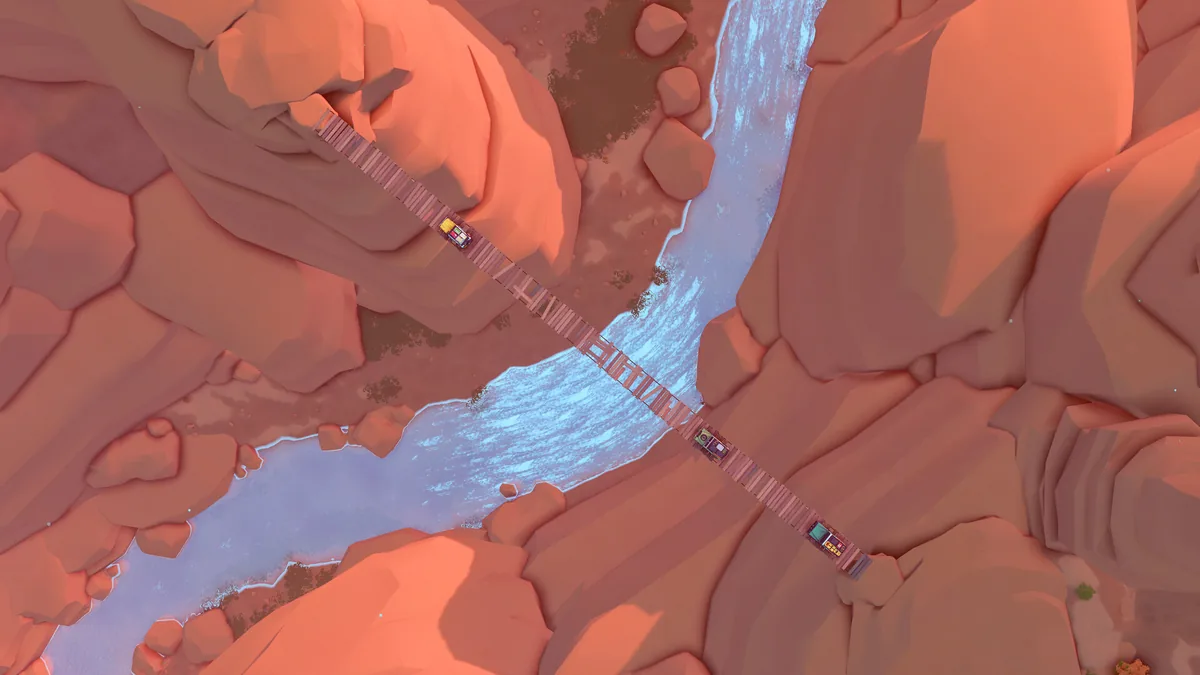 Crossing a canyon on planks. Image: Funselektor Labs.
 Updates
Your server and every player need the same version of Over the Hill to play together. When Steam updates the game, we move your server to the new version the same day.
Over the Hill server hosting is live now. Pick a location, name your server, and send the name to your friends.
 Escrito por , CEO de Survival Servers Equipo ← Todas las noticias
 Permafrost
 Delverium
 Dimraeth
Comentarios
Aún no hay comentarios. Si administras uno de estos servidores, ¿con qué te has encontrado?