
Voyagers of Nera Game Server Hosting
Our Voyagers of Nera server hosting plans come with the features you need
Your game server will come with the following, instantly available features:


Voyagers of Nera game server hosting is now available
Limited supply available. Instant setup.
Access to our custom Game Server Management Panel
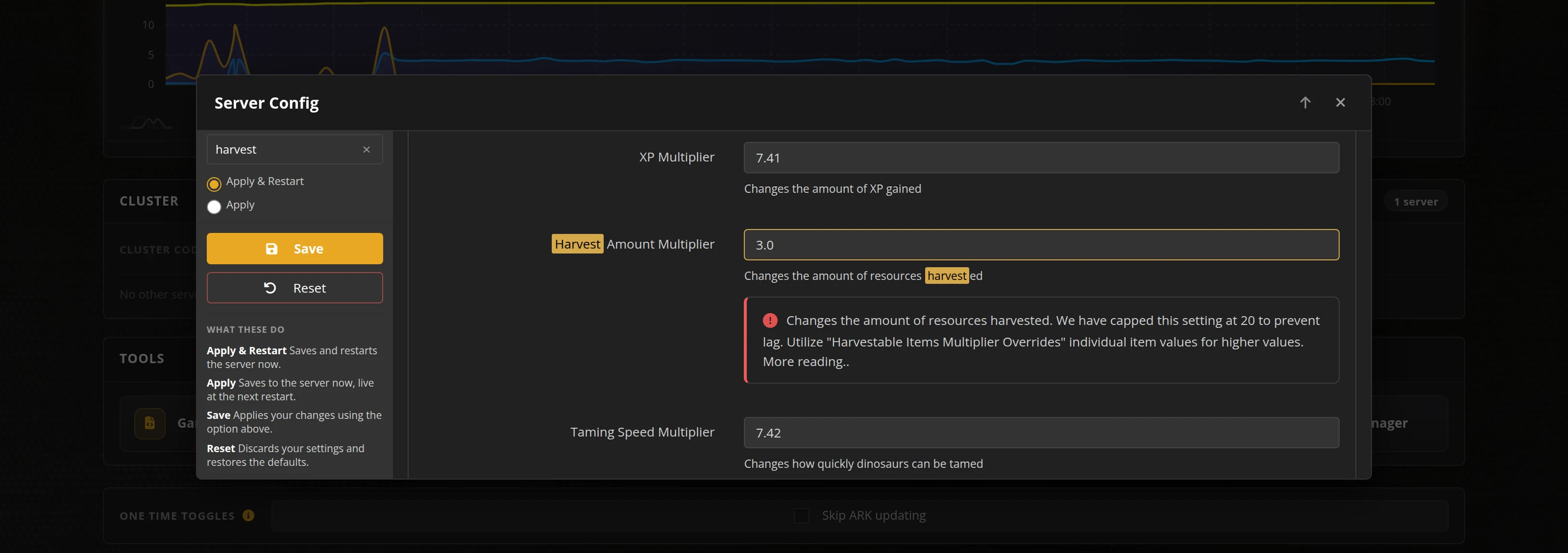
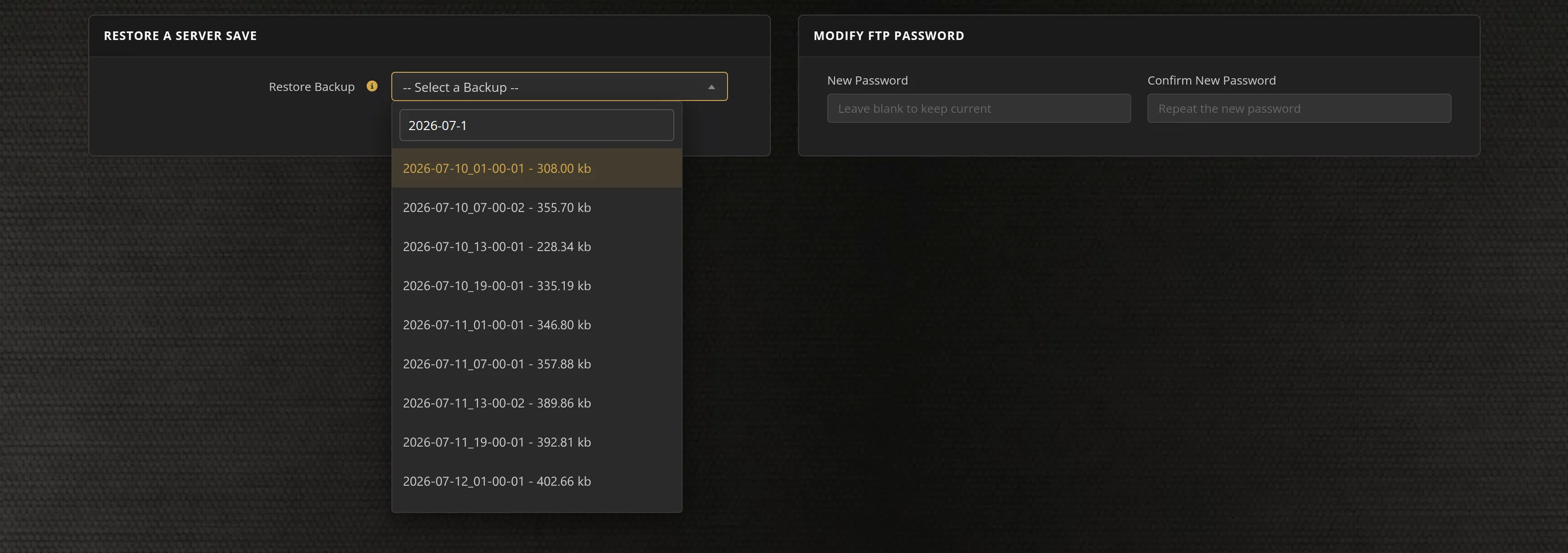
The in-house Survival Servers game control panel allows you to configure and customize your Voyagers of Nera game server. Install supported mods / maps, switch locations, and change any setting with our easy one click form. Survival Servers is a Voyagers of Nera dedicated game server provider with our custom panel. From there, join your Voyagers of Nera server and play with your friends!
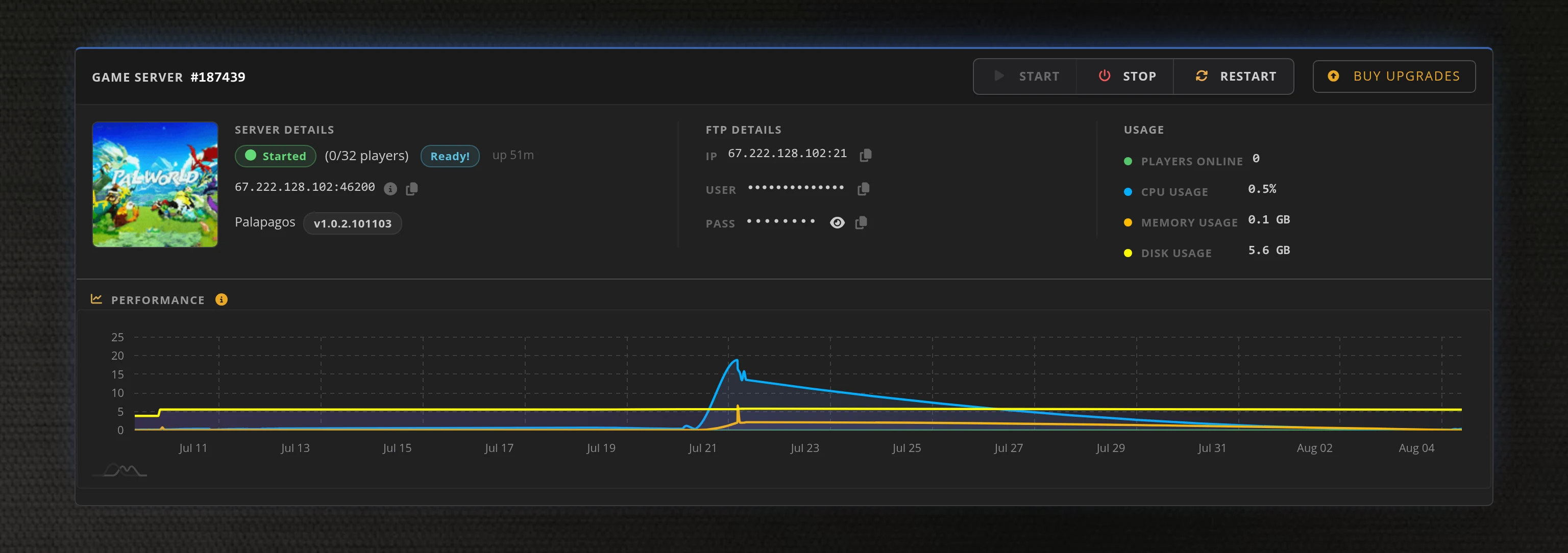
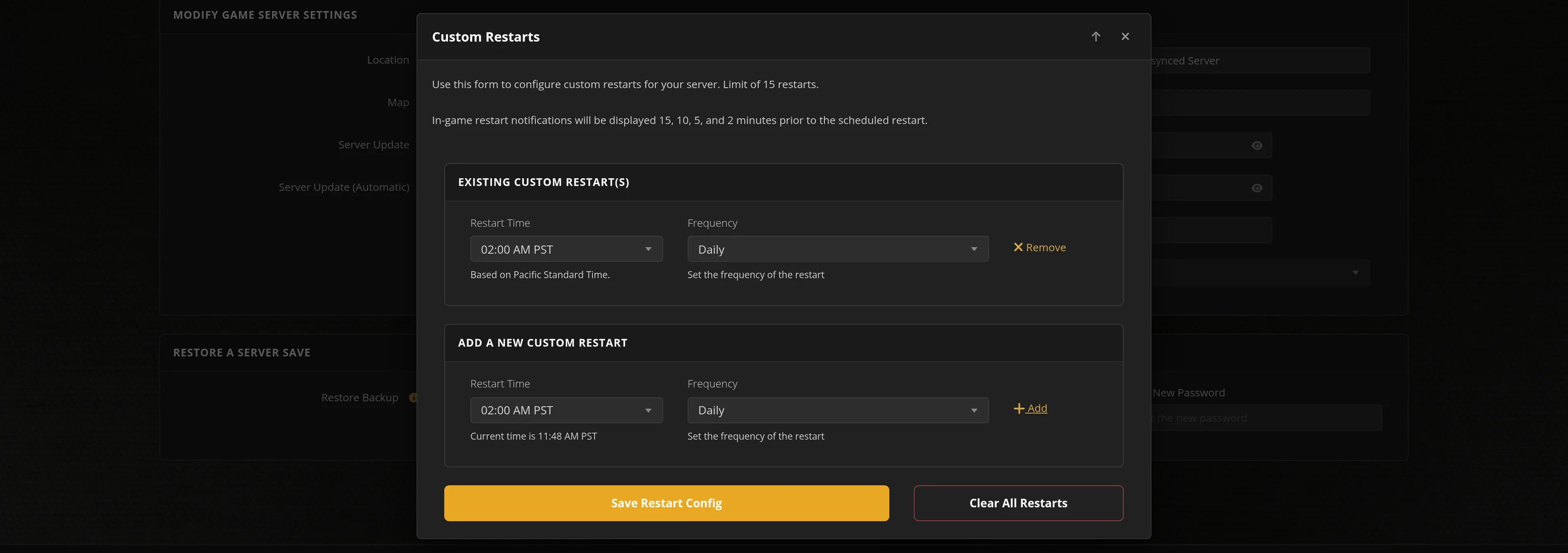
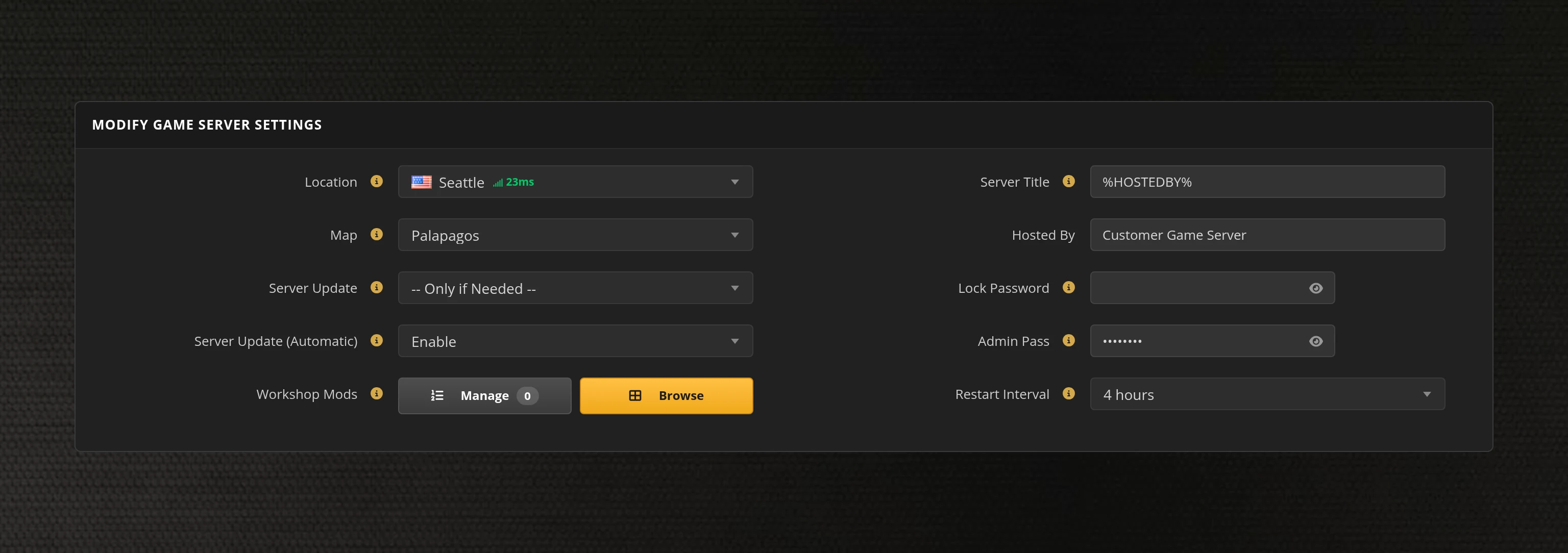
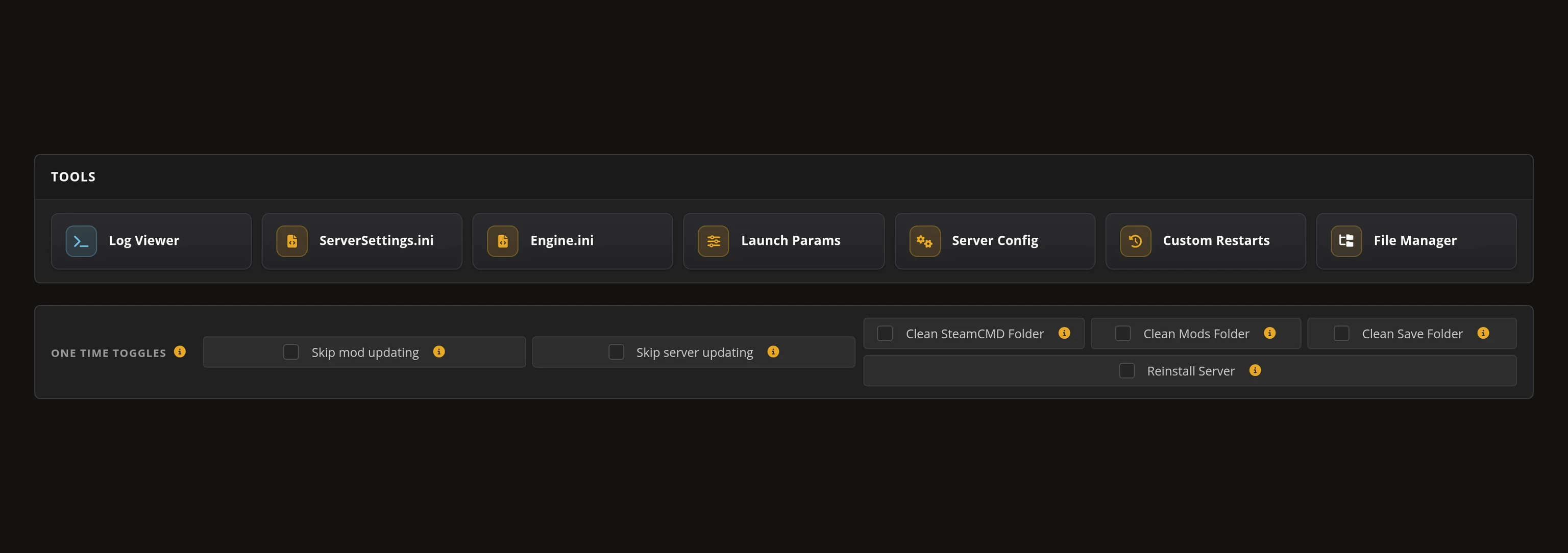
Global Network, Multiple Hosting Locations
Switch locations any time. DDoS protection available.
What is Voyagers of Nera?
Voyagers of Nera is a cooperative survival-crafting game where you must survive a magical ocean world brimming with lost spirits and deadly monsters. Sail to distant islands, build beautiful villages and surf across the waves with up to 10 players in this enchanting nautical adventure.
How do I host a Voyagers of Nera Multiplayer Server?
With SurvivalServers
Running your Voyagers of Nera multiplayer server is easy!
- Click Order Now above
- Enter a Username, Password and Email Address or Signup with Google/Twitch
- Select your slot amount (up to 100 players) and billing cycle
- Click "Order Now" and enjoy your server!
Without SurvivalServers
Running a Voyagers of Nera multiplayer server on your own requires several components.
System Requirements
- Windows 10/11 or Windows Server
- ~4GB of RAM minimum
- ~6GB of Diskspace
- SteamCMD for server file downloads
- Port forwarding capability on your router
Required Components
- SteamCMD - Tool for downloading dedicated server files
- Server Files - Voyagers of Nera dedicated server (App ID: 3937860)
- Configuration Files - CustomHostServerUserSettings.ini and CustomGameUserSettings.ini
Installation
- Download SteamCMD from Valve
- Extract SteamCMD to C:\steamcmd
- Run steamcmd.exe to initialize and update
- Execute:
+login anonymous +force_install_dir C:\VoyagersServer +app_update 3937860 validate +quit - Wait for ~5.6GB of server files to download
Configuring the Server
- Navigate to C:\VoyagersServer\BoatGame\Saved\PersistedData\CustomConfig\
- Create CustomHostServerUserSettings.ini with:
[/Script/BoatGame.BGCustomHostServerSettings]
HostServerDisplayName=My Voyagers Server
HostServerPassword=
MaxPlayers=10
AutosaveTimerSeconds=300
- Create CustomGameUserSettings.ini for port configuration:
[/Script/BoatGame.BGCustomGameSettings]
ServerPort=27700
QueryPort=27800
- Forward ports 27700-27800 (TCP/UDP) on your router
- Configure Windows Firewall to allow BoatGameServer.exe
Starting the Server
- Navigate to C:\VoyagersServer in Command Prompt
- Run:
BoatGameServer.exe -log - Server will use settings from your configuration files
- Share your public IP with players (find it at whatismyipaddress.com)
Joining a Server
- Launch Voyagers of Nera from Steam
- Navigate to Multiplayer menu
- Select "Direct Connect"
- Enter server IP:Port (e.g., 123.45.67.89:27700)
- Enter password if required
Updating the Server
- Stop the server process
- Run SteamCMD with the same app_update command
- SteamCMD will verify and update files as needed
- Restart your server with the updated files
Troubleshooting
- If players can't connect, verify port forwarding is configured correctly
- Check Windows Firewall isn't blocking BoatGameServer.exe
- Ensure Steam Query port (default 27800) is also open
- Verify server appears in Steam server browser
- For help, visit the Steam Community Forums
Access to our custom Game Server Management Panel
The in-house Survival Servers game control panel allows you to configure and customize your Voyagers of Nera game server. Install supported mods, switch locations, and change any setting with our easy one click form. Survival Servers is a Voyagers of Nera dedicated game server provider with our custom panel. Join your server and navigate the magical ocean with up to 100 players!
Voyagers of Nera game server hosting is now available
Limited supply available. Instant setup.
Frequently Asked Questions about Voyagers of Nera Server Hosting
Voyagers of Nera is a multiplayer survival adventure set in a fantastical world. Players explore diverse biomes, gather resources, build bases, and face challenging creatures together. Dedicated servers provide persistent worlds where your progress and constructions are always saved.
Our servers support various player capacities based on your plan. The game is designed for cooperative play with friends, and our hardware ensures smooth performance whether you're exploring, building, or engaging in combat together.
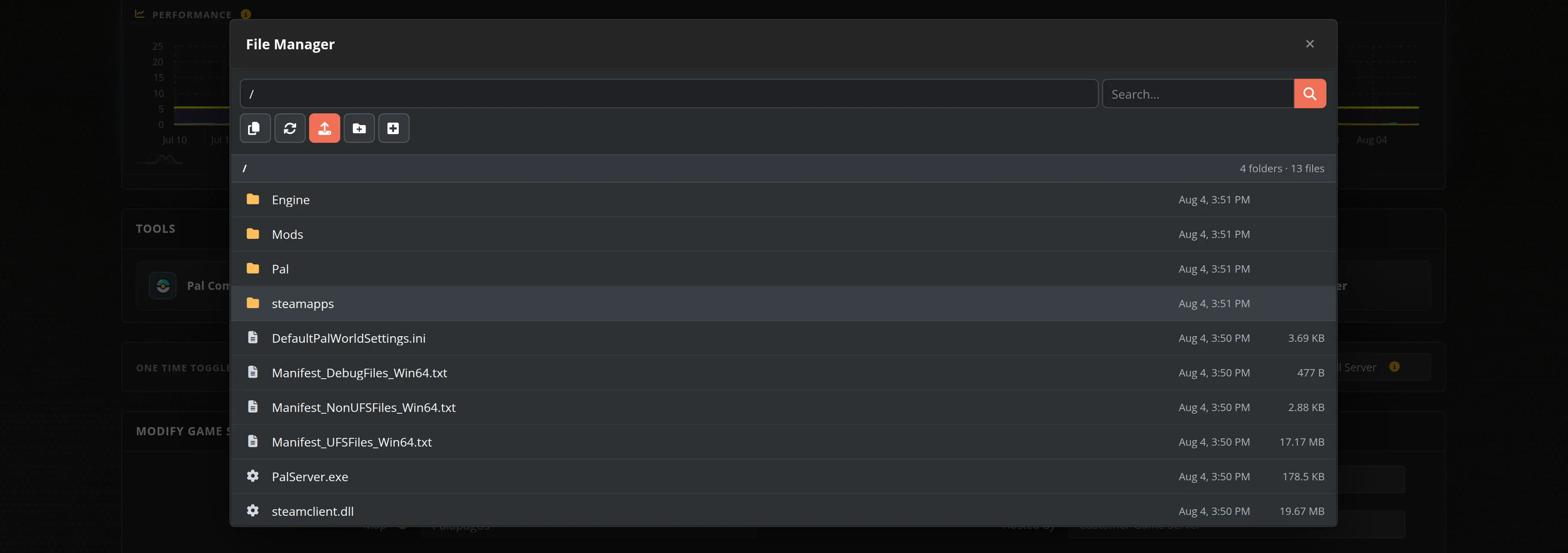
Yes! Through our control panel and config files, you can adjust resource rates, creature spawns, day/night cycles, PvP settings, and more. Full FTP access lets you fine-tune every aspect of your Nera world.
Mod support depends on the game's development stage. Our servers are configured to support community content when available. Check the game's official channels for current mod compatibility, and our FTP access makes installation straightforward.
Your Voyagers of Nera server is provisioned instantly after purchase. Within minutes you'll have full control panel access, FTP credentials, and everything needed to start your adventure. Our support team is available 24/7 if you need help.