

Vintage Story Game Server Hosting
Our Vintage Story server hosting plans come with the features you need
Your game server will come with the following, instantly available features:


Instantly deploy a game server
You will quickly be redirected to manage your game server after payment.
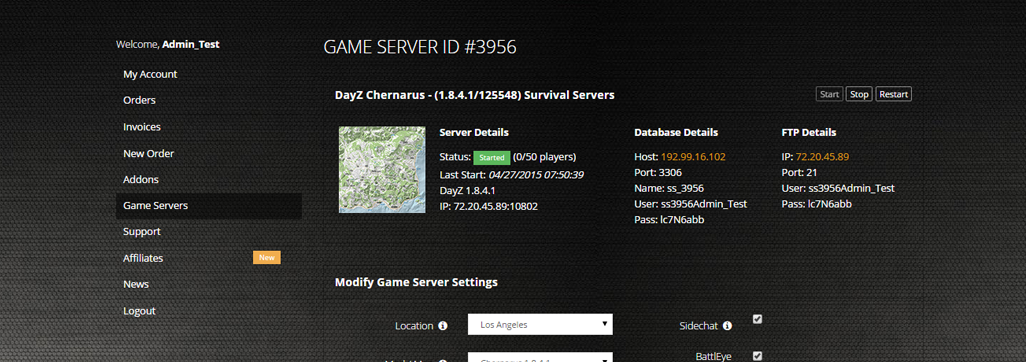
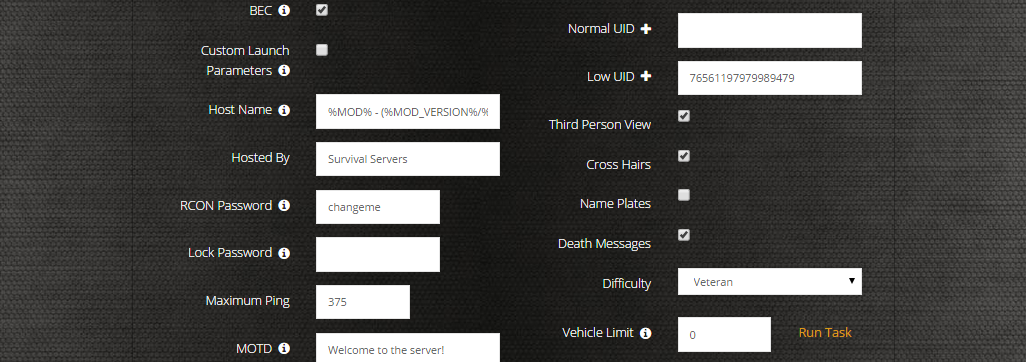
Access to our custom Game Server Management Panel
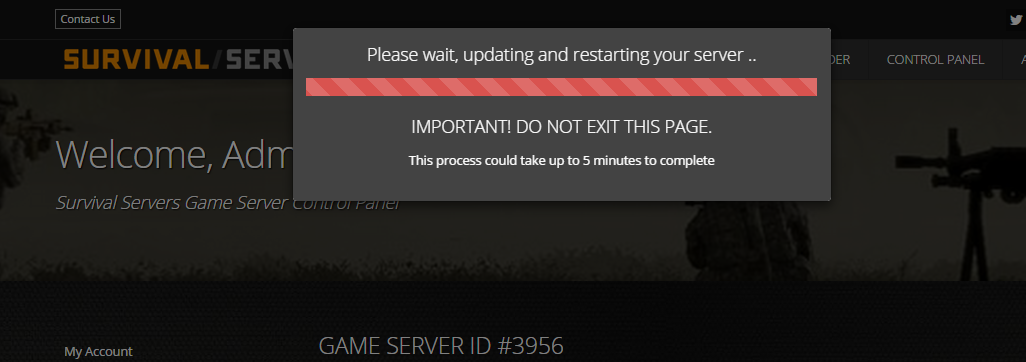
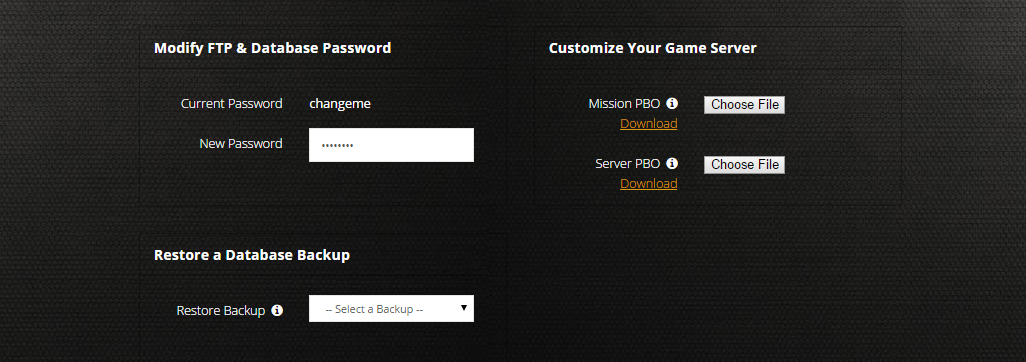
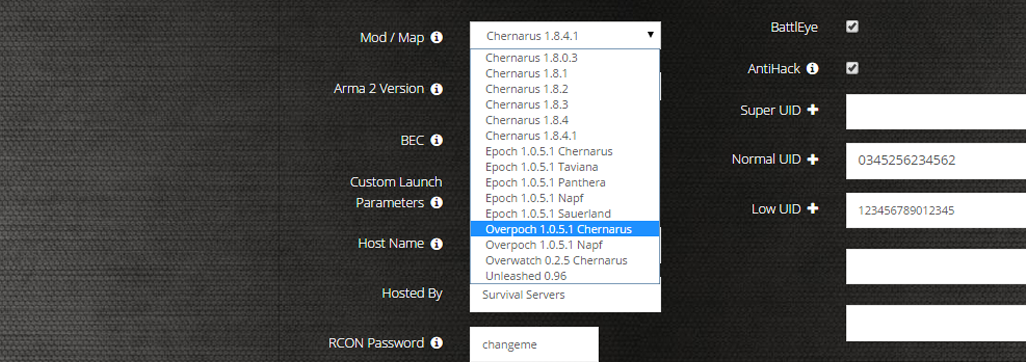
The in-house Survival Servers game control panel allows you to configure and customize your Vintage Story game server. Install supported mods / maps, switch locations, and change any setting with our easy one click form. Survival Servers is a Vintage Story dedicated game server provider with our custom panel.
Watch the Vintage Story Trailer
Vintage Story is a sandbox survival crafting game inspired by the lovechild of Minecraft and TerraFirmaCraft set in a world of unforgiving wilderness
Global Network, Multiple Hosting Locations
Switch locations any time. DDoS protection available in select locations.
Deploy an Instant Vintage Story Game Server
Supports multiplayer with up to 160 players - Mod support included
How do I host a Vintage Story Multiplayer Server?
With SurvivalServers
Running your Vintage Story multiplayer server is easy!
- Click Order Now above
- Enter a Username, Password and Email Address or Signup with Google/Twitch
- Select your slot amount (up to 100 players) and billing cycle
- Click "Order Now" and enjoy your server!
Without SurvivalServers
Running a Vintage Story multiplayer server on your own requires several components.
System Requirements
- Windows 10/11, Windows Server, or Linux
- ~4GB of RAM minimum (8GB+ recommended for larger worlds)
- ~5GB of Diskspace
- .NET 7 Runtime or later
- Port forwarding capability on your router
Required Components
- Vintage Story Account - A valid game license from vintagestory.at
- Server Files - Download from account.vintagestory.at
- Configuration File - serverconfig.json (JSON format)
Installation
- Download the Vintage Story server from account.vintagestory.at
- Extract the server files to C:\VintageStoryServer
- Ensure .NET 7 Runtime or later is installed
Configuring the Server
- Run
VintagestoryServer.exe --genconfigto generate a default serverconfig.json - Edit serverconfig.json in your data path (%AppData%\VintagestoryData\) with your settings:
{ "ServerName": "My Vintage Story Server", "Port": 42420, "MaxClients": 16, "Password": "", "MapSizeX": 1024000, "MapSizeY": 256, "MapSizeZ": 1024000, "AdvertiseServer": true } - Forward port 42420 (TCP/UDP) on your router
- Configure Windows Firewall to allow VintagestoryServer.exe
Starting the Server
- Run VintagestoryServer.exe from the installation directory
- Or use command line:
VintagestoryServer.exe --dataPath "C:\VintageStoryData" --port 42420 - Server will use settings from your serverconfig.json file
- Share your public IP with players (find it at whatismyipaddress.com)
Joining a Server
- Launch Vintage Story
- Navigate to Multiplayer menu
- Click "Direct Connect"
- Enter server IP:Port (e.g., 123.45.67.89:42420)
- Enter password if required
Updating the Server
- Stop the server process
- Download the latest server version from account.vintagestory.at
- Extract over existing files
- Restart your server with the updated files
Troubleshooting
- If players can't connect, verify port forwarding is configured correctly
- Check Windows Firewall isn't blocking VintagestoryServer.exe
- Ensure port 42420 (TCP and UDP) is open
- Verify server appears in the master server list if AdvertiseServer is true
- For help, visit the Vintage Story Wiki
Instantly deploy a game server
You will quickly be redirected to manage your game server after payment.
Frequently Asked Questions about Vintage Story Server Hosting
Vintage Story supports multiplayer servers with up to 160 players. The default configuration supports 16 players, but our hosting plans scale from 10 to 160 slots depending on your needs. Larger player counts require more RAM and CPU resources.
Vintage Story features realistic survival mechanics including temperature, nutrition, and detailed crafting systems like knapping, clay forming, and smithing. It has a heavier focus on geological realism with ore veins, temporal storms, and a unique temporal stability mechanic that adds tension to exploration.
Yes, Vintage Story has extensive mod support through its Mod DB at mods.vintagestory.at. You can install mods on your server via FTP by uploading them to the Mods folder. Our Server Config tool lets you manage mod-related settings easily.
Yes, you can upload your existing Vintage Story world saves to your dedicated server via FTP. This allows you to continue your single-player or locally-hosted progress on a dedicated server where friends can join anytime, even when you're offline.
No, you do not need to purchase Vintage Story to host a dedicated server with us. We handle the server files and setup for you. However, all players connecting to the server need a valid Vintage Story game license.