

HumanitZ Game Server Hosting
Our HumanitZ server hosting plans come with the features you need
Your game server will come with the following, instantly available features:


Instantly deploy a game server
You will quickly be redirected to manage your game server after payment.
Access to our custom Game Server Management Panel
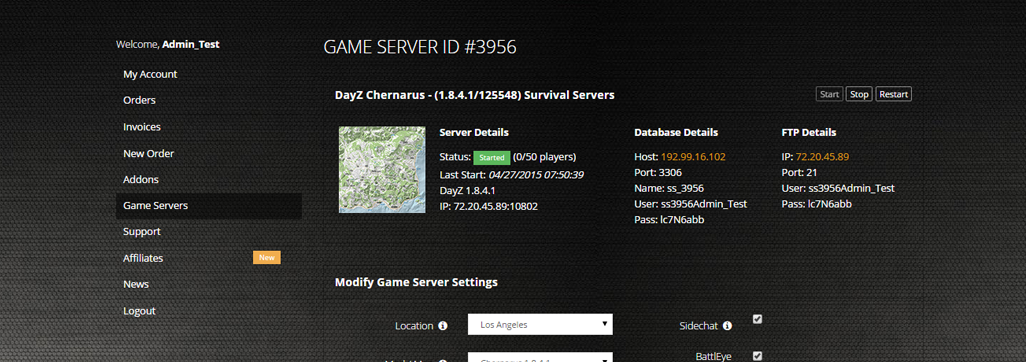
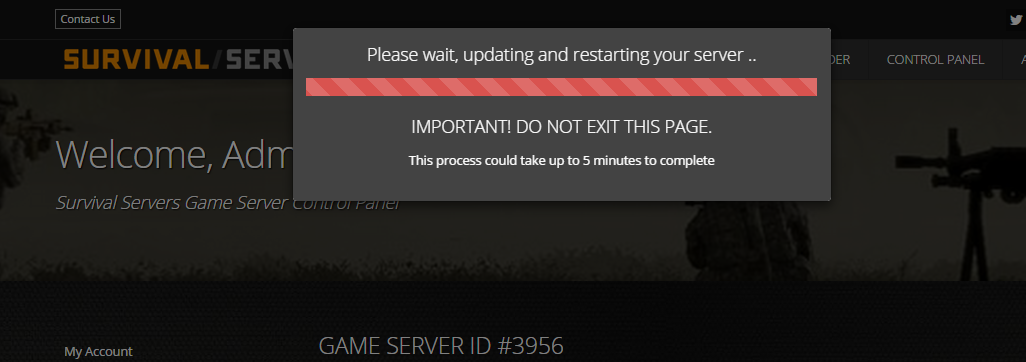
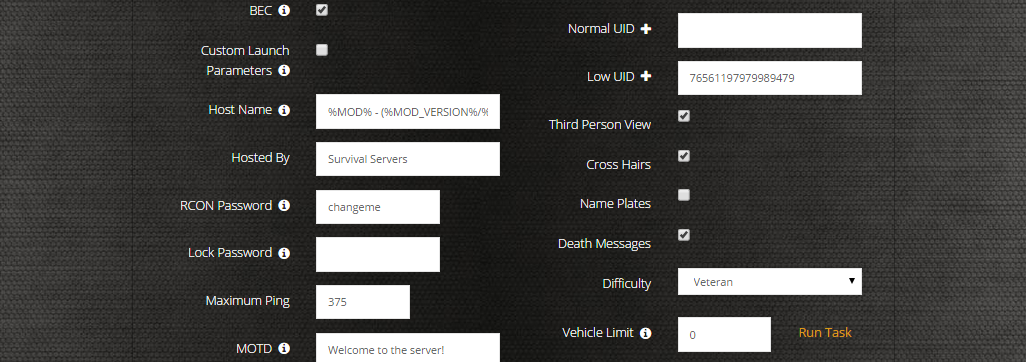
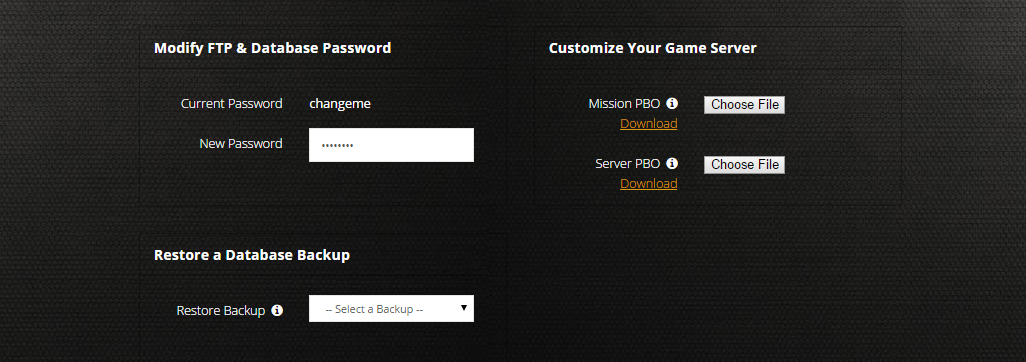
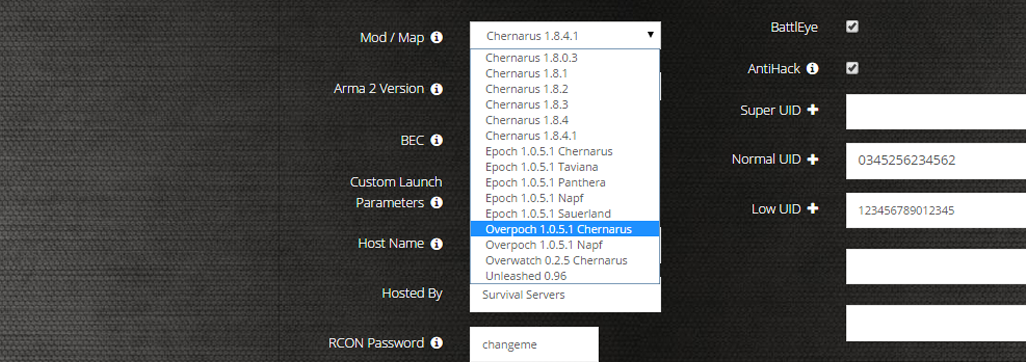
The in-house Survival Servers game control panel allows you to configure and customize your HumanitZ game server. Install supported mods / maps, switch locations, and change any setting with our easy one click form. Survival Servers is a HumanitZ dedicated game server provider with our custom panel.
Watch the HumanitZ Trailer
HumanitZ is an isometric open-world zombie survival sandbox where you scavenge, craft, build, and fight to survive in a post-apocalyptic world
Global Network, Multiple Hosting Locations
Switch locations any time. DDoS protection available in select locations.
Deploy an Instant HumanitZ Game Server
Compatible with Steam - Supports up to 24 players online
How do I host a HumanitZ Multiplayer Server?
With SurvivalServers
Running your HumanitZ multiplayer server is easy!
- Click Order Now above
- Enter a Username, Password and Email Address or Signup with Google/Twitch
- Select your slot amount (up to 24 players) and billing cycle
- Click "Order Now" and enjoy your server!
Without SurvivalServers
Running a HumanitZ multiplayer server on your own requires several components.
System Requirements
- Windows 10/11 or Windows Server (Linux also supported)
- ~4GB of RAM minimum (8GB+ recommended for more players)
- ~5GB of Diskspace
- SteamCMD for server file downloads
- Port forwarding capability on your router
Required Components
- SteamCMD - Tool for downloading dedicated server files
- Server Files - HumanitZ Dedicated Server (Steam App ID 2728330)
- Configuration File - TSSGame/GameServerSettings.ini
Installation
- Download SteamCMD from Valve
- Extract SteamCMD to C:\steamcmd
- Run steamcmd.exe to initialize and update
- Execute:
+login anonymous +force_install_dir C:\HumanitZServer +app_update 2728330 validate +quit - Wait for server files to download
Configuring the Server
- Navigate to C:\HumanitZServer\TSSGame\
- Edit GameServerSettings.ini with your settings:
ServerName=My HumanitZ Server
ServerPassword=
MaxPlayers=24
Difficulty=Normal
- Forward ports 7777 and 27015 (UDP) on your router
- Configure Windows Firewall to allow TSSGameServer.exe
Starting the Server
- Create a batch file (StartServer.bat) in C:\HumanitZServer\ with:
@echo off
TSSGameServer.exe -log -port=7777 queryport=27015
- Run StartServer.bat to start the server
- Server will use settings from your GameServerSettings.ini file
- Share your public IP with players (find it at whatismyipaddress.com)
Joining a Server
- Launch HumanitZ from Steam
- Navigate to Multiplayer menu
- Browse server list or use Direct Connect
- Enter server IP:Port (e.g., 123.45.67.89:7777)
- Enter password if required
Updating the Server
- Stop the server process
- Run SteamCMD with the same app_update command
- SteamCMD will verify and update files as needed
- Restart your server with the updated files
Troubleshooting
- If players can't connect, verify port forwarding is configured correctly
- Check Windows Firewall isn't blocking TSSGameServer.exe
- Ensure Steam Query port (27015) is also open
- Verify server appears in Steam server browser
- For help, visit the HumanitZ Steam Community
Instantly deploy a game server
You will quickly be redirected to manage your game server after payment.
Frequently Asked Questions about HumanitZ Server Hosting
HumanitZ currently supports up to 24 players on a dedicated server. You can survive solo or team up with friends online to scavenge, craft, build bases, and fight off the zombie hordes together.
HumanitZ features an isometric perspective similar to Project Zomboid, combined with deep crafting, base building, and survival mechanics. The game offers a reimagined Anywhere, USA open world with unique features like The Island endgame area for elite survivors.
HumanitZ is launching its full 1.0 version on February 6, 2026, after a two-year Early Access period that began in September 2023. The 1.0 release includes redesigned character models, deeper customization, reworked skill trees, and a new endgame area called The Island.
Yes, you can upload your existing HumanitZ world saves to your dedicated server via FTP. This allows you to continue your single-player or locally-hosted progress on a dedicated server where friends can join anytime, even when you're offline.
The Island is a new endgame region introduced in HumanitZ 1.0 for elite players. It's described as remote and mysterious, crawling with evolved threats and shrouded in rumors - serving as the ultimate survival test for experienced survivors.