
DayZ: How to Host a Badlands Server
DayZ Badlands is the third paid map expansion for DayZ, following Livonia in 2019 and the Frostline expansion's Sakhal in 2024. It adds Nasdara Province, a 267 km² desert terrain that Bohemia Interactive describes as the largest official map ever made for DayZ. Bohemia has announced an October 2026 release window on PC, Xbox Series X|S, and PlayStation 5, with no exact release date yet. This guide covers what is confirmed so far, how DayZ server hosting handles official map expansions, and how to have a Badlands server ready on release day.
What We Know So Far
| Detail | Status |
|---|---|
| Release | October 2026 window, arriving alongside game update 1.30. No exact date has been announced. |
| Price | Bohemia has said the expansion will be priced below $25. The final price has not been announced. |
| Platforms | PC, Xbox Series X/S, and PlayStation 5. |
| Map | Nasdara Province, 267 km², the largest official DayZ map. |
| Setting | A fully inland desert west of Chernarus, bordering Takistan's western frontier. Middle Eastern-style cities, Soviet-era military bases, and oil infrastructure. |
| New content | Region-specific infected, wildlife, firearms, and gear, with water scarcity as the core survival pressure. |
| Server files | Bohemia has not yet announced how Badlands server files will be distributed. See below for what that means. |
Some Badlands content is already in the base game. Update 1.29, titled Road to Badlands, went stable in July 2026 and seeded the SCR-17 battle rifle, desert-pattern gear such as the T65 helmet, and Nasdara-themed convoy wrecks into the existing maps.
How Official DayZ Maps Work on a Server
A DayZ server selects its map through the mission template line in serverDZ.cfg:
class Missions
{
    class DayZ
    {
        template="dayzOffline.chernarusplus";
    };
};
Every official map ships inside the DayZ dedicated server app on Steam (App ID 223350). There is no separate download per map. The mission folders sit side by side under mpmissions:
dayzOffline.chernarusplusis Chernarus.dayzOffline.enochis Livonia.dayzOffline.sakhalis Sakhal, from the Frostline expansion.
Switching maps means pointing the template at a different mission and restarting. Each mission folder carries its own economy files (types.xml and the rest of the db folder), so custom loot edits made on one map do not carry over to another. The mission template name for Nasdara has not been published yet.
Do You Need to Buy Badlands to Host a Server?
For both previous paid maps the answer was no. The server-side map data shipped inside the standard dedicated server app at no extra cost, and the paywall applied to joining players, who needed to own the expansion on their own account. Bohemia stated this openly for Frostline, saying it was providing the assets Sakhal was built with free of charge for community servers.
For Badlands this is not yet confirmed. Bohemia has said nothing about server file distribution, and no server depots for the map exist yet. Every precedent points to the same model as Livonia and Sakhal, but treat it as open until Bohemia's server announcement lands. This guide will be updated when it does.
Option #1: Rent a DayZ Badlands Server
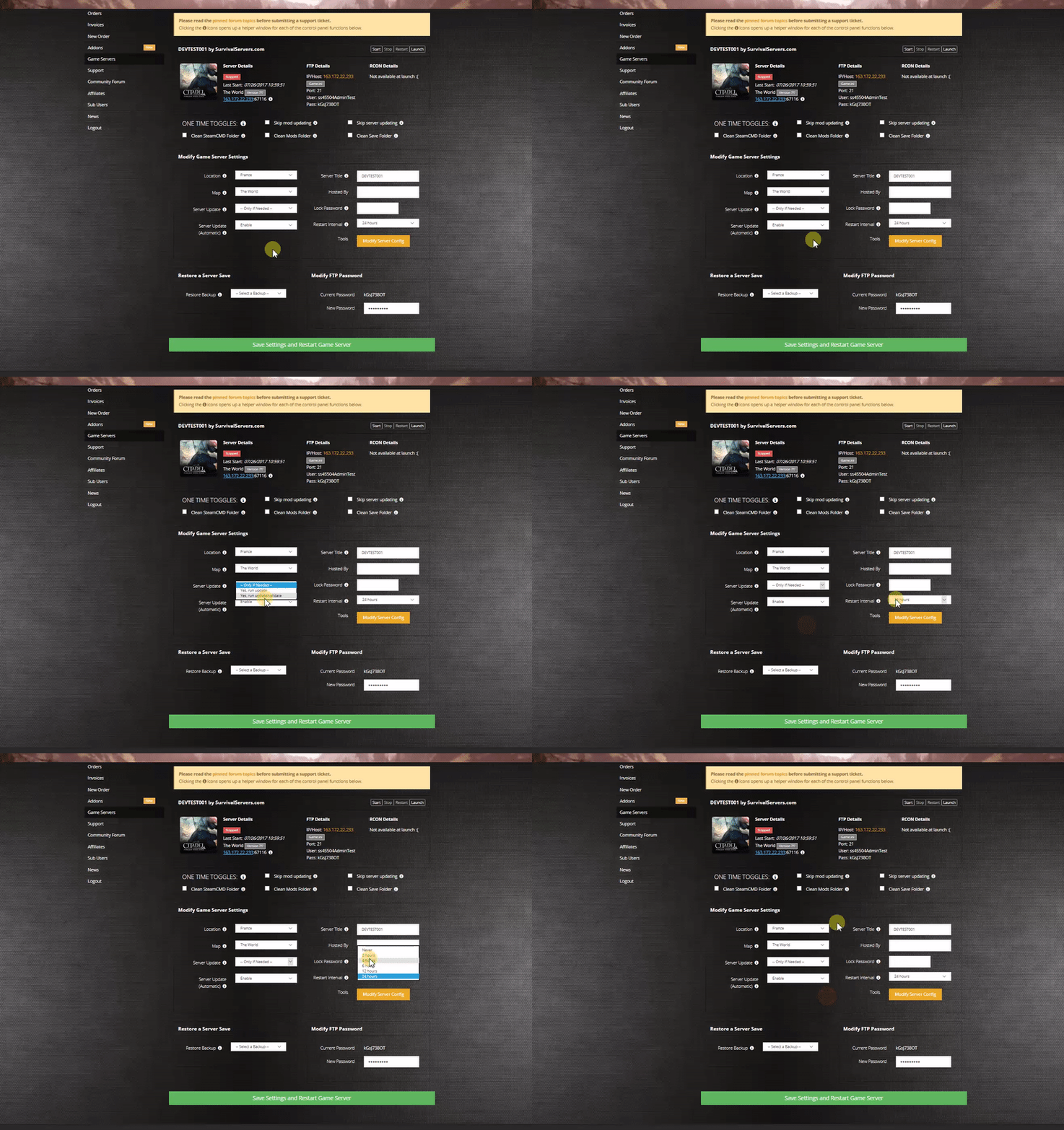
Renting is the route that requires no preparation. New official DayZ maps go live on the Survival Servers panel the same day they release, which is exactly how Livonia and Sakhal were handled, and map switching is a dropdown in the control panel. Every official map is included with the server rental at no extra hosting cost.
You can rent a DayZ server now, play Chernarus, Livonia, Sakhal, or a community map such as Namalsk or Deer Isle, and switch the dropdown to Badlands once Bohemia releases the server files. Your server settings, mods, and player base stay with the server.
Rent a DayZ Badlands Server from Survival Servers
Option #2: Host Your Own Dedicated Server
The DayZ dedicated server installs through SteamCMD:
steamcmd +force_install_dir C:\DayZServer +login YOUR_STEAM_LOGIN +app_update 223350 validate +quit
Note that the DayZ server app does not support anonymous login. The Steam account you log in with must own DayZ.
When Badlands releases:
- Run the SteamCMD command above to update the server to the release build.
- Set the
templateline inserverDZ.cfgto the Nasdara mission name once Bohemia publishes it. - Restart the server.
- If Bohemia follows its own precedent, no additional purchase is needed on the hosting side, but confirm against the official release notes before launch day.
Major DayZ updates also hit the DayZ Experimental branch before stable, so watching the experimental server app is the earliest way to see the real mission files.
Getting Ready Before Launch
- Set up your server and community now on an existing map, then flip to Badlands at release. A map switch keeps your server, its address, and your player base intact.
- The 1.29 Road to Badlands content is already live, so your loot table on any map already includes the new desert-themed gear.
- If you run a modded server, expect popular mods to need updates after a major game update. Plan a short vanilla window on release day if your mod list is long.
- Custom economy edits are per-mission. A fresh Nasdara mission starts from Bohemia's default loot economy, so plan to redo
types.xmltweaks on the new map.
See Also
- DayZ: How to Add Steam Mods
- DayZ: How to Edit Loot Spawn Rates
- DayZ: How to Manually Wipe Save Data
- DayZ Badlands Server Hosting from Survival Servers
- DayZ Badlands on Steam
You can host your own DayZ server with Survival Servers with instant setup.