
How to Create a Subnautica Server Guide: Difference between revisions
Jump to navigation
Jump to search
Label bare Nitrox URL |
m Add link to the game service page (internal linking sweep) |
||
| Line 24: | Line 24: | ||
# Your server is now setup. | # Your server is now setup. | ||
## You can use hamachi to create a network. | ## You can use hamachi to create a network. | ||
Don't have a server yet? [https://www.survivalservers.com/services/game_servers/subnautica/ Rent a Subnautica server] from Survival Servers and be online in minutes. | |||
Revision as of 06:30, 4 August 2026
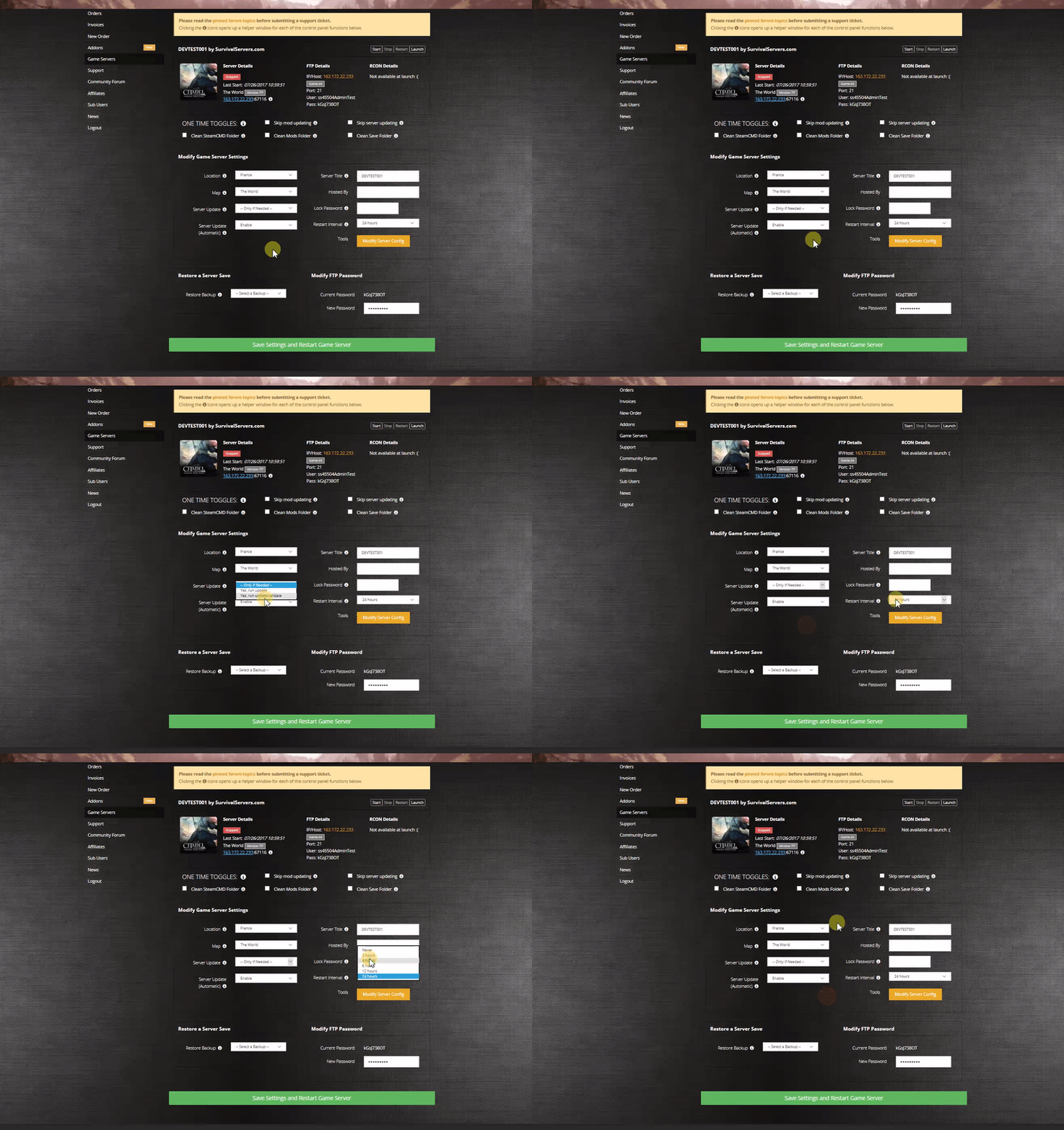
Option #1: Renting a subnautica server (see example control panel below!)
Option #2: Creating a Subnautica Server From Your Home Computer or Dedicated Server
Server Requirements
Windows 7, 8.1, 10, Server 2012, Server 2016
Quad Core processor (requires up to 2 full cores)
Up to 16GB memory (currently uses around 6GB memory minimum and up to 15GB of memory for a full server)
2GB disk space (install folder)
A copy of the Subnautica game purchased from Steam
Installing Nitrox Server
In order to run a Subnautica server you will need to install and run Nitrox.
- Run NitroxLauncher as Administrator
- Click on Server, then Start Server
- Follow the info in the launcher to setup your server name, password, and admin.
- Your server is now setup.
- You can use hamachi to create a network.
Don't have a server yet? Rent a Subnautica server from Survival Servers and be online in minutes.